
28 practical articles · updated regularly
AI Image Guides
How to write prompts, choose styles, and make product images and social covers, explained with real generated examples.
 Guides
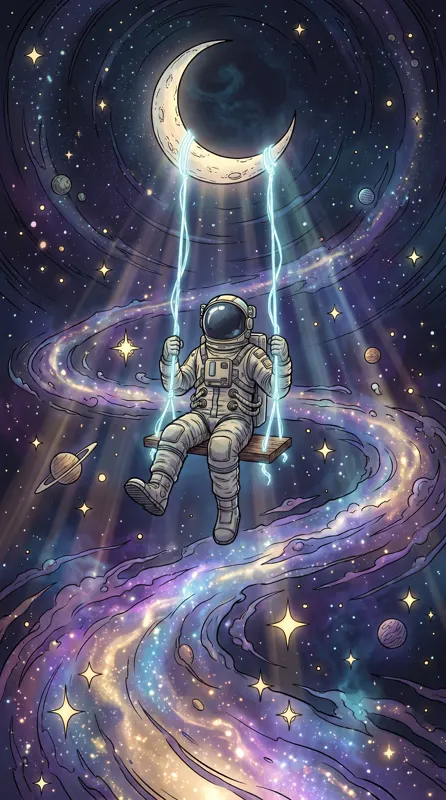
How to Fix Bad AI Images: Faces, Hands, Text & Style
Why AI images go wrong and how to fix each with your prompt: distorted faces, odd hands, stray text, black-and-white output, clutter and mixed styles.
 Guides
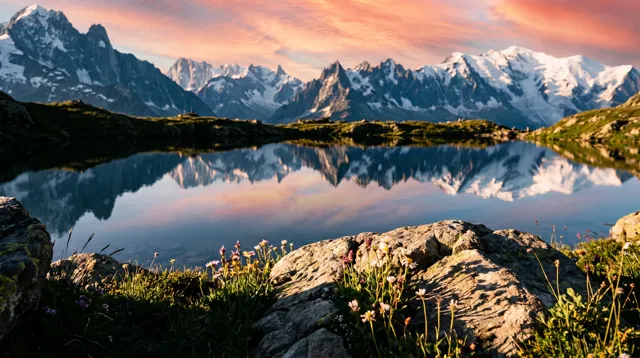
AI Image Aspect Ratios & Sizes: Which One Should You Use?
AI image aspect ratios and sizes: which ratio to pick, a pixel chart for Instagram, TikTok, YouTube, Pinterest and wallpapers, and how to crop safely.
 Guides
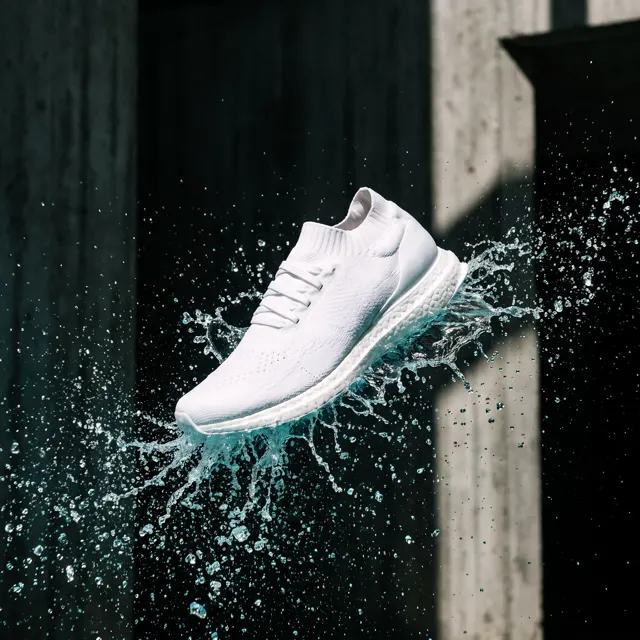
Can You Use AI-Generated Images Commercially? Copyright, Platform Rules and a Checklist
Can AI images be used commercially? What courts and copyright offices have said, China’s AI labeling rules, and a checklist for logos, likeness and style.
 Guides
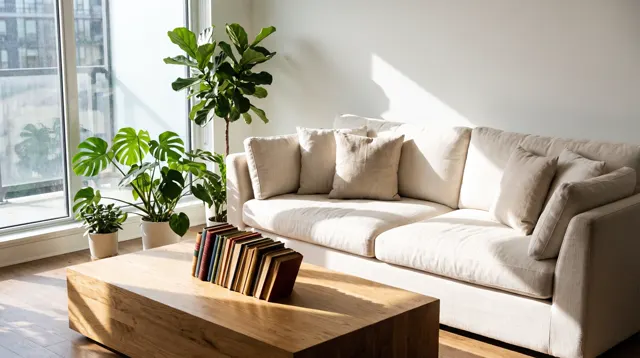
AI Interior Design Renders: How to Prompt Style, Space and Light
AI interior design renders for inspiration: a five-part prompt formula, keywords for seven decor styles, how to compare styles in one room, and where AI stops.
 Guides
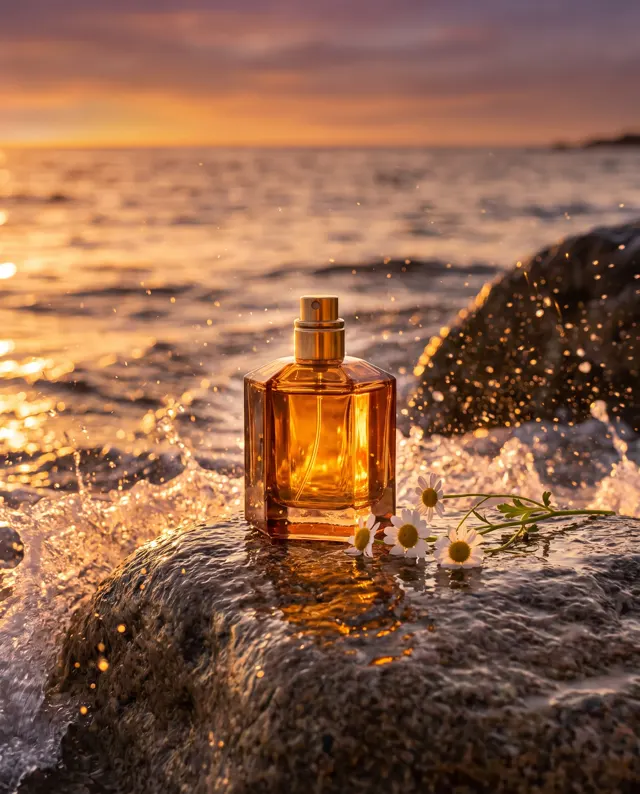
Text-to-Image vs Image-to-Image: Which One Should You Use?
Text-to-image creates from words alone. Image-to-image keeps the product, pet or character in your photos and places it in a new scene. Here’s when to use each.
 Guides
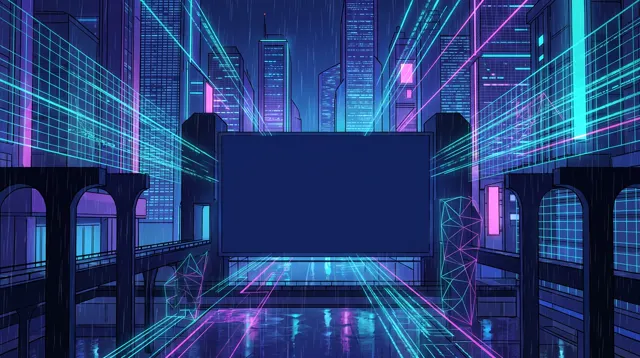
AI Images for Presentations: Slide Backgrounds and Matching Art
Make AI images for presentations that match: 16:9 slide backgrounds with planned text space, illustrations that blend into the page, one style anchor per deck.
 Guides
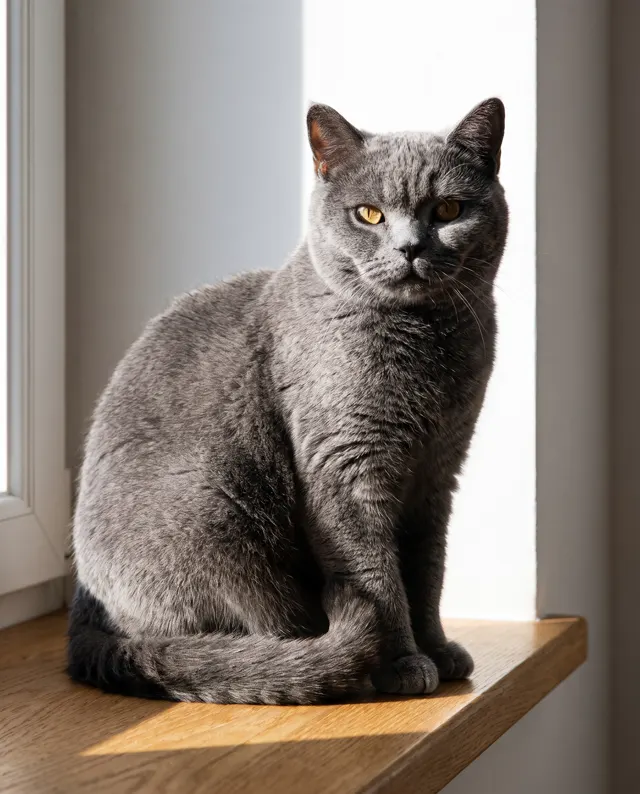
AI Pet Portraits: Turn Photos of Your Cat or Dog into Art
Make AI pet portraits from 2–4 photos of your cat or dog: how to shoot references, write scene prompts, pick a style and check results, with templates.
 Guides
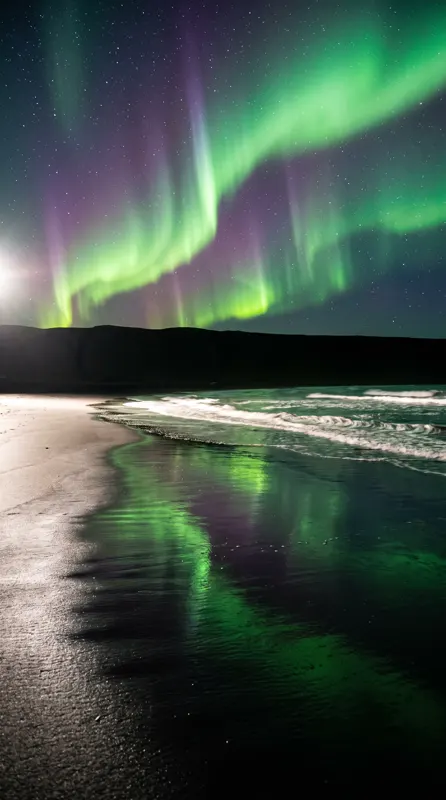
AI Wallpaper Generator: Phone and Desktop Sizes, Styles and Prompts
Use an AI wallpaper generator well: 9:16 vs 16:9 sizes, what real screens crop, where clocks and icons sit, plus wallpaper styles and prompts to copy.
Try the High-Quality AI Image Generator Now
Write one sentence and download a sharp, watermark-free HD image about 30 seconds later.