
Pick the marketplace first
Ecommerce Main Image Generator: Pick a Marketplace, Get a Main Image
Upload a product photo and choose where you sell. The ecommerce main image generator follows that marketplace's main-image rules: square, white or clean background, product centered and filling the frame, no text or watermarks. About 30 seconds an image, HD and watermark-free; make a full listing set in one click when you need the extra shots.
Upload a product or character and the AI places it in a new scene (up to 4)
Sign in to upload references- 4 real examples
- 12 styles
- ~30 sec per image
- HD no watermark

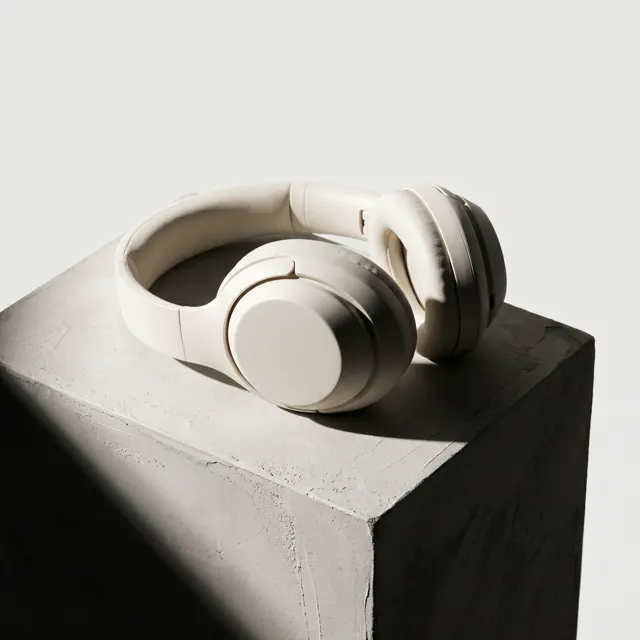
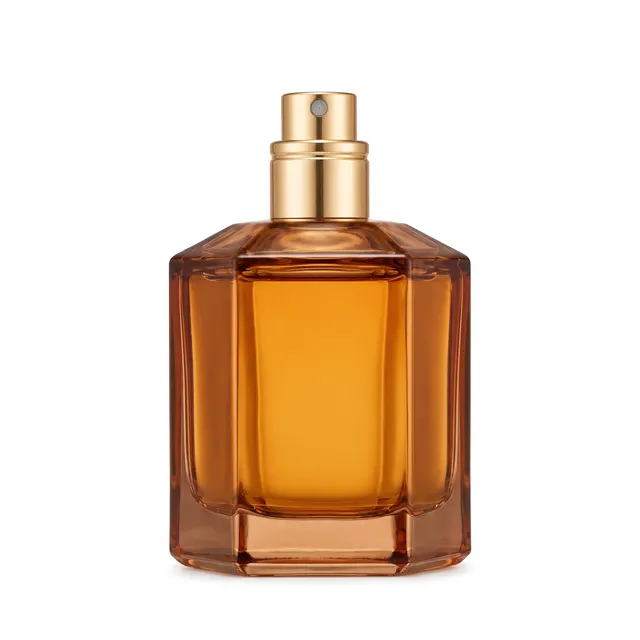
Ecommerce Main Image Generator examples
Every image comes with its exact prompt and settings. Hit “Try this prompt” to load it into the generator, then change a few words to make it yours.
What is an ecommerce main image?
An ecommerce main image is the first product photo shoppers see in search results and feeds — the one that decides whether they click. Looking good isn't enough: Amazon, Temu, Shopee, TikTok Shop and AliExpress each publish their own main-image rules on background, ratio, how much of the frame the product fills and whether text is allowed, and a main image that breaks them can be rejected or hidden from search. Amazon, for example, wants a pure white background with the product filling about 85% of the image, while Shopee only asks for a clean background with the product at least 70% of the image. This ecommerce main image generator turns those rules into a choice: pick the marketplace, upload one product photo, say what the product is, and the AI makes a new main image to that marketplace's rules. The product stays the same; only the background, lighting and framing change. Selling the same item on several marketplaces? Switch the marketplace and make one for each.
Start generating in HD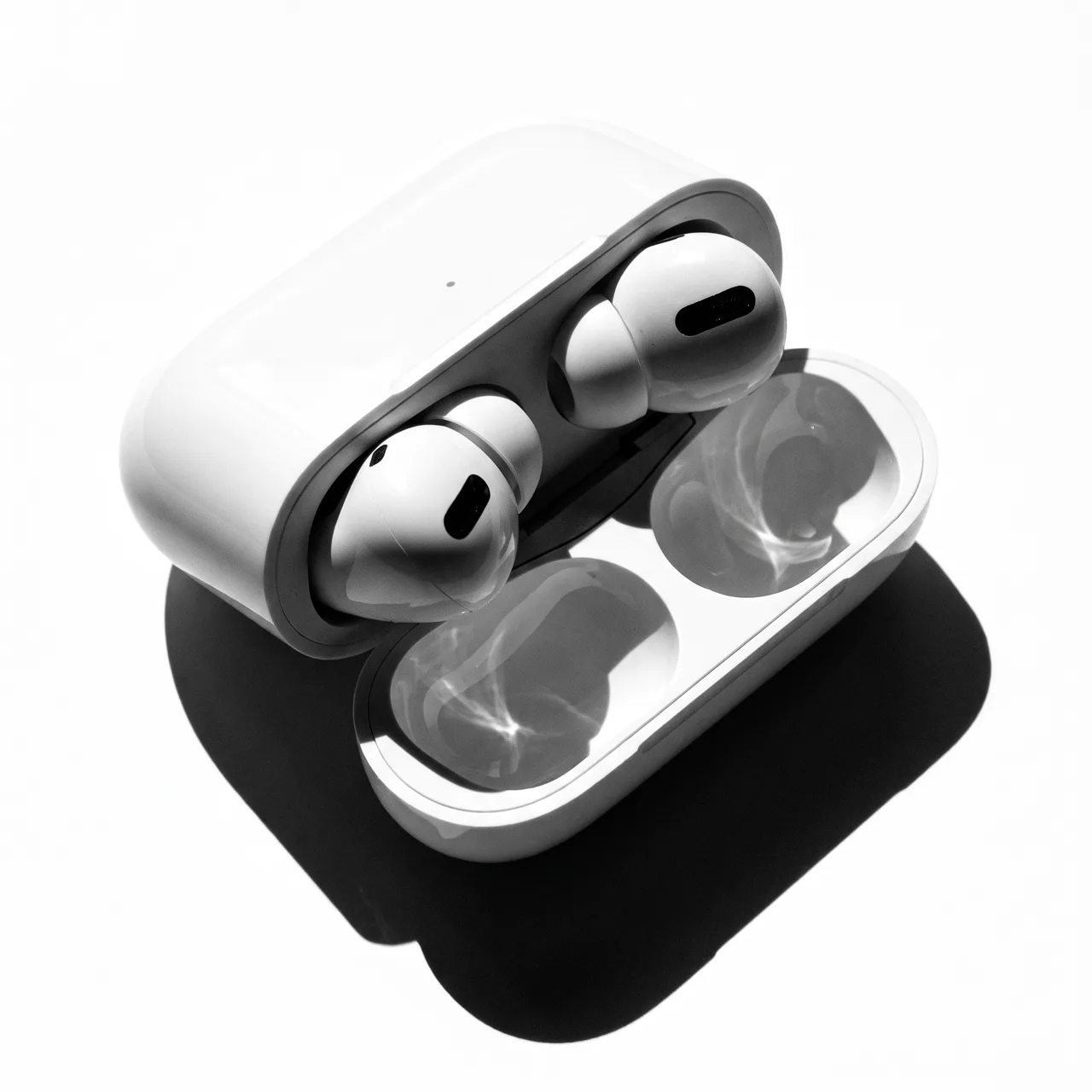
Ecommerce main image sizes and rules by marketplace
Compiled from each marketplace's seller help center and developer docs. Only rules the platforms publish themselves are listed; where they publish none, the table says so instead of repeating blog claims.
| Marketplace | Ratio | Size and file | Main image background | Product share, text, watermarks | Sources |
|---|---|---|---|---|---|
| Amazon | Not set (adult apparel about 3:4) | Longest side 500–10,000 px; 1,000+ px recommended for zoom | Pure white RGB 255, 255, 255 (lifestyle allowed in some categories) | Product about 85%; no text, logos, graphics, watermarks, props or mannequins | 12 |
| Temu | Non-apparel 1:1; apparel 3:4 | Non-apparel ≥800×800, apparel ≥1340×1785; ≤3 MB, JPG/PNG | Not stated in public docs | Not stated in public docs | 1 |
| Shopee | 1:1 required, 3:4 optional | ≤2 MB per image in seller center, JPG/PNG; up to 9 images | Clean background that makes the product stand out; not necessarily white | Product ≥70%; no Chinese text, free-shipping, warranty or delivery-time claims | 123 |
| TikTok Shop | 1:1 recommended (3:4 to 4:3 accepted) | From 600×600, ≤10 MB; up to 9 images, at least 5 recommended | White recommended for the first image | Avoid text, graphics and watermarks | 12 |
| AliExpress | Marketing images 1:1 or 3:4 | 1:1 marketing ≥800×800, 3:4 ≥750×1000; up to 6 main images | Not stated in official docs | Not stated in official docs | 1 |
Compiled November 2026. Rules change and categories such as apparel have their own; Temu's figures come from its developer listing docs, and full-service sellers should follow the seller-center guidance they see after signing in. Your seller center's current guidance comes first.
Ecommerce Main Image Generator use cases
One product, several marketplaces
Listing the same item on Temu, Shopee and TikTok Shop? Their main-image rules are similar but not identical. Switch the marketplace in the ecommerce main image generator and get one main image for each, with no separate retouching.
Amazon listing main image
Amazon has the strictest rules: a pure white background, the whole product filling about 85% of the image, no text, logos, watermarks or props. Choose Amazon, generate, then check the result against the spec table below.
Supplier photos you can't use
Factory and wholesaler photos often carry watermarks, text or collage backgrounds that don't belong in an Amazon or TikTok Shop main image slot. Upload one and the ecommerce main image generator keeps only the product in a clean new main image.
Testing main images before launch
Make two or three versions of an ecommerce main image — front and three-quarter view, cool and warm light — for the team to choose from, or run them in ads to see which gets more clicks. It costs credits, not a studio day.
How to use Ecommerce Main Image Generator
Pick a marketplace and upload a photo
Choose Amazon, Temu, Shopee, TikTok Shop, AliExpress or "Any (white background)" in the generator, then upload a clear photo of the product — a phone photo is fine.
Say what the product is
Name, colour, material and size, e.g. "white ceramic travel mug, 500 ml, matte body, bamboo lid". Skip background, lighting and framing — the marketplace's main-image rules are added for you.
Generate, check, download
An ecommerce main image takes about 30 seconds. Check it against the spec table below and download the HD, watermark-free file. For the extra shots, switch to a listing set: main, lifestyle, detail and angle in one run.
Ecommerce Main Image Generator prompt tips
One product per main image
Amazon wants the product shown only once in the main image, with nothing but the product and the accessories it comes with. For colour variants and bundles, put one item in the main image and the rest in the extra images.
A clearer photo means a truer result
If the product is cropped, glaring or too dark, the AI has to guess. A whole, front-facing, evenly lit photo gives the ecommerce main image closest to the real product.
Selling points go in the extra images
Amazon bans text, logos and watermarks in the main image, TikTok Shop asks sellers to avoid text and graphics, and Shopee's full-service rules ban free-shipping, warranty and delivery-time claims. Put benefits, sizes and comparisons in the extra images and the description.
Check the latest rules before uploading
Rules change, and categories such as apparel and jewelry have their own — Temu wants 3:4 carousel images for apparel, and Amazon wants adult apparel shown on a standing model. The spec table below was compiled in November 2026; your seller center's current guidance comes first.
Ecommerce Main Image Generator FAQ
Related tools
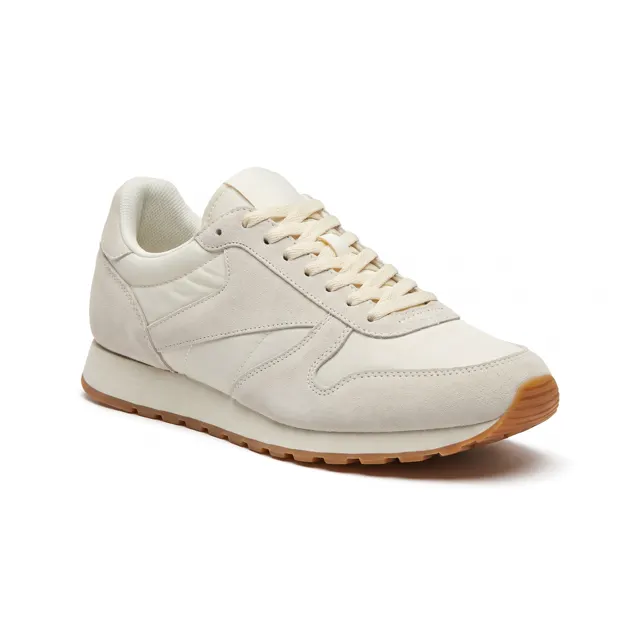
Product Listing Images
One product photo in, a four-image listing set out.
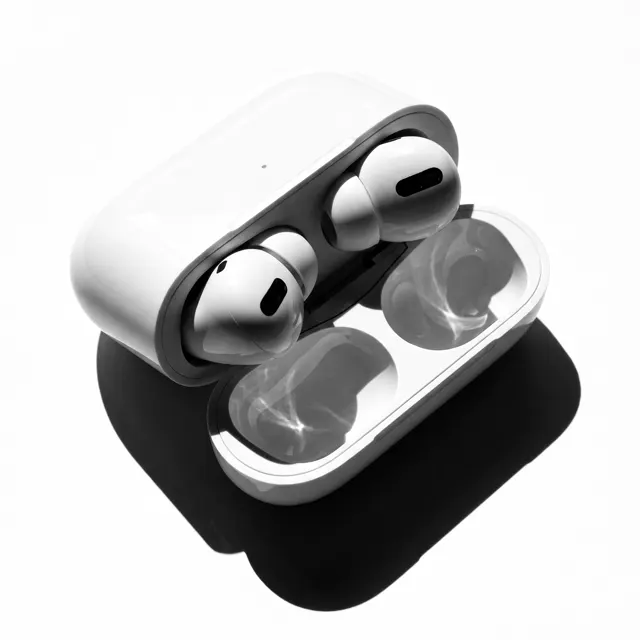
AI White Background Generator
Pure white background images for Taobao, JD and Amazon main photos.
Amazon Main Image Generator
Pure white Amazon main images from one product photo in 30 seconds.
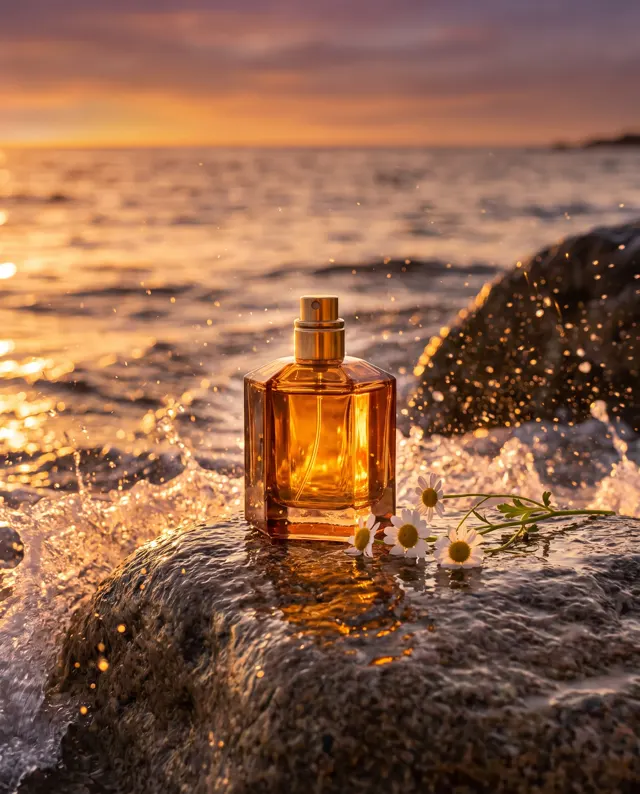
AI Product Scene Generator
Your product in kitchen, desk and outdoor scenes, from one photo.
Ecommerce Main Image Generator pricing: pay per image, no subscription
Taster pack · 15 HD images
150 credits that never expire. No subscription, one per account.
Your next listing's main image, done today
Pick a marketplace, upload a product photo and get an ecommerce main image in about 30 seconds — HD, no watermark, 10 credits each.