


Cards · Greetings · Pet portraits
AI Christmas Card Generator: Your Card Design in One Line
Preset to the Flat type at 4:5 portrait, close to a folded Christmas card front and easy to print. Describe the scene, leave room for your message, then add the greeting in a design tool.
- 6 real examples
- 12 styles
- ~30 sec per image
- HD no watermark

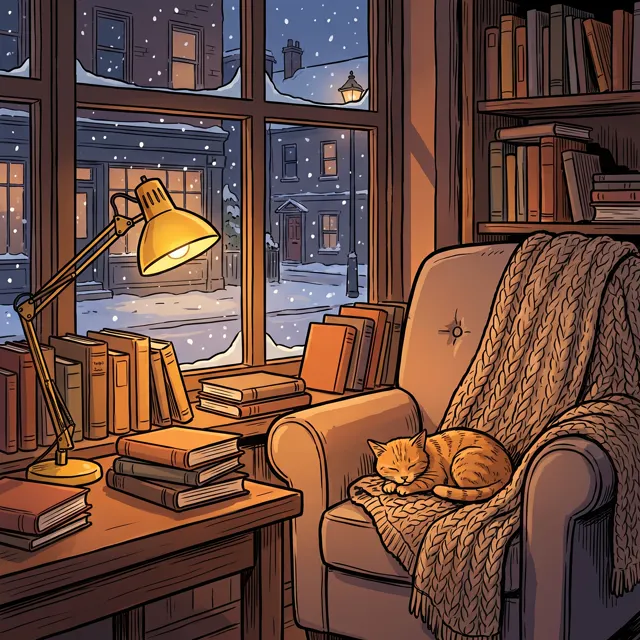
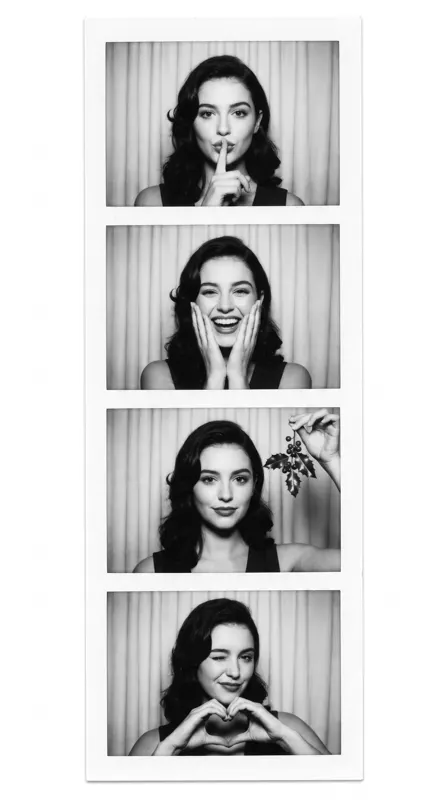
AI Christmas Card Generator examples
Every image comes with its exact prompt and settings. Hit “Try this prompt” to load it into the generator, then change a few words to make it yours.
AI Christmas Card Generator inspiration: public-domain originals
Real cards, prints and photographs from a century or more ago, all in the public domain and sourced from museum open-access collections and Wikimedia Commons. See what makes each one work, then use the prompt to make your own new image.
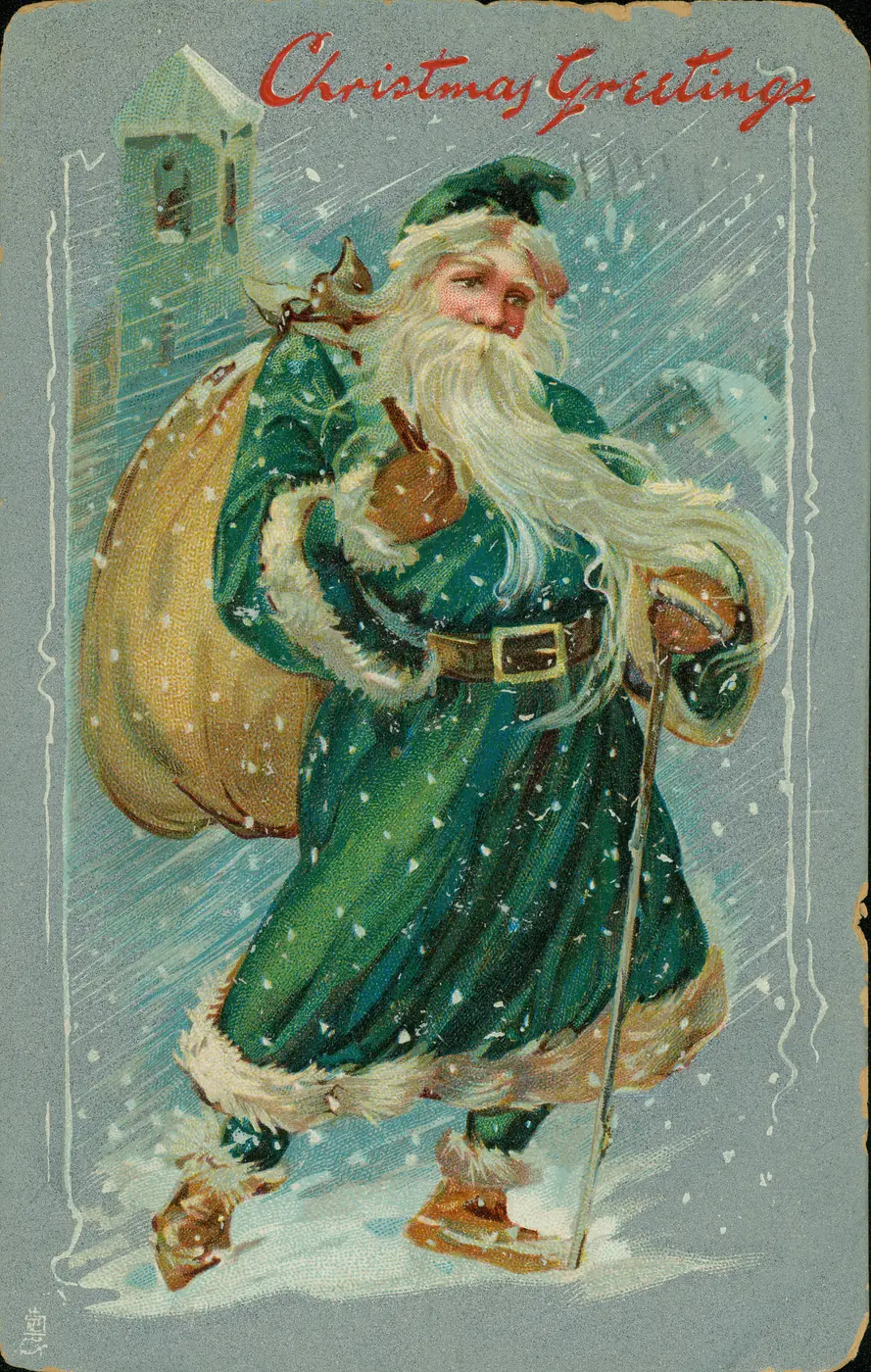
Christmas Postcard: Santa in Green Robes · ca. 1909
Early Santas weren’t always in red — this card from about 1909 has him in green, with the gold lettering and embossed border typical of the era.
Victorian-style Christmas card, white-bearded Santa in a dark green robe carrying a sack of toys through a snowy village at night, chromolithograph texture, gold ornamental border, space at the top for "Merry Christmas"
Public-domain original · Public domain · Missouri History Museum, St. Louis (via Wikimedia Commons) · Source
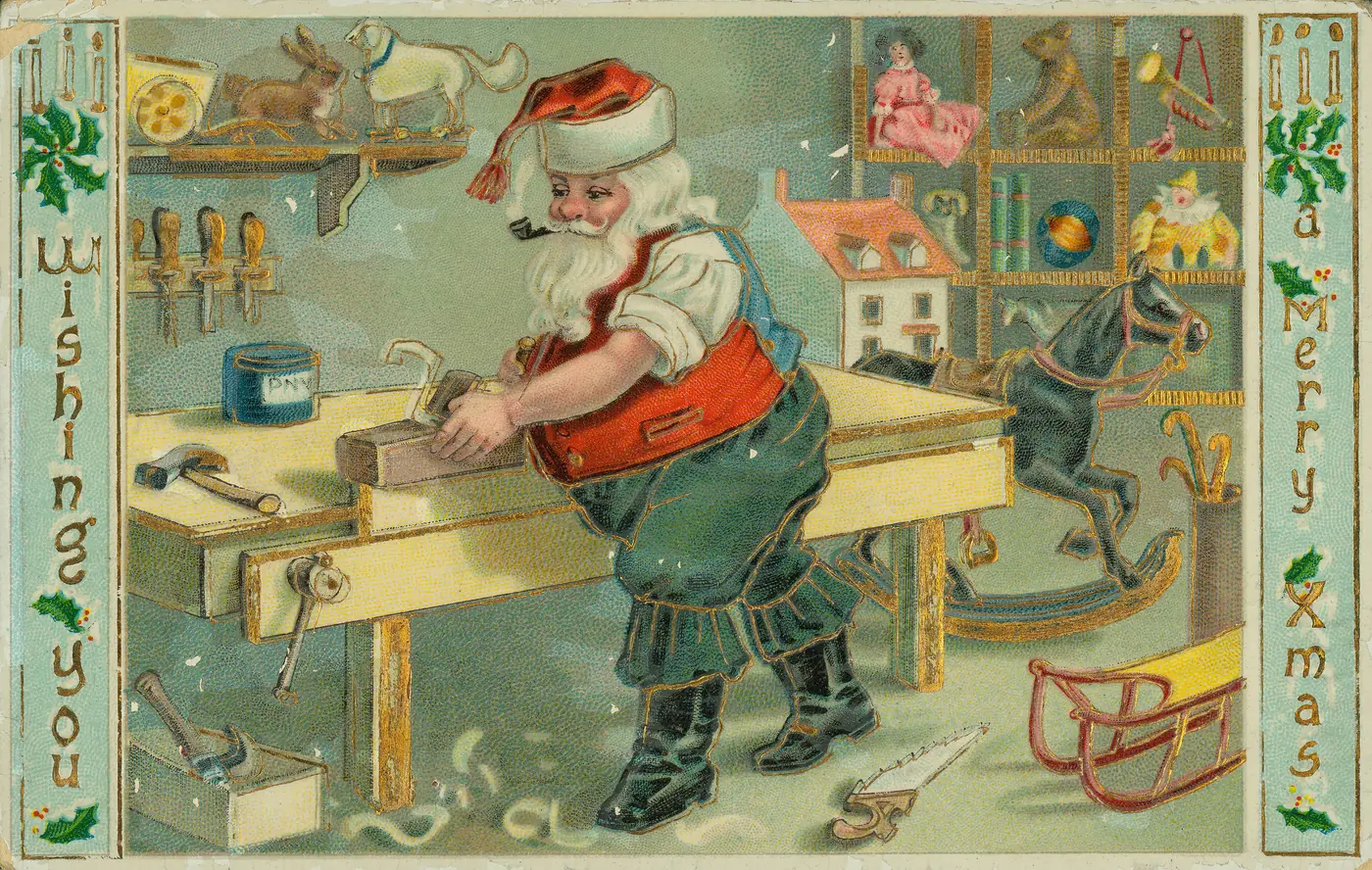
Christmas Postcard: Santa's Toy Workshop · ca. 1909
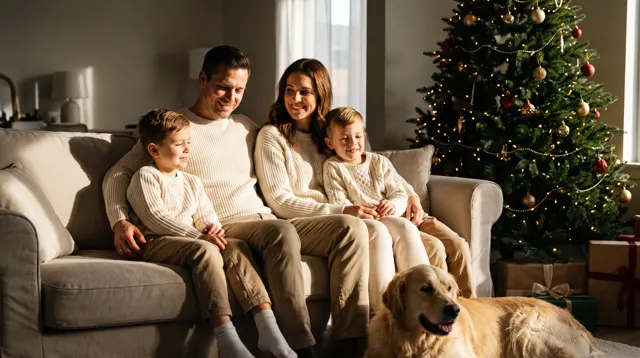
The landscape layout fits Santa and a whole bench of toys; the more little details, the more there is to look at — a good backdrop for a family photo card.
Cozy Christmas card illustration, Santa with rolled-up sleeves making toys in a wooden workshop, rocking horses, toy trains and dolls on the bench, warm fireplace glow, vintage postcard style, landscape layout
Public-domain original · Public domain · Missouri History Museum, St. Louis (via Wikimedia Commons) · Source
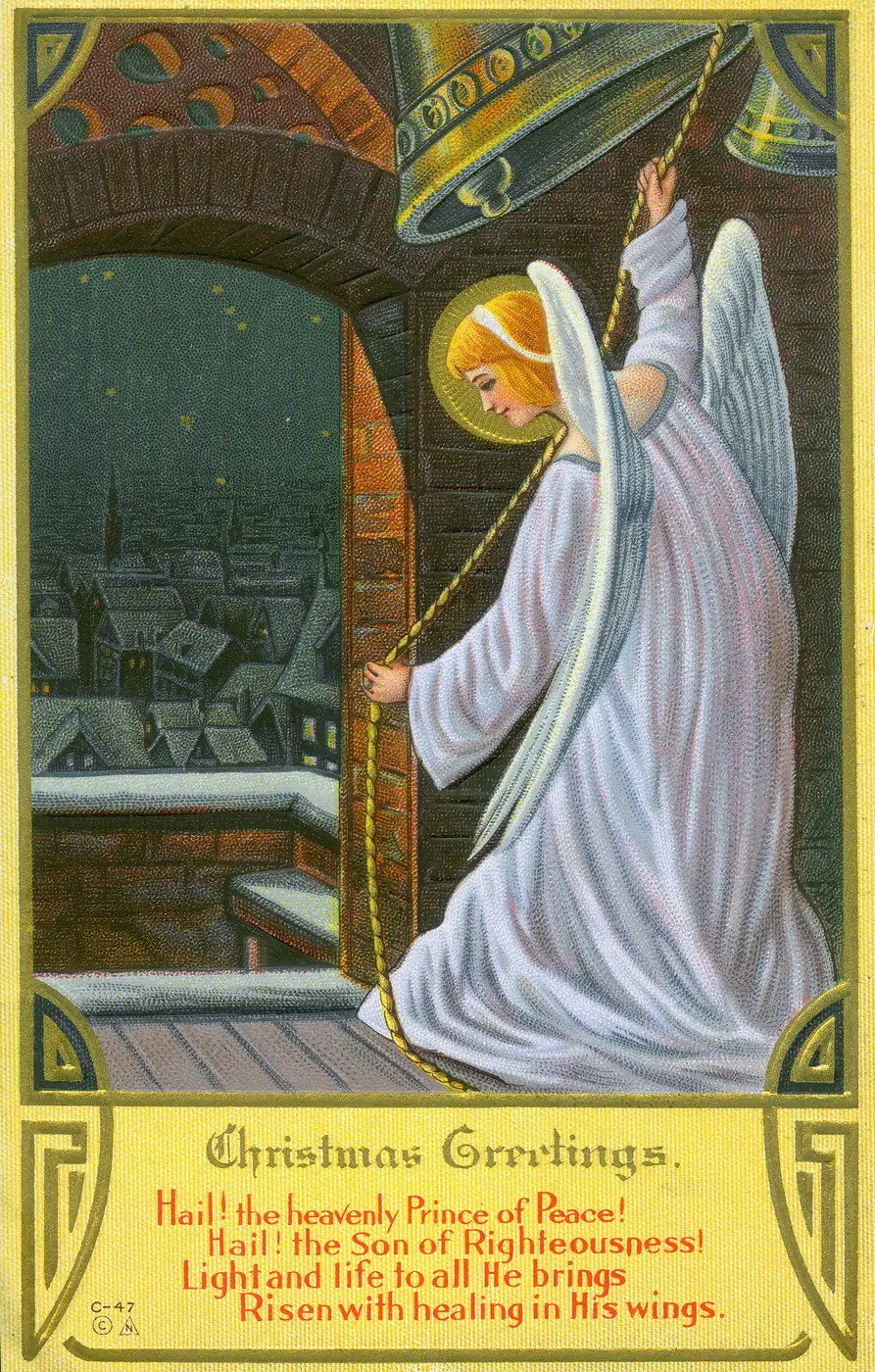
"Christmas Greetings." Angel over a Village · ca. 1910
Putting the figure high and the village far below gives the quiet feeling of Christmas Eve; a blue-and-white palette reads more refined than a wall of red and green.
Christmas Eve card, an angel ringing a golden bell in the night sky above a snow-covered town and a lit chapel, cool blue and warm gold palette, soft glow, vintage illustration style, portrait layout
Public-domain original · Public domain · Missouri History Museum, St. Louis (via Wikimedia Commons) · Source
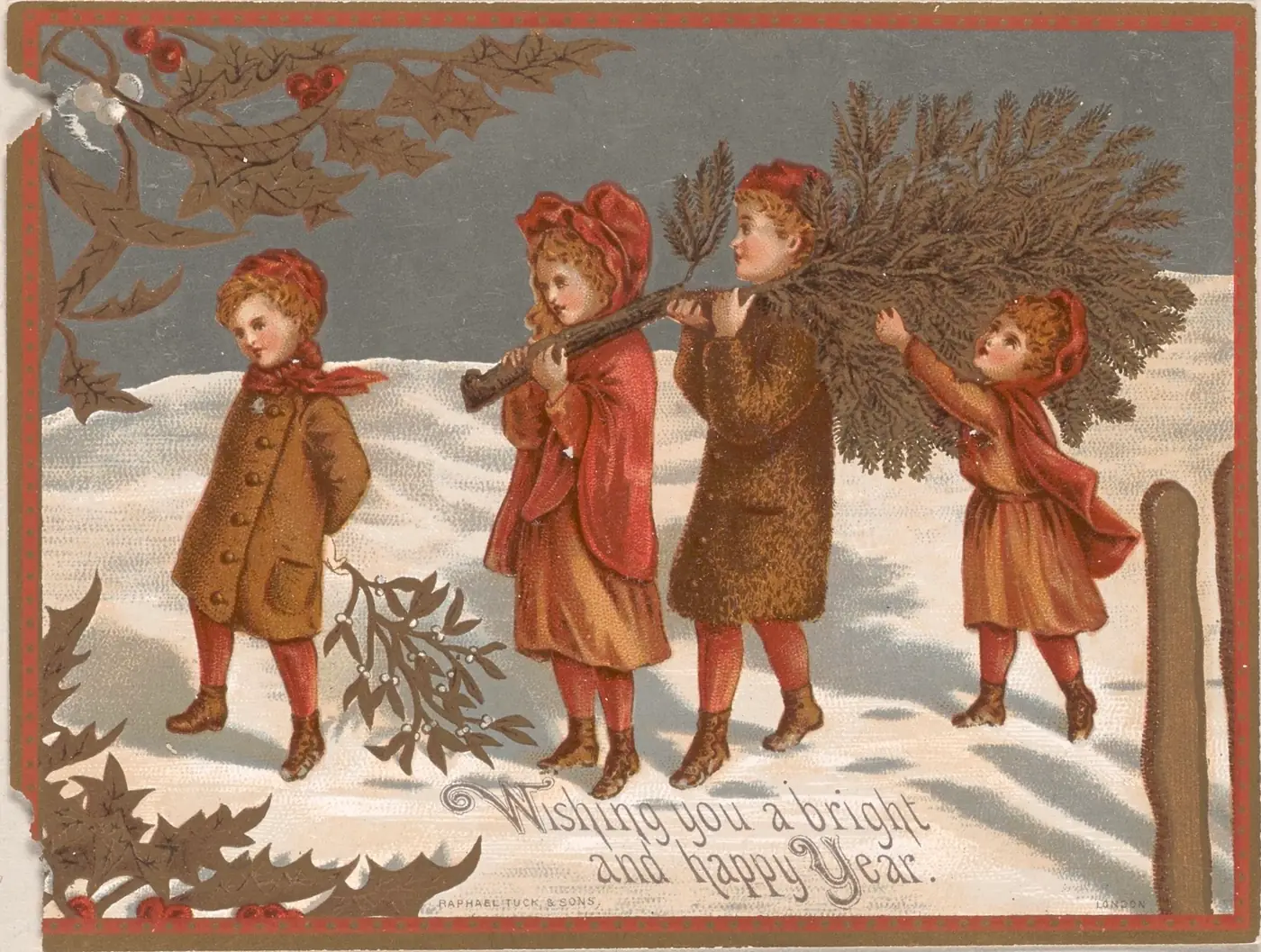
Victorian Christmas Card · 1880s
A Victorian card of children carrying holly through the snow with a New Year wish: muted browns and reds and real holly leaves feel more classic than a cartoon Christmas.
Victorian-style New Year card, four children in red capes carrying holly branches across the snow, muted brown and red palette, realistic holly leaves and berries, space at the lower left for a handwritten wish, vintage card texture
Public-domain original · Public domain · Raphael Tuck & Sons, London (publisher) (via Wikimedia Commons) · Source
What is an AI Christmas card generator?
An AI Christmas card generator creates the artwork for a card — the front of a printed card, a Christmas e-card or a festive post — from one sentence. This page is preset to the Flat type at 4:5 portrait: clean shapes and rich reds, greens and golds, in a vertical shape close to a folded card front. Describe the Christmas scene — Santa, a snowy village, a fireplace, your dog in a scarf — and add “empty space for a greeting”. AI lettering isn’t reliable, so add “Merry Christmas”, your family name and the year in a design tool, where spelling and fonts stay exact. If you’re short on Christmas card ideas, change one detail and generate again. Each image takes about 30 seconds, high-resolution for printing, with no watermark.
Start generating in HD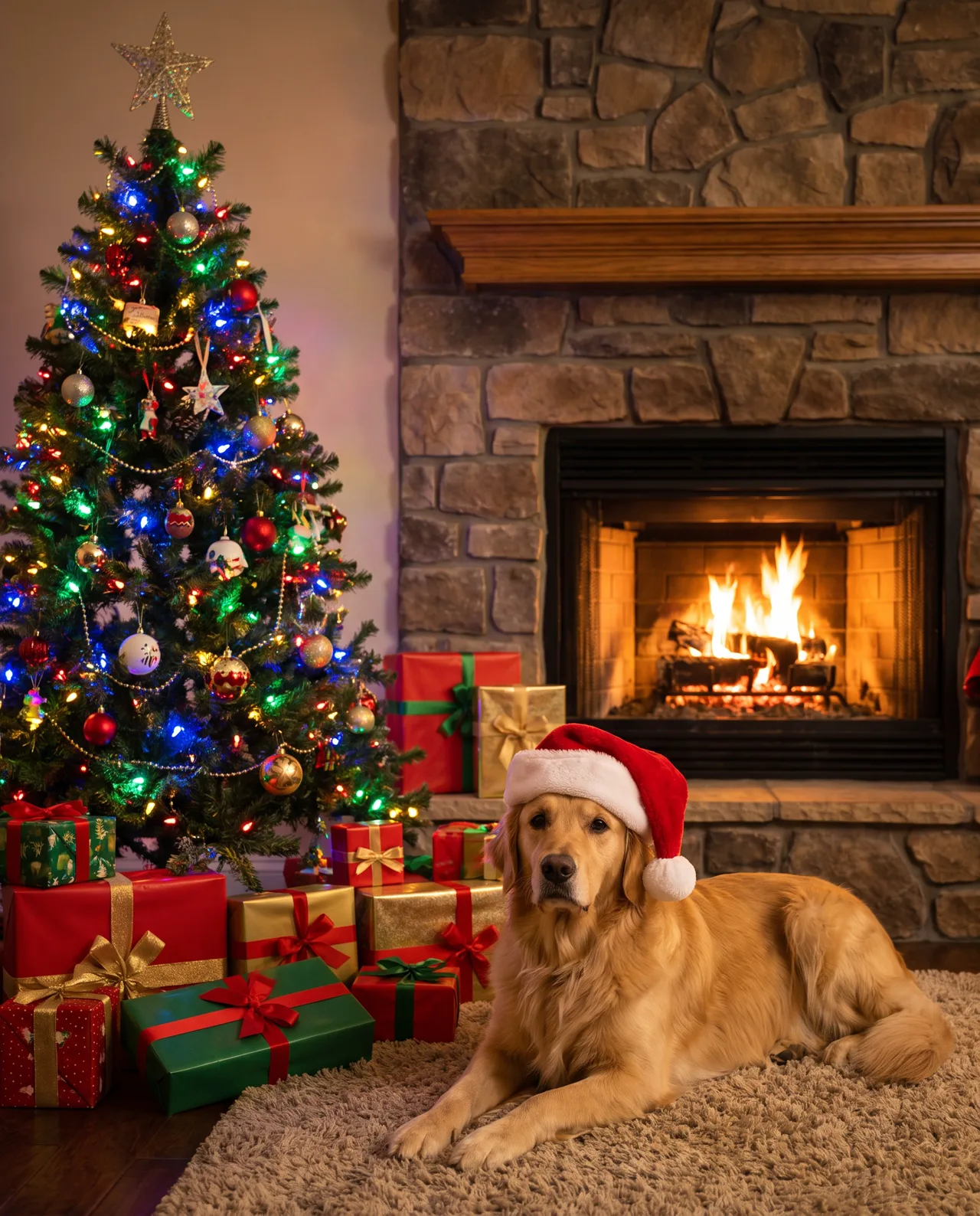
AI Christmas Card Generator use cases
Printed Christmas cards
Design one Christmas card front for the whole list, print at home or at a print shop, and write the message inside by hand.
Digital holiday greetings
Send a Christmas e-card in chat or by email with your own greeting on top — more personal than a forwarded GIF.
Pet Christmas portraits
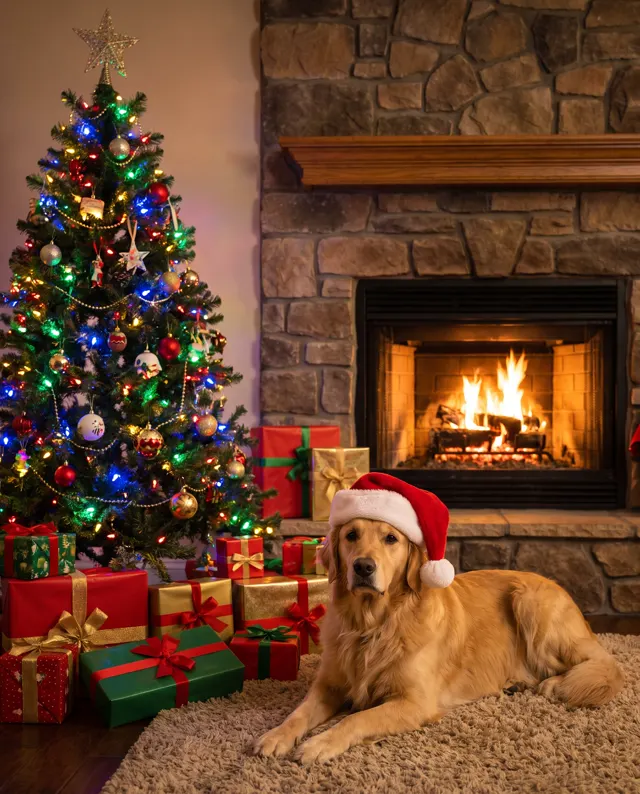
Your dog in a Santa hat or your cat under the Christmas tree: describe breed and markings, or use image to image with a photo.
Business and client cards
Client Christmas cards, festive posts and seasonal menus. Commercial use is included with paid plans.
How to use AI Christmas Card Generator
Describe the card scene
Name the card’s subject, setting and colors — e.g. “a snowy village with a glowing Christmas tree, red and gold.”
Leave room for the greeting
Add “empty space at the top for a Christmas greeting”. 4:5 portrait and the Flat type are preset.
Add your message and print
Download the high-resolution image, add “Merry Christmas” and your names in a design tool, then print or send.
AI Christmas Card Generator prompt tips
Pick a classic palette
Red, green and gold feel traditional; navy, silver and white feel calm and wintry. Naming two or three colors keeps the card cohesive.
One focal point
A single Christmas tree, a fireplace or one character in a scarf reads better on a card than a scene crammed with decorations.
Leave a safe margin
Keep the main subject centered with a little room on every side, so trimming or framing the card doesn’t cut it off.
Write the greeting yourself
AI often misspells names and “Season’s Greetings”. Generate a text-free Christmas card, then add every word in a design tool.
AI Christmas Card Generator FAQ
More holiday generators
Chinese New Year Poster
Year of the Goat posters, greetings and red envelopes.
Valentine’s Day Card Maker
Valentine’s cards, couple illustrations and romantic posters.
AI Halloween Generator
Spooky posters, party invites and Halloween profile pictures.
AI Festival Poster Maker
Festival and holiday posters for social posts and shops.
More holiday postersRelated tools

AI Festival Poster Maker
Festival and holiday posters for social posts and shops.
AI Pet Portrait
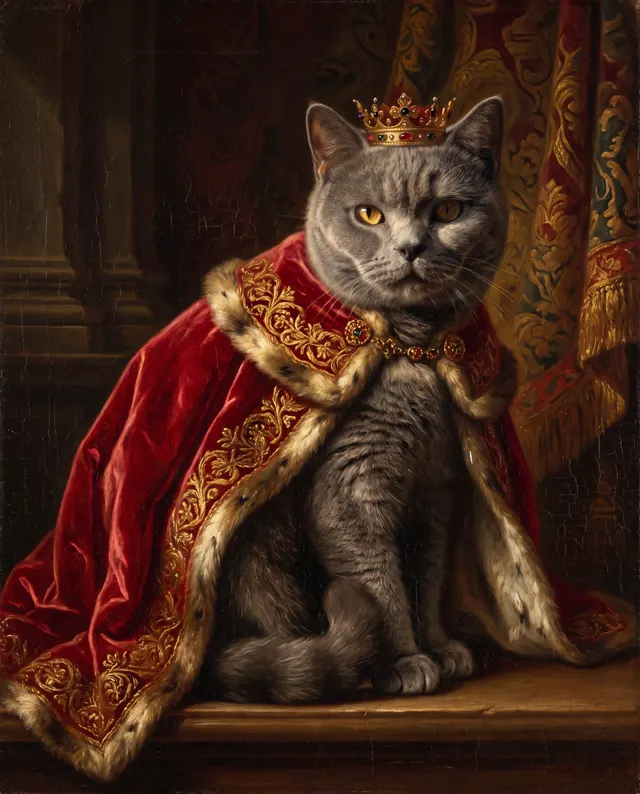
Royal, astronaut and holiday portraits of your pet.

AI Illustration Generator
Original watercolor, ink, 3D or flat illustrations.

Valentine’s Day Card Maker
Valentine’s cards, couple illustrations and romantic posters.
AI Christmas Card Generator pricing: pay per image, no subscription
Taster pack · 15 HD images
150 credits that never expire. No subscription, one per account.
Send a card that’s all yours
Describe your Christmas scene, leave room for the greeting and get a sharp, print-ready HD card design.