

Optional model
Nano Banana: Consistent Characters, Clearer Text
Nano Banana is not connected on PixBloom at the moment. Read what it does, run the same prompts on our standard engine below, or leave your email to be told if we add it.
Nano Banana is not connected on PixBloom yet
This page explains what Nano Banana does and shows prompts written for it. PixBloom currently generates with its own standard engine, which handles the same prompts; try one below. Want Nano Banana itself here? Leave your email — if enough people ask, we connect it and tell you first.
Upload a product or character and the AI places it in a new scene (up to 4)
Sign in to upload references- 138 real examples
- 12 styles
- ~30 sec per image
- HD no watermark

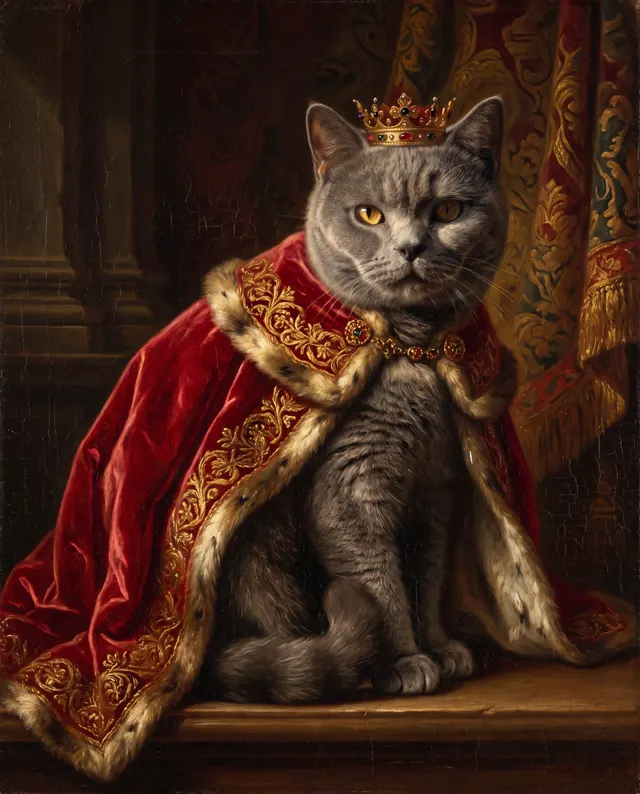
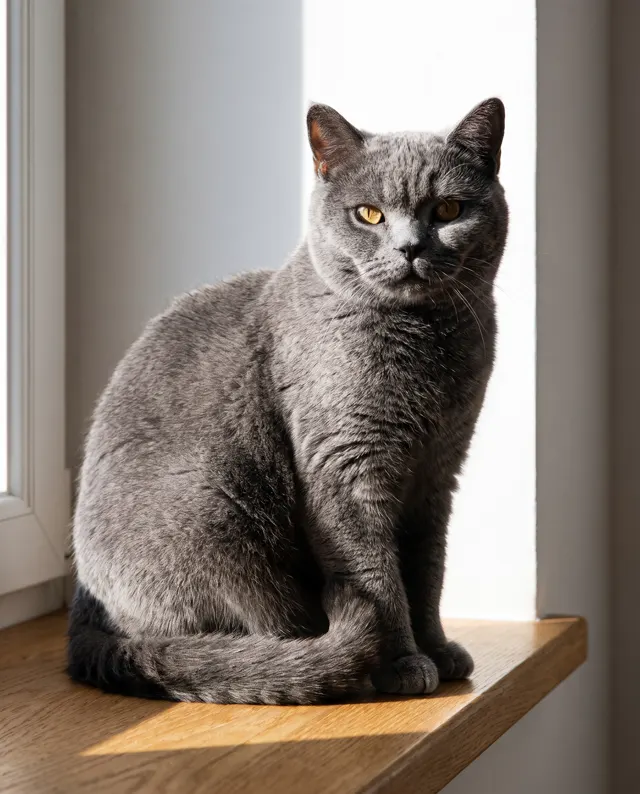
Reference → Result
Left: the uploaded reference. Right: the new scene from one sentence, with the subject’s look kept.

Prompt ideas for Nano Banana
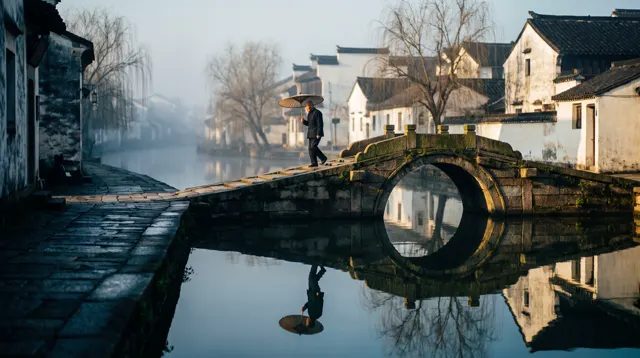
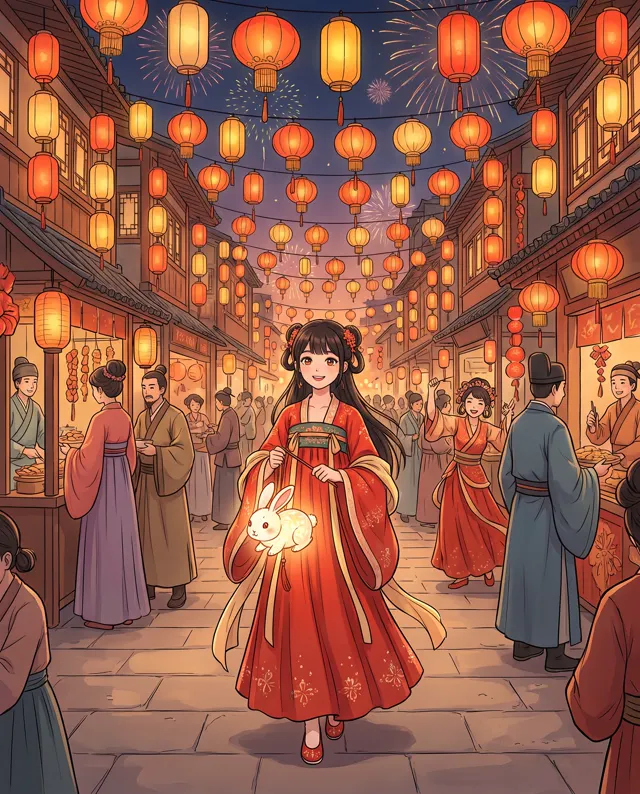
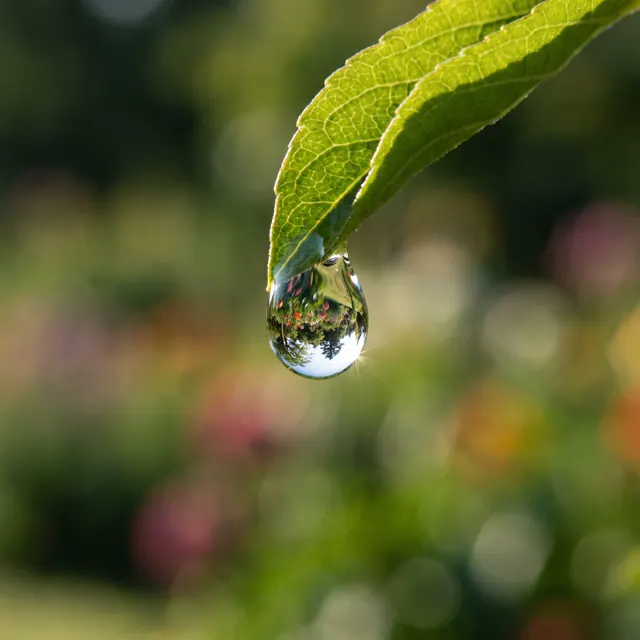
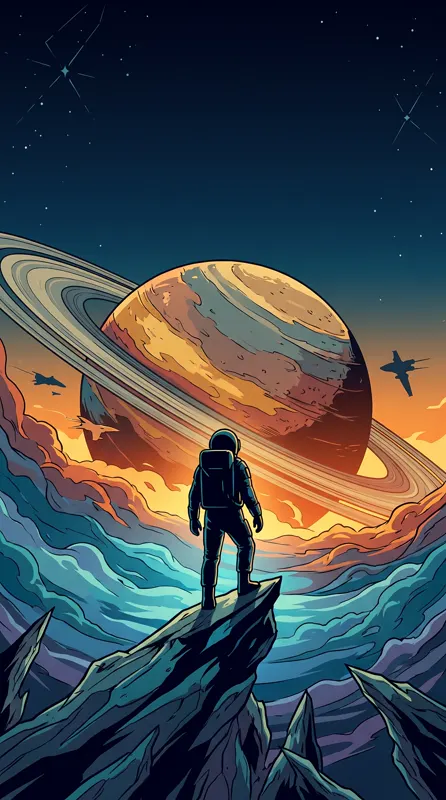
Made with our standard model. Open one, copy the prompt and run it with this model to compare.

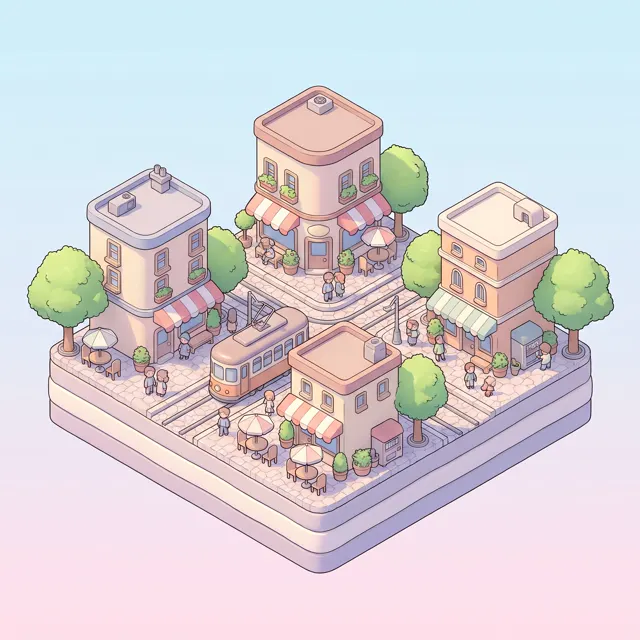
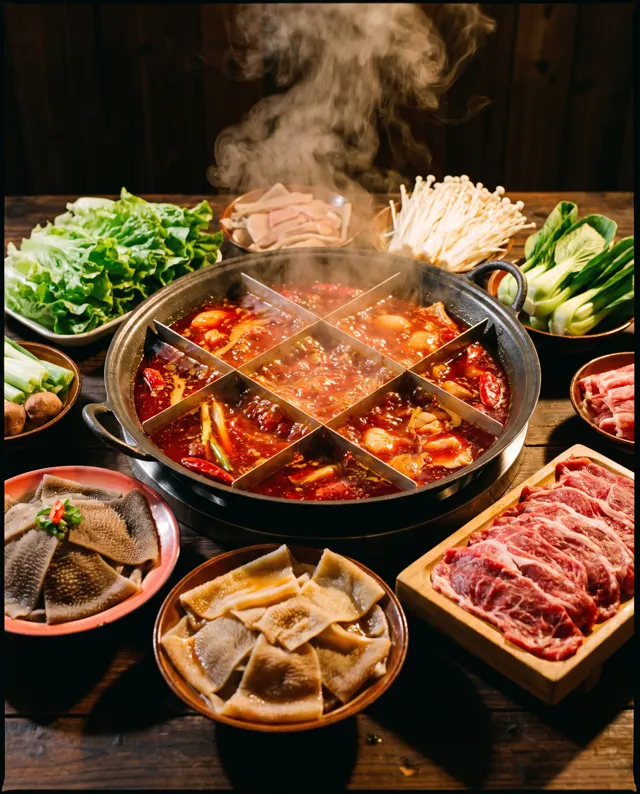
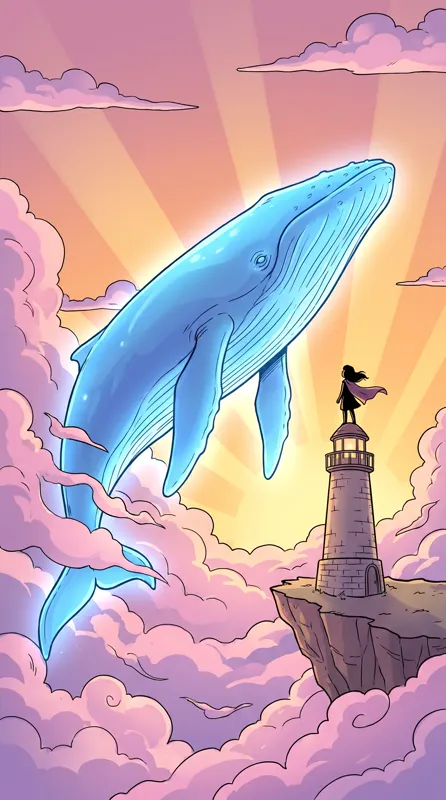
What is Nano Banana?
Nano Banana is the popular name for Google’s Gemini image models, known for strong prompt understanding, multi-image references and character consistency. On our site you can pick either version right in the generator. Nano Banana Pro gives stronger quality, keeps the same character more consistent across images and renders text more legibly, at 8 credits per image. Nano Banana 2 is faster and cheaper, at 5 credits per image. Both accept up to four reference images, offer five ratios — 1:1, 4:5, 3:4, 9:16 and 16:9 — and output up to 4K. Prompts can be in English or Chinese. We’re an independent site offering online access to these models; we aren’t affiliated with or endorsed by Google.
Start generating in HD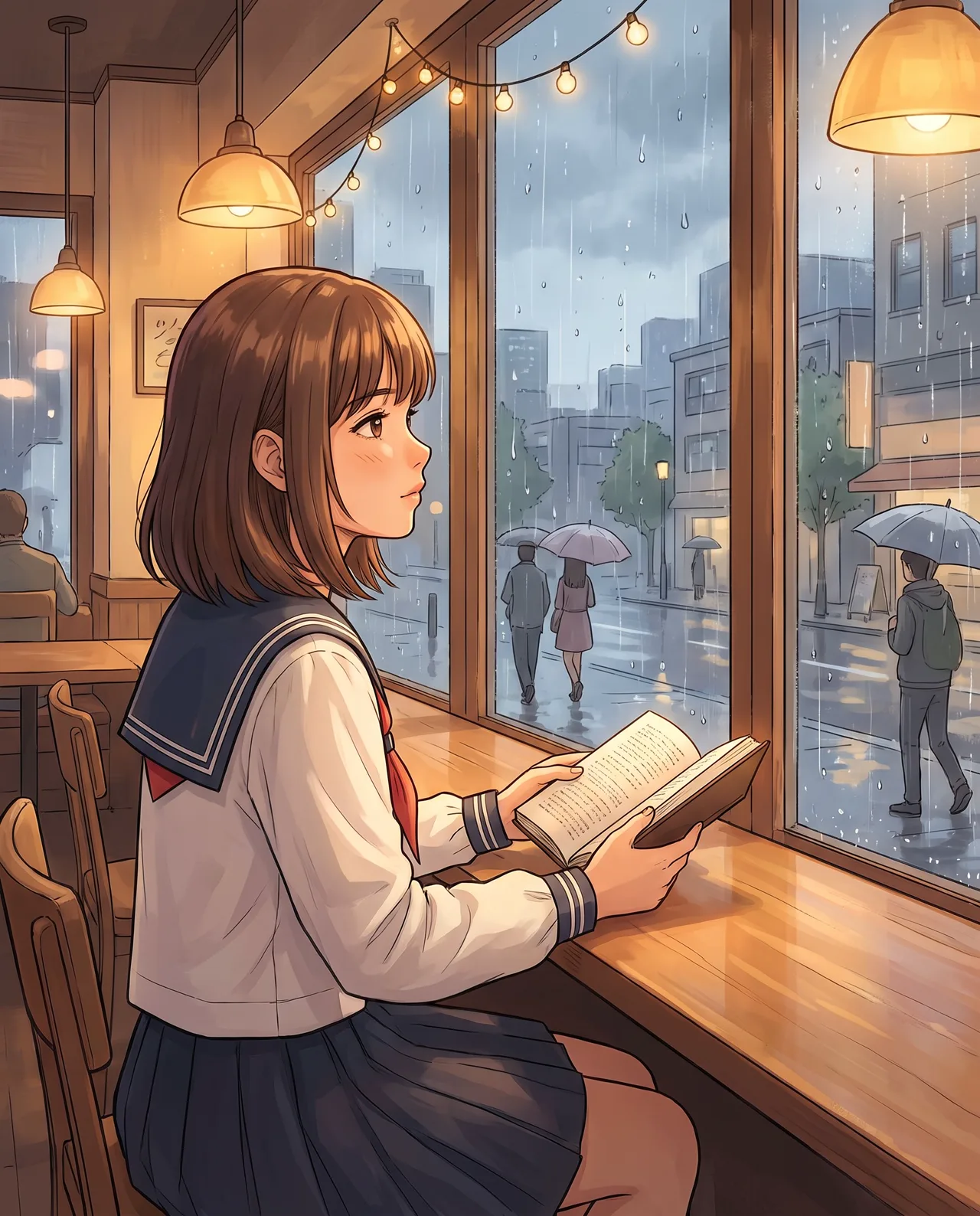
Nano Banana use cases
A series with one character
Upload a character sheet and keep the same character across scenes and poses — ideal for comics, picture books and mascots.
Multi-product compositions
With up to four references, combine several products in one shot for bundles, outfits or gift sets.
Images with short text
Menus, labels and poster titles come out more legible with Nano Banana Pro. Keep the text short and proofread before publishing.
3:4 portrait posts
The 3:4 ratio fits Xiaohongshu (RED) notes and other portrait feeds without any cropping.
How to use Nano Banana
Choose the model
Nano Banana Pro is preselected. For speed and a lower cost, switch to Nano Banana 2 in the model menu.
Add references and describe
Upload 1–4 references of a character or product, then describe the scene, action and style. Without references, it’s plain text to image.
Generate and download
Pick a ratio and count. Images usually take tens of seconds; download the up to 4K original, also saved to My images.
Nano Banana prompt tips
Give each reference a job
With several images, say what each is for: “image 1 is the character, image 2 the outfit, image 3 the background style.”
Put text in quotes
For words in the image, quote them and say where: “title at the top: ‘Today’s Special’”. Short phrases are more reliable than paragraphs.
Draft with Nano Banana 2
While the composition is still open, run several drafts on Nano Banana 2, then make the final with Pro to save credits.
Write the style into the prompt
The image-type setting applies only to our Standard engine. Describe the look you want — film grain, watercolor, 3D — or add a style preset.
Nano Banana FAQ

Nano Banana pricing: pay per image, no subscription
Taster pack · 15 HD images
150 credits that never expire. No subscription, one per account.
Try Nano Banana Pro now
Add references, describe the scene and get sharp results up to 4K in tens of seconds. Failures are refunded.