
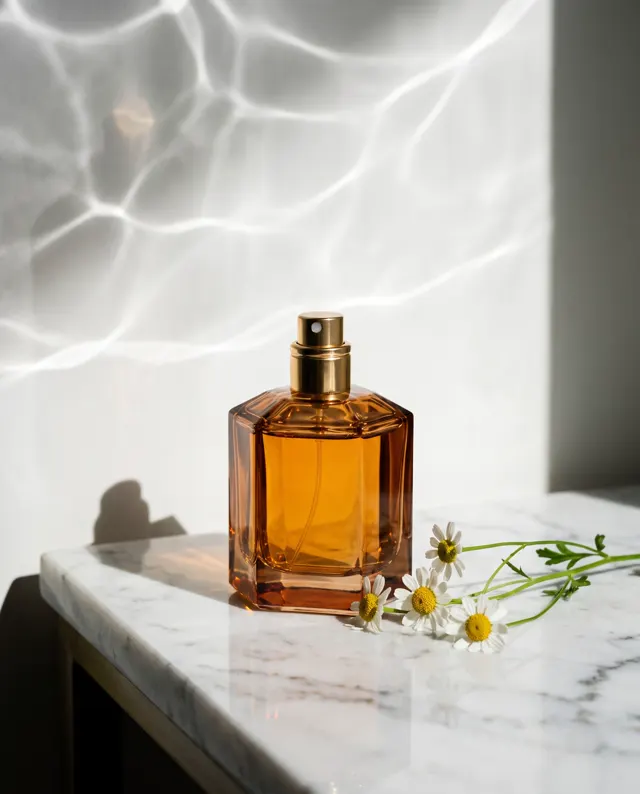
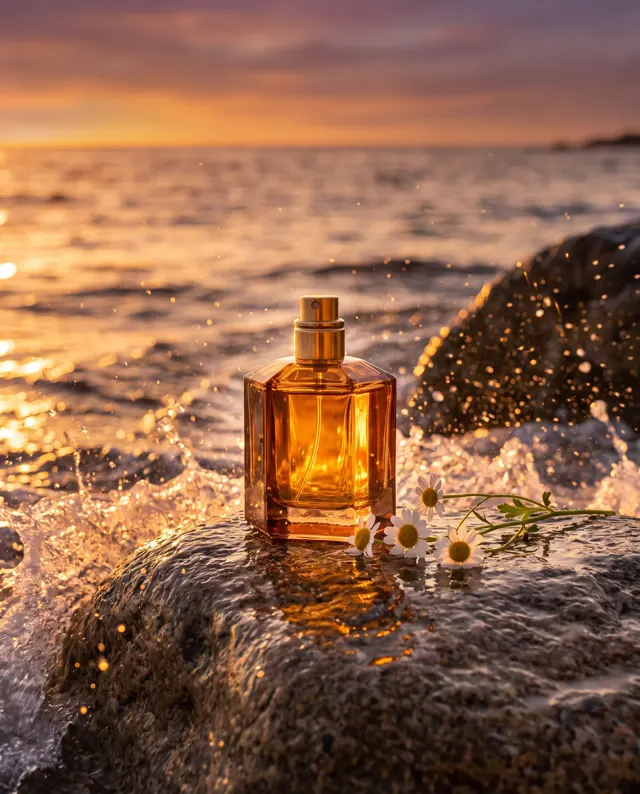

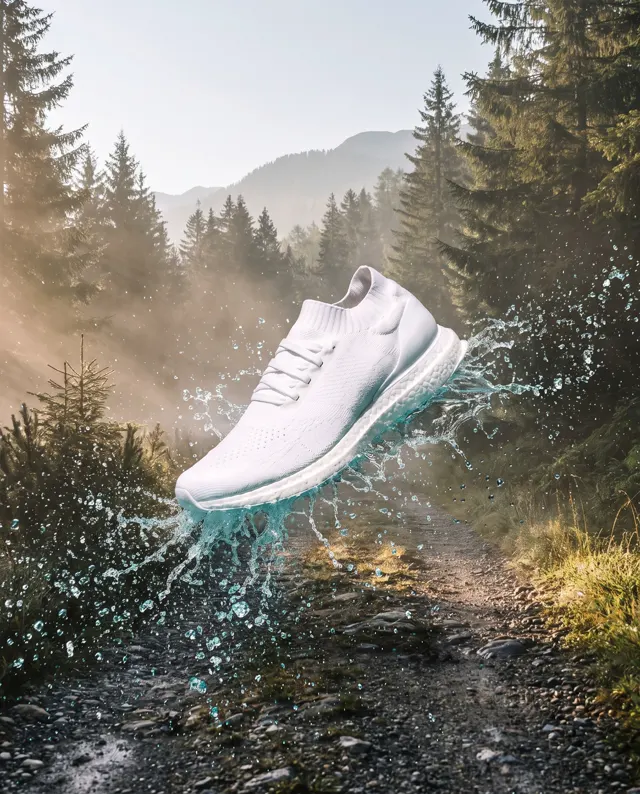
Same product, new scene
AI Background Generator: Same Product, New Scene
Upload 1–4 clear photos of a product and describe the setting you want. The AI regenerates the entire image around it — light, shadows and reflections included — instead of pasting in a backdrop.
Upload a product or character and the AI places it in a new scene (up to 4)
Sign in to upload references- 12 real examples
- 12 styles
- ~30 sec per image
- 4K output
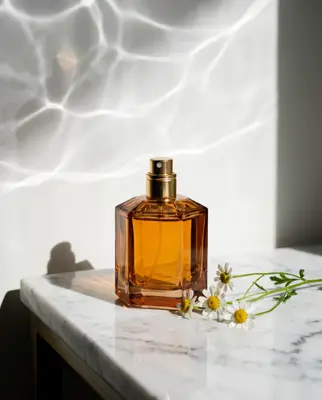
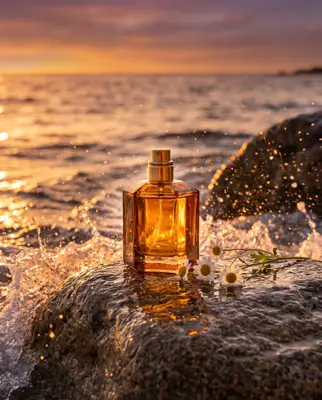
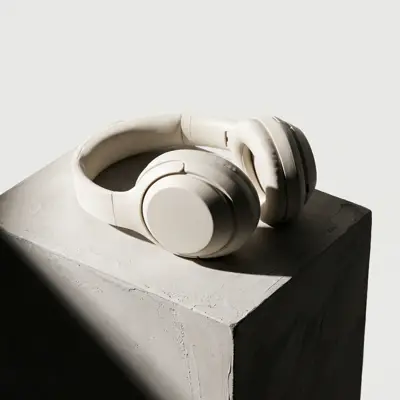
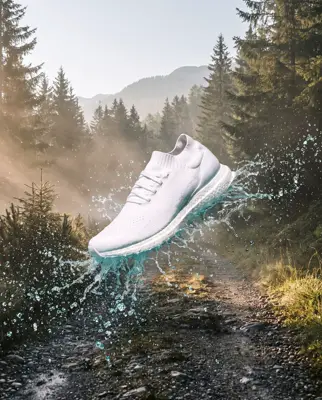
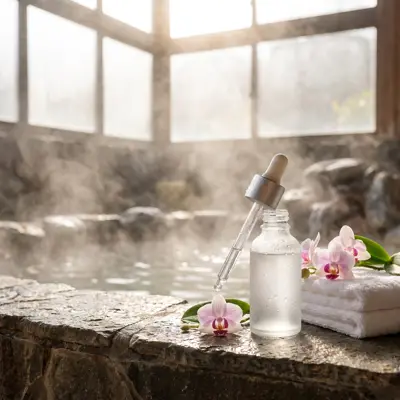
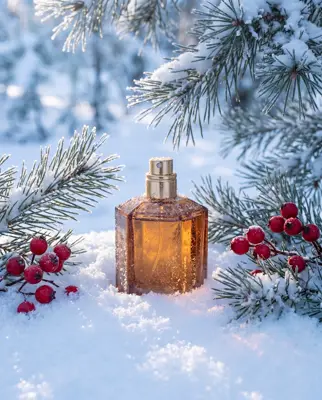
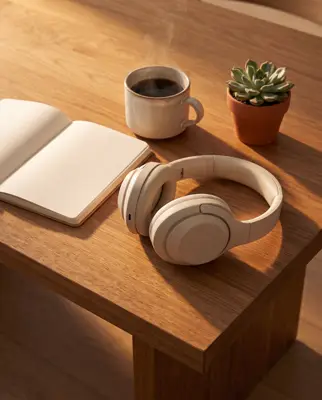
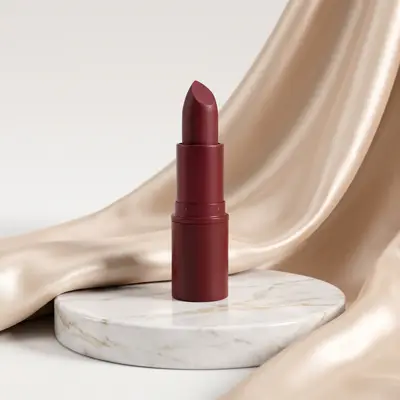
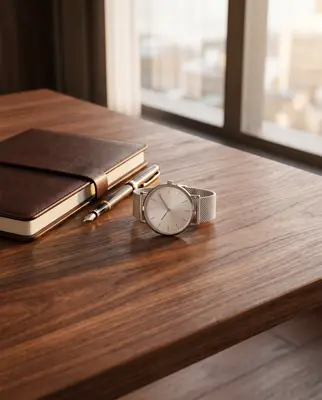
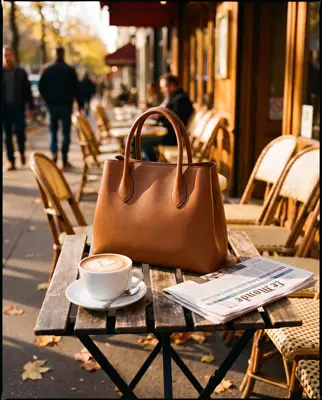
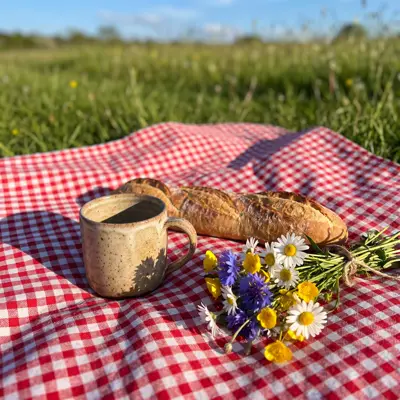
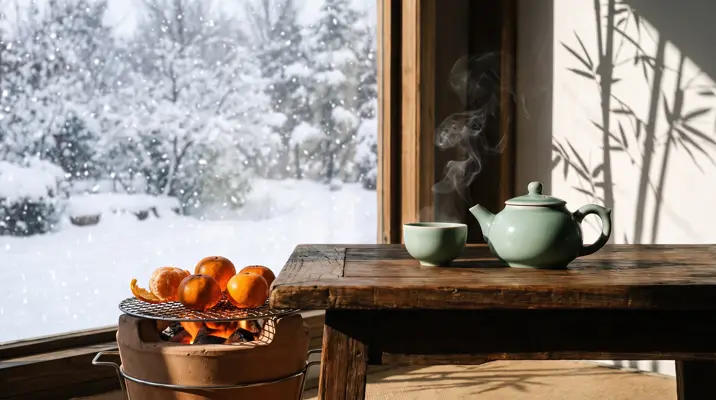
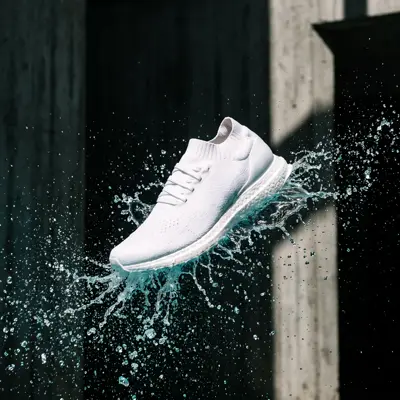
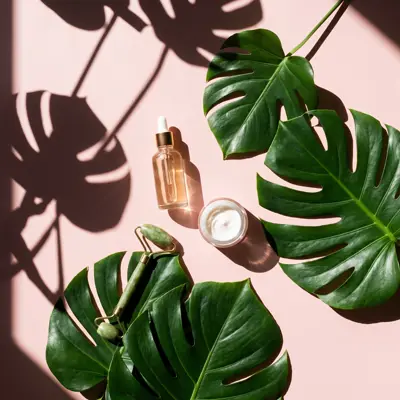
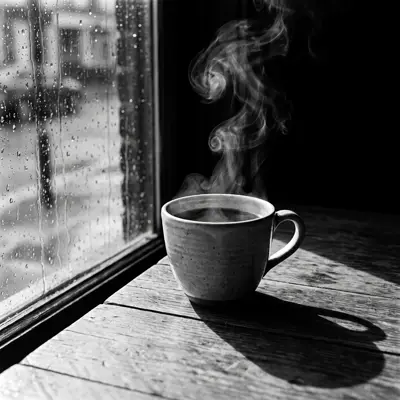
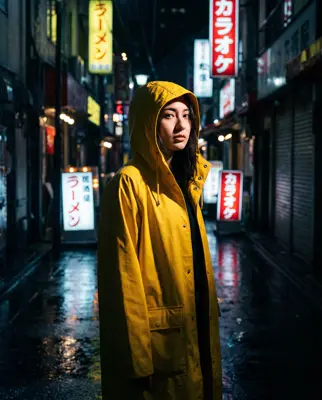
Reference → Result
Left: the uploaded reference. Right: the new scene from one sentence, with the subject’s look kept.
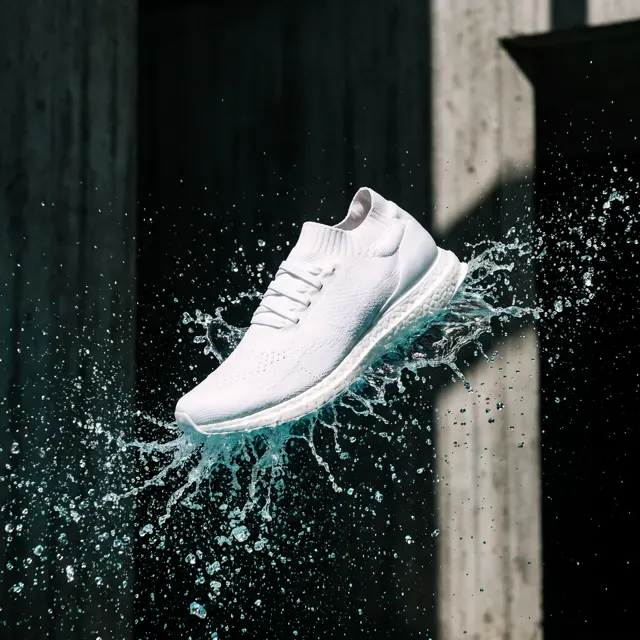
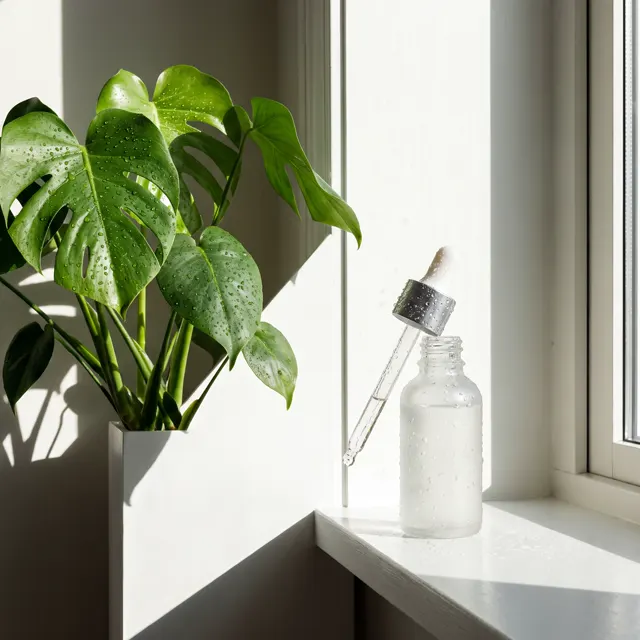
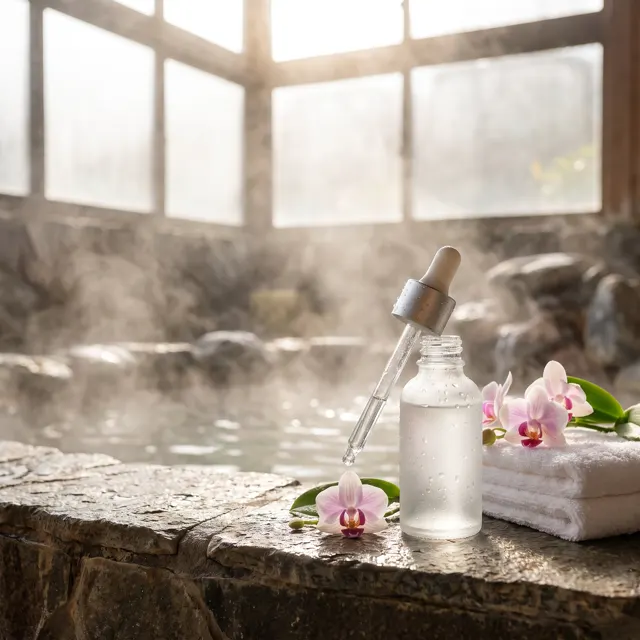
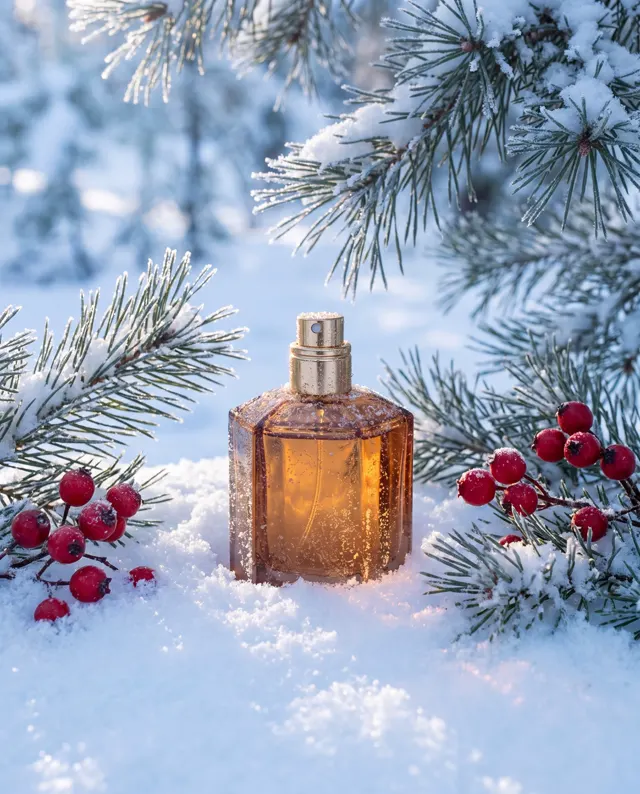
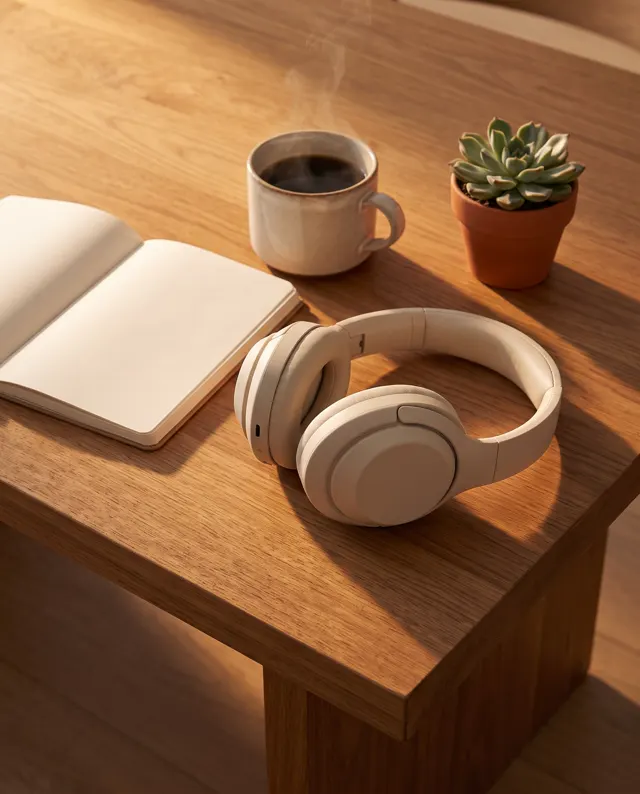
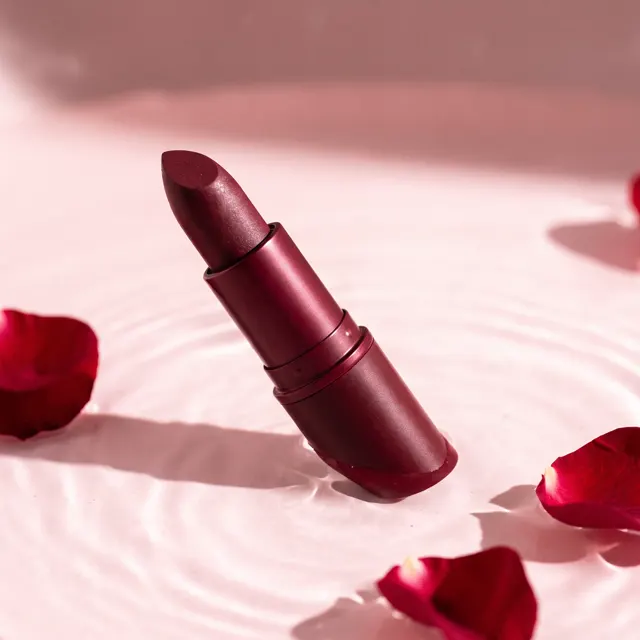
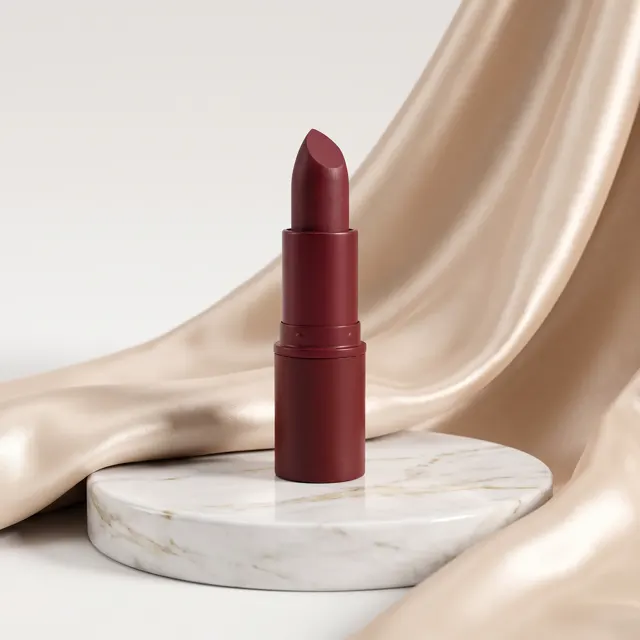
Real images made with this tool
Every image comes with its exact prompt and settings. Hit “Try this prompt” to load it into the generator, then change a few words to make it yours.
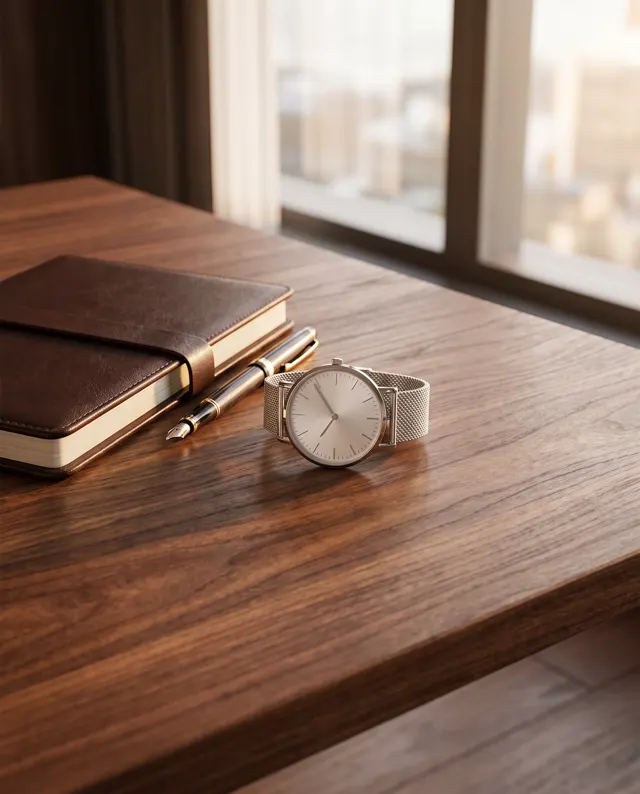
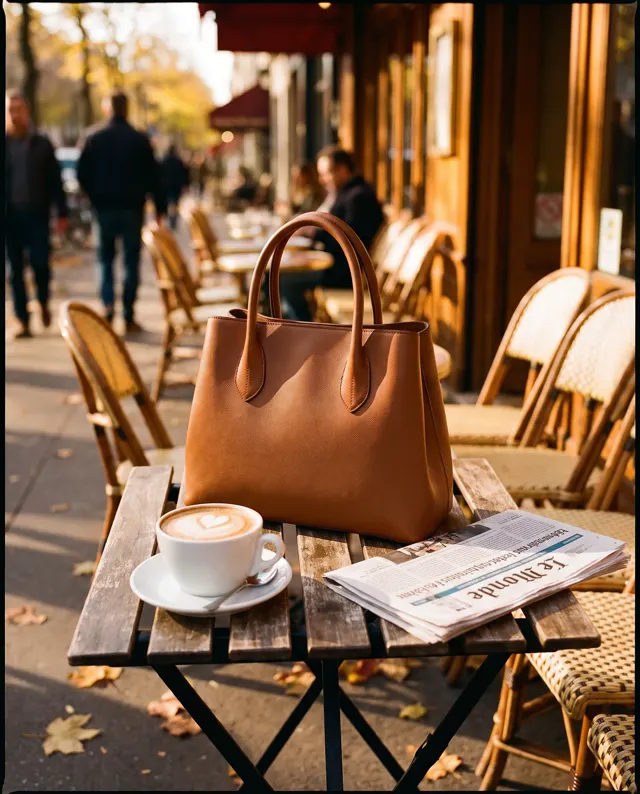
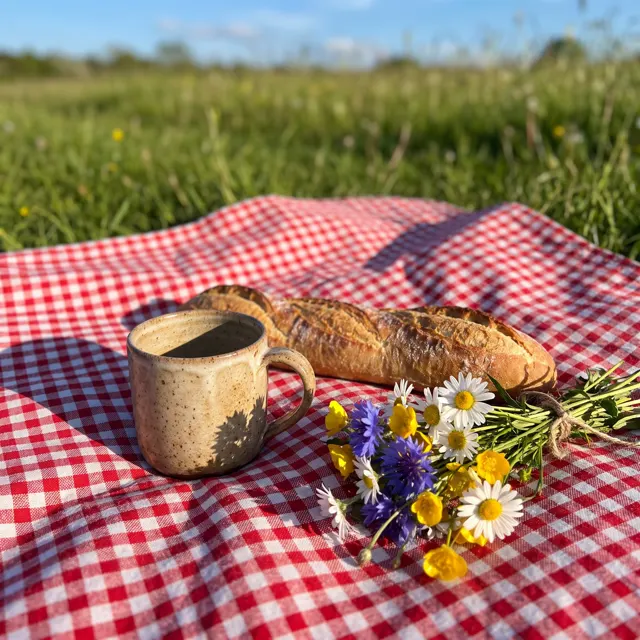
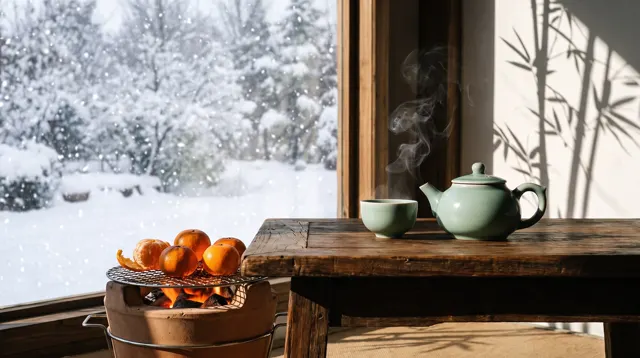
How does the AI background generator work?
This AI background generator doesn’t cut your product out and paste it onto a new backdrop. Instead, you upload product photos as subject references and describe a new setting, and the AI regenerates the whole image around the item — scene, lighting, shadows and reflections together — while keeping the product’s look as closely as it can. That also means there’s no background removal, no transparent PNG export and no editing of the original photo. The page is preset to a 1:1 square for marketplace and social images. Use clean, evenly lit photos with the whole product in frame. Small details such as fine print or logos on packaging can change, so check them against the real item before commercial use.
Start generating free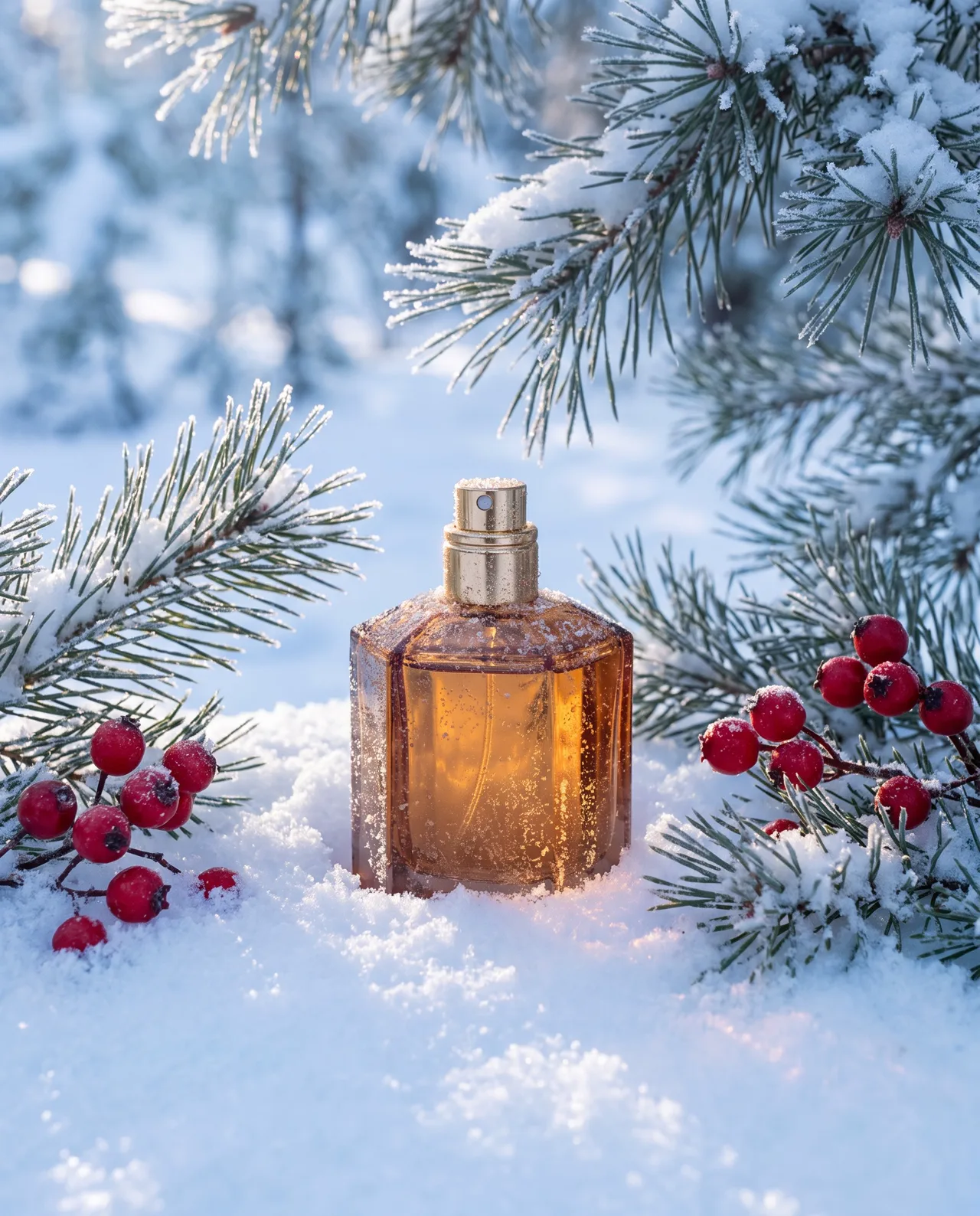
What people use it for
Marketplace main images
Photograph a product once and generate holiday, outdoor or at-home versions of the main image for launches and promotions.
Seasonal campaigns
Put the product in spring, summer, holiday or sale-season settings without building a new set for every shoot.
Ad and social creative
Make several scenes for the same product and test which backdrop earns the most clicks in feed ads and social posts.
From white background to lifestyle
Only have plain white-background shots? Use one as a reference to create styled scenes with props and real light.
How it works
- 01
Upload product photos
Add 1–4 sharp photos of the same product — evenly lit, fully in frame, on a simple background.
- 02
Describe the new scene
Say where the product sits, what surrounds it and how it’s lit — e.g. “among snowy pine branches, cold morning light.”
- 03
Generate and check
About 30 seconds per image at 1:1. Pick the most faithful result and check packaging details before you download.
Prompt tips
Clean references, better results
Use photos on a plain backdrop and avoid hands, obstructions and harsh glare. The clearer the product, the better its shape and color hold.
Describe the setting, not the product
The references define the product. Spend your prompt on surfaces, props, season and light: “marble counter, lemon slices, morning window light.”
Make the light fit the scene
Pair “sunset glow”, “overcast soft light” or “studio top light” with a matching setting, and say where the light comes from for believable shadows.
Put the finish in your prompt
With references attached, the image type and style presets are ignored. For a commercial look, write “premium product photography, soft shadows, crisp detail.”
FAQ
Related tools

One product photo, a season of scenes
Upload a product photo, describe the new setting and see it in about 30 seconds. New accounts get free trial credits.