Xiaohongshu covers work best as 3:4 portraits, such as 1080×1440 pixels. For AI covers, generate at 3:4 directly with Nano Banana Pro, Nano Banana 2 or GPT Image 2; on the standard model, generate at 4:5 and trim about 6–7% of the width, split between the two sides, to get an exact 3:4. If the subject isn’t touching the edges, you lose nothing that matters.
What Xiaohongshu is, and why the cover matters
Xiaohongshu — known internationally as RED or Rednote — is China’s lifestyle search-and-share platform. Users post “notes”: image carousels or short videos with a caption, covering travel, beauty, food, fashion, home and study. Many Chinese consumers use it the way others use Google plus Pinterest: to research a product or a destination before spending money.
The home feed is a two-column masonry grid. The cover is the only thing a user sees before deciding to tap, and it is shown small. That is why sizing and legibility matter so much.
Common cover sizes
| Ratio | Typical pixels | Best for | How it looks in the feed |
|---|---|---|---|
| 3:4 portrait | 1080×1440 | Most notes: outfits, travel, product picks, tutorials | Largest footprint, the default choice |
| 1:1 square | 1080×1080 | Food, single products, before/after | A step shorter than portrait |
| 4:3 landscape | 1440×1080 | Scenery, group photos | Small in a two-column feed |
Platform specs change between app versions, so treat this as current common practice and check the official guidance. Keep every image in a carousel at the same ratio as the cover so pages don’t jump in size.
Why generate at 4:5 and crop to 3:4
The standard model offers 1:1, 4:5, 9:16 and 16:9, with no 3:4 (Nano Banana Pro, Nano Banana 2 and GPT Image 2 let you pick 3:4 directly, so no crop is needed). On the standard model, 4:5 is the closest and loses the least in the crop:
| Generated ratio | Loss |
|---|---|
| 4:5 | About 6–7% of the width, split between the sides |
| 9:16 | About a quarter of the height |
| 1:1 | A quarter of the width |
On the standard model, choose 4:5 for Xiaohongshu covers. At about 2K, the cropped image is still larger than 1080×1440, and the 4K models leave even more headroom, so either stays sharp after downscaling. The 4:5 frame is also native to Instagram’s portrait feed, so one image can serve both platforms. More on ratios in our aspect ratio guide.
Keep a safe zone
- Write “subject centered” so nothing important hugs the left or right edge.
- If you need a title, say where: “a clean band of sky across the top third”.
- Crop with your phone’s photo editor (choose 3:4) or any design tool.
Cover ideas by niche
Travel and lifestyle
Travel covers should make the viewer picture themselves there: a figure seen from behind or in profile, one recognizable landmark, a clean frame.
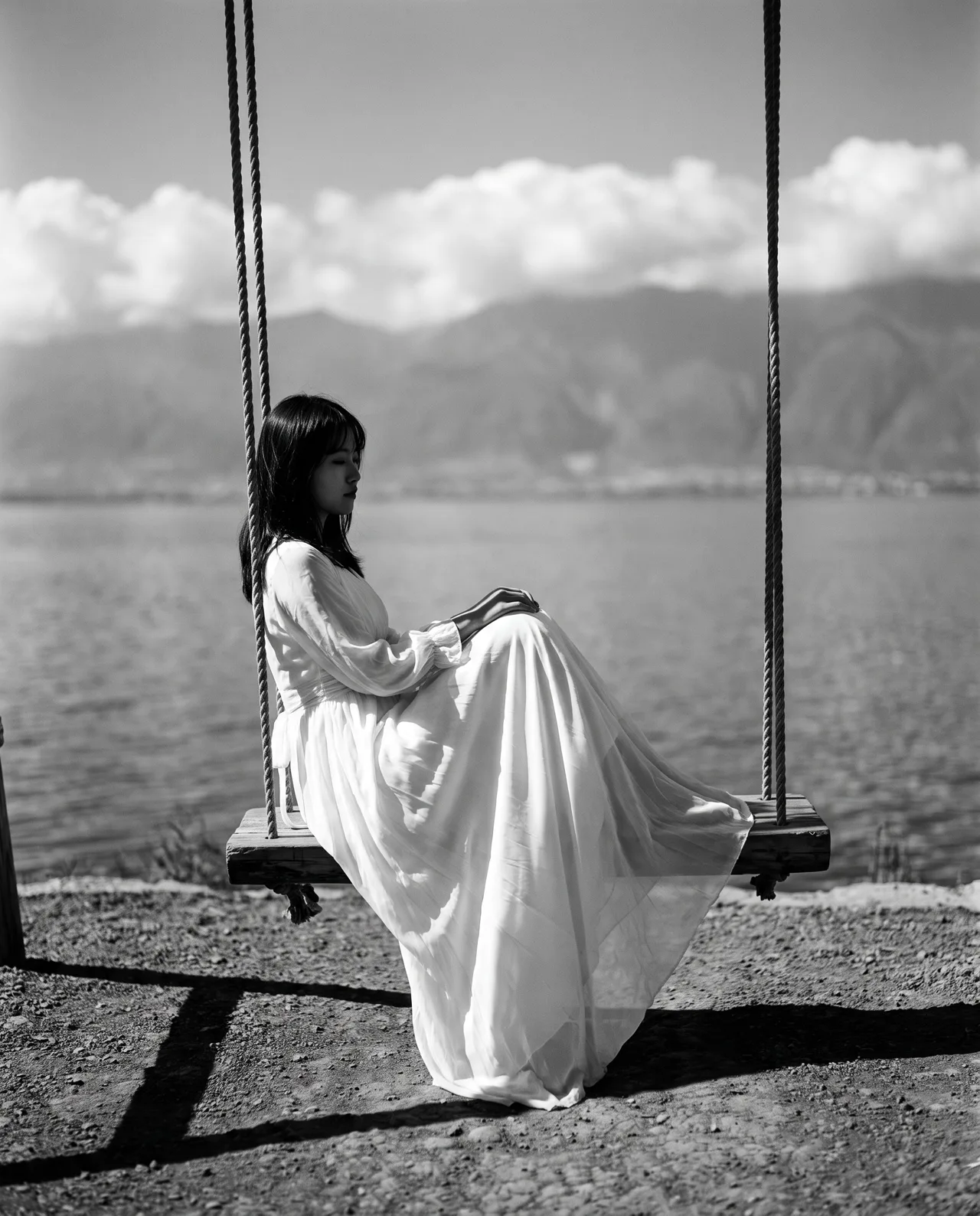
Prompt idea: by Erhai Lake in Dali, a girl in a white dress on a swing facing the water, a fresh, healing travel mood, 4:5.
The prompt asked for blue sky and white clouds, yet the Photo type returned a black-and-white editorial look — it occasionally does that. If you want color, say so explicitly (“fresh bright colors, turquoise lake”), or generate a few and pick. The full prompt is on the image’s detail page.
Product picks
A product cover must show what the item is at a glance. Top-down flat lays are the safest composition; match the background color to your account’s palette and your profile grid will look consistent.
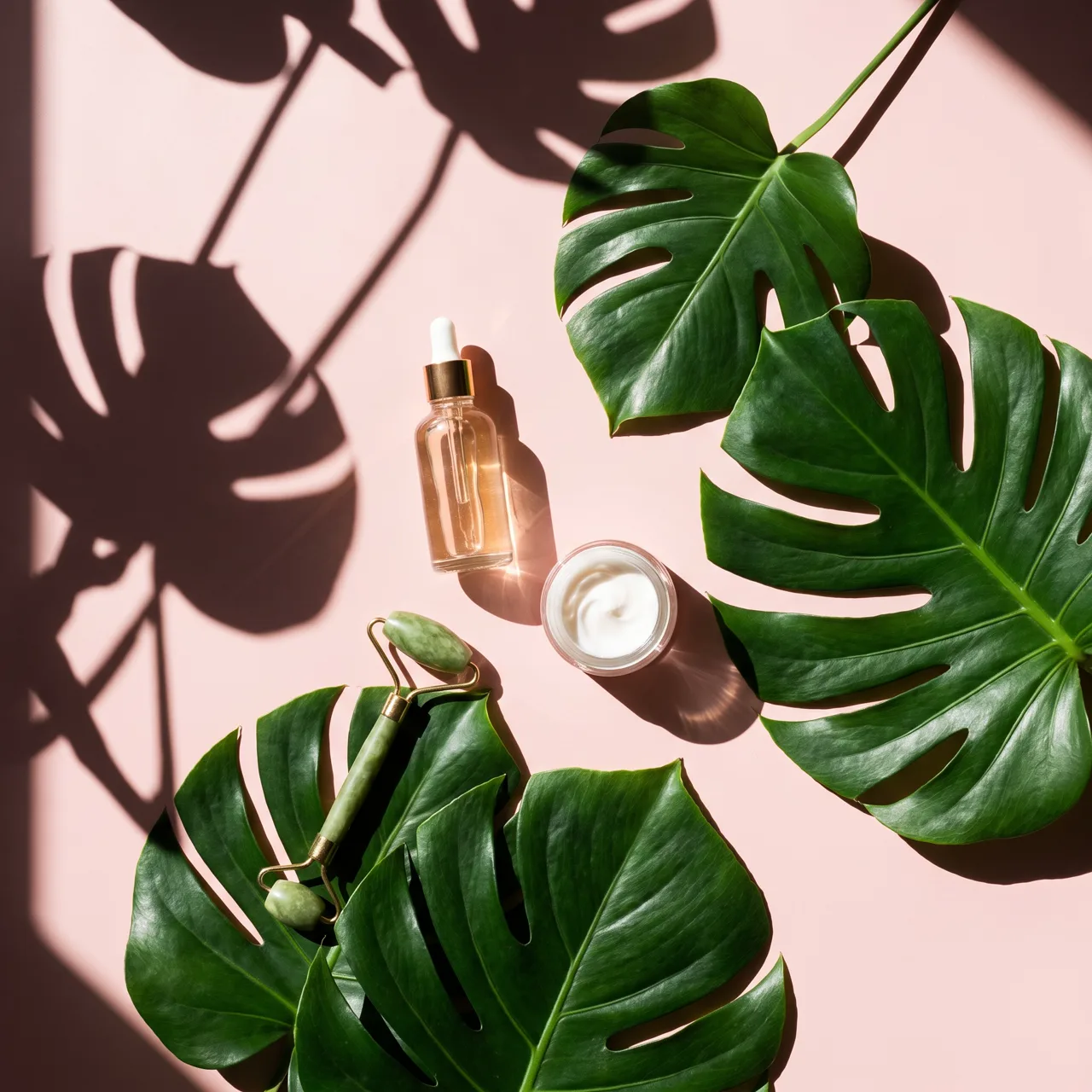
Prompt idea: skincare flat lay on blush pink with green leaves and natural sun shadows, top-down.
If the note reviews a product you actually used, the cover should show that real product — your own photo, or a scene generated from it with image-to-image — not an invented look-alike. Our AI product photo workflow covers this.
Food
Food covers need to be close, warm and steaming. The night-market ramen prompt is a good model: a tight shot of the dish, specific toppings, warm lantern bokeh. For a genuine restaurant review, use your own photos; AI covers suit recipe roundups and city food guides.
Study, reading and “healing” accounts
Accounts that don’t show faces often use illustrated covers. Pick the Scene type or a preset such as Watercolor or Anime, stick with it, and your profile becomes instantly recognizable.
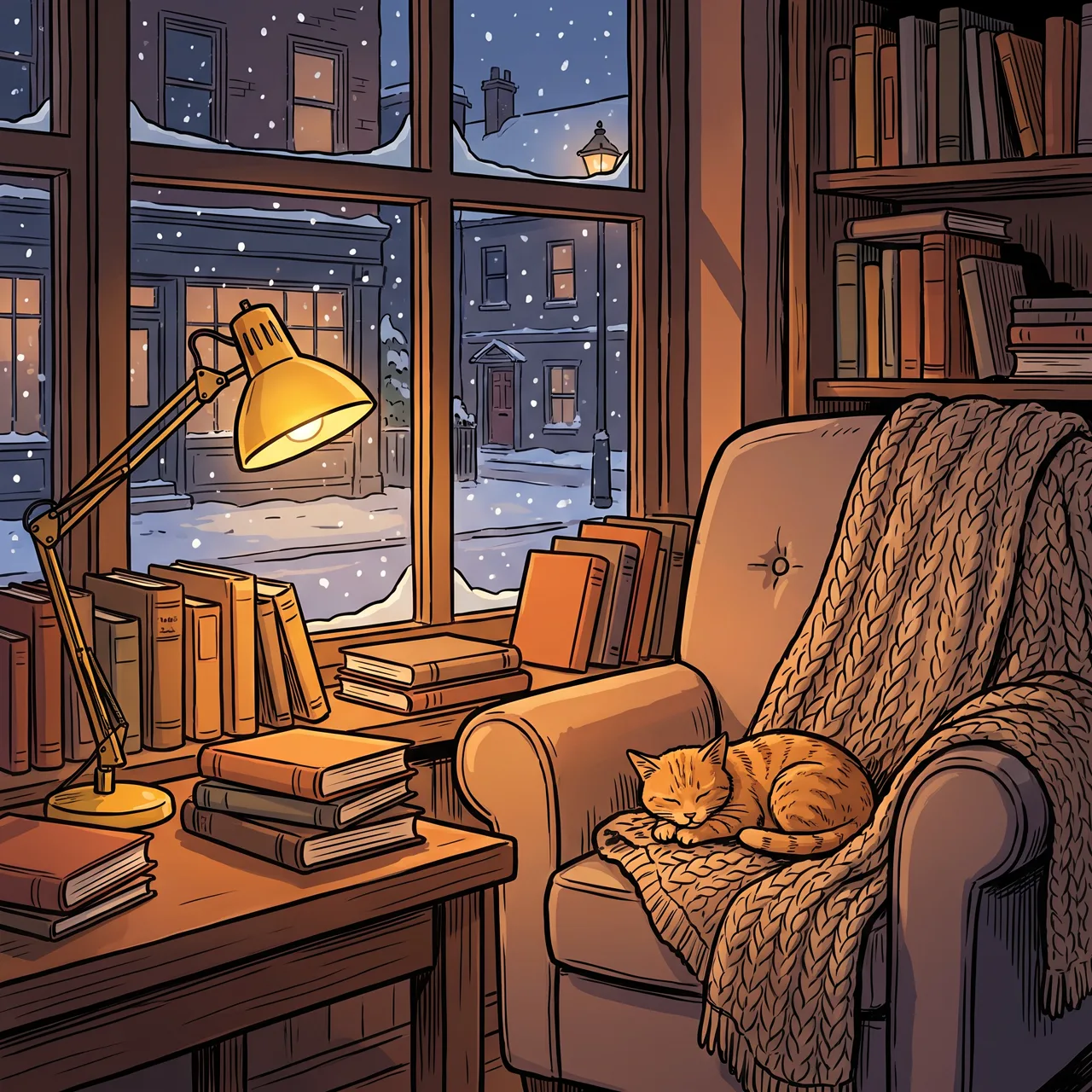
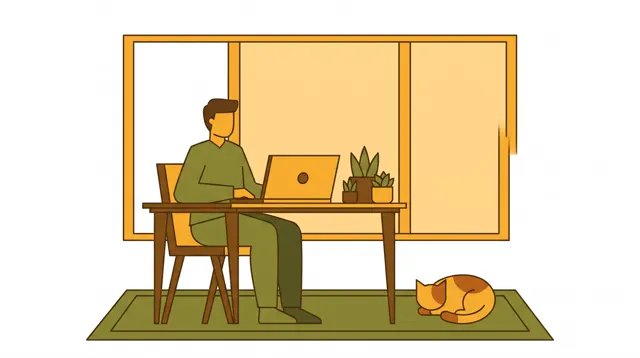
Prompt idea: reading nook by a snowy window, warm lamp, stacked books, sleeping cat — a ready-made cover for book notes.
Cover prompt templates
Replace the brackets and choose 4:5 in the Xiaohongshu cover generator:
Travel: a girl in [outfit] [action] beside [landmark] in [place], [weather], fresh bright colors, subject centered, clean sky across the top
Products: [product type] laid flat on a [color] background with [props], natural light shadows, top-down, empty space at the top
Food: close-up of a [bowl/plate] of [dish], [toppings], warm blurred [setting] behind, rising steam
Cozy: a corner of [room], [light source], [objects], a sleeping [pet], warm healing illustration style
Find more ready-made prompts in the prompt library.
Adding the title
Most Xiaohongshu covers carry a large headline. Add it after generating:
- Two lines maximum. Covers display small; long titles become unreadable.
- Big type, strong contrast. Dark text on light areas, or a solid color block behind text on busy images.
- Stay off the subject. Don’t cover faces or products — that’s why you reserve space in the prompt.
- Same font and position across the series for a tidy profile grid.
Before you post
- Under China’s AI content labeling rules (in force since September 1, 2025), declare AI-generated images using the platform’s labeling feature.
- Don’t pass off AI images as real restaurant visits, real results or real travel photos.
- For copyright and compliance details, read can AI images be used commercially.
Open the Xiaohongshu cover generator, make four, and keep the one that stops the scroll.