
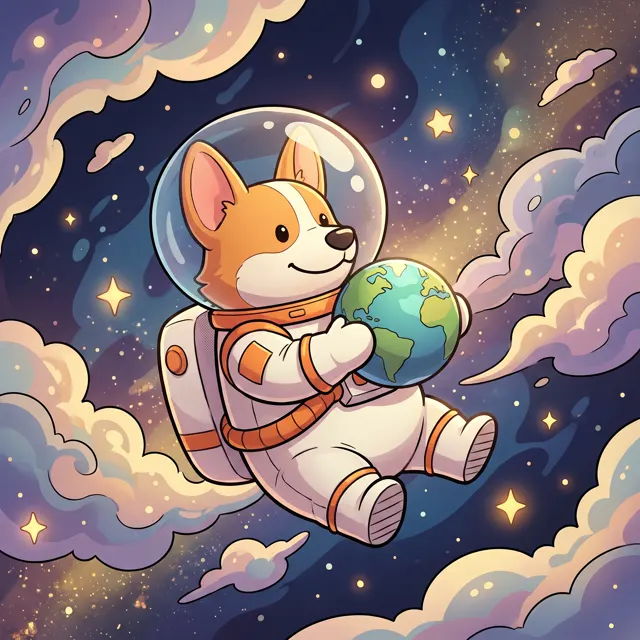
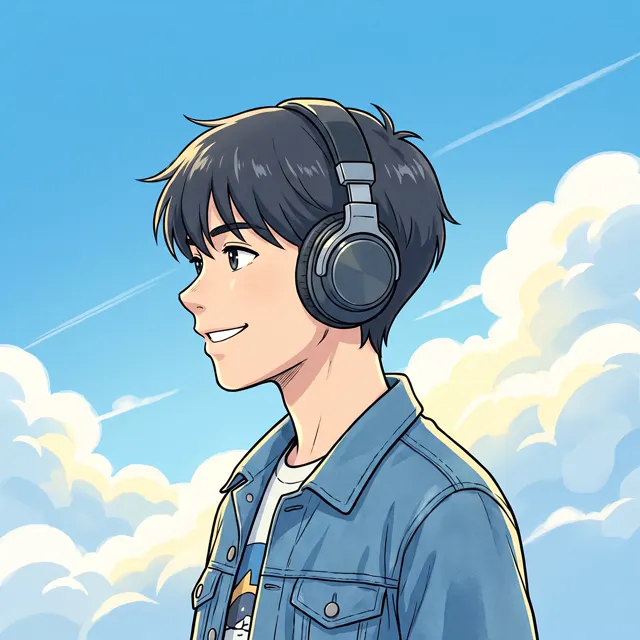
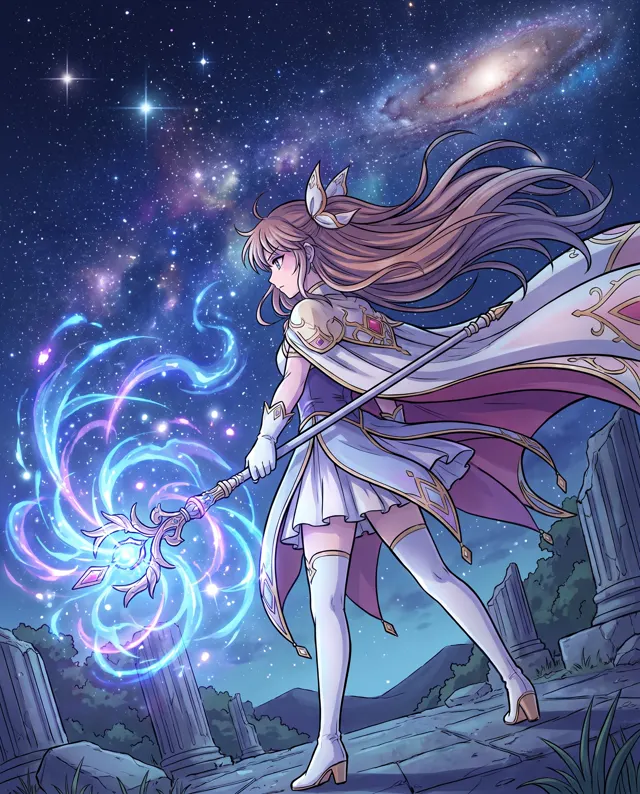
Profile pictures
AI Avatar Generator: Your Own Anime Profile Picture
Preset to the Anime style at 1:1, a natural fit for profile pictures. Describe hair, outfit and expression to get an original anime avatar in about 30 seconds — or switch to 3D Cartoon for a chibi look.
- 11 real examples
- 12 styles
- ~30 sec per image
- 4K output
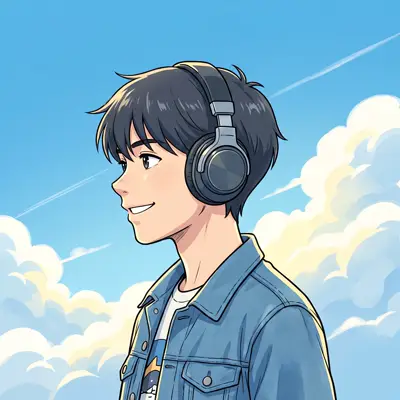
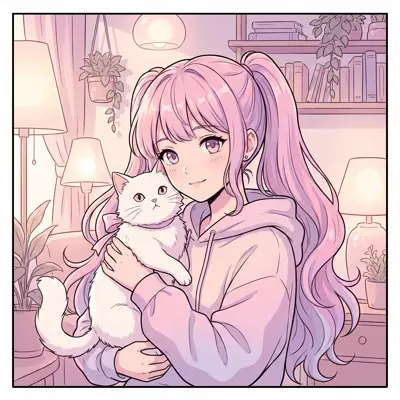

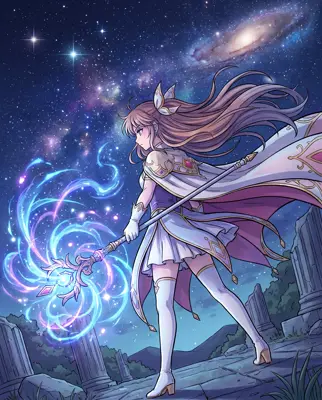
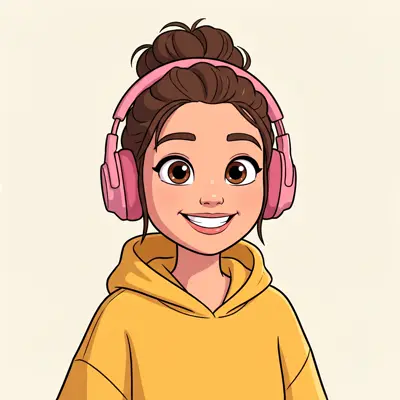
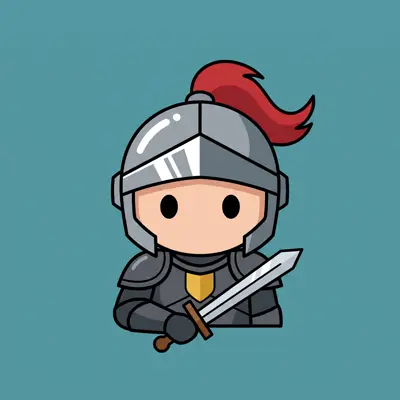
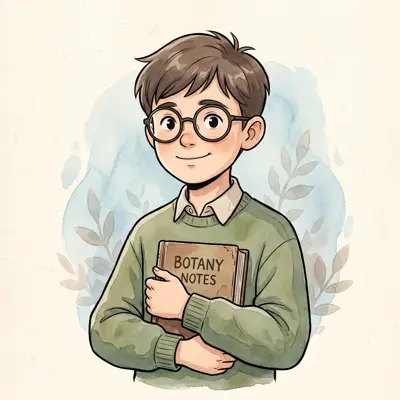
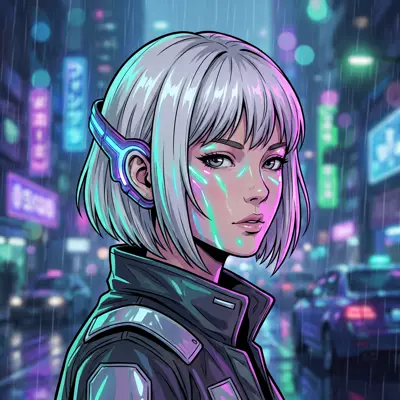
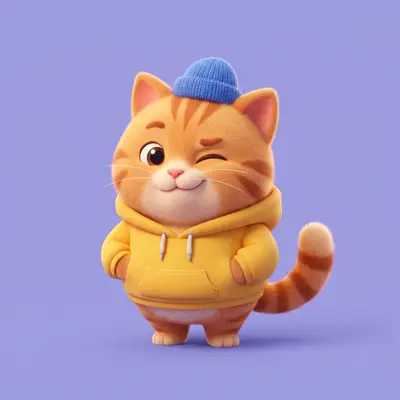
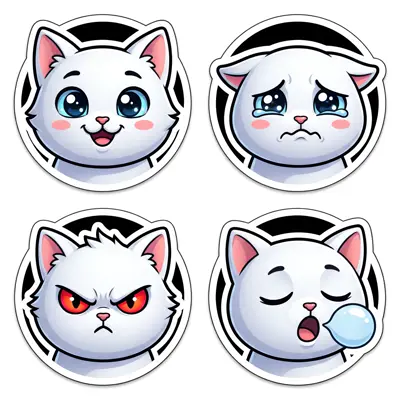
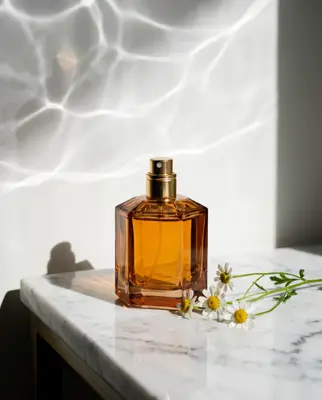
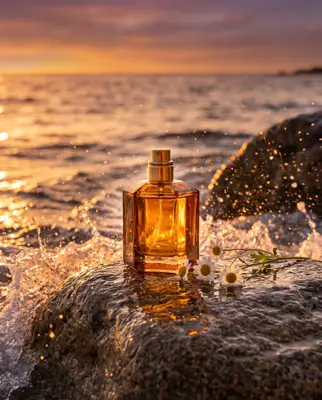
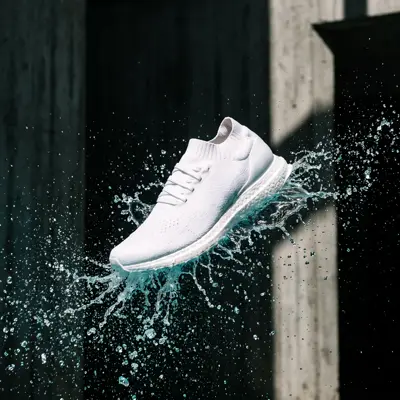
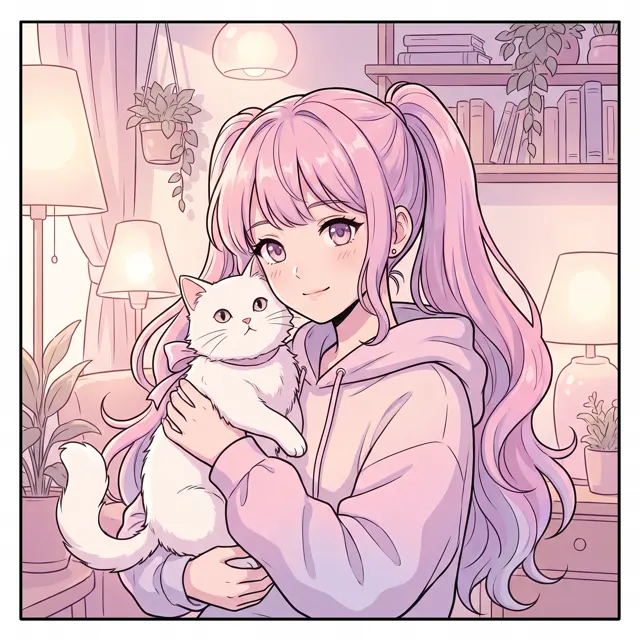
Real images made with this tool
Every image comes with its exact prompt and settings. Hit “Try this prompt” to load it into the generator, then change a few words to make it yours.
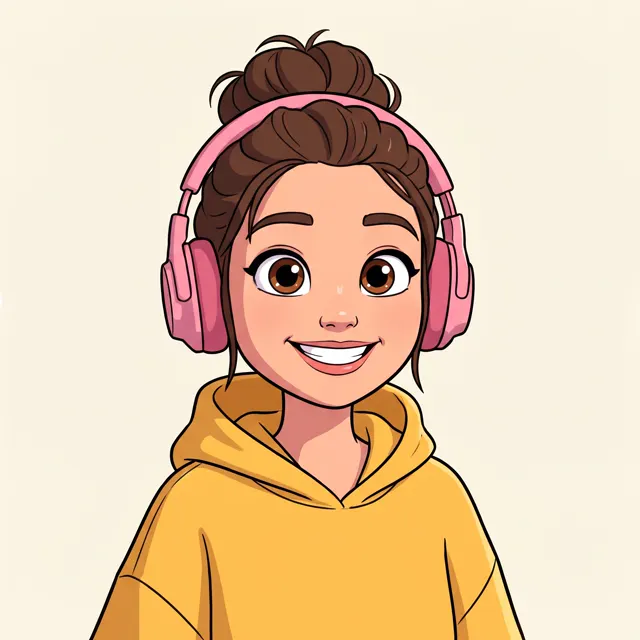
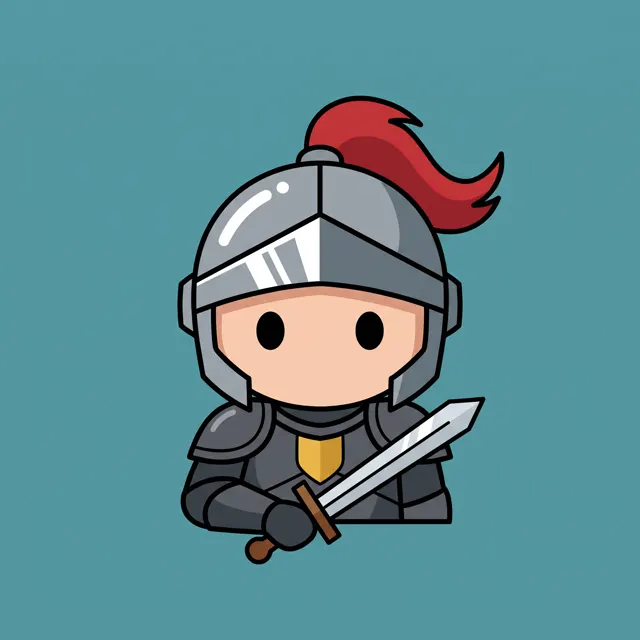
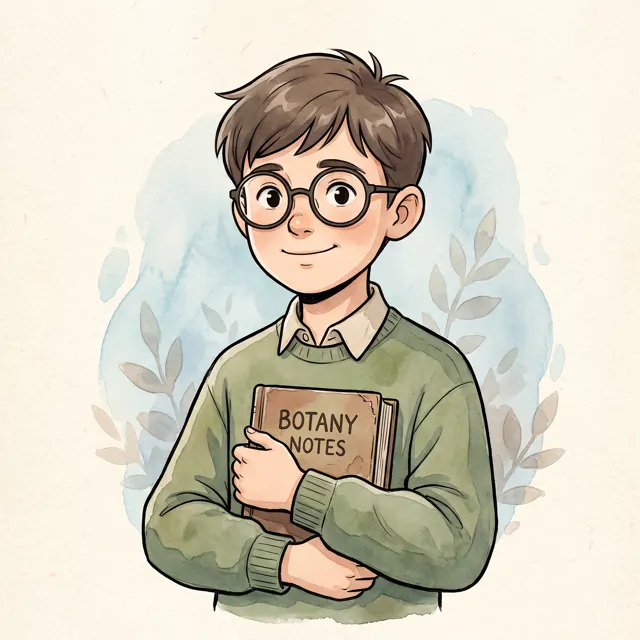
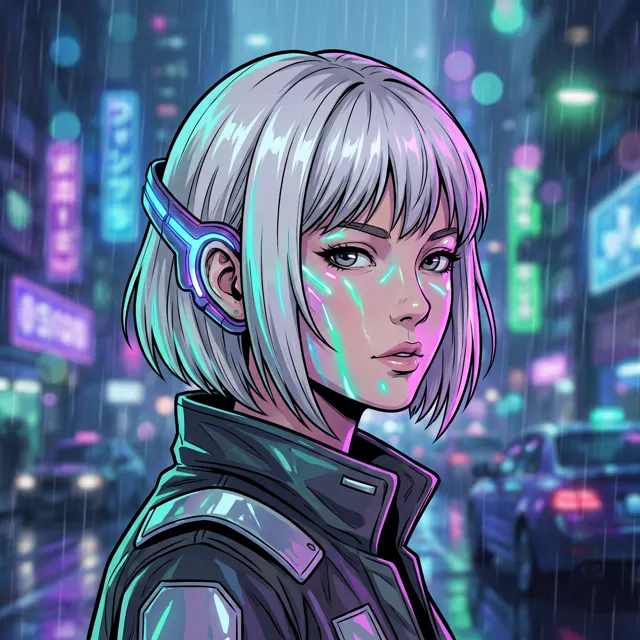
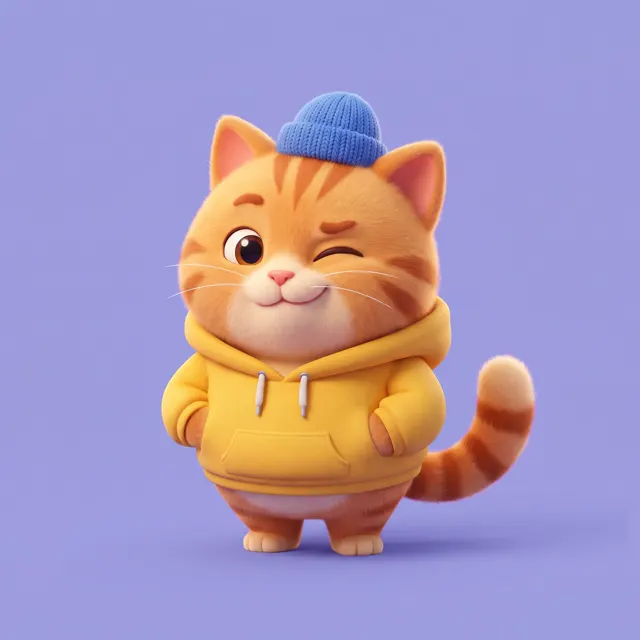
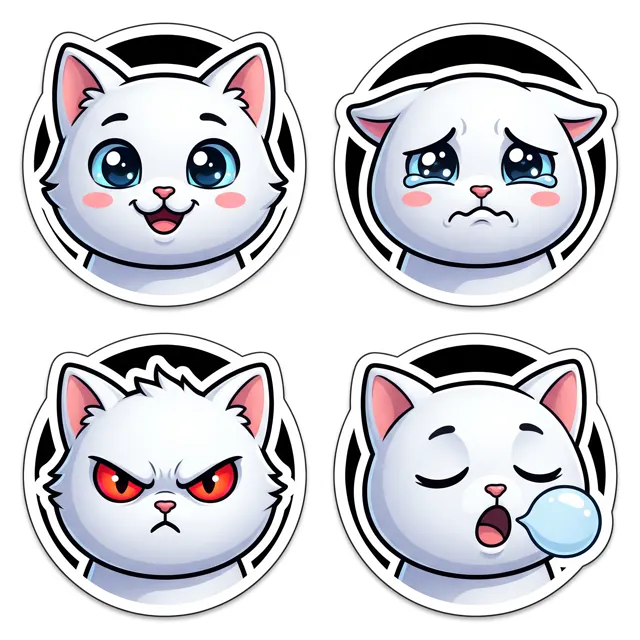
What is an AI avatar generator?
An AI avatar generator draws a character from your description and frames it as a profile picture. This page is preset to the Anime style at a 1:1 square, ready for social profiles, messaging apps, gaming handles and community accounts. Describe an original character, or write an anime version of yourself — your hairstyle, outfit and vibe. To be clear about what it does: it creates fictional anime and cartoon characters. It isn’t a face swap, and it can’t turn your photo into a realistic headshot. For a cartoon avatar of your cat or dog, upload pet photos as subject references; style presets are ignored then, so write “anime style” or “3D cartoon” in the prompt. Every image is up to 4K with no watermark.
Start generating free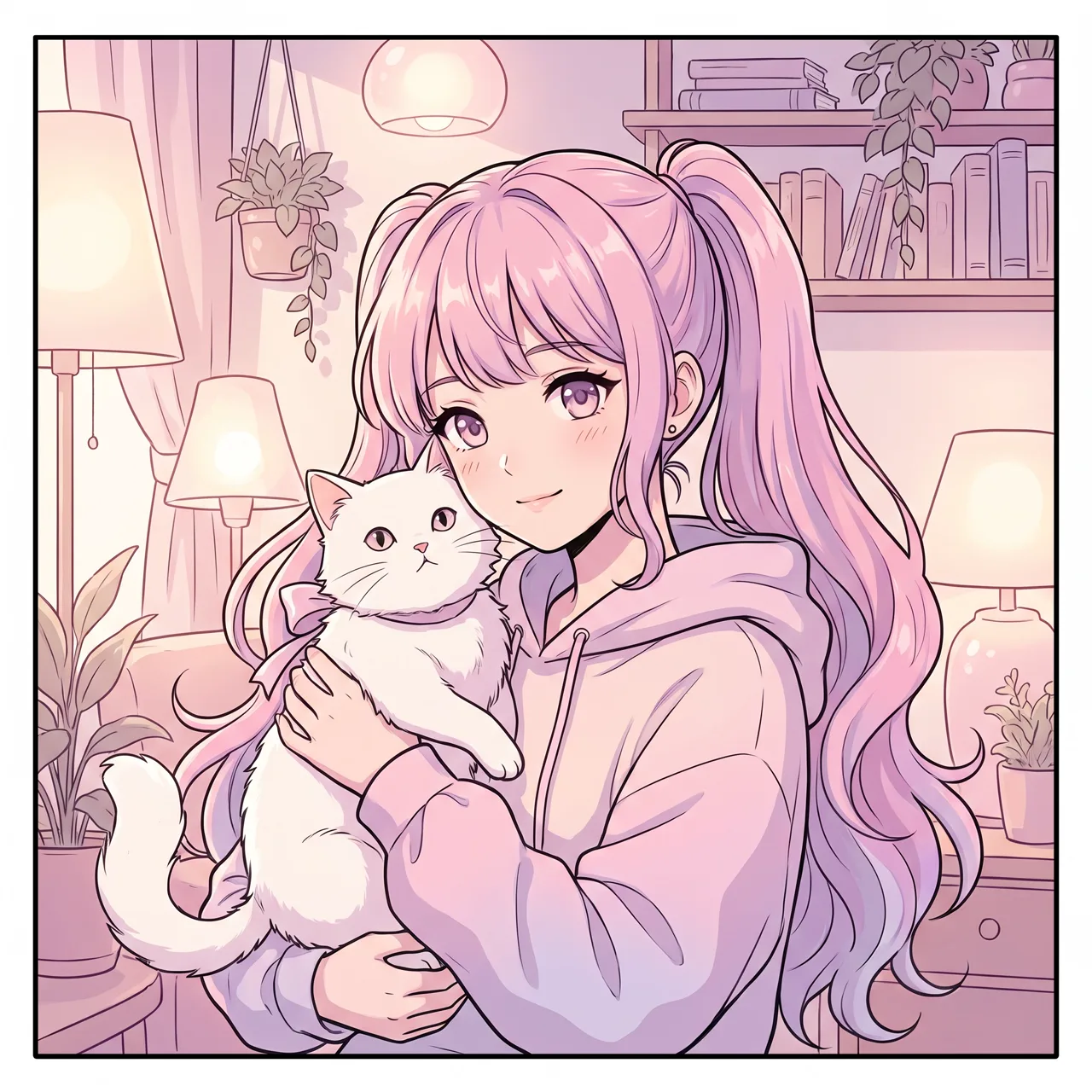
What people use it for
Social profile pictures
Describe your hair, style and favorite things to get a square anime avatar for any social or messaging profile.
Matching avatars
Generate two or more avatars in the same style and palette for couples, best friends or a whole group.
Gaming and community personas
Design an original character for a gamer tag, community or stream, and reuse a fixed description to keep it consistent.
Cartoon pet avatars
Upload clear photos of your pet as references and write “anime style” or “3D cartoon” to get a pet-themed avatar.
How it works
- 01
Describe the character
Cover hair, eye color, outfit, accessories and an expression — e.g. “short hair, pale blue highlights, headphones, smiling.”
- 02
Add avatar framing
Write “bust shot, facing the viewer, simple background”. The 1:1 square is preset, so a circle crop won’t cut off the face.
- 03
Generate and pick
Make 1–4 images at about 30 seconds each, then download the up to 4K original that feels most like you.
Prompt tips
Keep the background simple
Avatars show up tiny. “Plain color background” or “soft gradient background” keeps the character readable at small sizes.
Center the face
Write “bust shot, face centered, space above the head” so round crops on social platforms don’t clip hair or chin.
Add a signature detail
Glasses, headphones, a colored streak, a favorite hat or a pet in your arms make an avatar recognizably yours.
Try another style
Beyond Anime, 3D Cartoon gives a chibi look, Watercolor feels soft and fresh, and Pixel Art suits gamer profiles.
FAQ
Related tools
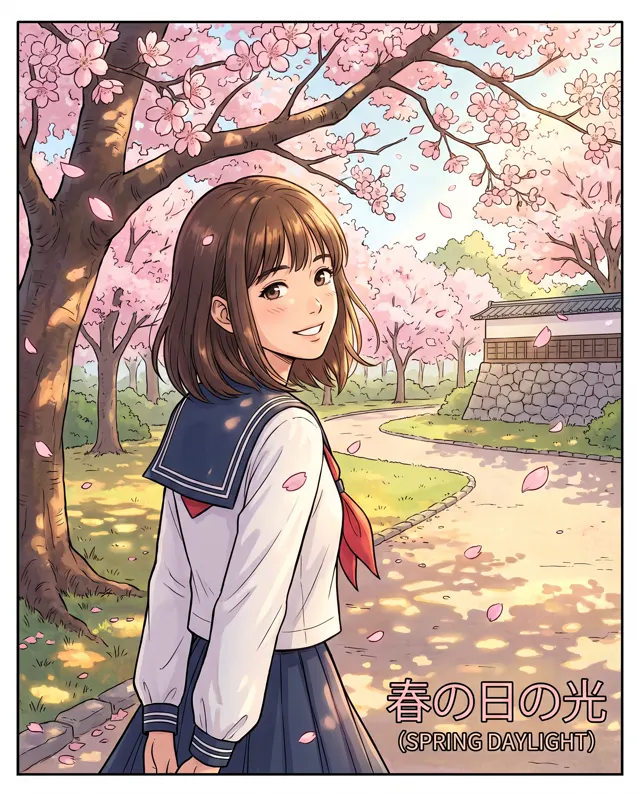
AI Anime Generator
Anime-style illustrations, avatars and original characters from a written description.

AI Sticker Generator
Cute 3D cartoon stickers and emoji-style reactions on white, up to four per image.
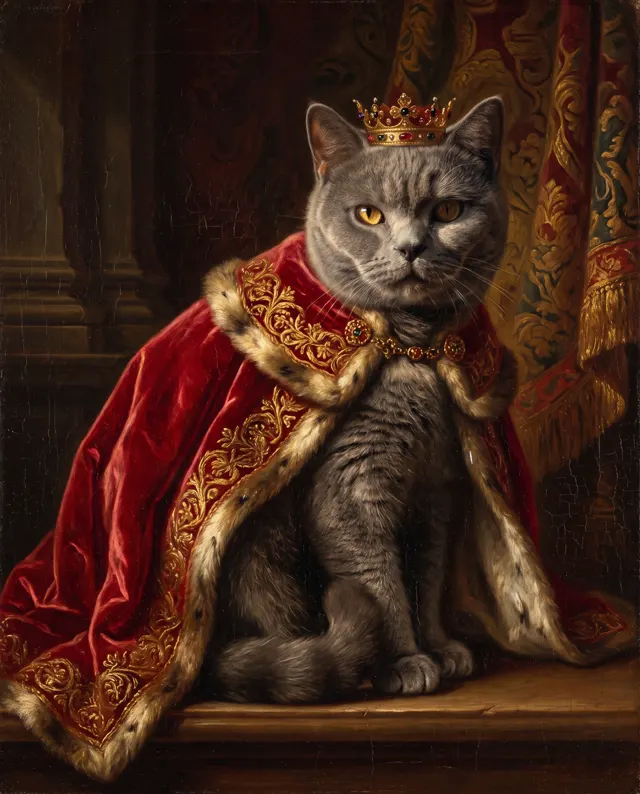
AI Pet Portrait
Upload your cat or dog and get royal oil, astronaut, holiday or watercolor portraits.
Get an avatar that’s only yours
Describe the character you want and get an anime avatar in about 30 seconds. New accounts get free trial credits.