
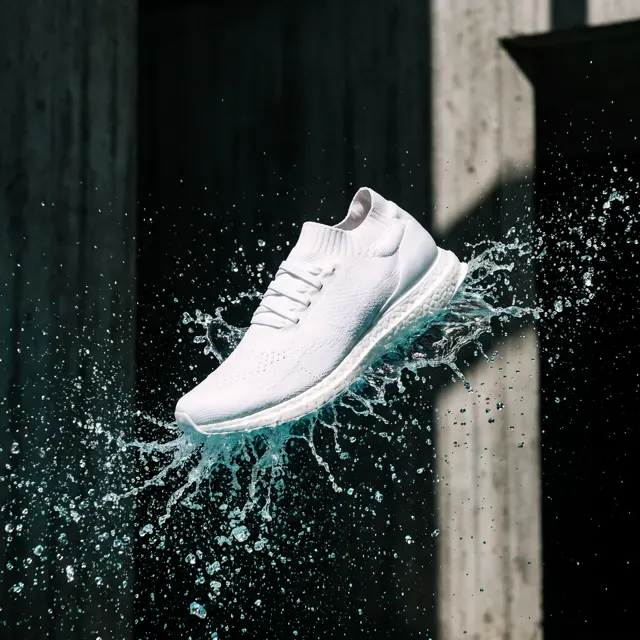
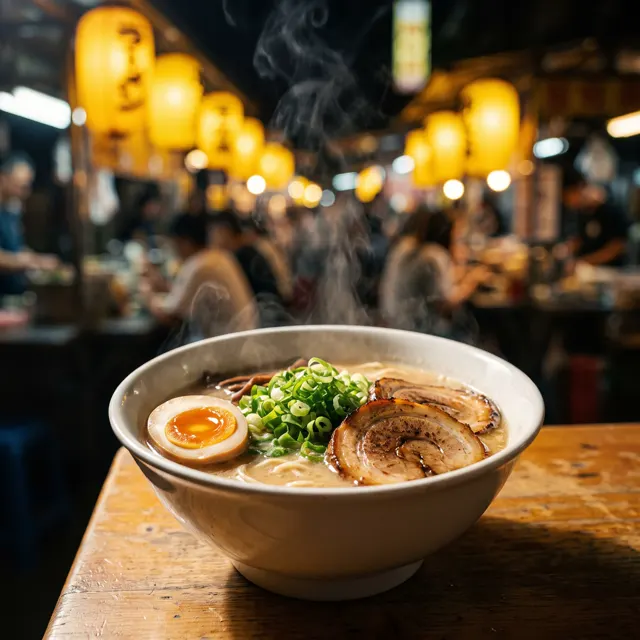
Product photography, no studio
AI Product Photo Generator for Studio-Style Shots
Preset to the Product style at 1:1: soft studio light, clean composition, crisp detail. Describe the item, material and backdrop — or upload your real product with image to image.
- 19 real examples
- 12 styles
- ~30 sec per image
- 4K output
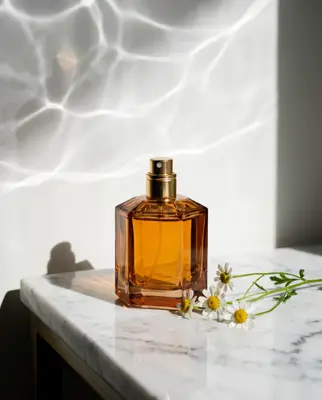
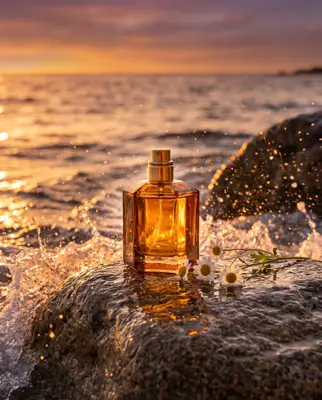
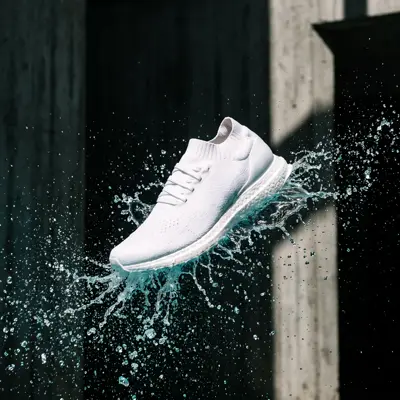
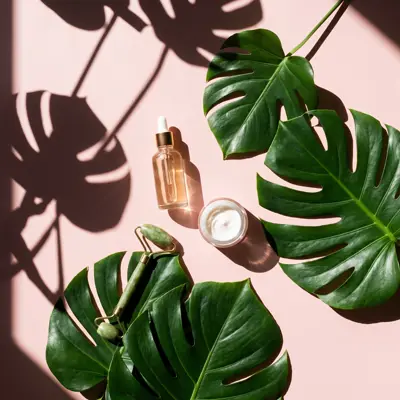
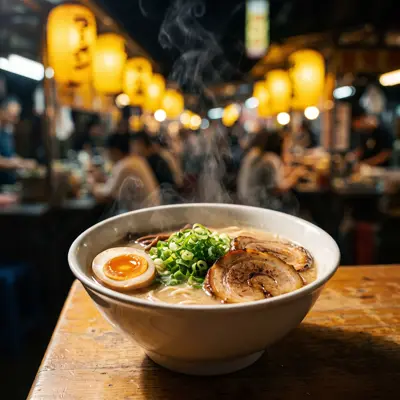
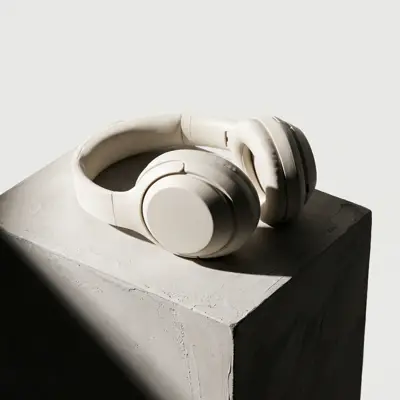
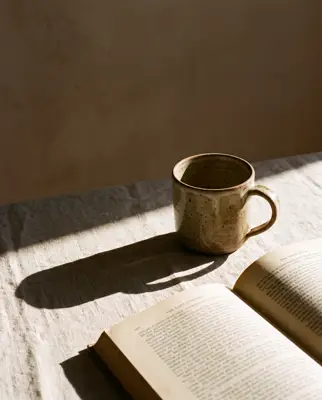
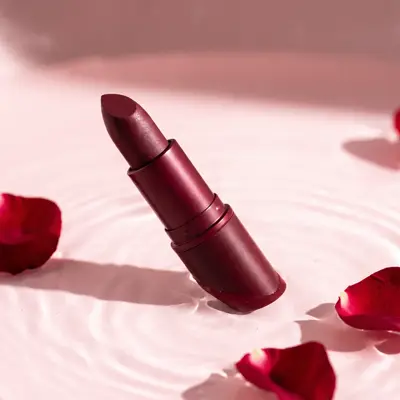
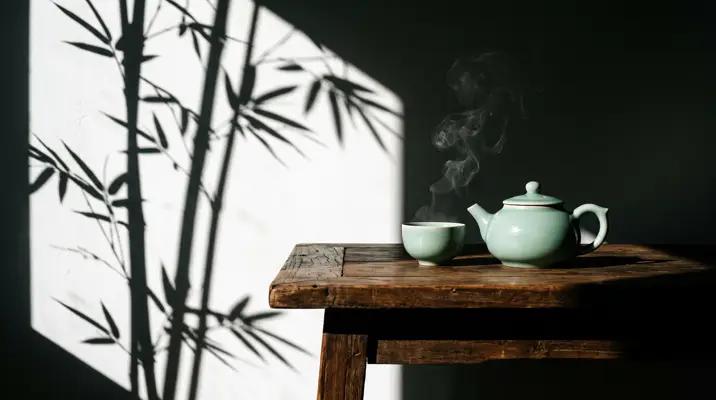
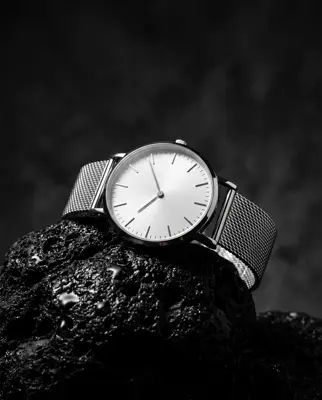
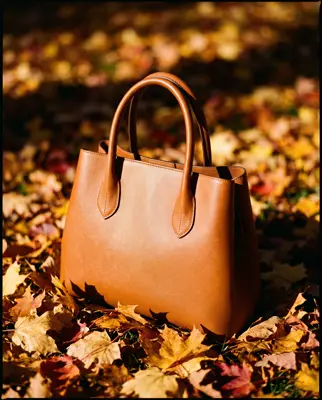
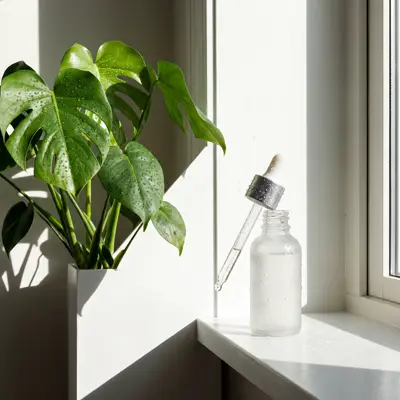
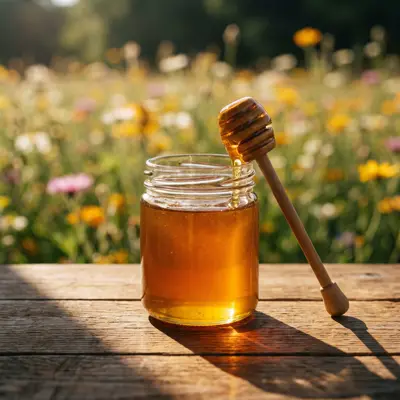
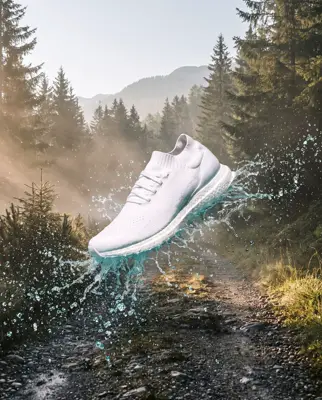
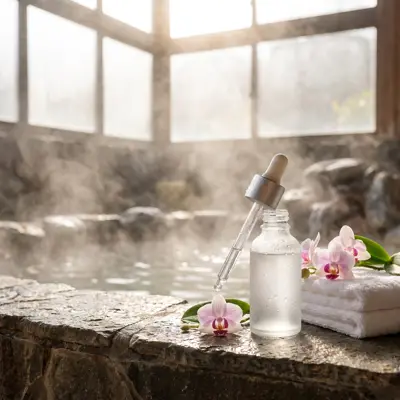

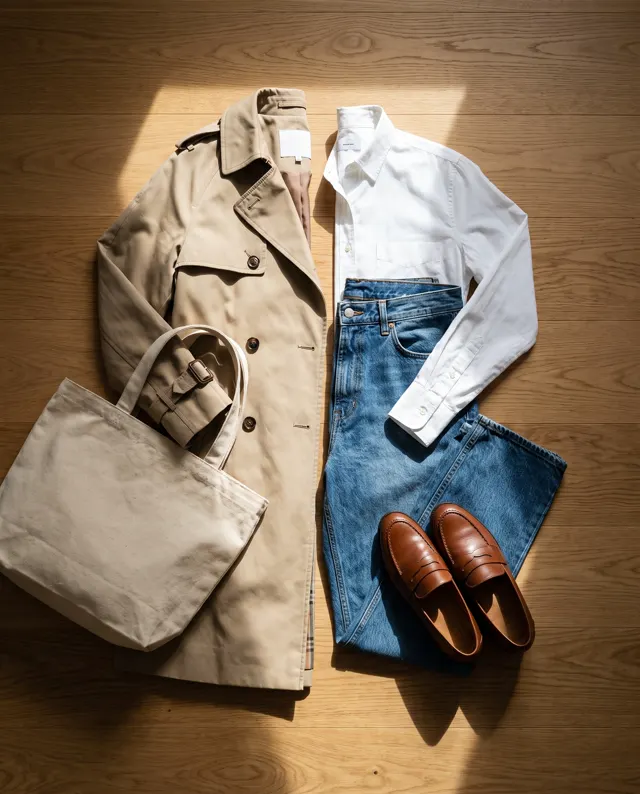
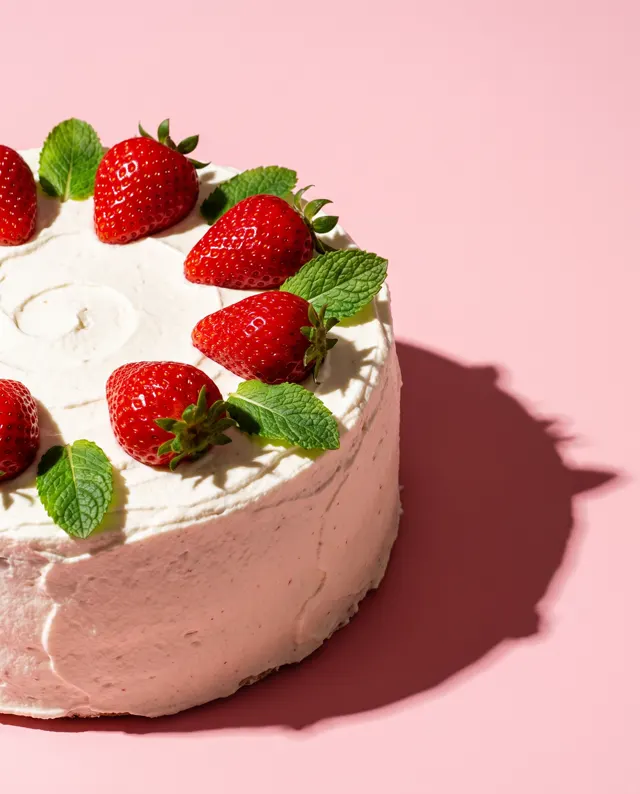
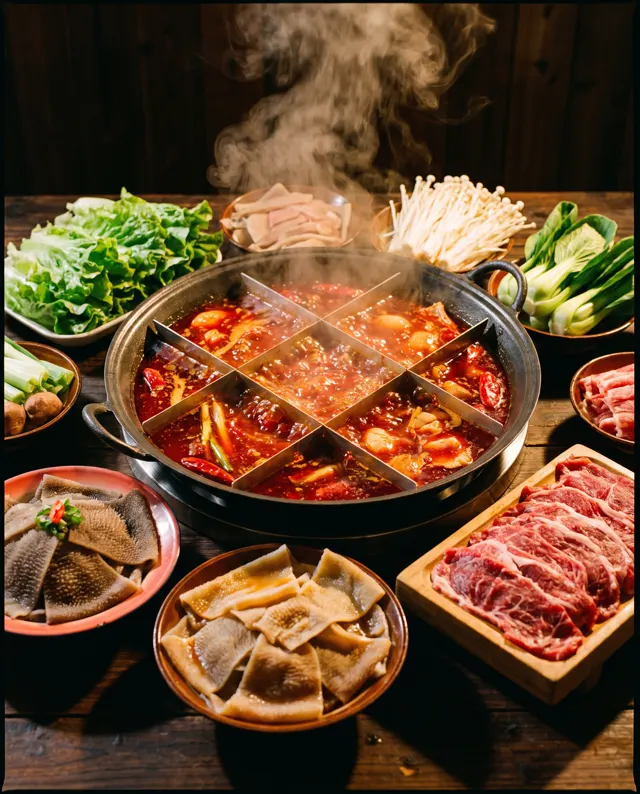
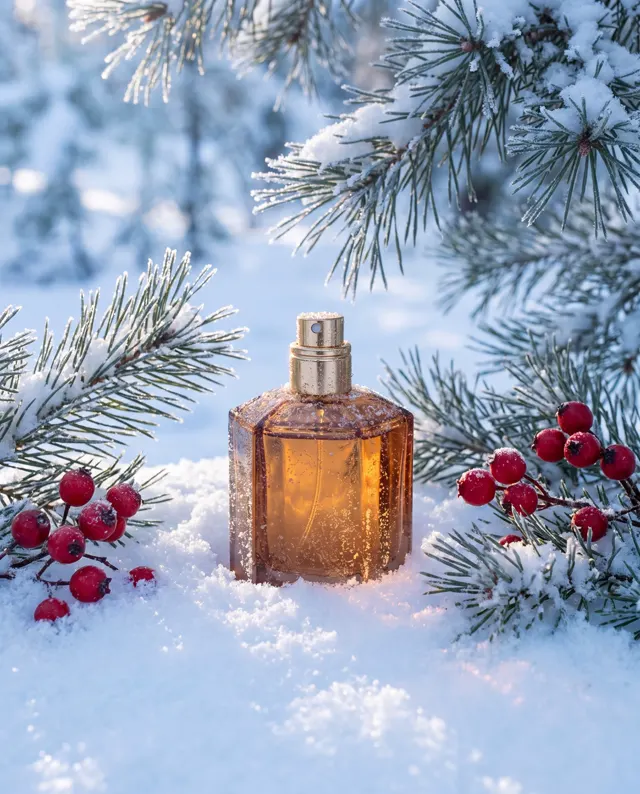
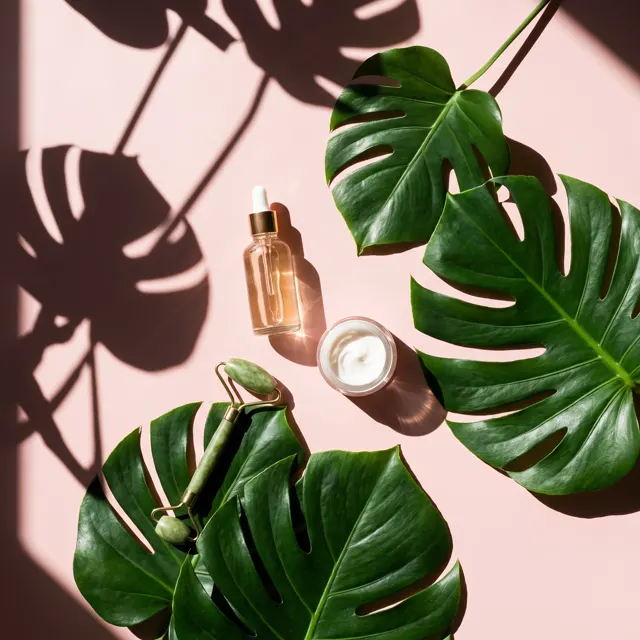
Real images made with this tool
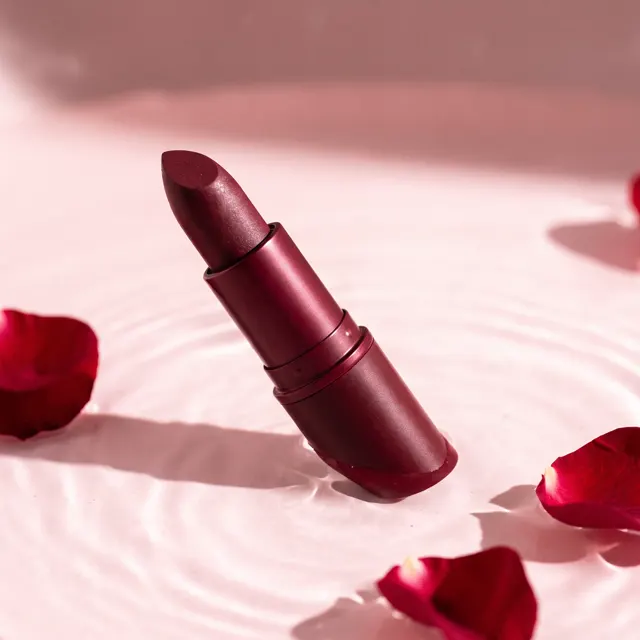
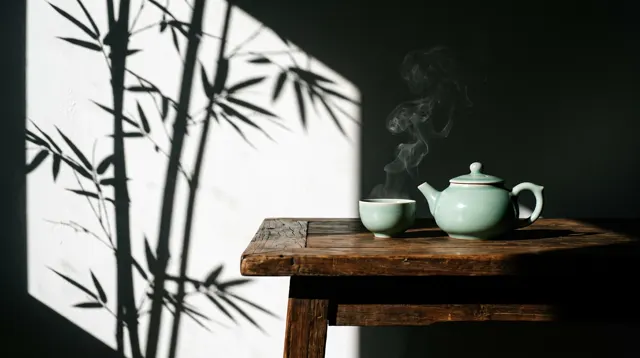
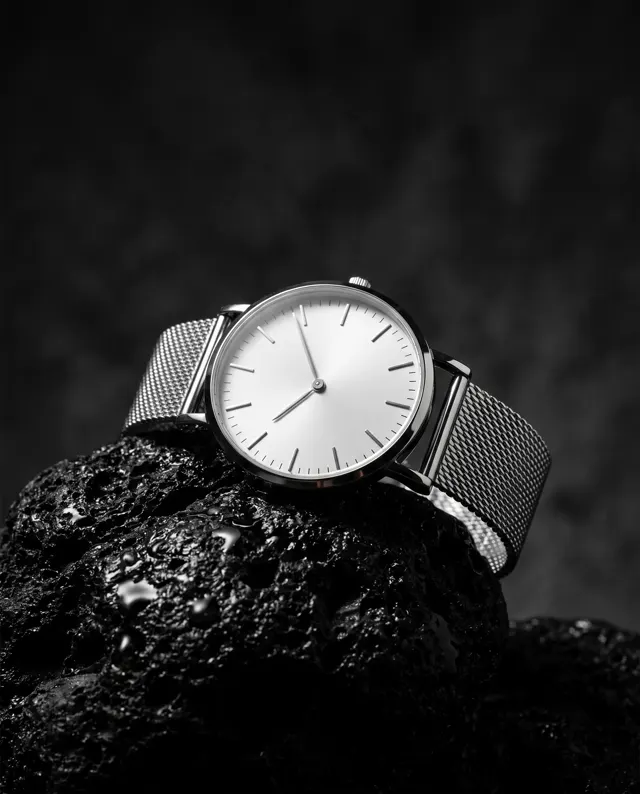
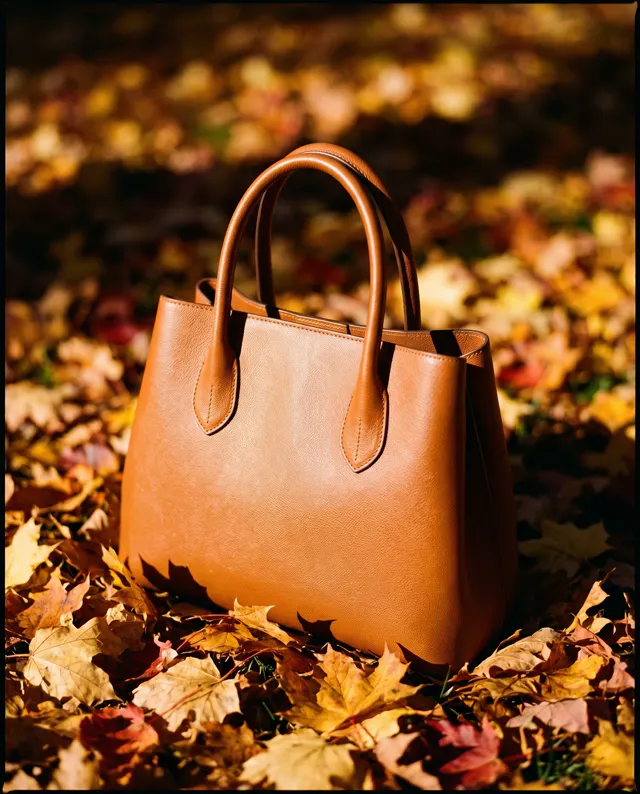
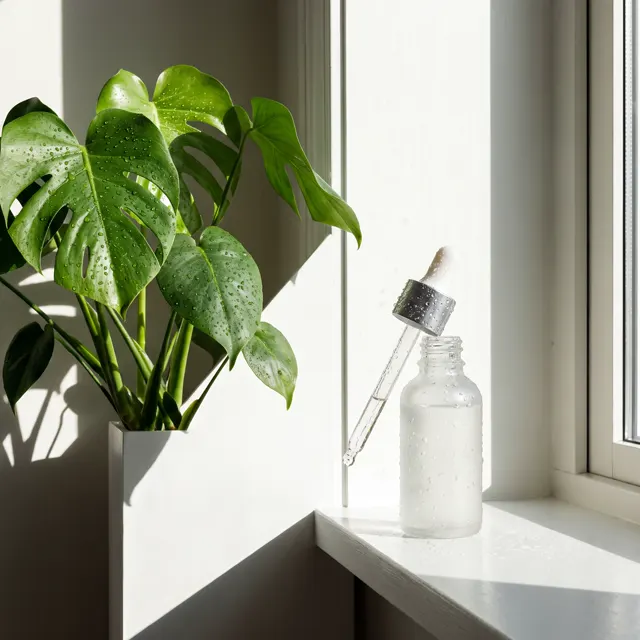
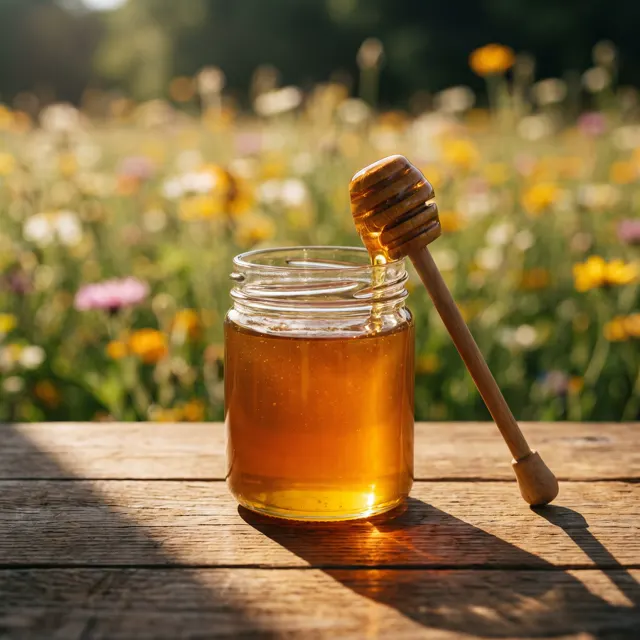
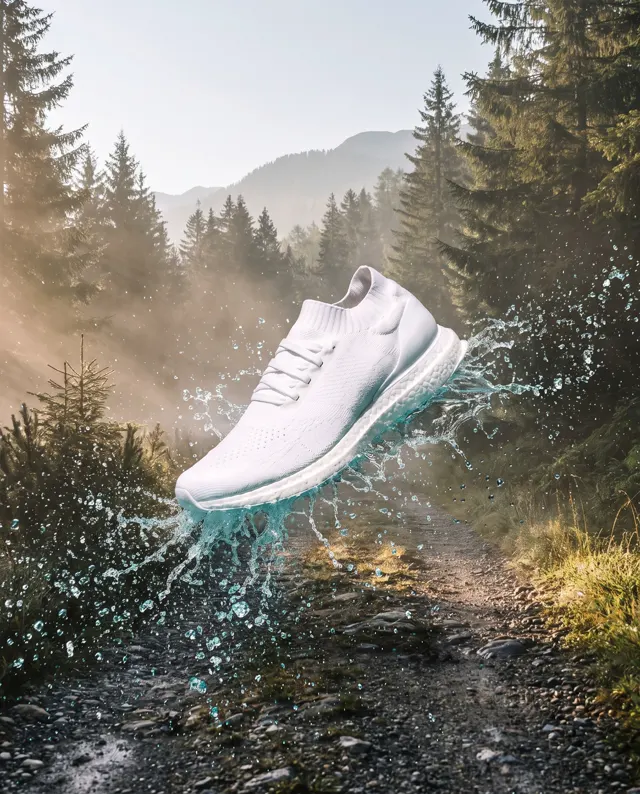
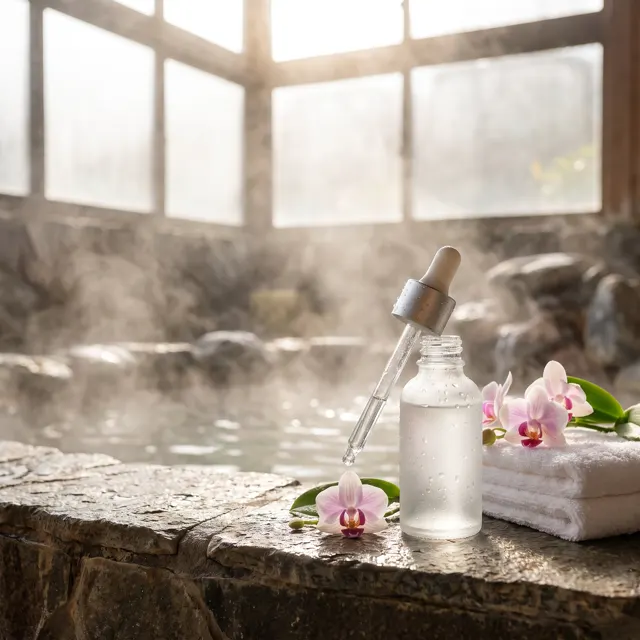
Every image comes with its exact prompt and settings. Hit “Try this prompt” to load it into the generator, then change a few words to make it yours.
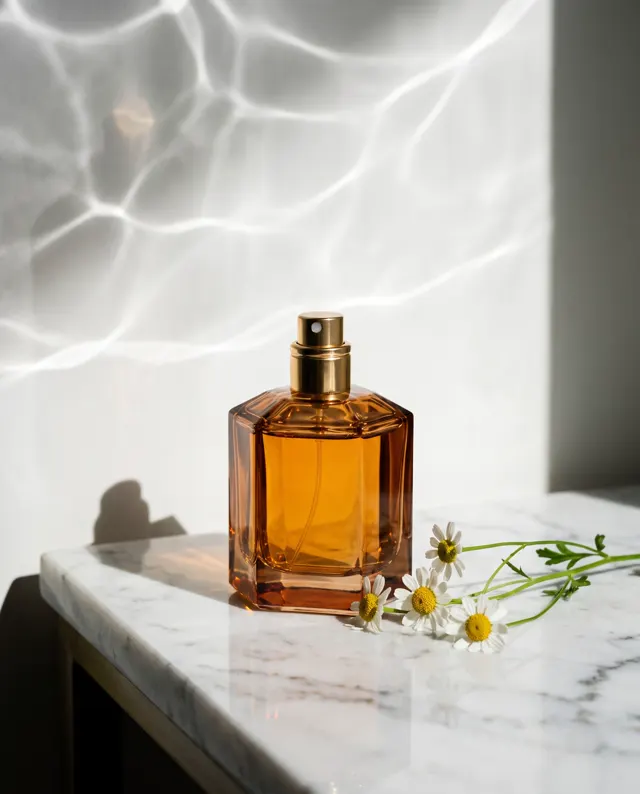
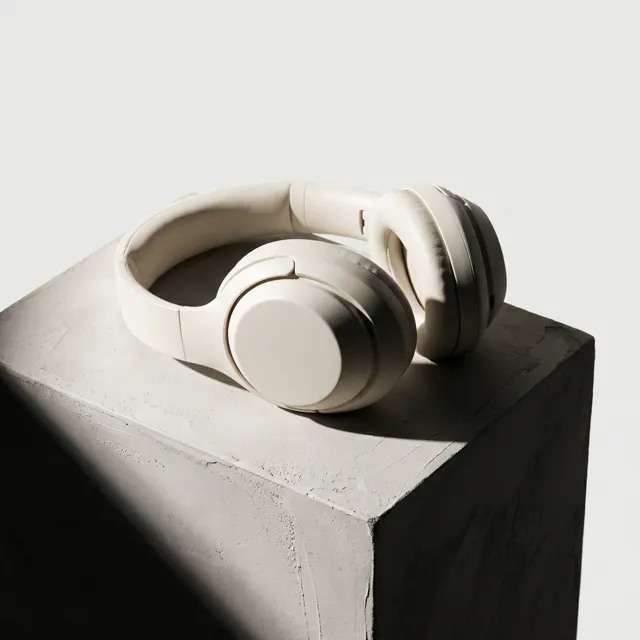
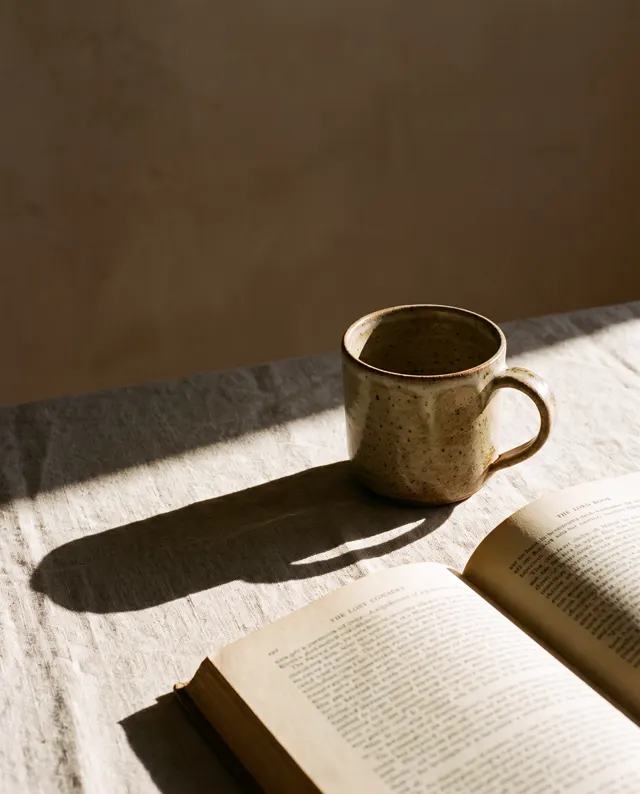
What is an AI product photo generator?
An AI product photo generator replaces the set, lighting and shoot of traditional product photography. You describe the product and the scene, and get a commercial, studio-style image for a listing, a detail page or an ad. This page is preset to the Product style — soft studio light, clean composition, emphasis on material — at a 1:1 square, the shape most marketplaces use for main images. One thing to know: text to image draws a product that matches your description, not the exact one on your shelf. To keep your real product’s look, switch to image to image, upload 1–4 photos of it as subject references, and describe the new scene. Every image is up to 4K, watermark-free and saved to My images.
Start generating free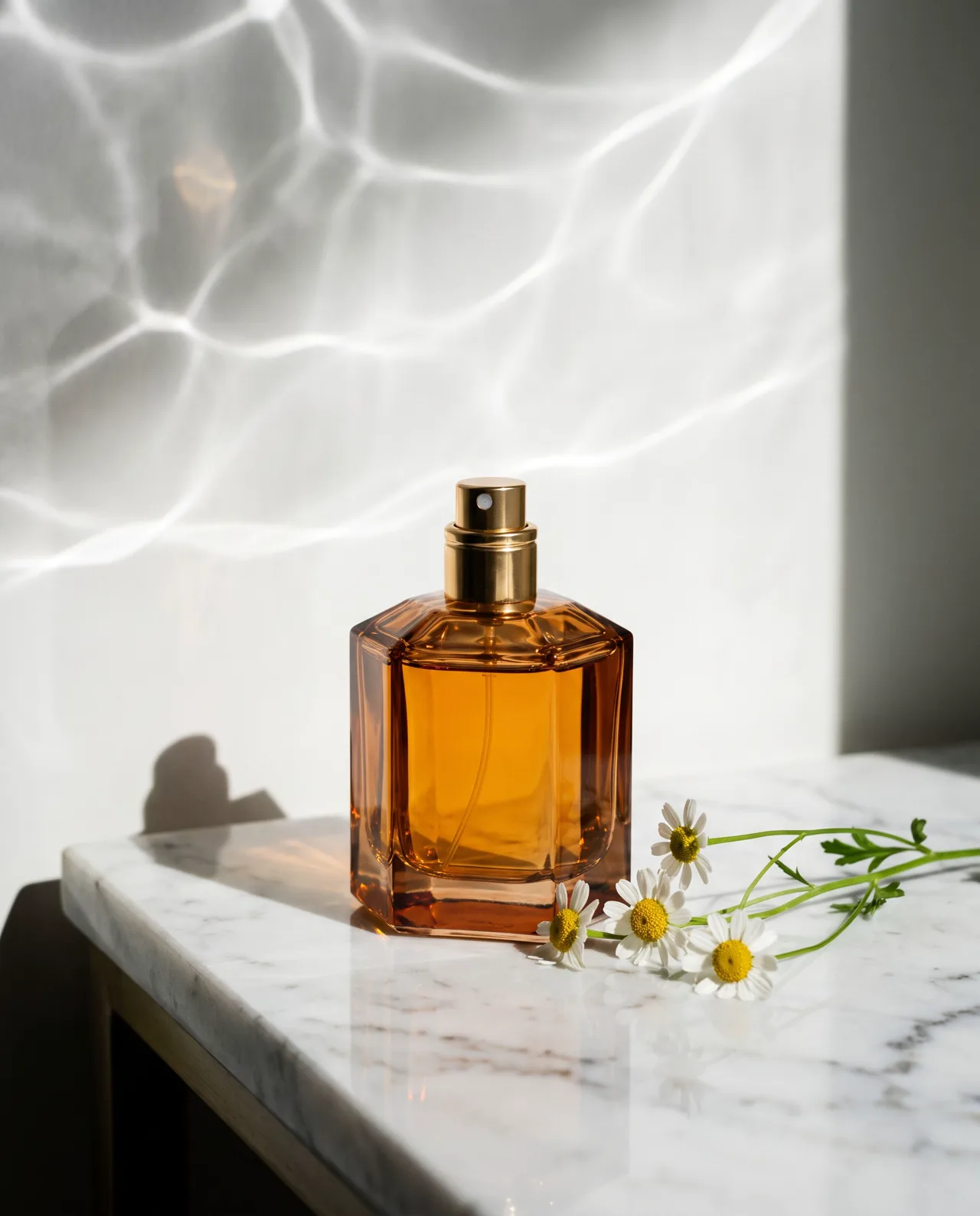
What people use it for
Marketplace main images
Square 1:1 shots on a plain or styled backdrop, switched with one line, so new listings have images on day one.
Lifestyle detail shots
Show the product in a kitchen, a bathroom or outdoors to convey scale and mood, so the detail page isn’t only white-background shots.
Ad creative testing
Generate several backdrops and lighting setups for the same product and A/B test them in feed ads to find the one that gets clicked.
Concept mockups
Still designing the product? Describe it and get concept shots for internal reviews, packaging discussions and supplier briefs.
How it works
- 01
Describe product and backdrop
Name the category, material and color, then the backdrop and props — e.g. “frosted glass bottle, white marble, a few daisies.”
- 02
Confirm style and ratio
Product style and 1:1 are preset. Use 4:5 for detail pages or 16:9 for banners, and make 1–4 images to compare.
- 03
Download, or use your real item
Download the up to 4K original. To keep your actual product, switch to image to image and upload photos of it as references.
Prompt tips
Name the material
“Frosted glass”, “brushed metal”, “matte ceramic”, “pebbled leather” — a premium feel comes largely from how materials render.
Let props sell the benefit
Water drops and leaves read fresh for skincare, roasted beans and burlap suggest origin for coffee, and a splash says speed for sneakers.
Direct the light
“Soft top light, gentle shadow” for white-background shots; “rim light, side backlight” for premium dark sets; “window light” for lifestyle images.
Add text and logos later
AI-rendered text and logos aren’t reliable, so don’t ask for printed words. Overlay selling points and price tags in a design tool.
FAQ
Related tools
AI Product Background
Upload a product photo and the AI rebuilds the whole scene around it, keeping its look.
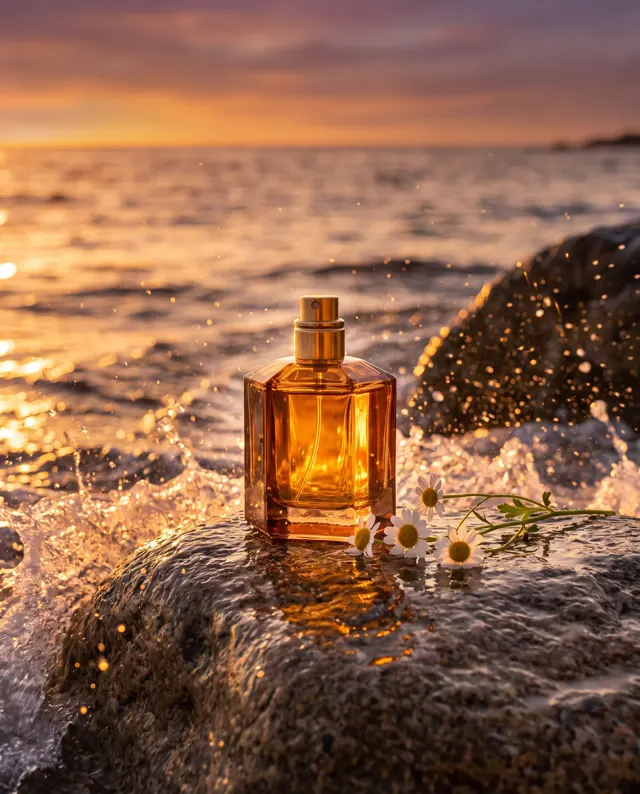
Image to Image
Upload a product, character or pet and place the same subject in a brand-new scene.
Xiaohongshu Cover
4:5 lifestyle covers and post images for Xiaohongshu (RED) notes. Add the title in-app.
List it today, with images today
Describe your product or upload a reference photo and get a shot in about 30 seconds. New accounts get free trial credits.