
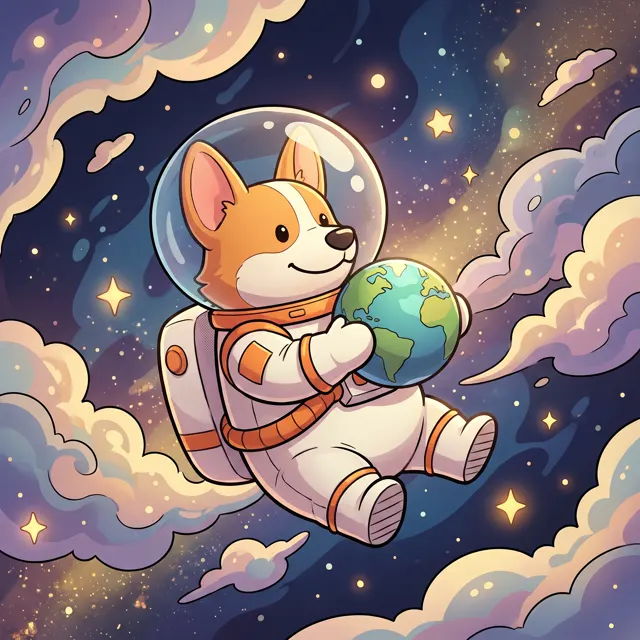
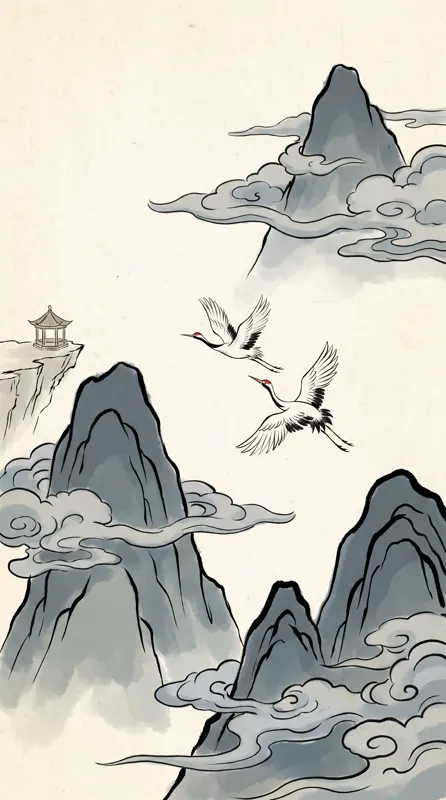
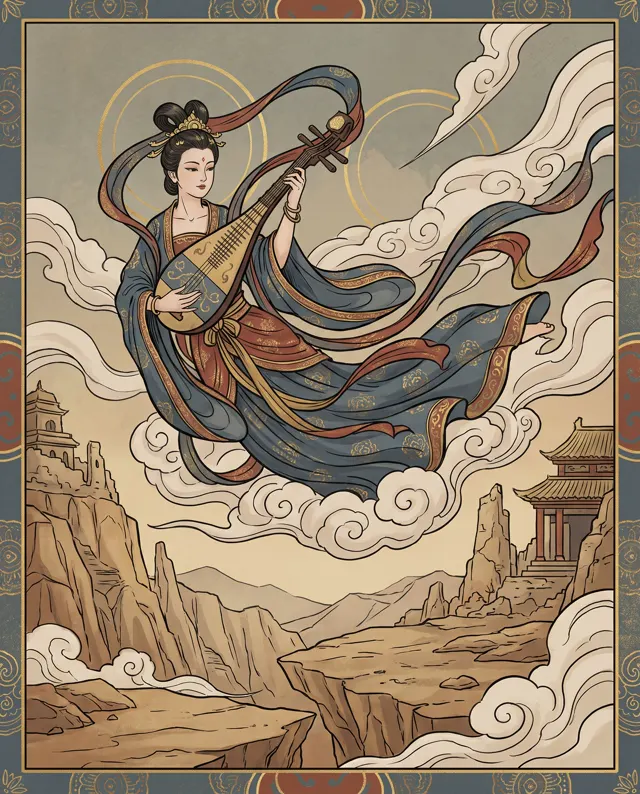
Picture books · Blog art · Merch
AI Illustration Generator: Draw with Words
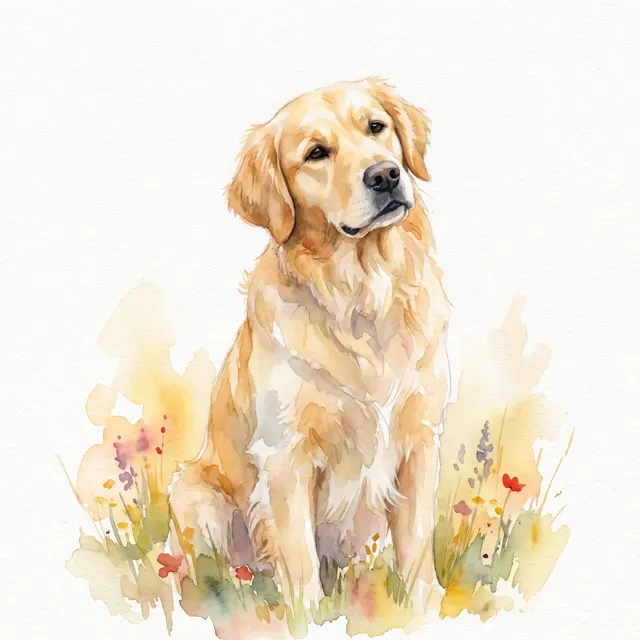
Preset to the Painterly type, Watercolor style and 16:9: soft brushwork and rich detail. Switch to Chinese Ink, 3D Cartoon or Flat to give the same idea a whole new character.
- 22 real examples
- 12 styles
- ~30 sec per image
- 4K output
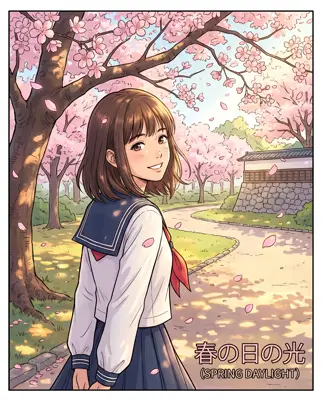
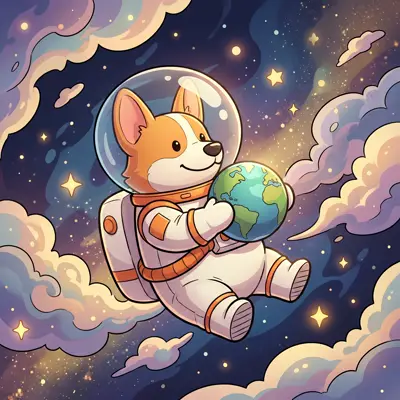
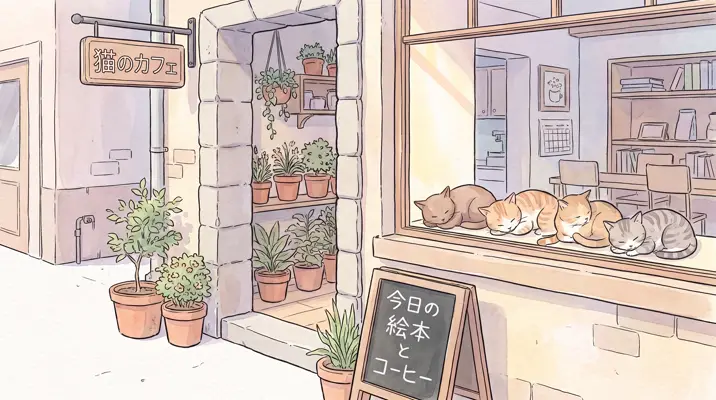
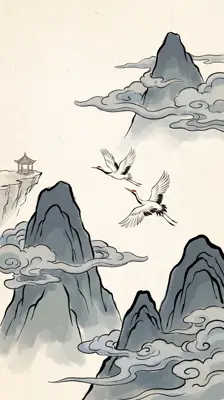
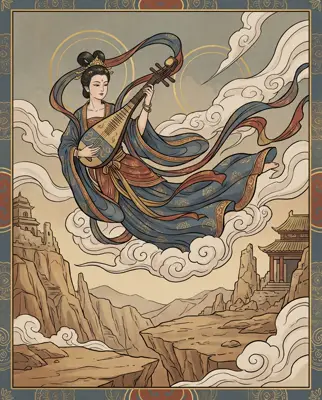
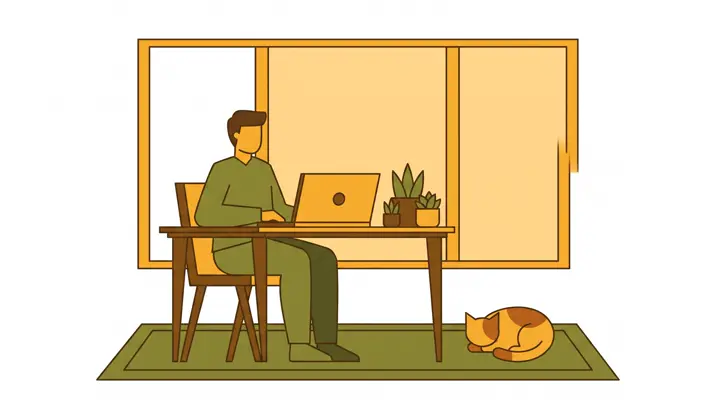
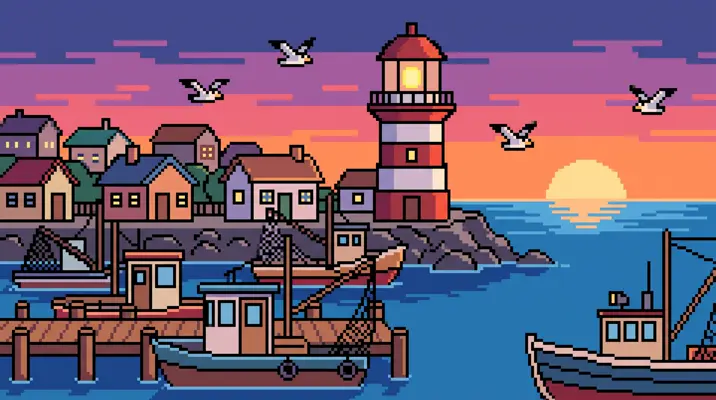
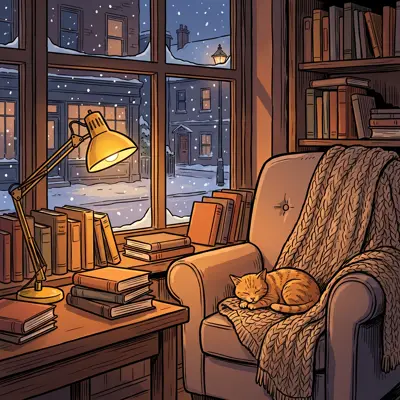
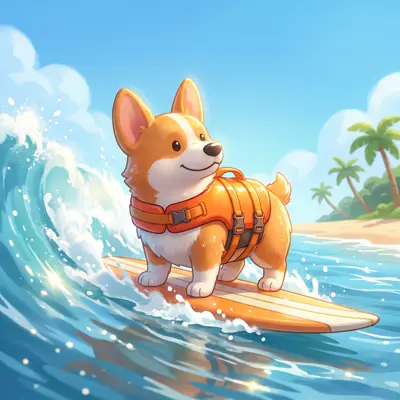
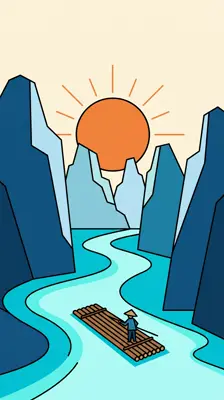
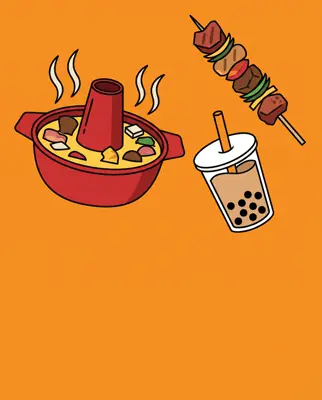

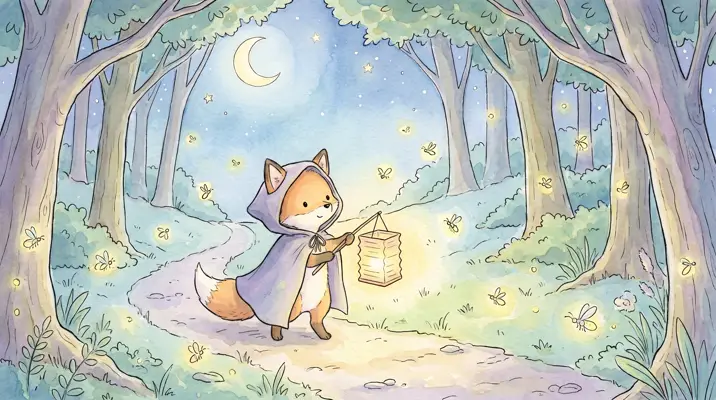
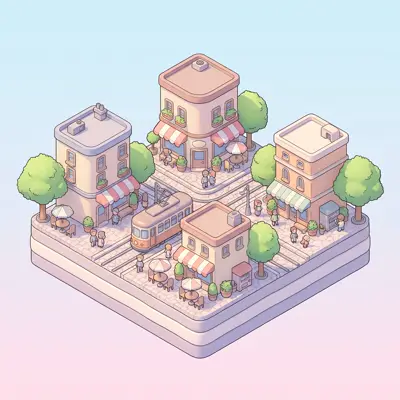
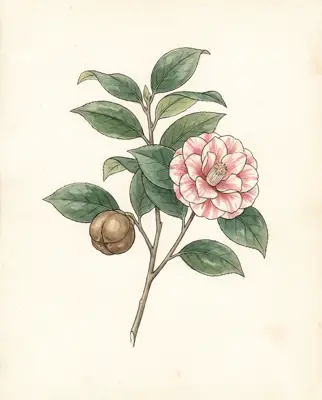

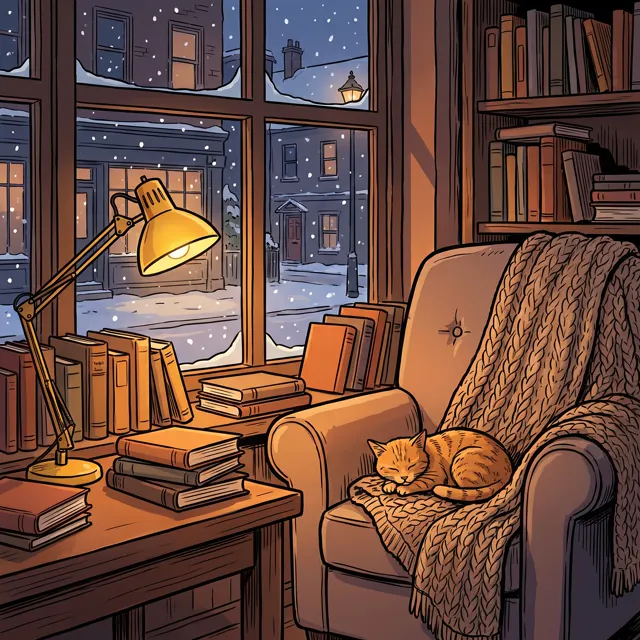
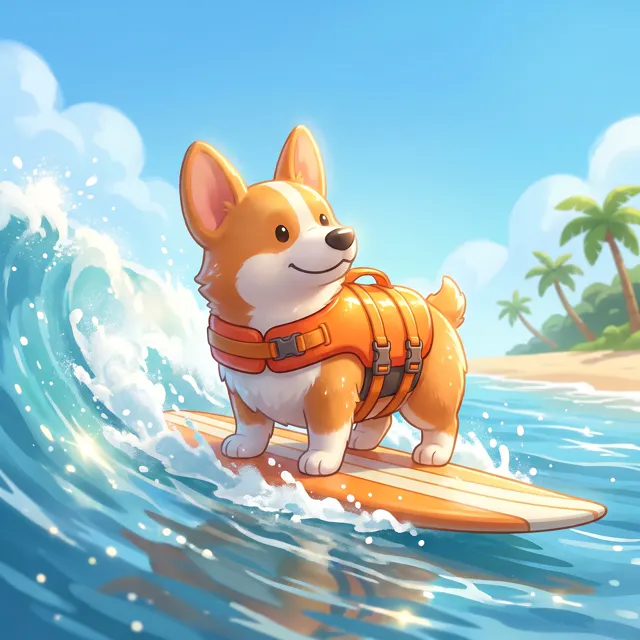
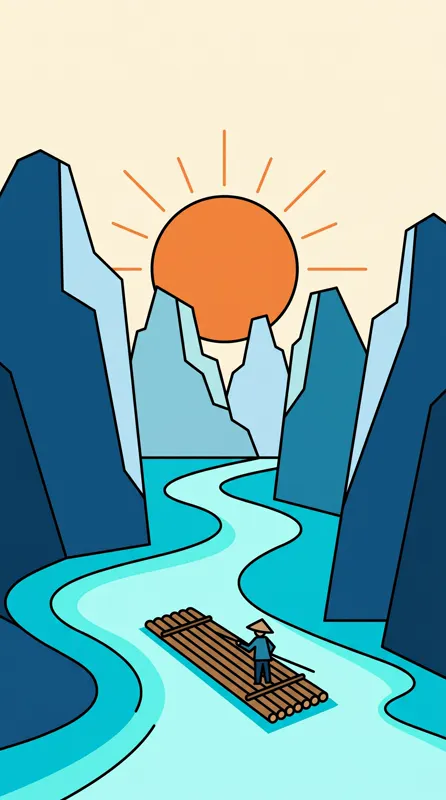
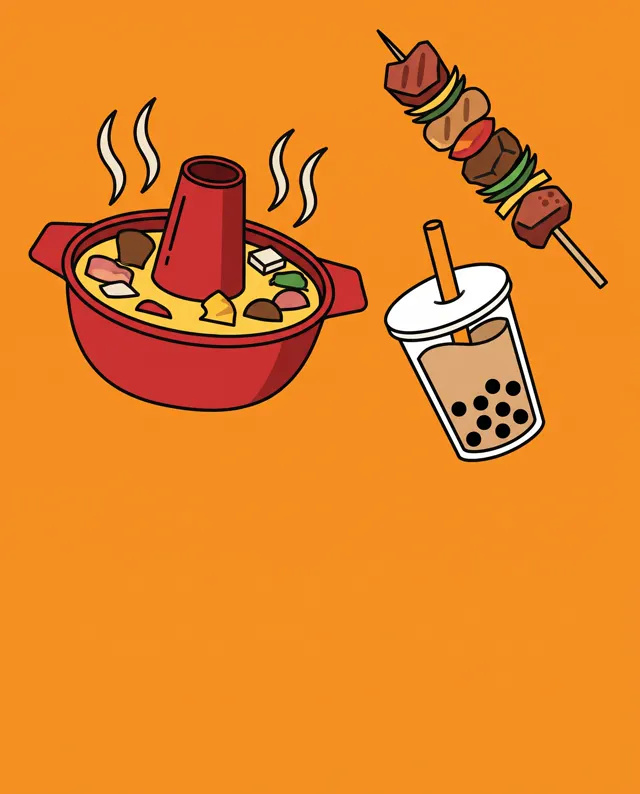
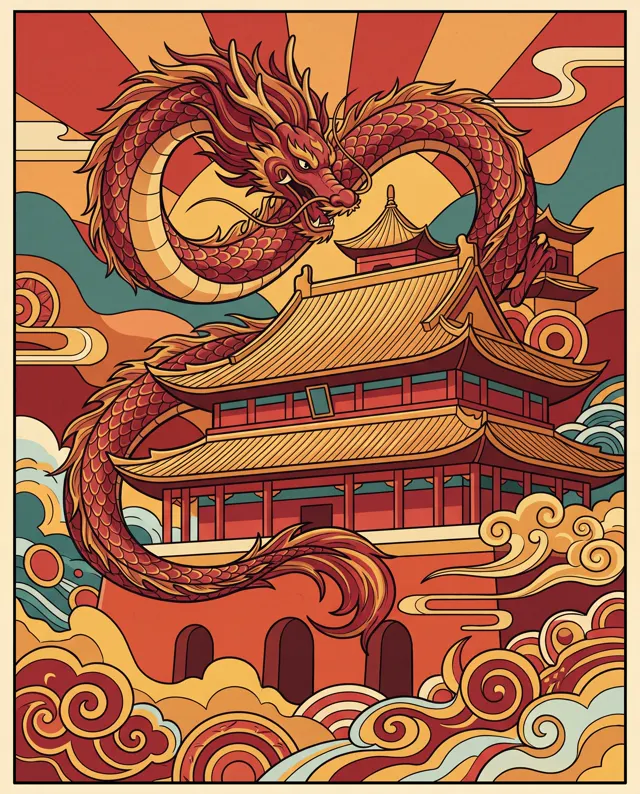
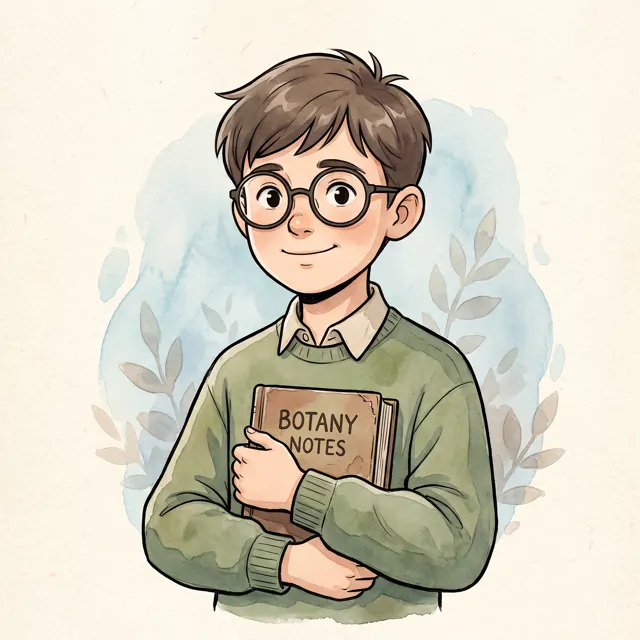
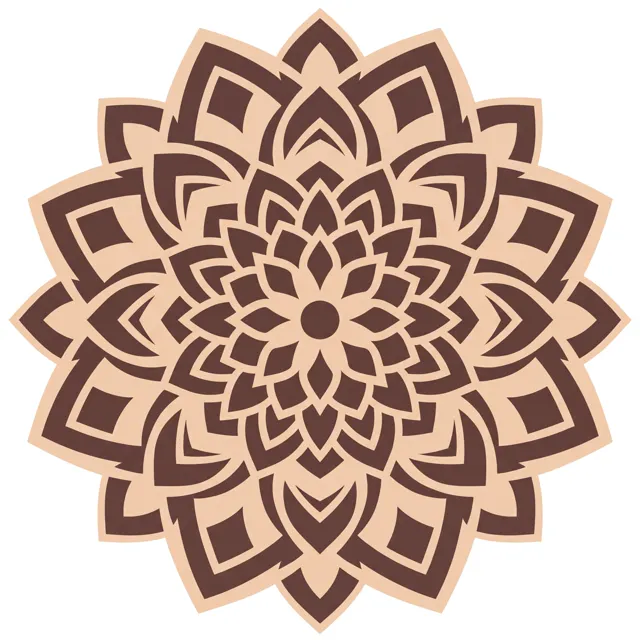
Real images made with this tool
Every image comes with its exact prompt and settings. Hit “Try this prompt” to load it into the generator, then change a few words to make it yours.
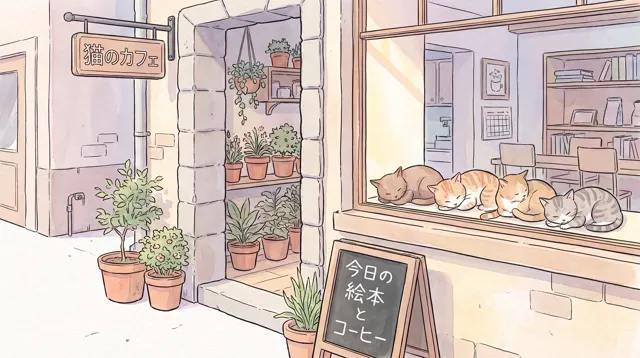
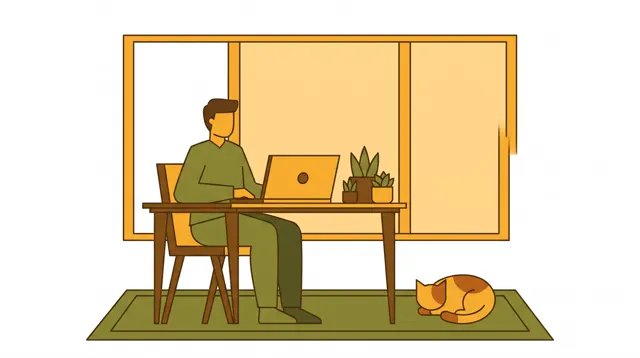
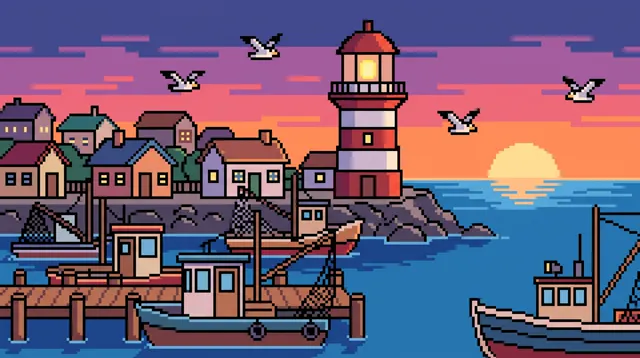

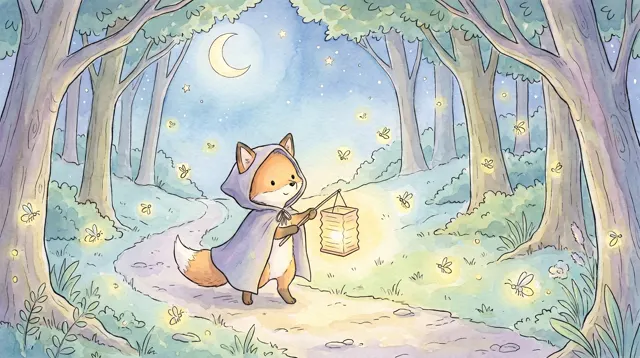
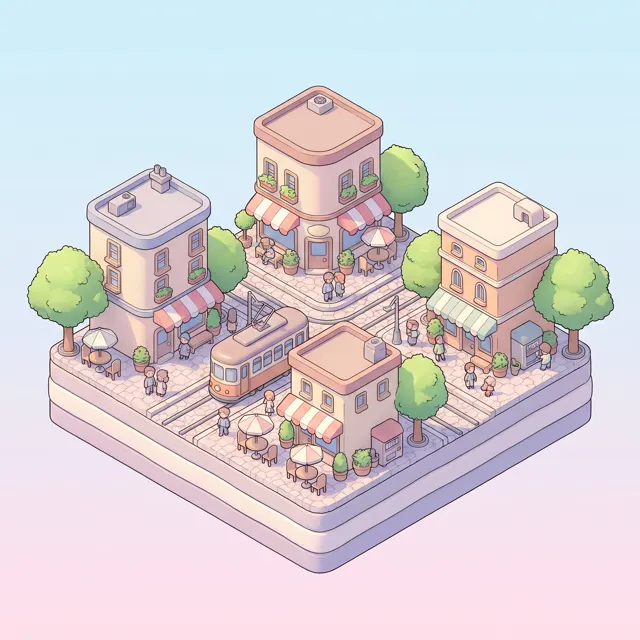
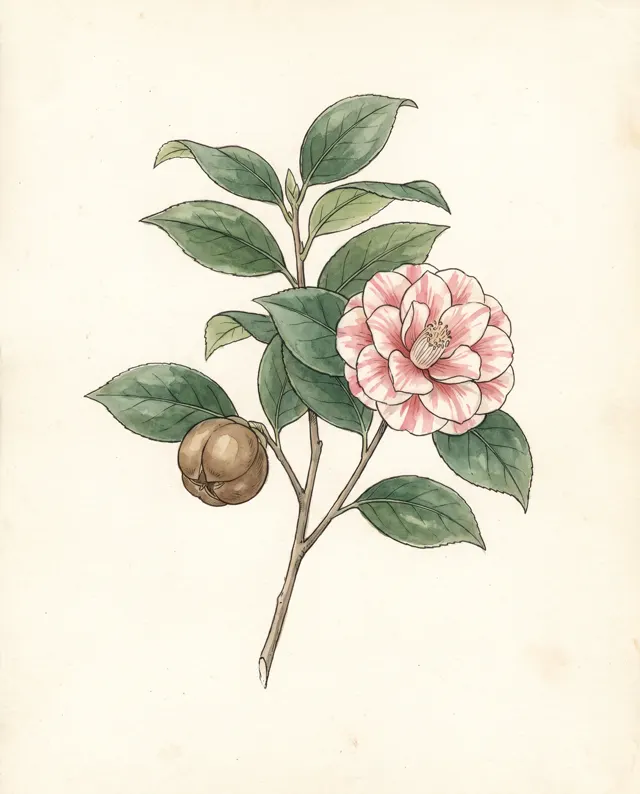

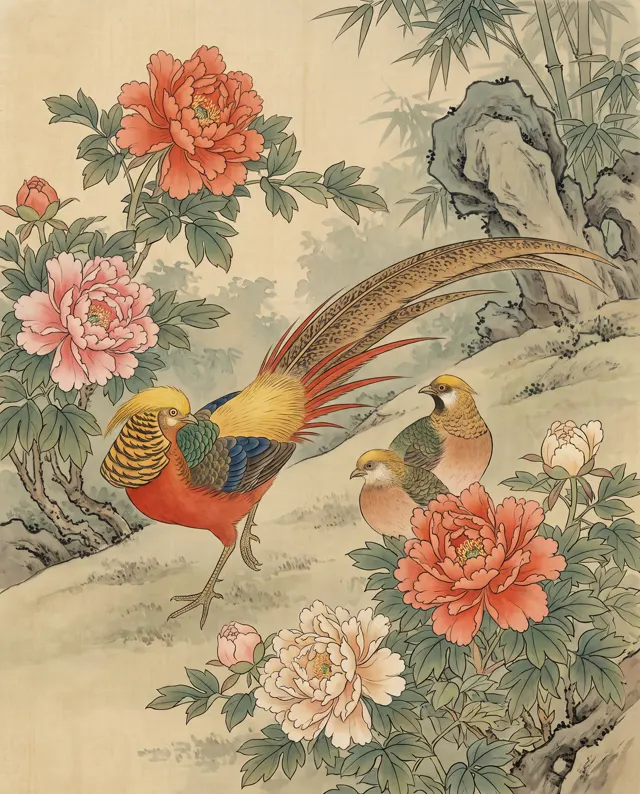
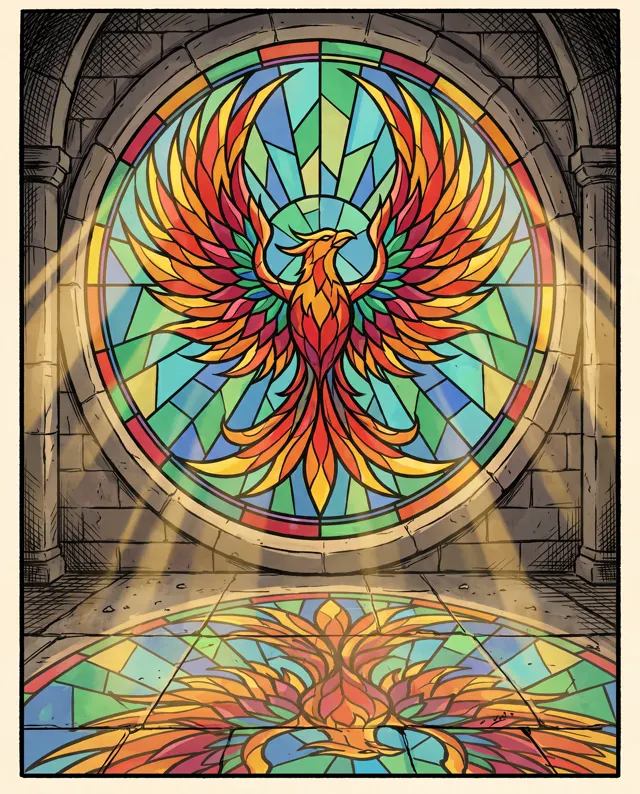
What is an AI illustration generator?
An AI illustration generator turns a written description into an original illustration — no drawing skills or software needed. This page opens on the Painterly image type with the Watercolor style at 16:9, a good fit for picture books, blog headers and banners. The image type matters more than most people expect. Painterly gives detailed, hand-painted results with brushwork, light and atmosphere, and pairs well with Watercolor, Chinese Ink, 3D Cartoon or Fantasy. Flat illustration gives clean vector art with bold color blocks and crisp edges, ideal for website banners, icon-like spot art and infographics. Pick the wrong type and your style words get pulled toward that type’s look. Each run makes 1–4 images at up to 4K, with no watermark.
Start generating free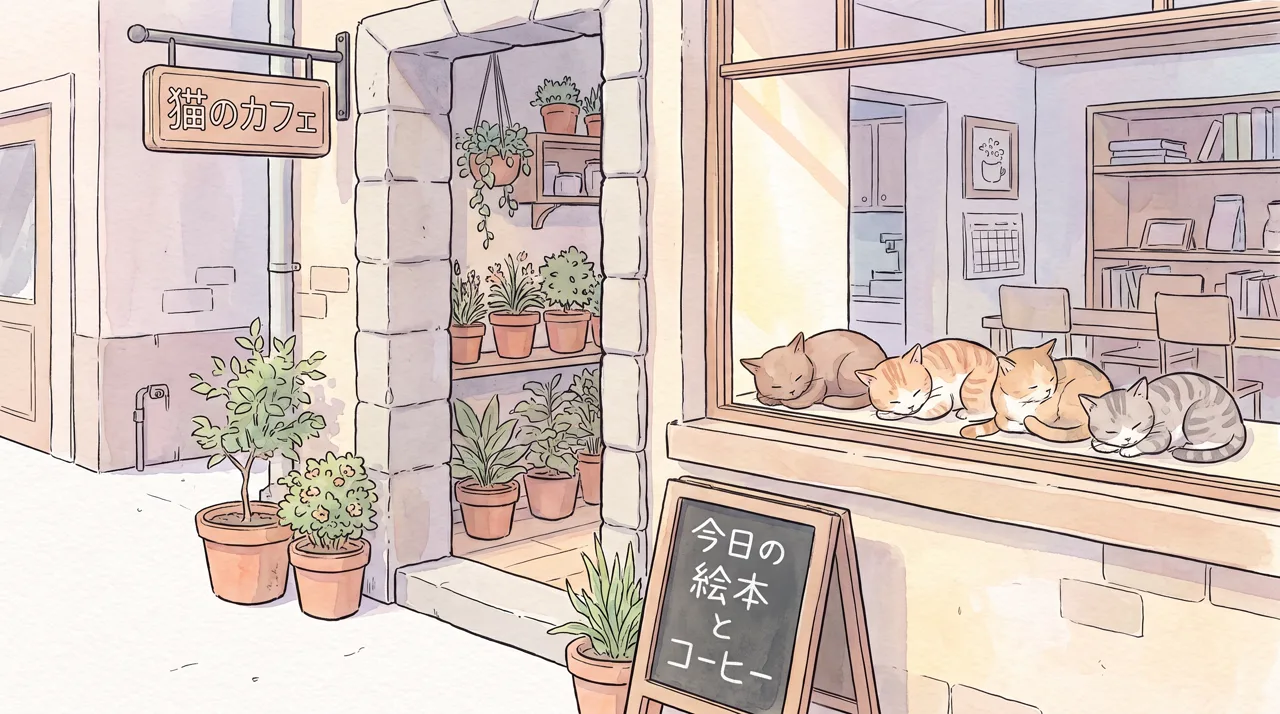
What people use it for
Picture books
Describe each page in a consistent watercolor style to draft and finish illustrations for read-aloud stories and family books.
Blog and newsletter headers
16:9 is a natural header shape. Describe the topic and get art that fits, instead of the same stock photos everyone else uses.
Merch and stationery
Chinese ink, Dunhuang-inspired palettes or 3D characters as pattern drafts for postcards, tote bags and stickers.
Website and slide art
Switch to the Flat illustration type for clean vector-style art for landing pages, banners and presentations.
How it works
- 01
Describe the picture
Cover subject, setting, season and mood, e.g. “cabin in the woods, fireflies, summer night, calm and warm.”
- 02
Choose type and style
Painterly plus Watercolor is preset. Try Chinese Ink or 3D Cartoon, or switch to the Flat illustration type for vector art.
- 03
Generate and download
About 30 seconds per image, 1–4 per run. Download the up to 4K original; everything is saved to My images.
Prompt tips
Content first, style second
Describe the scene, then add style detail: “…, watercolor washes, white space, paper texture.” Both content and style stay more consistent.
Match type to style
Watercolor, ink and 3D cartoon belong with Painterly; flat and pixel art belong with Flat illustration. A mismatch pulls the style off.
Set the mood in one word
Words like “cozy”, “serene”, “lively” or “mysterious” shift color and light more than a pile of extra details.
Keep a series consistent
For a book or series, write the character and style as a fixed passage, reuse it every time and change only the action.
FAQ
Related tools
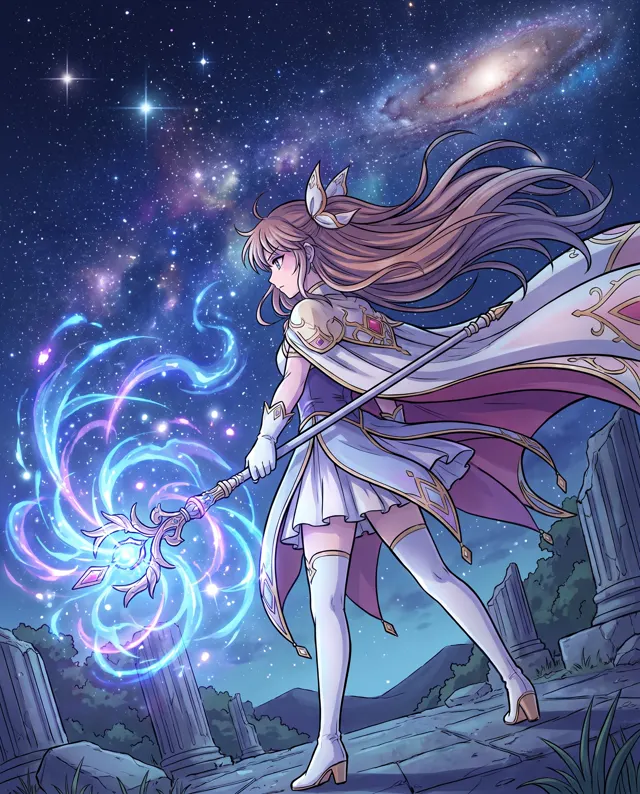
AI Art Generator
Turn an idea into painterly art: oil paintings, illustrations, surreal or concept art.
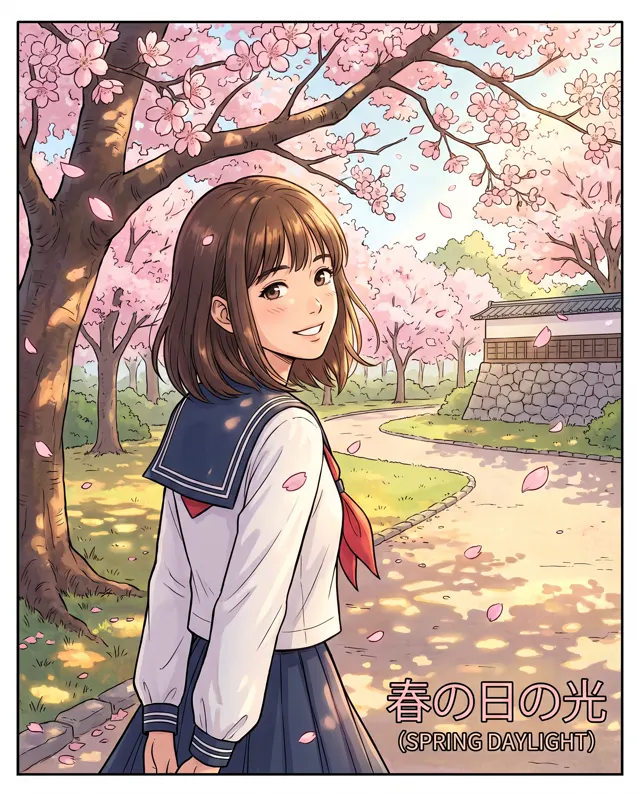
AI Anime Generator
Anime-style illustrations, avatars and original characters from a written description.
AI Coloring Page
Printable black-and-white line art and coloring pages for kids, from one sentence.
If you can describe it, you can illustrate it
Write one scene and get an original illustration in about 30 seconds. New accounts get free trial credits.