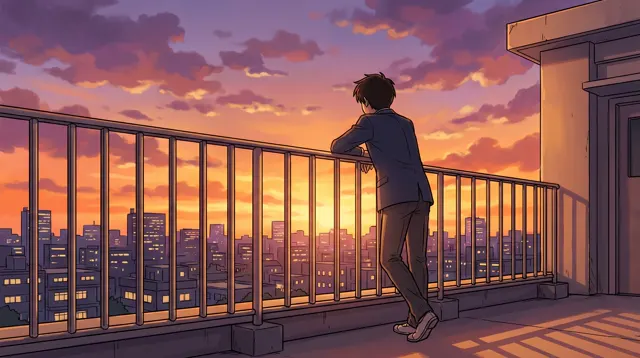
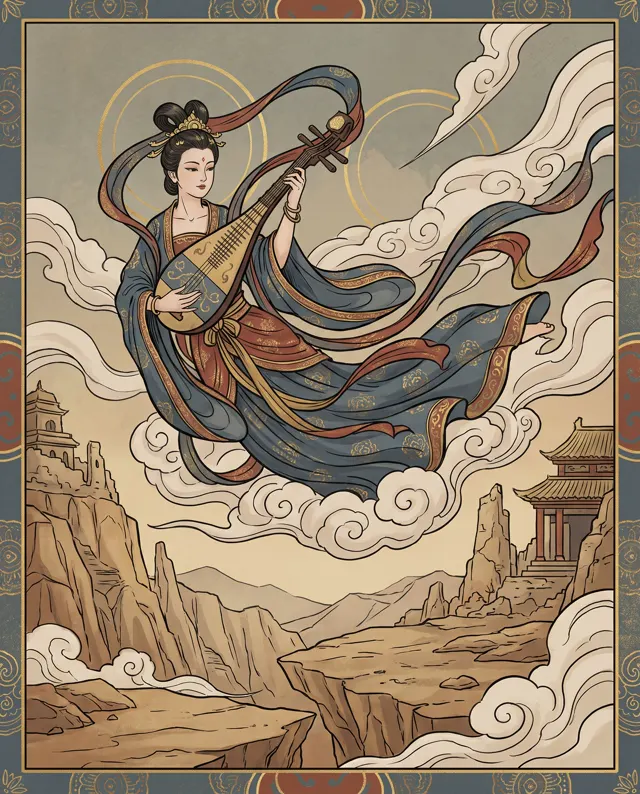
To make a picture book with AI, write a storyboard first, design the main character with text-to-image, then upload that character image to image-to-image for every page and describe the new scene. The character stays consistent across the book, and one fixed style preset keeps the art consistent too.
Storyboard before you generate
The common mistake is to start generating page one straight away. By page three the hero has changed face and the art style has drifted. A picture book is a sequence, so plan every page first and you will redo far less.
A homemade or classroom book can tell a complete story in about ten pages. Here is a storyboard for a short story, The Little Fox’s Lantern:
| Page | Story text | Picture | Shot | Text space |
|---|---|---|---|---|
| 1 | Night falls, and Little Fox sets out with a lantern | Fox walking a moonlit forest path | Wide | Top |
| 2 | The fireflies say the moon is hiding | Fox crouching to talk to fireflies | Medium | Bottom |
| 3 | Fox crosses the stream | Fox on stepping stones, lantern reflected in water | Wide | Top |
| 4 | Fox feels a little scared | Fox hugging the lantern, ears flat | Close-up | Side |
| 5 | On the hilltop, the moon comes out | Fox on a hilltop as a huge moon rises | Very wide | Bottom |
| 6 | Time for bed | Fox curled up in its den, lantern beside it | Medium | Top |
Three rules for the storyboard:
- One action per page. Walking, talking and crossing a stream read better as three pages than as one crowded one.
- Alternate shot sizes. Wide shots show where we are, close-ups show feelings. Several wide shots in a row feel flat.
- Decide where the text goes now. Then write “empty space at the top” into that page’s prompt.
Step 1: Design the main character
Everything rests on this image, so it is worth a few extra generations. In the AI illustration generator or text-to-image, write a fixed appearance description and ask for a clean full-body view:
A little fox with orange fur, a white chest and a white tail tip, wearing a lavender hooded cloak, big eyes, smiling, standing full-body view, plain white background, children's picture book character design
Generate four and save your favorite. That is your character’s model sheet. The plain white background matters: the cleaner the reference, the more accurately the character is picked up later.
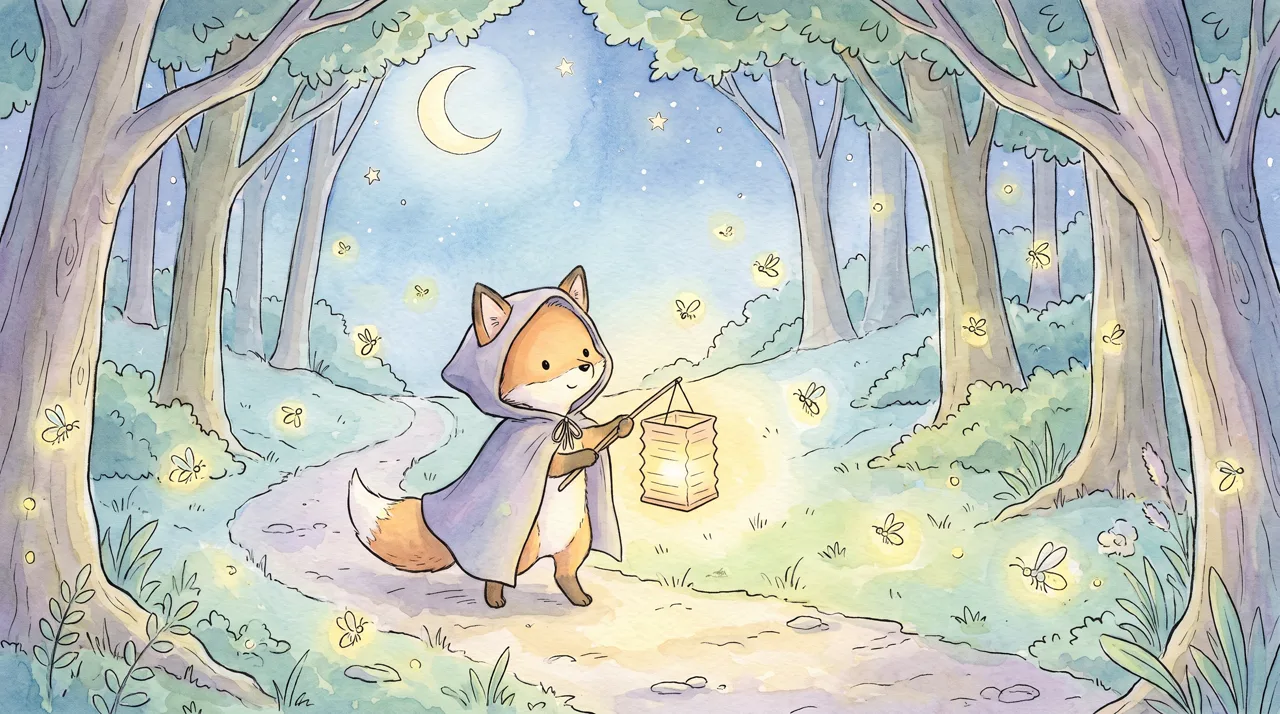
Prompt idea: a children’s picture-book illustration of a little fox carrying a lantern along a moonlit forest path, surrounded by fireflies, gentle and dreamy, Watercolor style, 16:9.
Notice that the prompt never mentioned a cloak. The generator added it. If you like a detail like that, write it into your character description so it stays on every page. The full prompt is in the prompt library entry.
Step 2: Put the character into every page with image-to-image
Text-to-image redesigns the subject every time; ten runs of the same description can give you ten different foxes. To keep one character, use image-to-image: upload the character image, describe the new scene in a sentence, and the whole picture is regenerated around the character, who keeps their face and outfit.
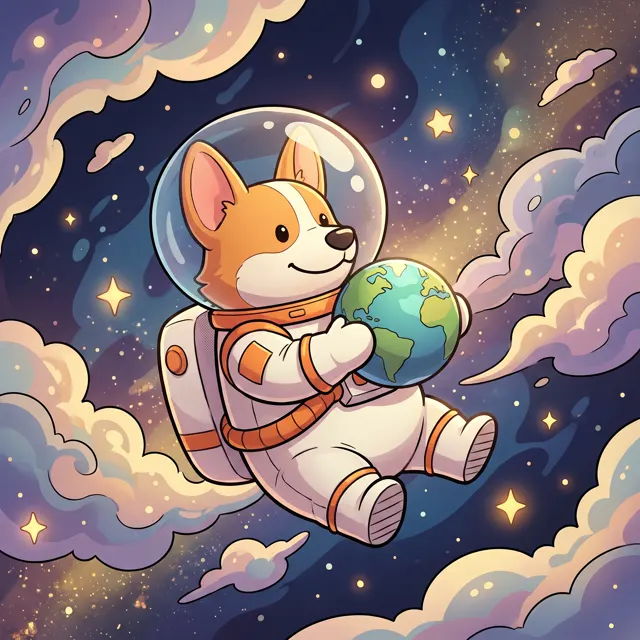
These two images were made that way. First, a corgi in space from text-to-image:
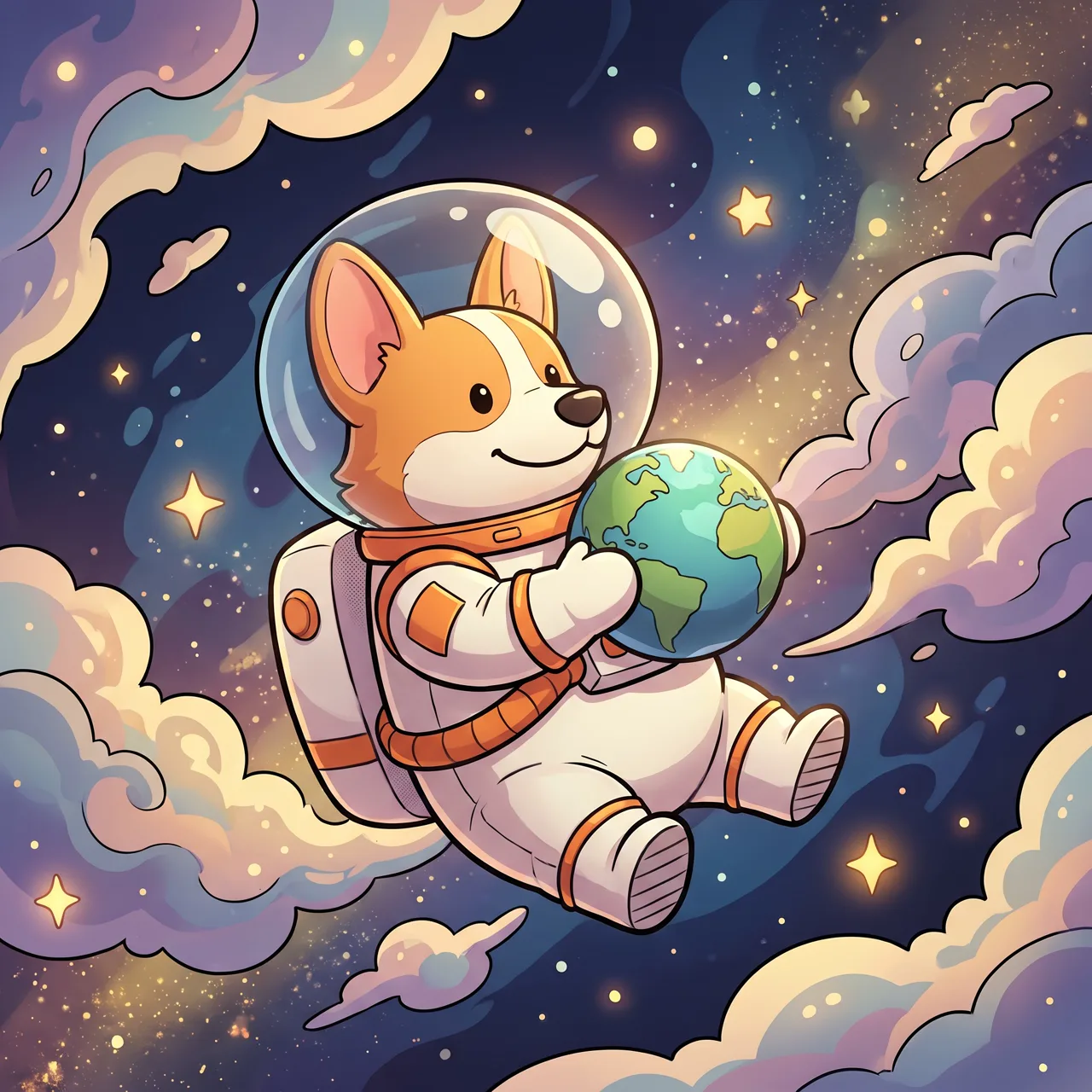
Prompt idea: a cute corgi astronaut floating in space holding a tiny planet, stars and colorful nebula behind, 3D Cartoon style, 1:1.
Then that image went into image-to-image with one line: Have this corgi surf at the beach in a little life vest, bright sunshine, splashing waves, 3D cartoon style.
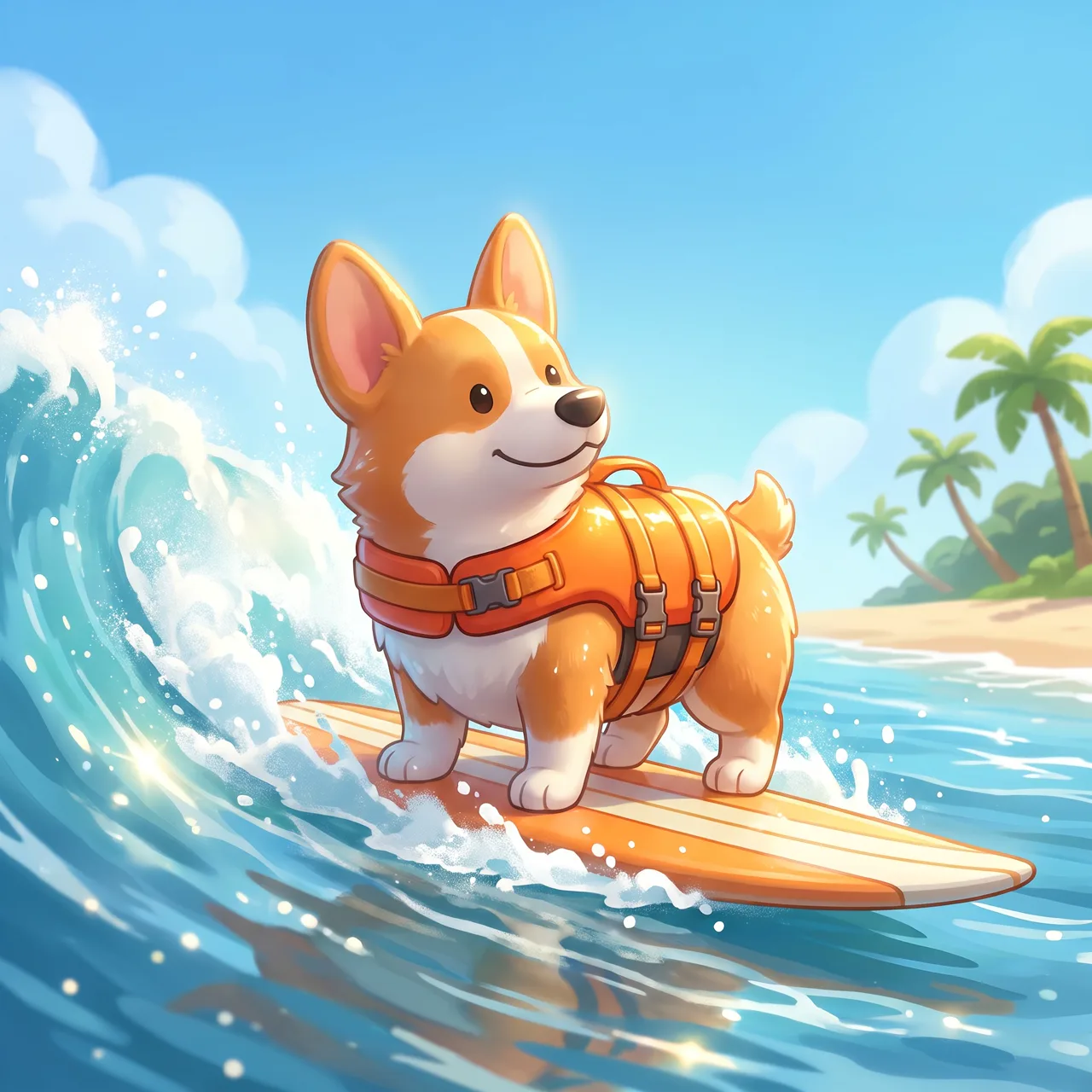
Prompt idea: upload the corgi astronaut as the reference and describe surfing in a life vest. The ear shape, white face markings and smile match the original; the scene is entirely new.
Habits that keep characters stable:
- Use a front or three-quarter full-body reference on a simple background. You can upload up to four images; make them the same character from different angles.
- Describe only the new scene and action. Refer to “this fox” and let the reference carry the appearance. Mention clothing only when it changes.
- Two characters on one page are less predictable. Generate more options, or keep the second character small, distant or seen from behind.
- Keep the same style preset on every page. Watercolor on one page and 3D Cartoon on the next breaks the book.
For the difference between the two modes, see text-to-image vs image-to-image.
Pick a style that suits the story
| Style | Good for | Look | Add to the prompt |
|---|---|---|---|
| Watercolor | Bedtime stories, gentle themes | Soft washes, paper texture | Gentle, dreamy, muted, soft light |
| 3D Cartoon | Adventures and comedy for young kids | Rounded, bright, dimensional | Big eyes, expressive faces |
| Flat | Early learning: numbers, colors, facts | Simple shapes, clear outlines | Limit to three or four colors |
| Chinese Ink | Folk tales, fables, seasons | Lots of white space, poetic | Pale ink, rice-paper texture |
| Anime | Coming-of-age stories for older kids | Clean lines, clear color | Bright, fresh palette |
If you are unsure, choose Watercolor. It is the most forgiving style for children’s books, and small imperfections look natural. Compare examples in our AI art styles guide.
Ratio and print size
- 16:9 landscape feels like an open spread and suits screen reading and landscape books.
- 4:5 portrait suits single-page portrait books and lets the character appear larger.
- 1:1 square suits square formats and is easy to share on social media.
Use one ratio for the whole book. On the models that output up to 4K, an image is roughly 4,000 px on the long side, about 34 cm or 13 inches at 300 dpi, which covers A4 or US Letter pages; the standard model is about 2K, mostly enough for home printing around that size. There is no upscaling, so work out the size before committing to a larger format.
Prompts to copy
1. Character design: a [animal], [fur color and markings], [outfit or accessory], [expression], standing full-body view, plain white background, children's picture book character design
2. Opening wide shot (text-to-image): children's picture book illustration, [place] at [time], [mood details], gentle colors, empty space at the top
3. Story page (image-to-image): have this [character] [action] in [new scene], [time and light], empty space at the bottom for text
4. Emotional close-up (image-to-image): close-up of this [character] [expression or gesture], softly blurred [simple setting] behind
5. Ending page (image-to-image): have this [character] [doing something] in [a cozy place], warm lamplight, calm and peaceful
More character and illustration prompts are in the prompt library. If the hero is your own pet, a photo of it works as the reference too; see AI pet portraits.
Before a child sees it
- Details: count paws and eyes, and look for extra limbs.
- Text: look for stray letters, and set all story text in your layout tool.
- Characters: don’t use famous cartoon characters, and don’t name living illustrators in prompts. Describe the look instead, such as “soft watercolor brushwork”.
- Publishing: if you plan to publish or sell, read our guide to commercial use of AI images and label AI content as your platform requires.
Each image costs 10 credits on the standard model or 4–8 on the others and takes about 30 seconds. For a ten-page book, make two to four options per page and keep one; failed images are refunded automatically. Once your storyboard is ready, open the studio and start with the character.