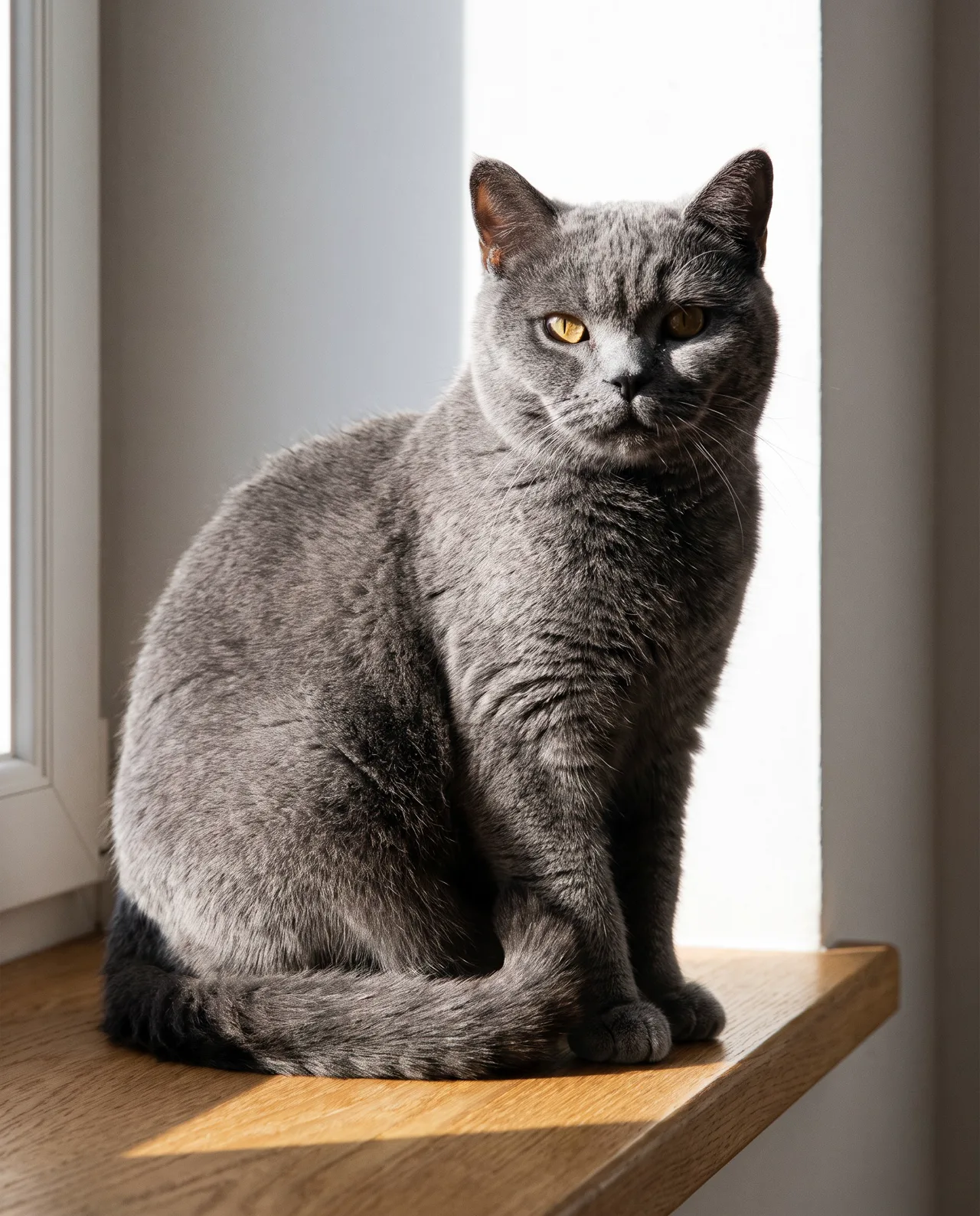
To make an AI pet portrait, take two to four clear photos of your pet, upload them to image-to-image, call your pet “this cat” or “this dog,” and describe the scene, light and style. Your pet keeps its look while the whole image is regenerated around it — so the quality of your reference photos decides the likeness.
Why image-to-image, not text-to-image
Type “a British Shorthair” into text-to-image and you’ll get a lovely British Shorthair — just not yours. The shade of the coat, where the markings fall, eye color, ear size: the details that make your pet your pet are hard to put into words.
Image-to-image solves that. Upload photos of your pet as the subject reference, describe a new scene, and the AI places your pet in it while keeping its appearance. It doesn’t cut your pet out and paste it onto a background; it regenerates the whole picture around the subject, so light, pose and setting blend naturally.
| Compare | Text-to-image | Image-to-image |
|---|---|---|
| Input | Words only | One to four pet photos plus words |
| You get | A cat or dog that fits the description | Your cat or dog |
| Best for | Pet-themed illustration, brand mood | Portraits, avatars, keepsakes |
For the full comparison, see text-to-image vs image-to-image.
Step 1: Shoot good references
This is the step that matters most. A phone is enough if you follow these rules:
| Rule | How | Why |
|---|---|---|
| Light | Daylight by a window, flash off | Flash causes eye glare and false colors |
| Sharpness | Focus on the eyes, shoot a burst, keep the sharpest | Blur forces the AI to guess |
| Angles | Face, side or full body, marking close-up | More angles, better consistency |
| Background | Plain floor, wall or bedsheet | Less clutter to confuse things |
| Nothing covering | No outfits or big accessories, not held in arms | Add clothes in the prompt instead |
| No filters | Turn off beauty filters | Coat color must be true |
| One at a time | Separate photos and runs for each pet | A clear subject gives steadier results |
A wand toy gets a cat to look at the lens; a treat in hand gets a dog to sit. For calicos, tuxedo cats and spotted dogs, add one photo where the markings are clearest.
Step 2: Write the scene
Build the prompt in this order:
Have this [cat/dog] + [action or pose] + [setting] + [light] + [framing] + [style]
A few habits that help:
- Say “this cat” or “this dog.” Don’t restate breed or coat color — it can conflict with the photos. If one feature is crucial, name it: “keep the white patch on its chest.”
- Keep poses believable. In photoreal, “lying on the windowsill” beats “standing on two legs.” Save the human poses for cartoon styles.
- One story per image. “Running through a meadow” or “napping under a blanket” works better than every cute prop at once.
Scene ideas to borrow:
| Theme | Scenes |
|---|---|
| Cozy everyday | Sunbathing on a windowsill, napping under a duvet, beside a laptop on a desk |
| Outdoors | Running in wildflowers, on a beach, first snow in the yard, autumn leaf pile |
| Holidays | Red knitted scarf for Lunar New Year, under a full moon, among gifts by a Christmas tree |
| Birthday | Tiny party hat, a pet-safe cake with a candle |
| Dress-up | Astronaut, chef, detective, period costume |
| Art portrait | Classical oil portrait, watercolor storybook, Chinese ink |
The golden retriever below is a text-to-image example showing what an outdoor action scene can look like. With your own dog, start the prompt with “Have this dog…” and upload its photos:
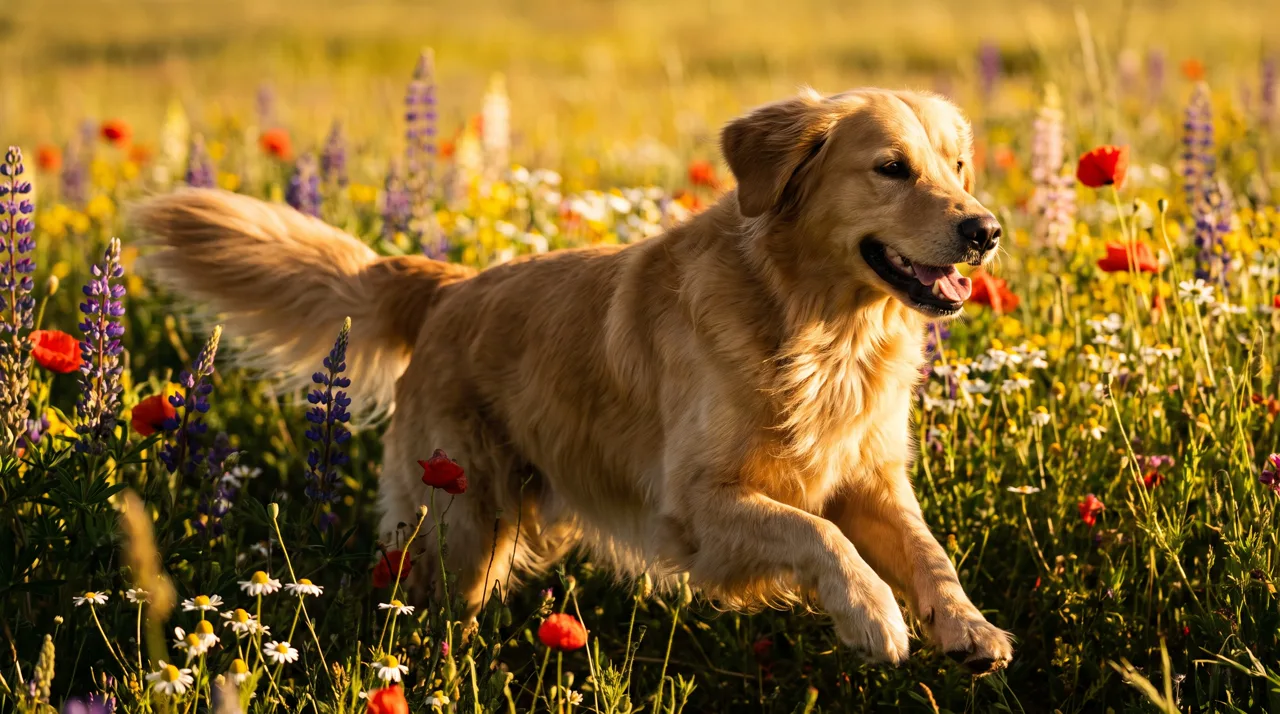
Prompt idea: a happy golden retriever running through a sunlit meadow of wildflowers, golden hour, motion, joyful pet photography, vivid colors.
Action shots need several tries — running legs are the usual weak spot. Generate four and keep the most natural one. Full prompt: Golden Retriever in a Meadow.
Step 3: Choose a style
| Style preset | Look | Likeness | Good for |
|---|---|---|---|
| Photoreal | A real photo shoot | Highest; best fur detail | Portraits, keepsakes |
| Cinematic | More dramatic light | High | Social posts, covers |
| Anime | A 2D character | Markings kept, face stylized | Avatars, wallpapers |
| 3D Cartoon | A rounded cartoon figure | Clearly stylized | Stickers, merch |
| Watercolor | Soft storybook feel | Medium | Cards, memorial art |
| Chinese Ink | Loose brushwork | Strongly stylized | Holiday posters, wall art |
| Cyberpunk, Fantasy | Neon or magical worlds | Medium | Fun wallpapers |
The further a style drifts from photoreal, the more your pet’s features get translated into that style. For “that’s definitely mine,” start with Photoreal; for fun, try cartoon styles next.
Consistency holds in cartoon styles too. This corgi was made by uploading an earlier corgi astronaut image as the reference and describing a new scene:
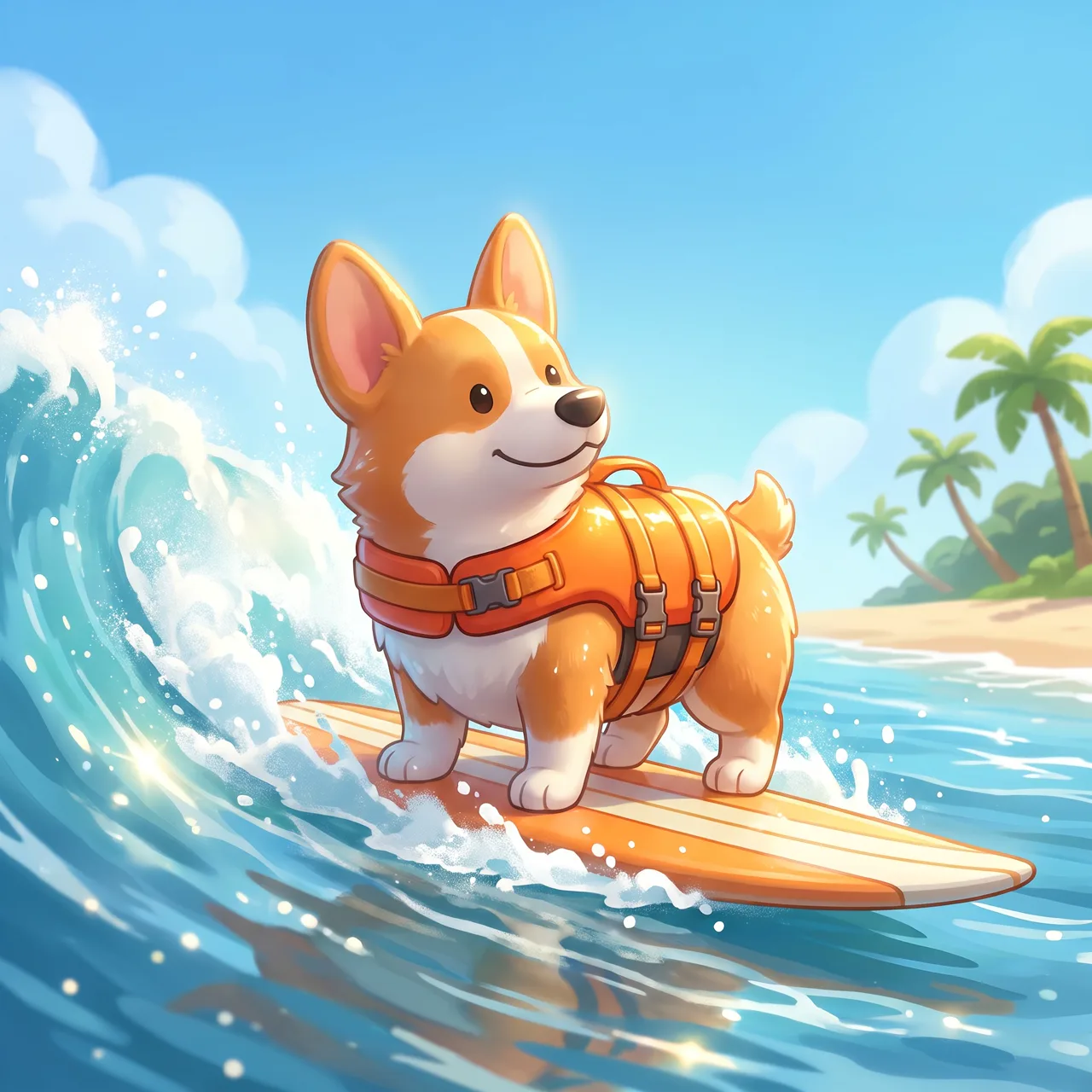
Prompt idea: with the corgi astronaut as reference — “have this corgi surfing at the beach in a little life vest, bright sunshine, splashing waves, 3D cartoon style.”
From space to the beach, the big ears, orange-and-white coat and smiling face stay the same. Do this with your own pet and you get a whole series in different scenes. Full prompt: The Corgi Goes Surfing.
You can also go bold and drop your pet into another world:
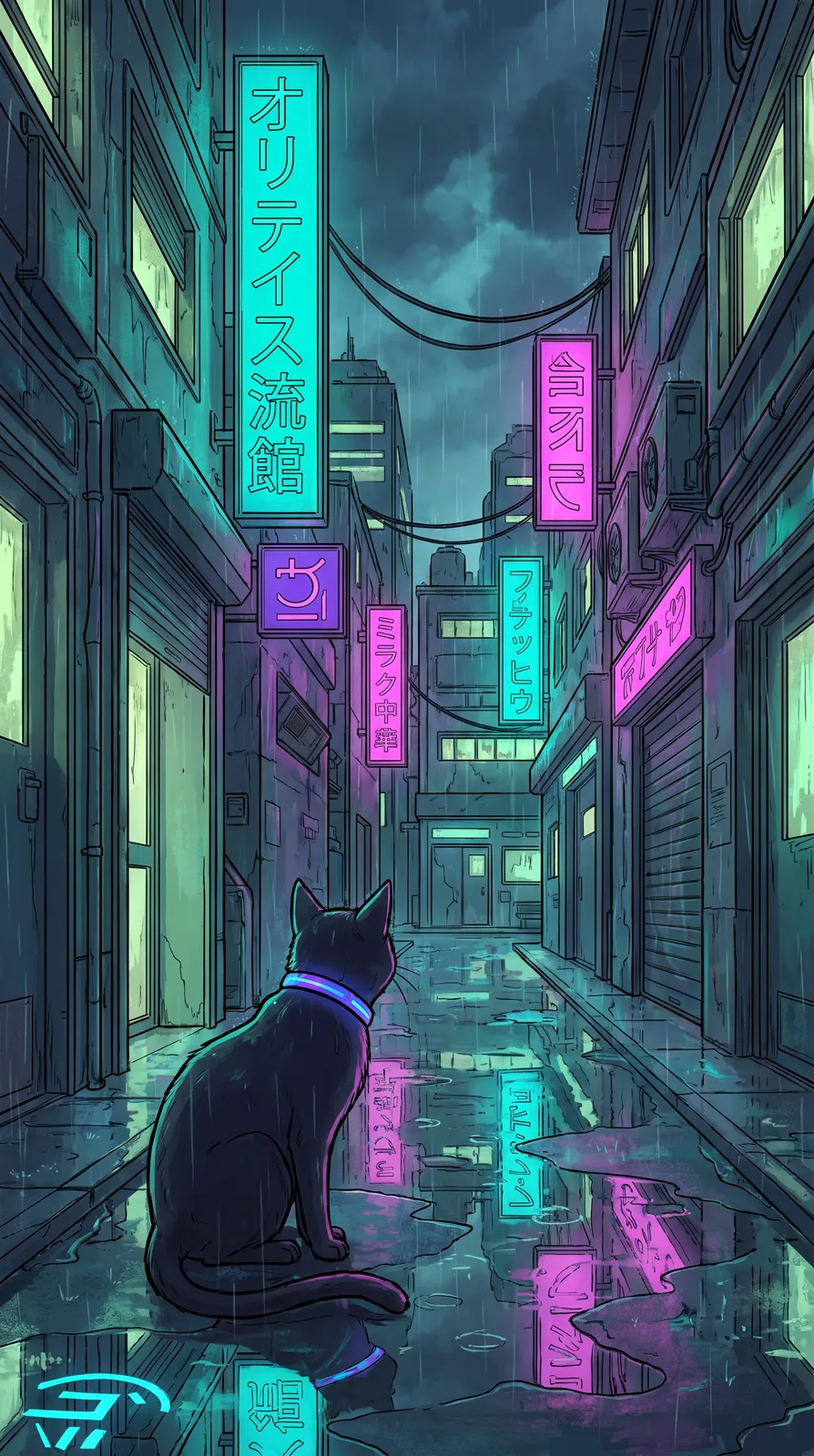
Prompt idea: a black cat with a glowing collar in a cyberpunk alley, neon signs reflected in puddles, rainy night. Upload your own black cat and it becomes a personal phone wallpaper.
Step 4: Pick a ratio
- 1:1 — avatars and grid posts. Framing tips in our AI avatar guide.
- 4:5 — Instagram and Xiaohongshu; the go-to portrait ratio.
- 9:16 — phone wallpapers; keep your pet mid-frame and leave the top for the clock.
- 16:9 — desktop wallpapers and banners; subject to one side.
Check the result
The AI works to keep your pet’s look, but always check:
- Markings: patches and stripes in the right place, not mirrored.
- Eyes: odd eyes, amber, blue — correct?
- Ears and tail: folded or upright, tail length and shape.
- Paws and legs: right count, natural pose — especially in action shots.
- Accessories: collar and bell as you wanted.
If something’s off, use a clearer reference or name that feature in the prompt and run it again.
Copy-and-paste pet portrait prompts
After uploading your photos, replace the bracketed parts:
1. Have this [cat/dog] lying on a sunlit windowsill, looking into the camera, crisp fur detail, warm pet portrait, color photo
2. Have this [cat/dog] sitting in snow wearing a red knitted scarf, warm window light behind, close-up, color photo
3. Have this [cat/dog] in a tiny party hat with a pet cake and a candle in front of it, colorful balloons behind, birthday portrait
4. Have this [cat/dog] floating among the stars in a spacesuit, hugging a tiny planet, 3D cartoon style
5. Have this [cat/dog] posed against a dark painterly backdrop, side light, classical oil portrait style
6. Have this [cat/dog] in a [season] [outdoor scene], [action], golden-hour backlight, color photo
7. Have this [cat/dog] sitting on a hillside of small flowers, blue sky and clouds, anime style
The photoreal templates include “color photo” because the photo type occasionally returns black and white.
Cost and downloads
Each image costs 10 credits on the standard model or 4–8 on the others and takes about 30 seconds; make one to four per run, and failures are refunded automatically. Images are saved in My images without a watermark, ready to download, print or turn into merch. New users get free trial credits; packs and plans are on the pricing page.
Find more animal prompts in the prompt library, including the cover’s British Shorthair by the Window. Photos ready? Head to image-to-image for your pet’s first shoot.