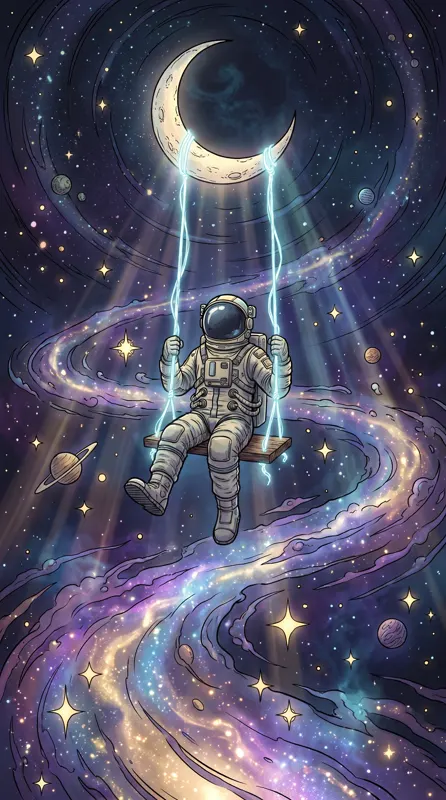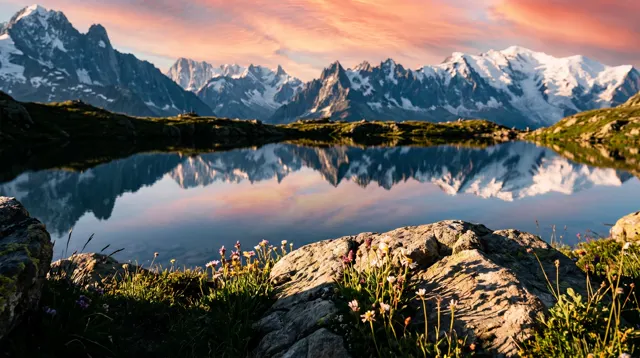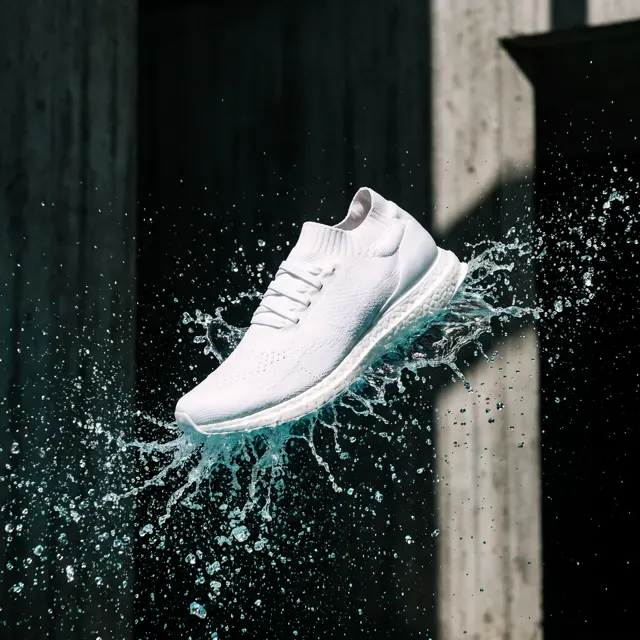
Text-to-image builds a picture from words alone, which makes it ideal for new ideas, posters and illustrations. Image-to-image starts from your reference photos, keeps the subject and places it in a new scene — the right choice when the same product, character or pet must look the same across images.
The short version
| Text-to-image | Image-to-image | |
|---|---|---|
| Input | A text prompt | 1–4 reference images plus a text prompt |
| Subject | Reinvented on every run | Taken from your references and kept consistent |
| Best for | Ideas, poster key visuals, wallpapers, illustration, invented characters | Products in new scenes, pet and character series, mascot spin-offs |
| Prompt focus | Subject, setting, style, light and composition | The new scene, light and framing; refer to “this bottle” or “this dog” |
| Can’t do | Match a real product exactly | Inpainting, background removal, upscaling, editing one region |
| Cost | 10 credits per image on the standard model, 4–8 on the others | 10 credits per image on the standard model, 4–8 on the others |
Rule of thumb: if something must look exactly like a real object you own, use image-to-image. If all you have is an idea, use text-to-image.
Text-to-image: start from a sentence
Text-to-image takes only words — English or Chinese, up to 2,000 characters — and decides how everything looks, including the subject itself.
That cuts both ways. You can create things that don’t exist, like a corgi astronaut hugging a tiny planet. But run the same prompt twice and you get two different corgis: one round-faced with a red suit, the next longer-snouted in white.
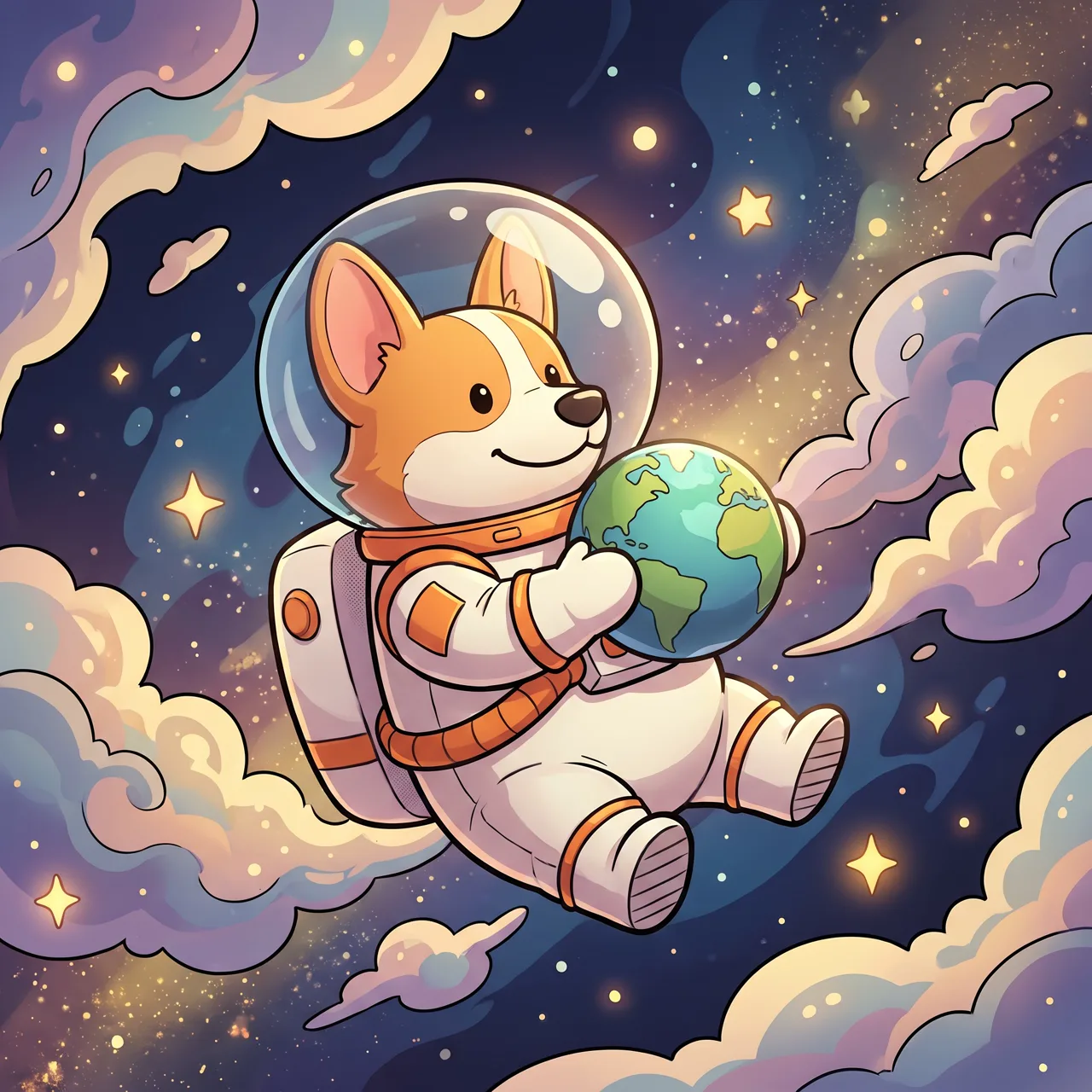
Prompt idea: a cute corgi astronaut floating in space holding a tiny planet, stars and nebula behind, 3D Cartoon style.
Text-to-image is the right tool for:
- Poster and campaign key visuals where mood matters more than a specific product
- Phone and desktop wallpapers, blog and newsletter art
- Designing a brand-new character or mascot
- Exploring visual directions before a photo shoot or design sprint
The quality of the result depends on the prompt; our five-part prompt formula covers the basics.
Image-to-image: keep the subject, change the world
On this site, image-to-image means subject reference. You upload up to four images of the thing you want to keep, describe a new scene, and the subject is placed into it.
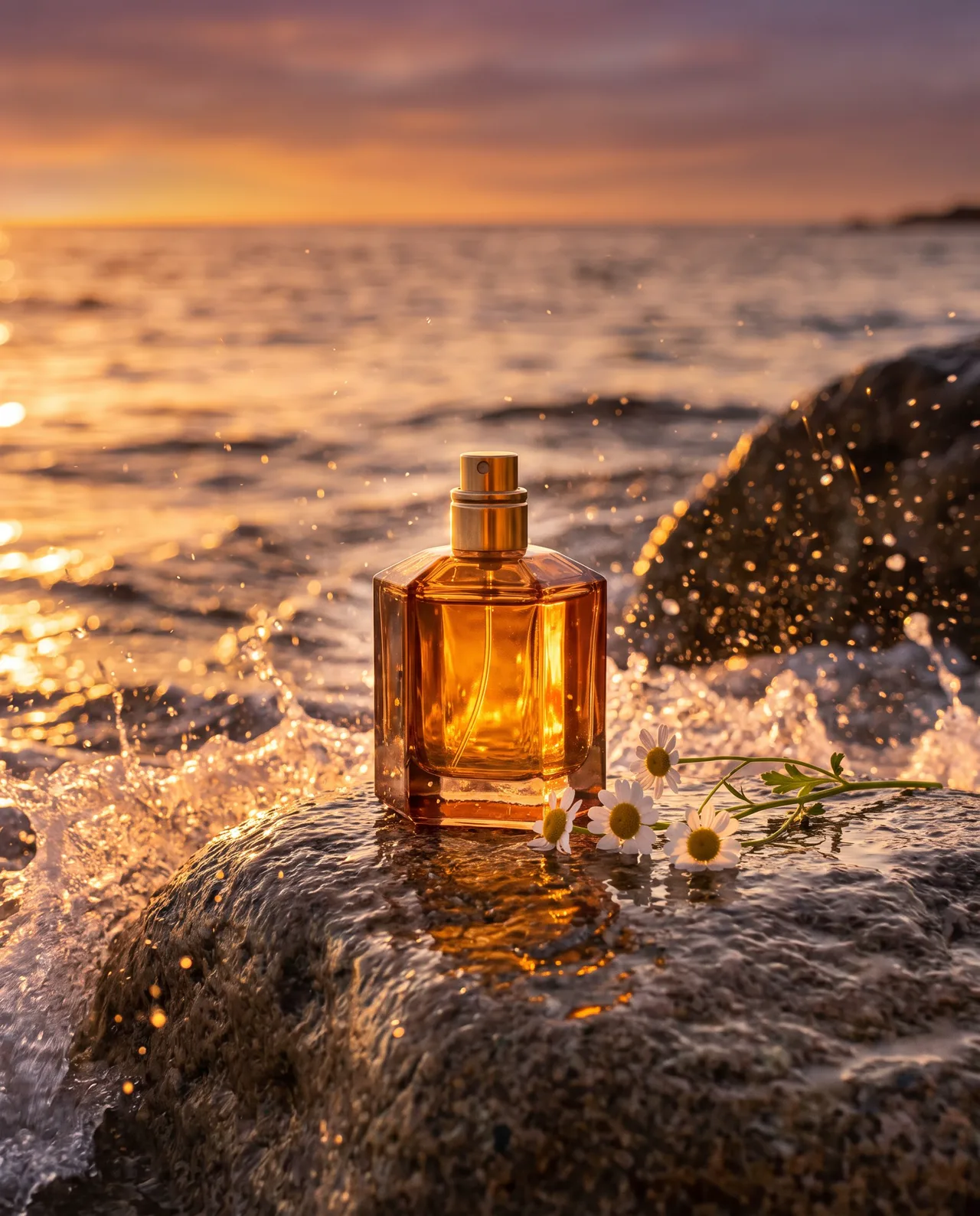
Here is a real example. This perfume shot was made with text-to-image: an amber square bottle on white marble.
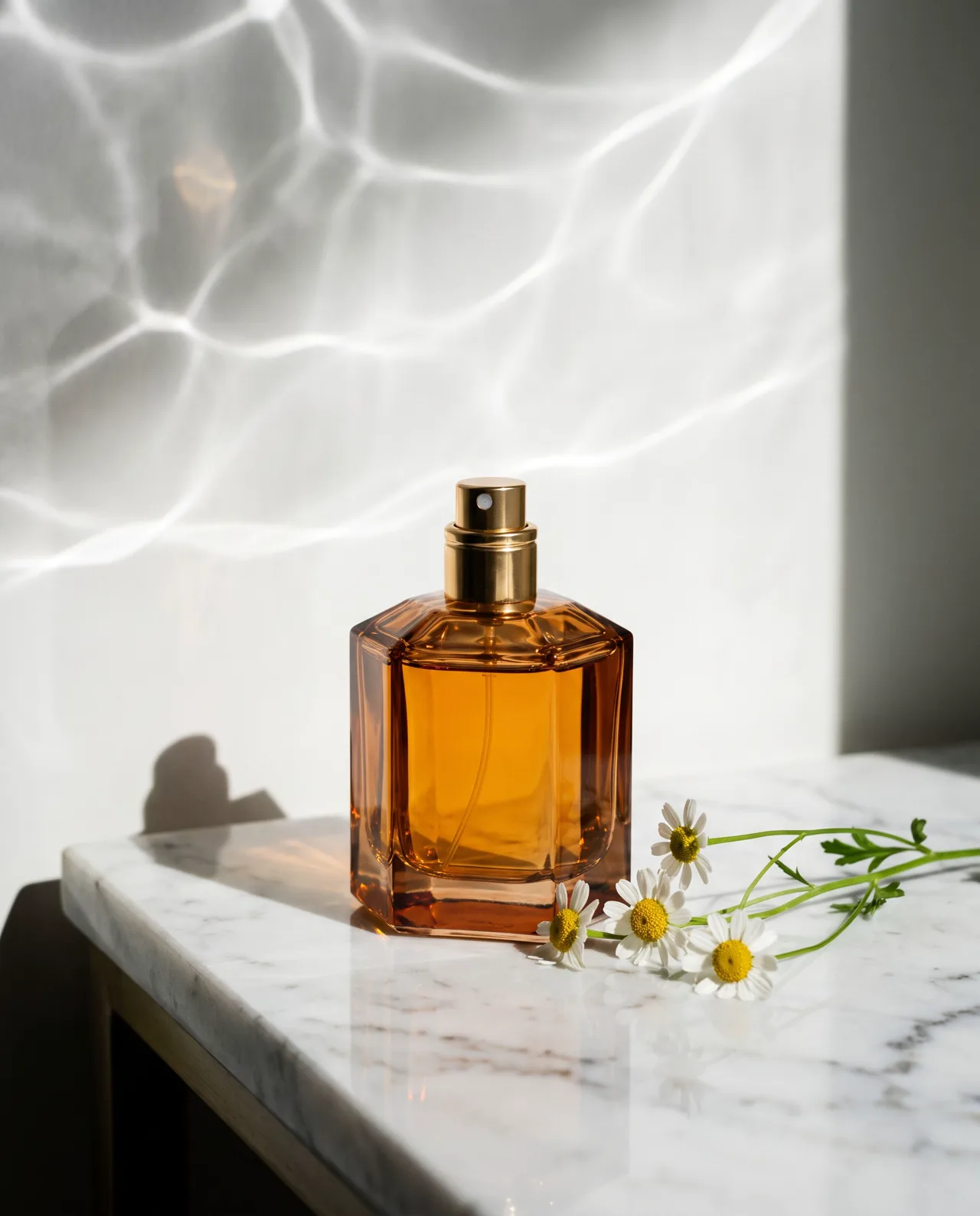
Prompt idea: amber perfume bottle, white marble, daisies, water-ripple light, Product style.
We uploaded it as the reference and wrote one sentence:
Place this perfume bottle on a seaside rock at sunset, waves breaking into fine spray, warm golden backlight, premium commercial photography
The result is the cover of this article — the sunset beach version. The bottle’s shape, color and cap carried over; the setting, light and mood are entirely new. One product, two campaigns.
What image-to-image is good at
- Moving one product through different scenes, seasons and lighting for a series
- Putting your pet in places it has never been
- Dropping a character you designed into new story moments
- Turning a plain phone snapshot of a product into an atmospheric scene
What it is not
It is not a photo editor. The whole image is generated fresh rather than modified, so:
- You can’t change only one area (no inpainting or region editing)
- It doesn’t remove backgrounds or upscale images
- Small print, barcodes and fine patterns on packaging may shift — check every detail before commercial use
Choosing reference photos that work
The reference decides how faithful the subject will be.
- Fill the frame with the subject. A small subject in a busy background leaves the model guessing what to keep.
- Even light, sharp focus. A phone photo by a window is enough; avoid harsh glare and deep shadows.
- Different angles beat duplicates. Four slots can cover front, side, back and a detail.
- One subject per run. Don’t include other products unless you want both in the new scene.
Writing the prompt for image-to-image
Your references already describe the subject, so spend your words on the new scene:
- Refer to the subject as “this perfume bottle”, “this dog”, “the character in the image”
- Name the place, time, weather and light
- Give the framing: “subject on the right third, open space on the left”
- Reinforce key traits if needed: “keep the amber glass and gold cap”
When the subject drifts
If a result changes your subject more than you’d like, the cause is usually the input, not bad luck. Check three things. Is the subject large and sharp in every reference? Does the prompt force an angle none of your references show — a bottle seen from directly above when every reference is front-on? And are you asking for a style, such as watercolor or anime, that naturally reinterprets shapes? Add a reference from the angle you need, keep photographic styles for product work, and generate four at a time so you can pick the most faithful one.
Three questions to decide
- Is the subject a real object that must look the same? Use image-to-image. Most e-commerce work falls here; see our AI product photo workflow.
- Do several images need the same subject? Design it once with text-to-image, then reuse it as a reference.
- Do you just like the style of an image? Image-to-image is built to keep a subject, not to copy a look. Describe the style in words and use text-to-image instead.
Use both: design first, then extend
The most efficient workflow chains the two:
- Generate four corgi astronauts with text-to-image and pick your favorite.
- Upload it as the reference in image-to-image.
- Write “this corgi astronaut planting a flag on the Moon”, then “this corgi astronaut in a rocket cockpit” — a consistent series.
For mascots, picture-book characters and brand IP, this saves a lot of re-rolling.
Both modes cost the same — 10 credits per image on the standard model or 4–8 on the others, about 30 seconds each, with automatic refunds on failure (see pricing). Not sure where to start? Find a close match in the prompt library and adapt its prompt.