
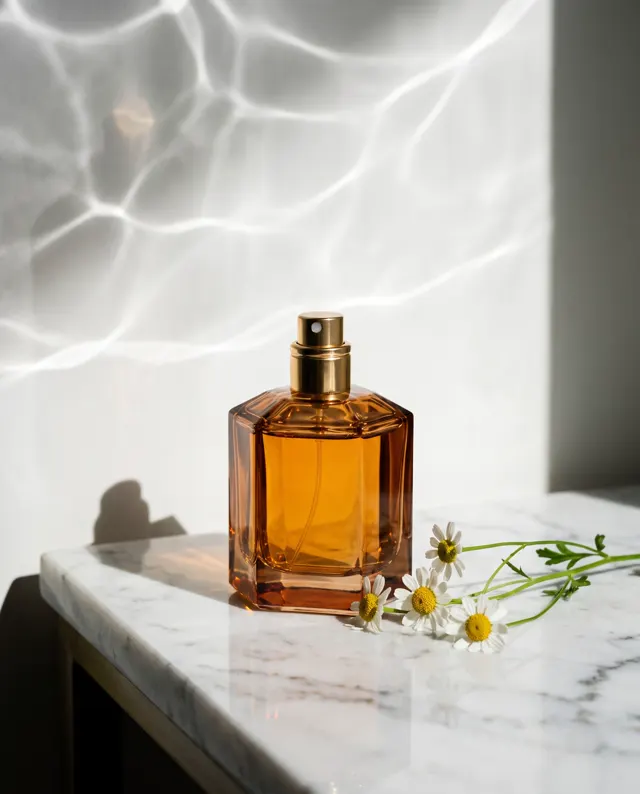
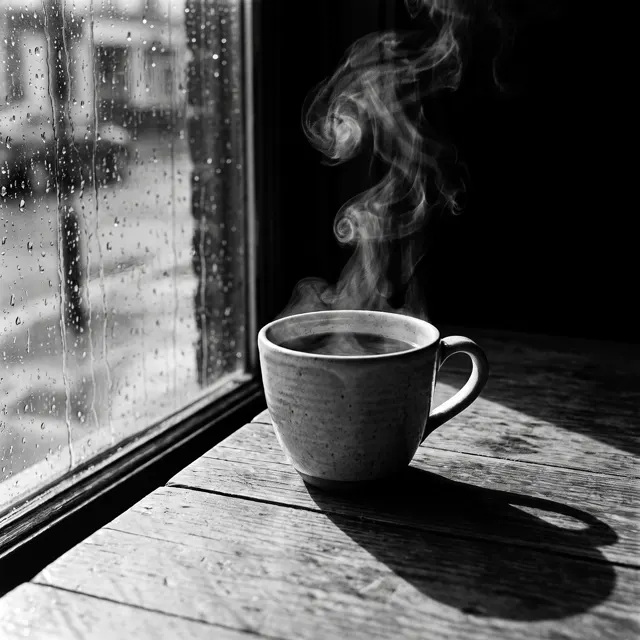
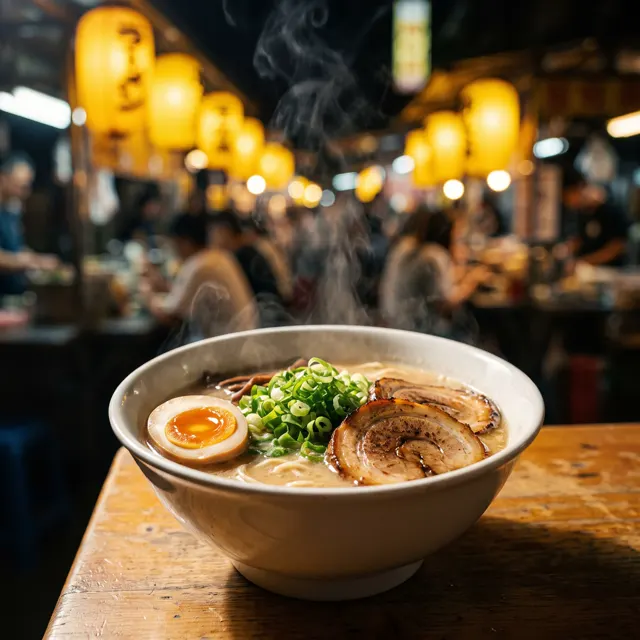
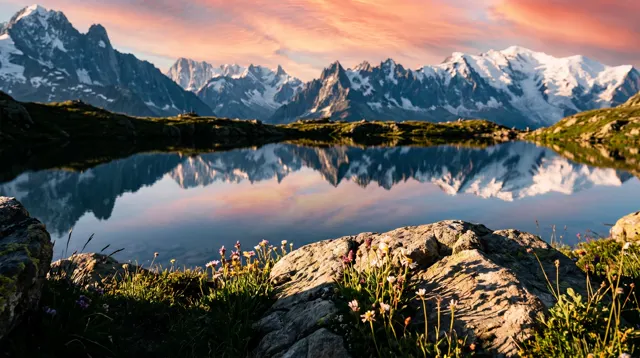
Prompt in, picture out
Text to Image AI: Describe It, See It
Write what you want to see — subject, setting, light, lens — and get a up to 4K image in about 30 seconds. Starts on the Photo type at 1:1; switch ratio, type or style anytime.
- 24 real examples
- 12 styles
- ~30 sec per image
- 4K output
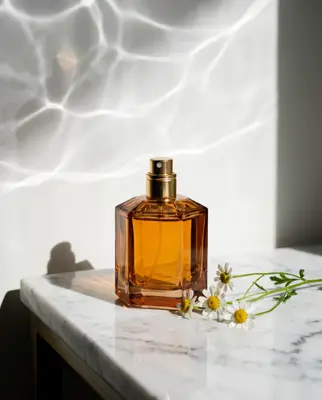
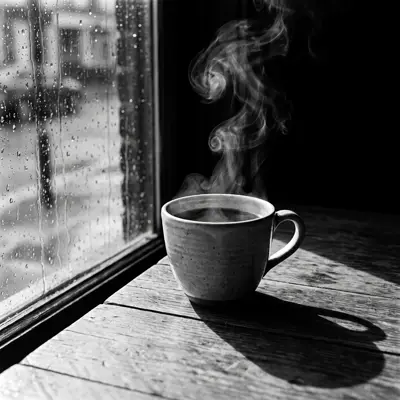
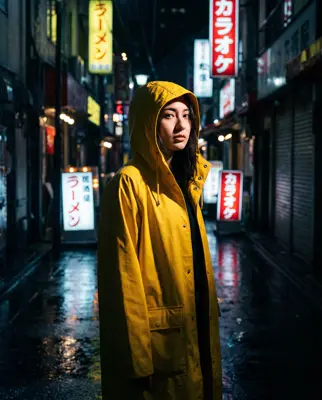
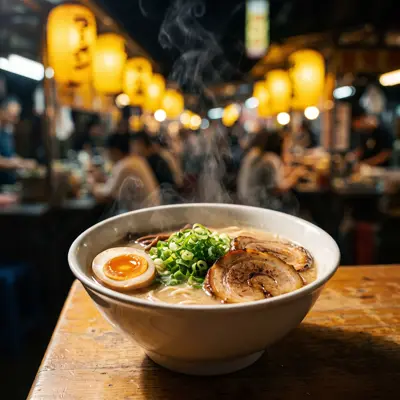
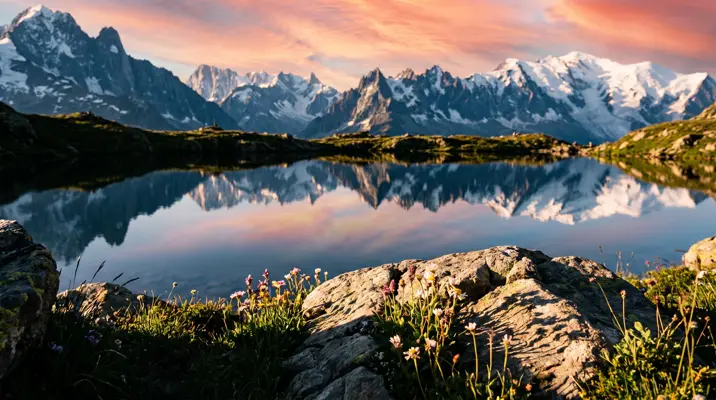
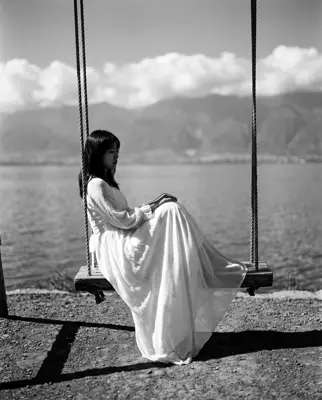
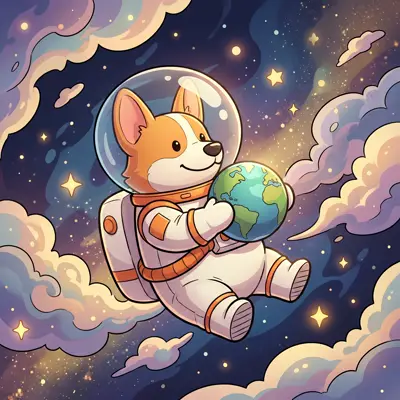
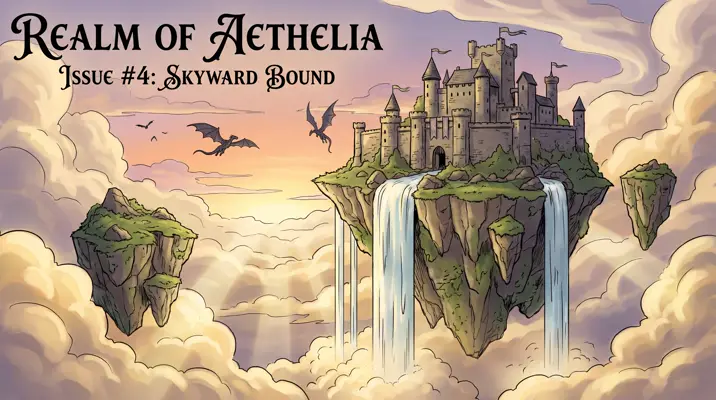
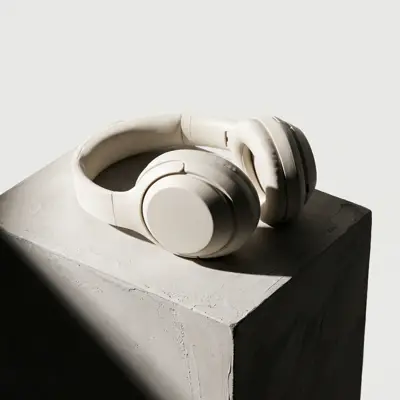
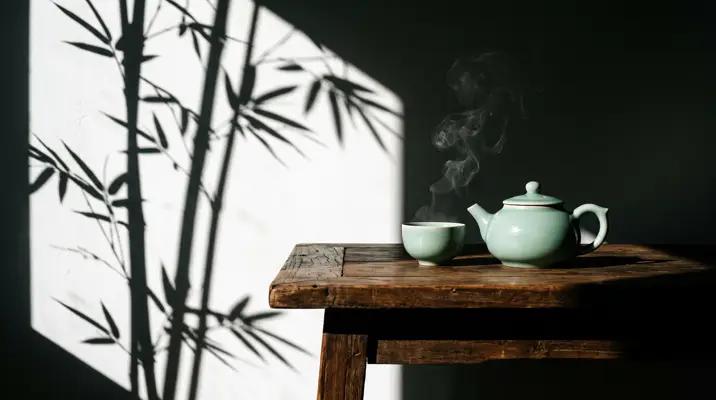
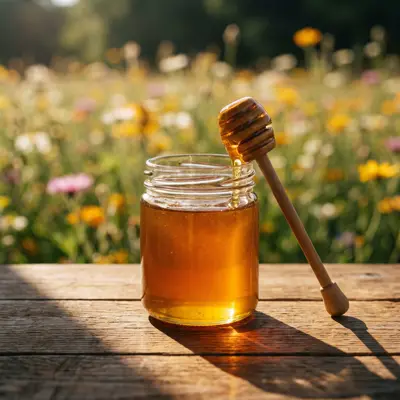
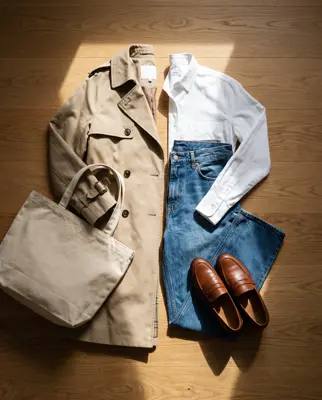
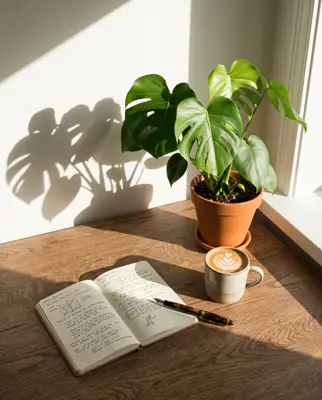
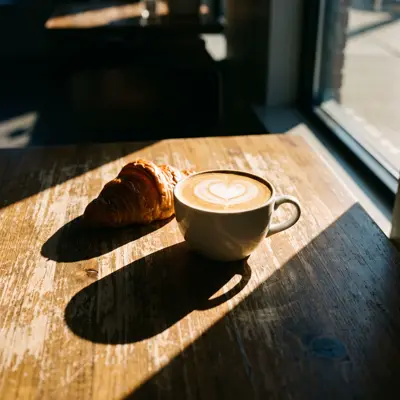
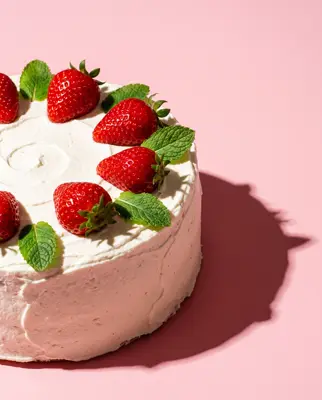
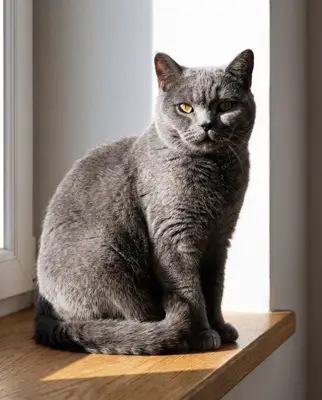
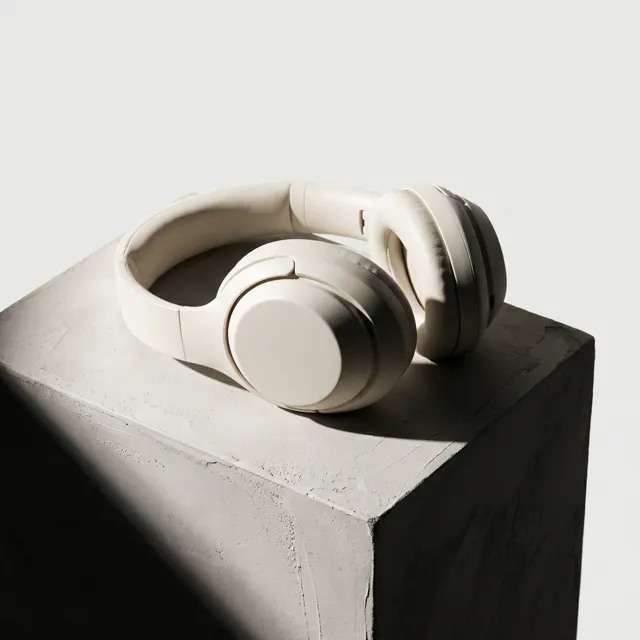
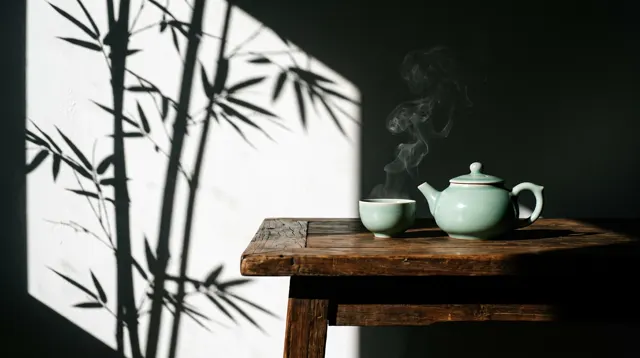
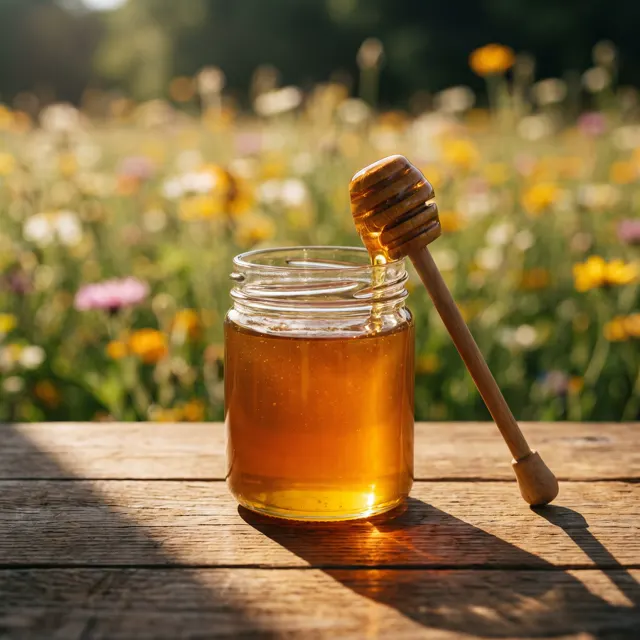
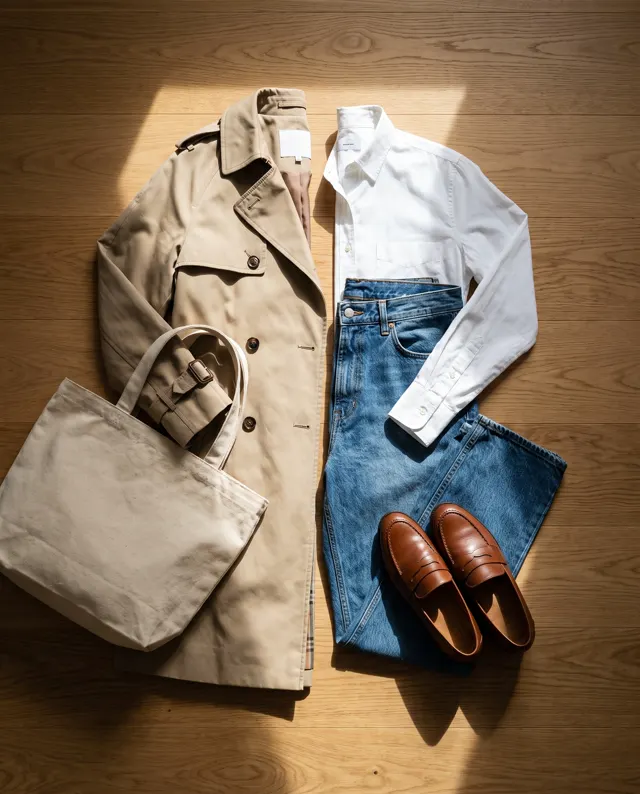
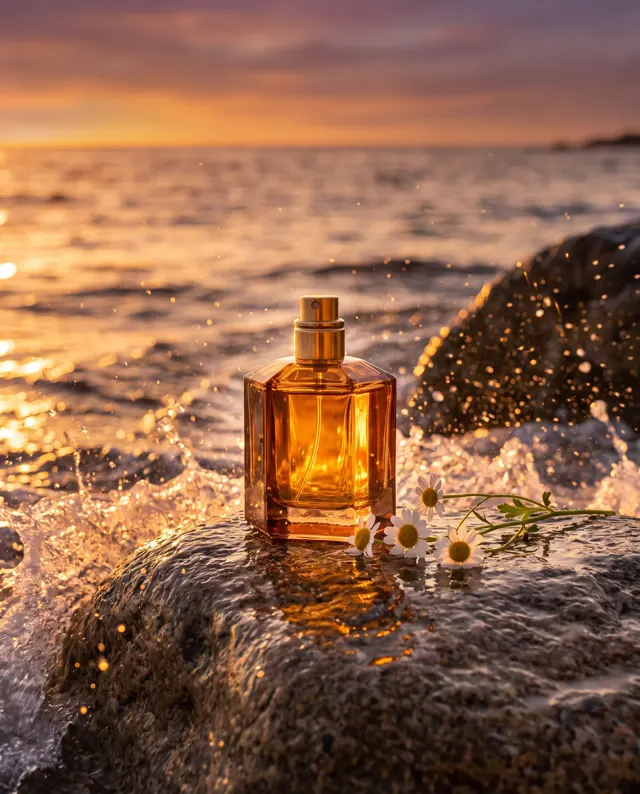
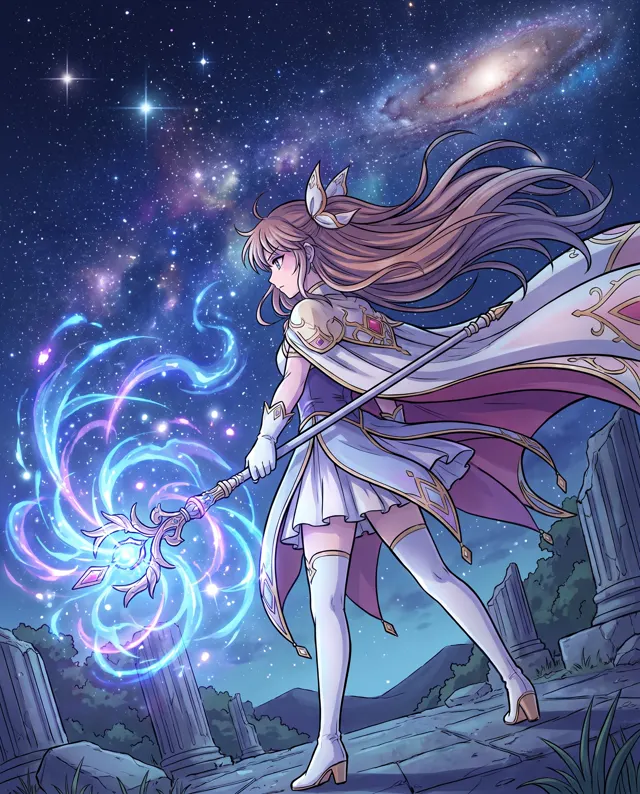
Real images made with this tool
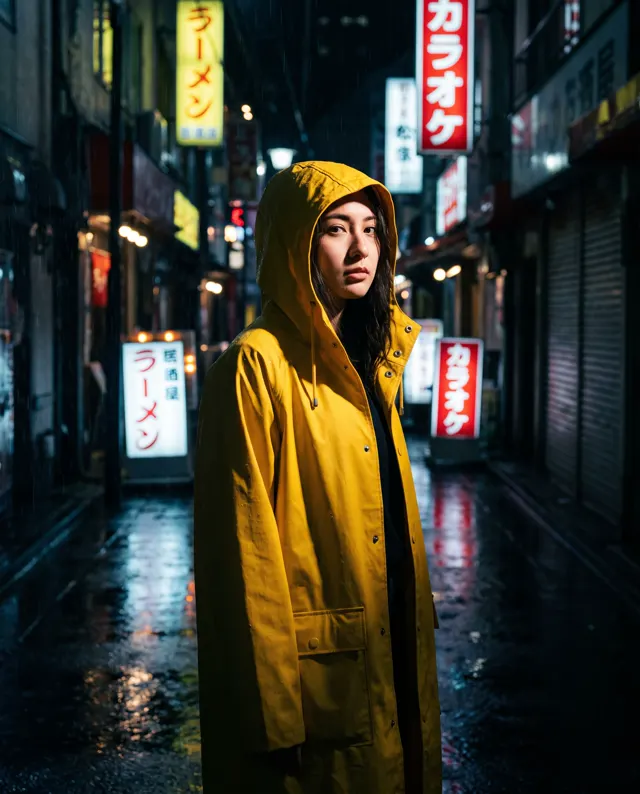
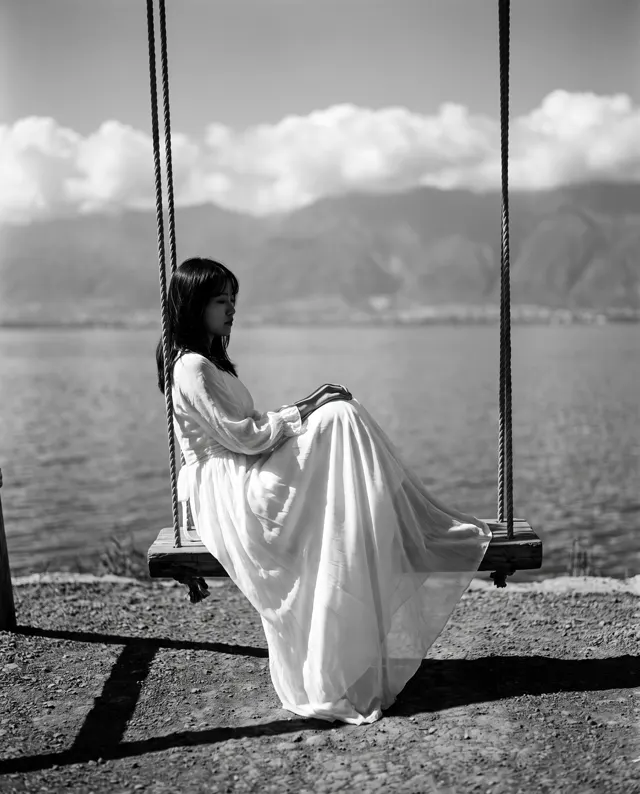
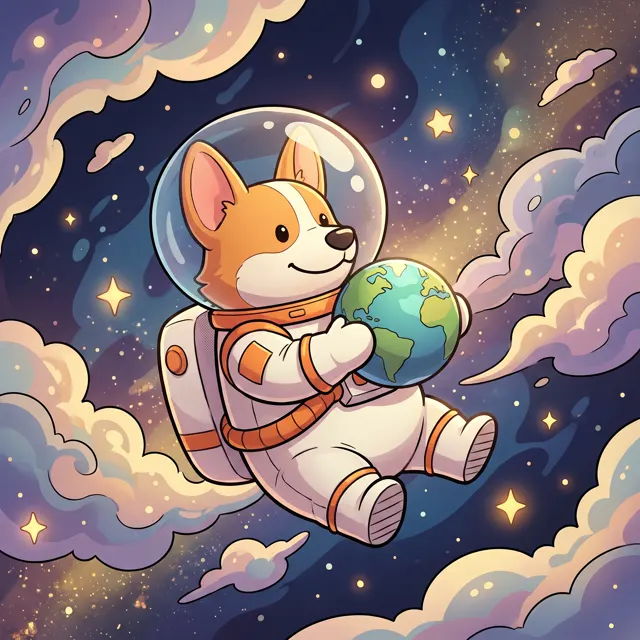
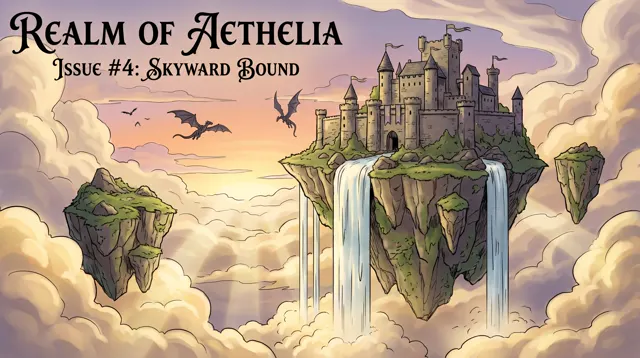
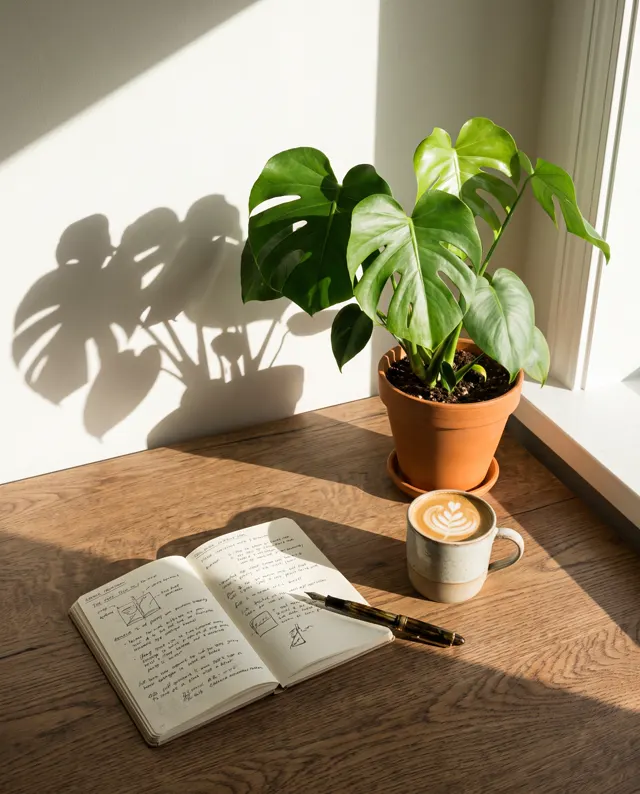
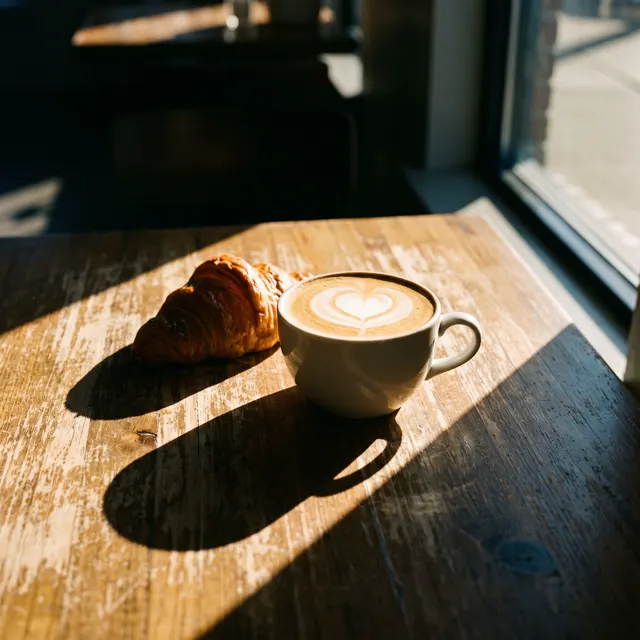
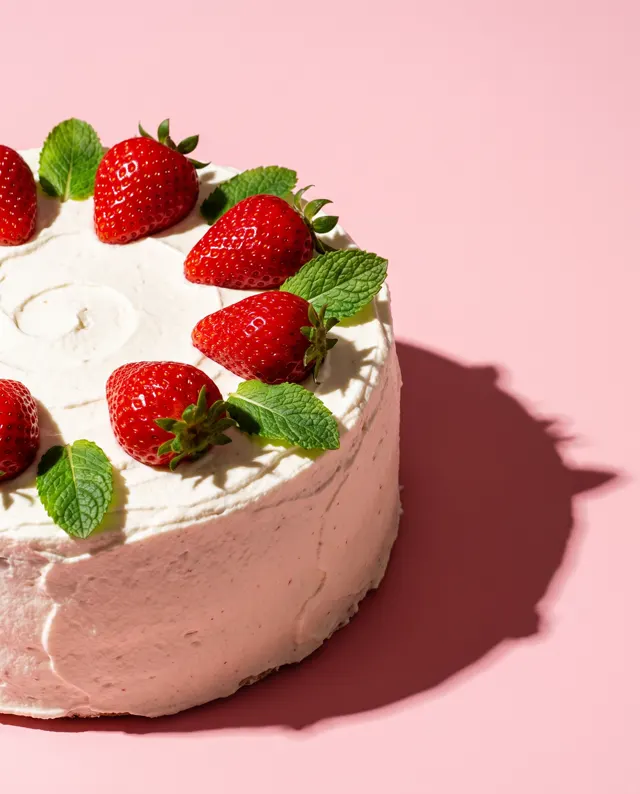
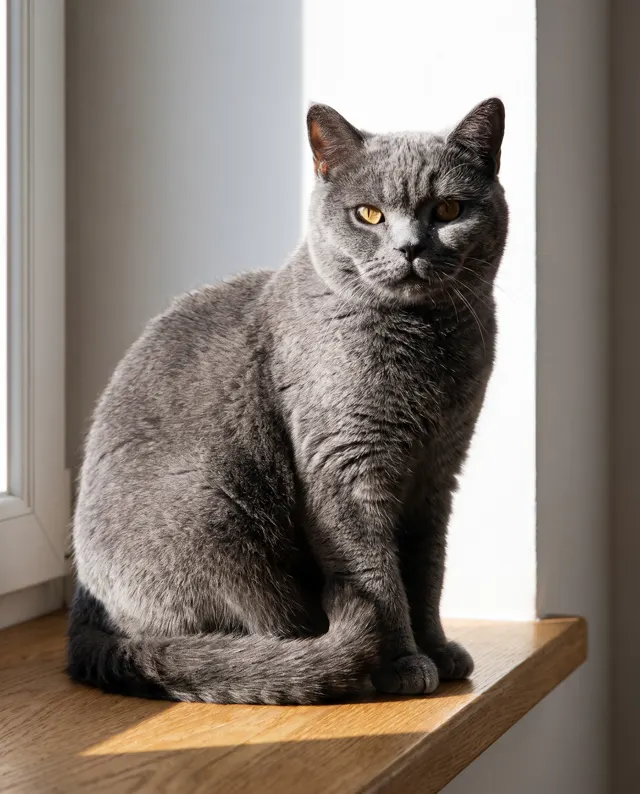
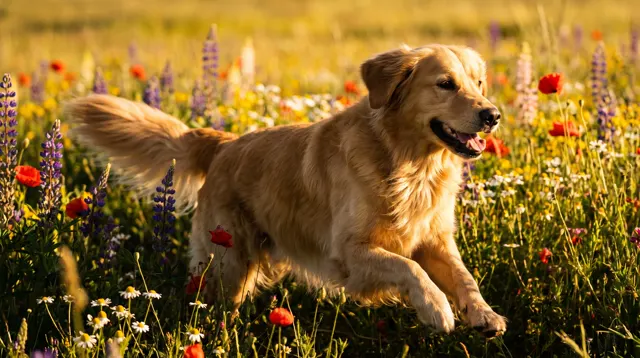
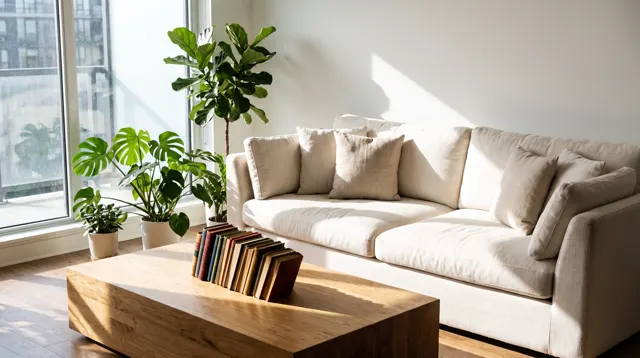
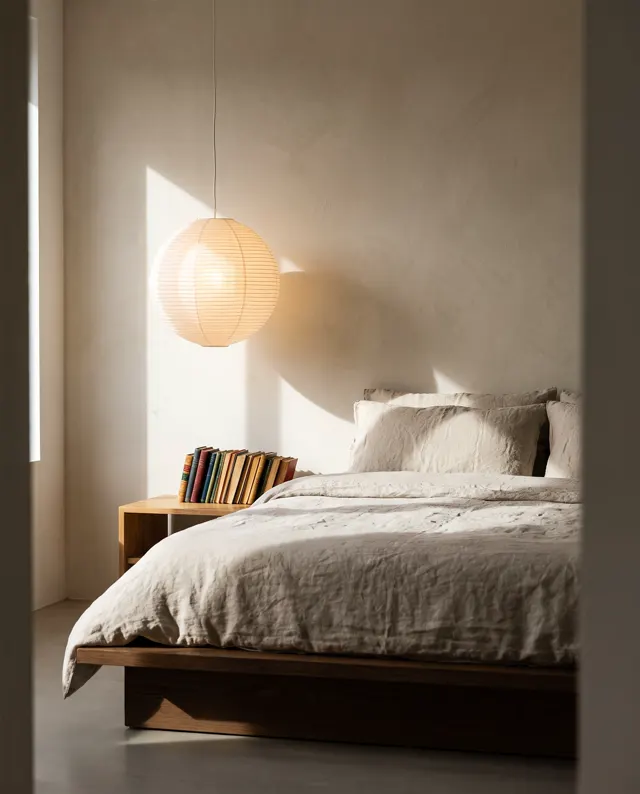
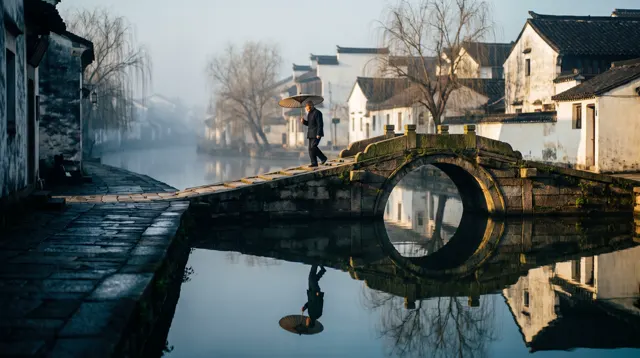
Every image comes with its exact prompt and settings. Hit “Try this prompt” to load it into the generator, then change a few words to make it yours.
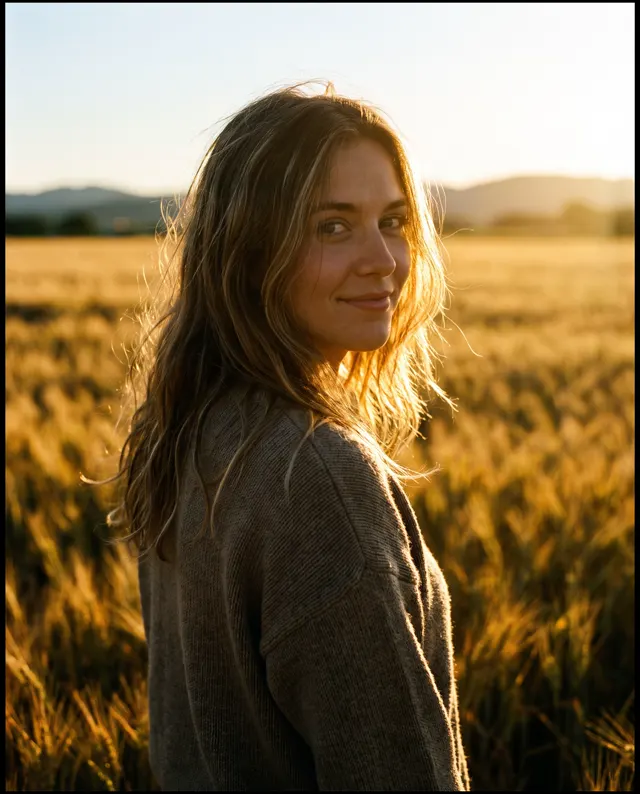
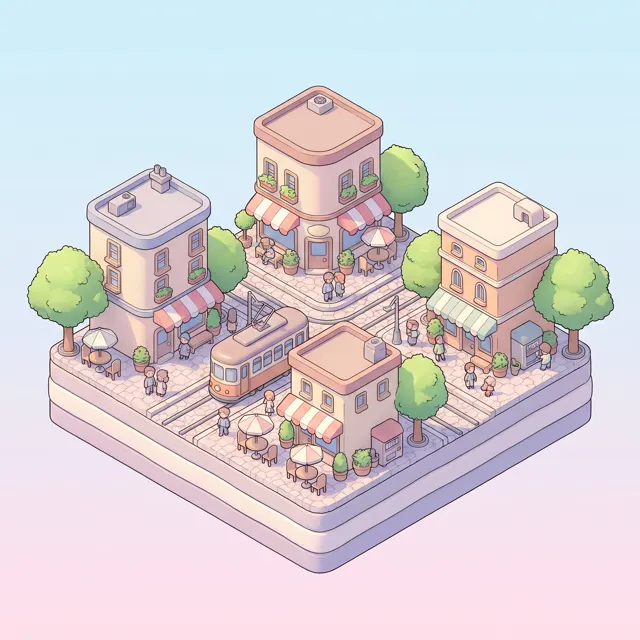
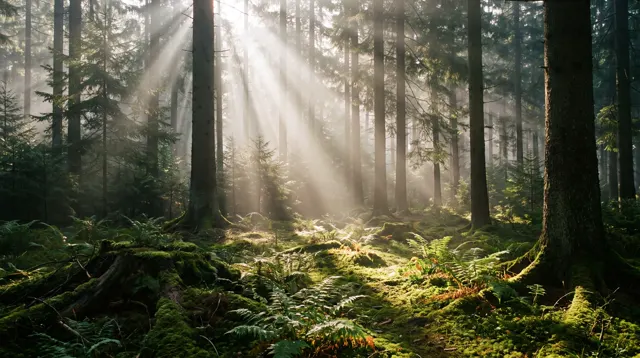
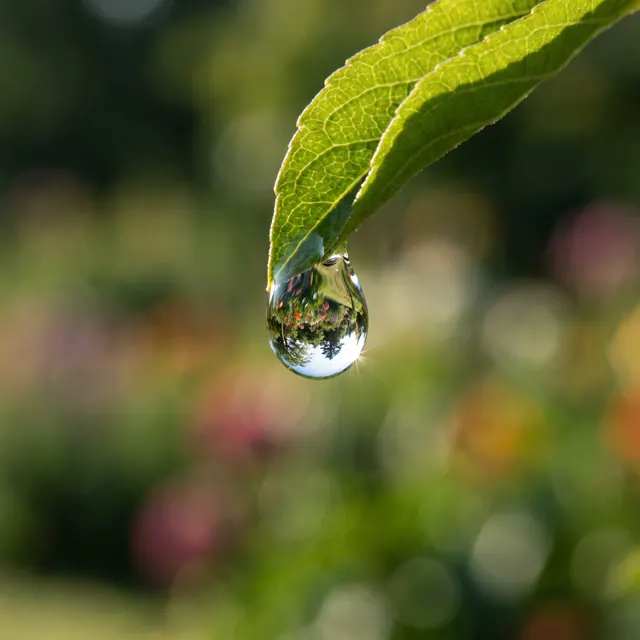
What is text to image AI?
Text to image AI turns a written description into a picture. You describe the scene; the model reads the meaning and renders it — no camera, retouching or drawing skills needed. Our generator accepts prompts in English or Chinese, up to 2,000 characters, and reads both natively. This page opens on the Photo image type at 1:1, which suits realistic blog images, social posts, mood boards and concept shots. Need something else? Switch to the Painterly, Flat illustration or Abstract type, pick one of 12 styles, or change the ratio to 4:5, 9:16 or 16:9. Each run makes 1–4 images at roughly 4K resolution, about 30 seconds per image, with no watermark. Everything you generate is saved to My images for download later.
Start generating free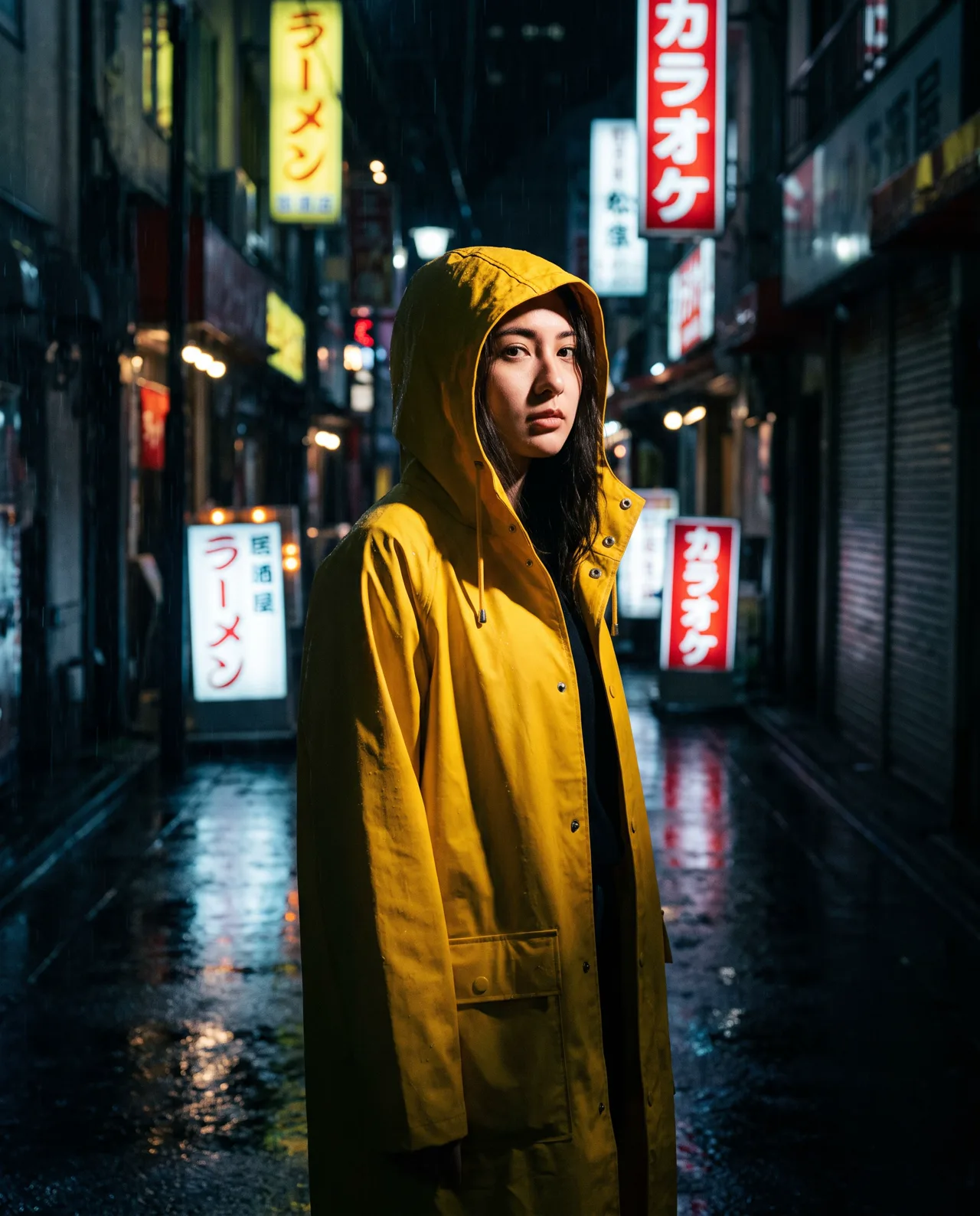
What people use it for
Blog and article images
Describe what a section is about and get an original image that actually fits the text, instead of digging through stock libraries.
Everyday social posts
Keep a feed fresh without a photo shoot: change one line of the prompt for a new scene, then post the 1:1 square as is.
Pitch and concept visuals
Show a client or team the direction before anyone opens a design tool. A few concept shots make a proposal much easier to discuss.
Exploring ideas
Generate four takes at once to compare composition and lighting, keep the closest one, tweak a few words and run it again.
How it works
- 01
Describe the scene
Write one sentence covering subject, setting, light and lens or texture. The more specific you are, the closer the result.
- 02
Pick ratio and count
Photo and 1:1 are preset. Switch to 4:5, 9:16 or 16:9 for portrait or landscape, and choose 1–4 images.
- 03
Generate and download
Each image takes about 30 seconds. Download the up to 4K original, or change a word or two and run again. Results are saved to My images.
Prompt tips
Lead with the subject
Put the most important thing first, then add setting and mood. Example: “a ginger cat lying on a sunlit wooden floor, afternoon, warm tones.”
Let light set the mood
The same scene feels completely different under different light. Try “early morning side light”, “golden-hour backlight”, “neon at night” or “overcast soft light”.
Borrow camera language
The Photo type responds well to photography terms: “85mm portrait lens, shallow depth of field”, “top-down shot” or “macro close-up” all change the frame.
Say what you want, not what you don’t
Negative prompts aren’t supported, so instead of “no messy background”, write “plain white background, minimal composition”.
FAQ
Related tools
Turn the picture in your head into an image
Write one sentence and see it in about 30 seconds. New accounts get free trial credits, and failed generations are refunded.