
Visual first, text second
AI Poster Generator: Key Visual First, Text Second
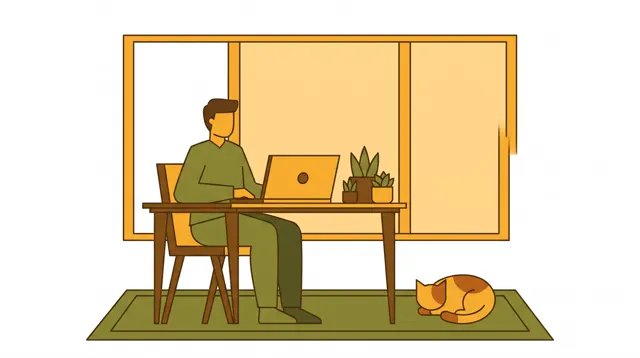
Preset to 9:16 portrait and the Flat illustration type for event, holiday and shop posters. Ask for space for the title, then set exact text in your design tool.
- 19 real examples
- 12 styles
- ~30 sec per image
- 4K output
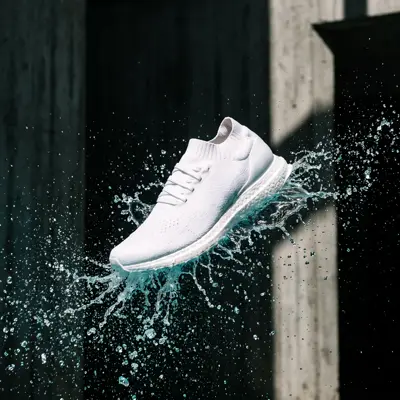
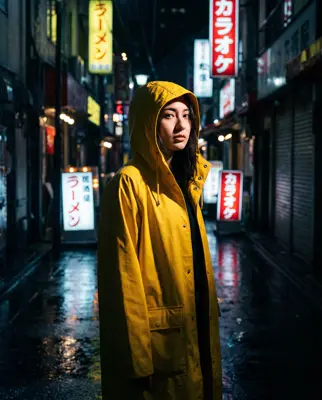
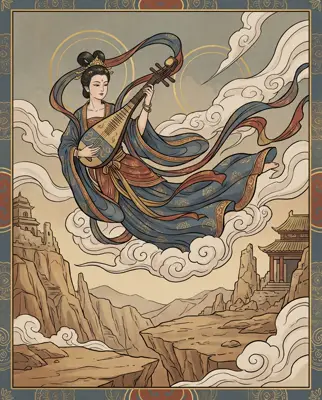
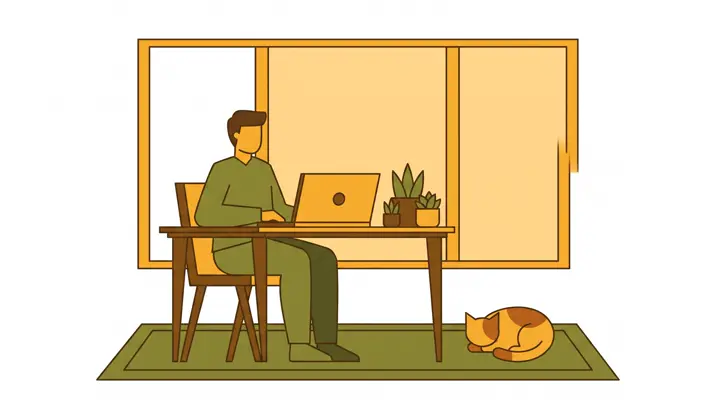
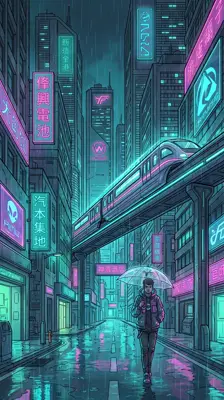
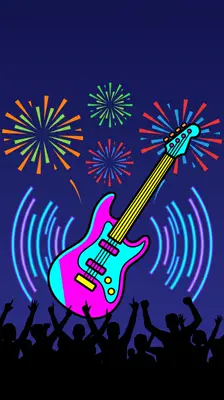

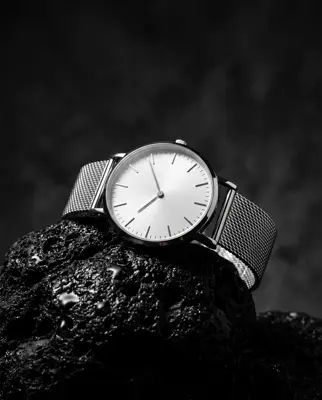
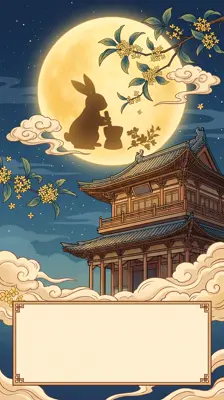
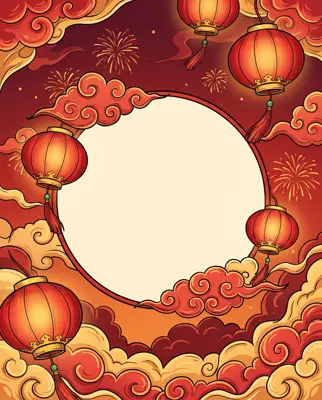


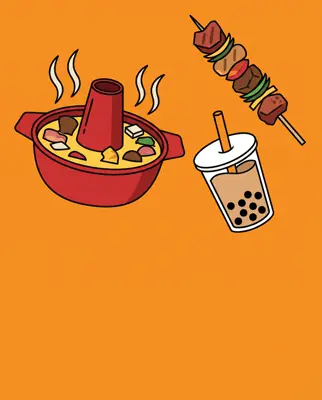
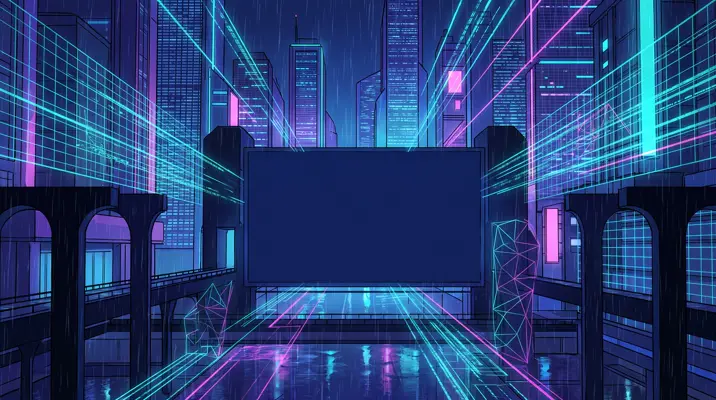

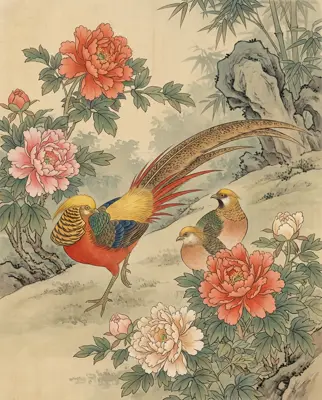
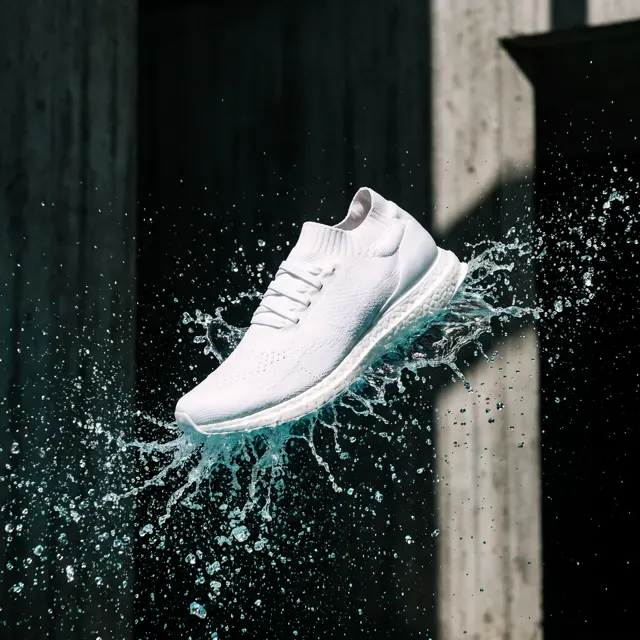
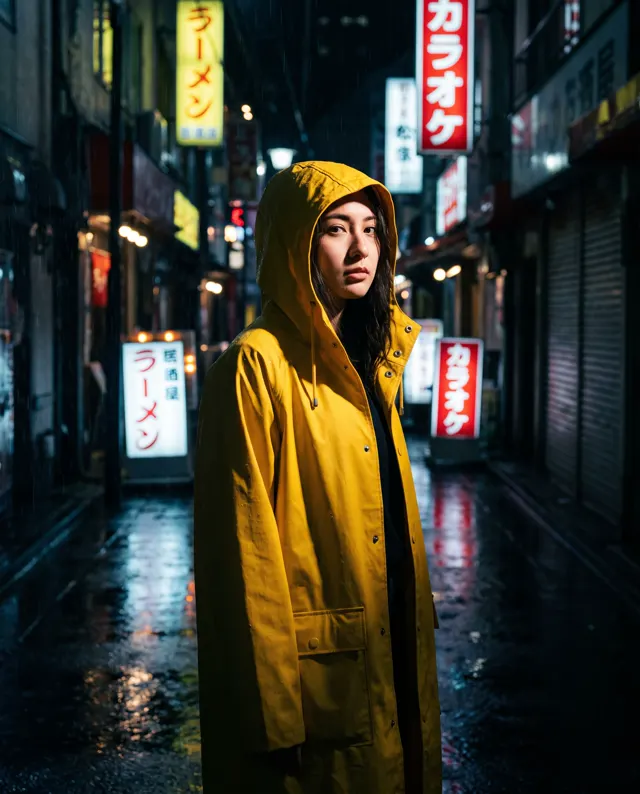
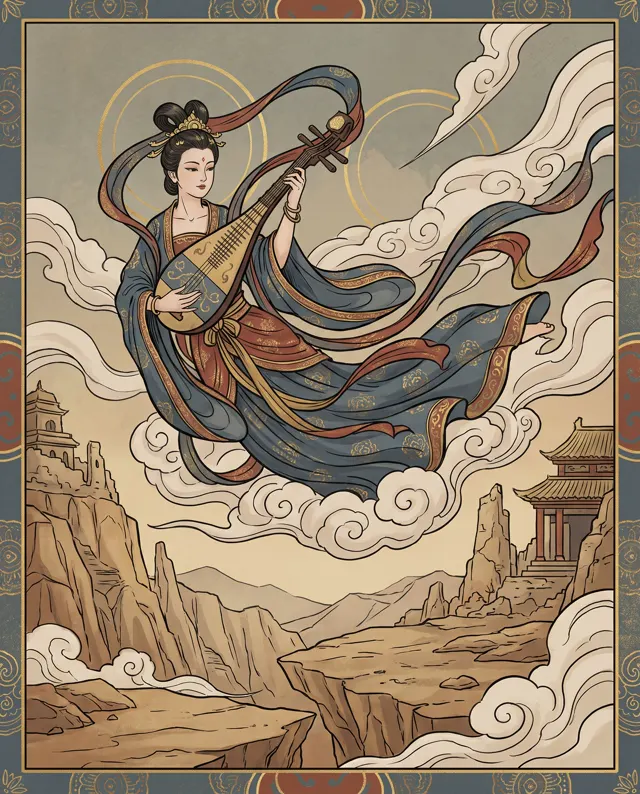
Real images made with this tool
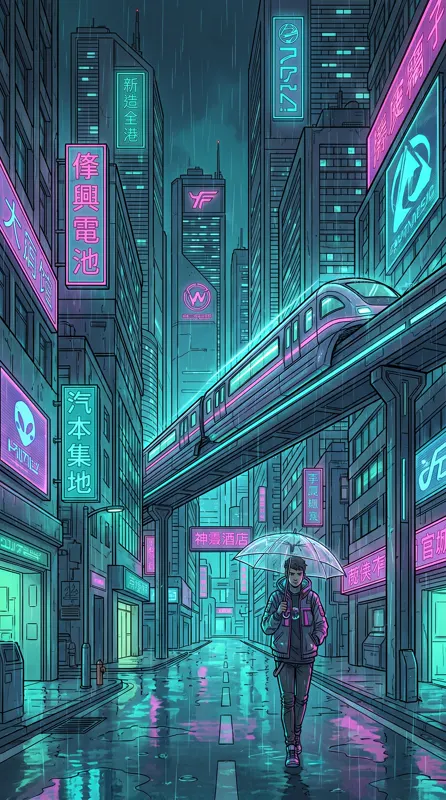
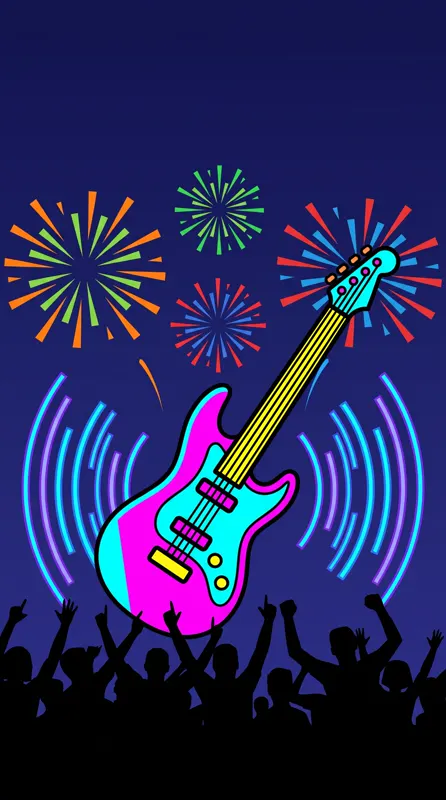
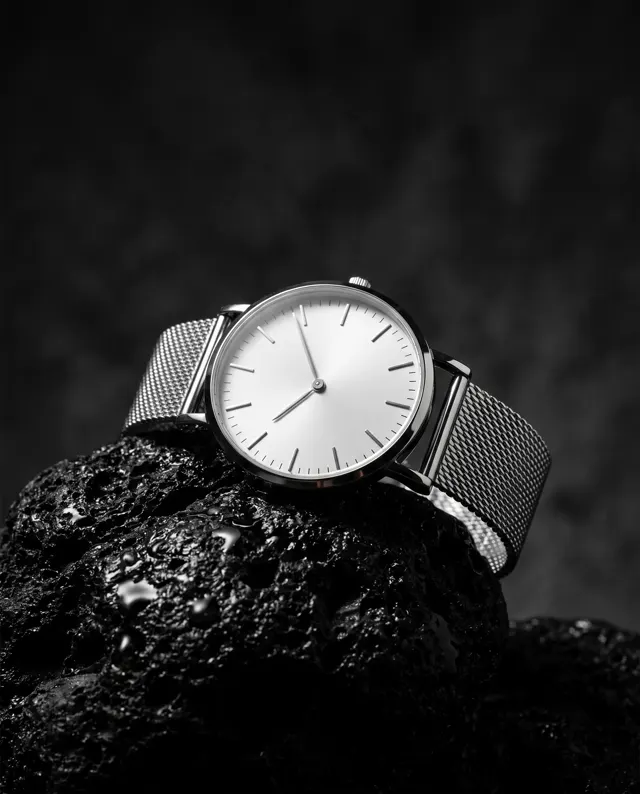
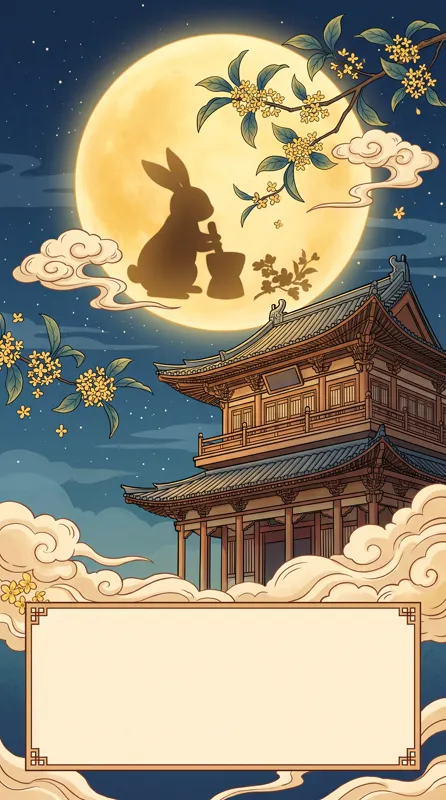
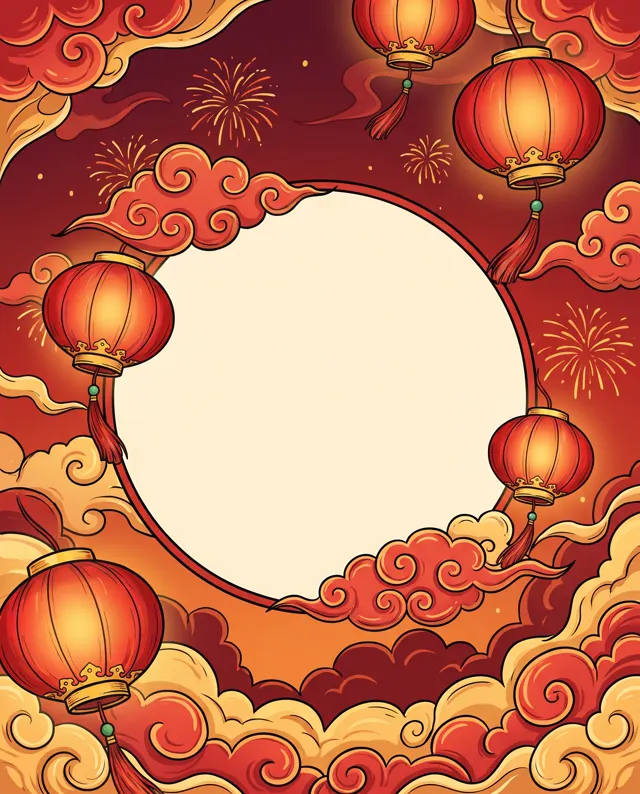
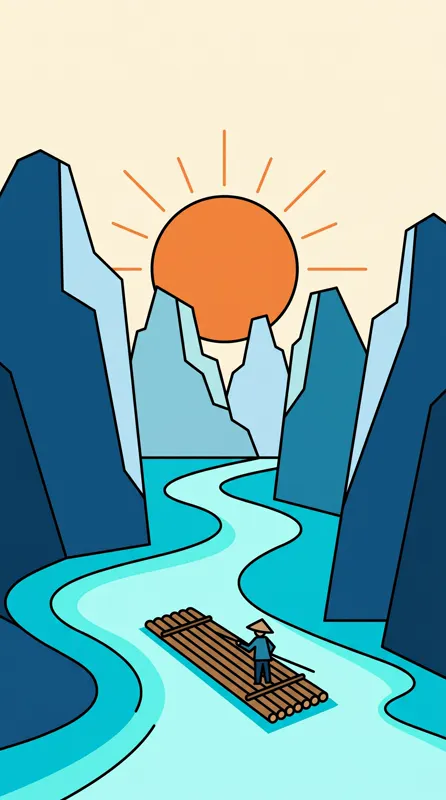
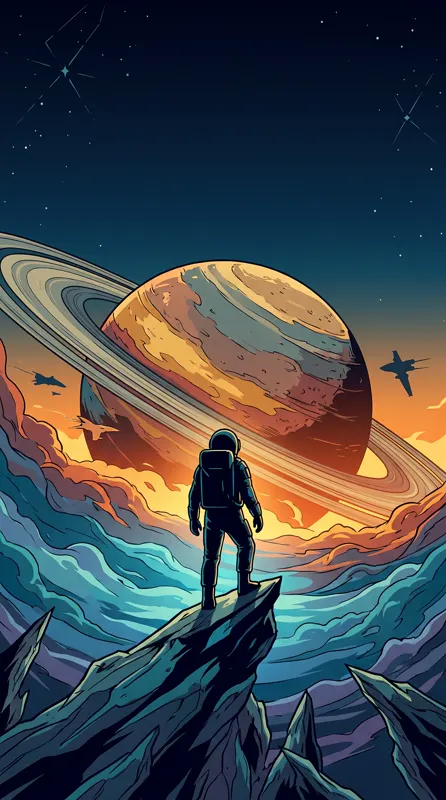
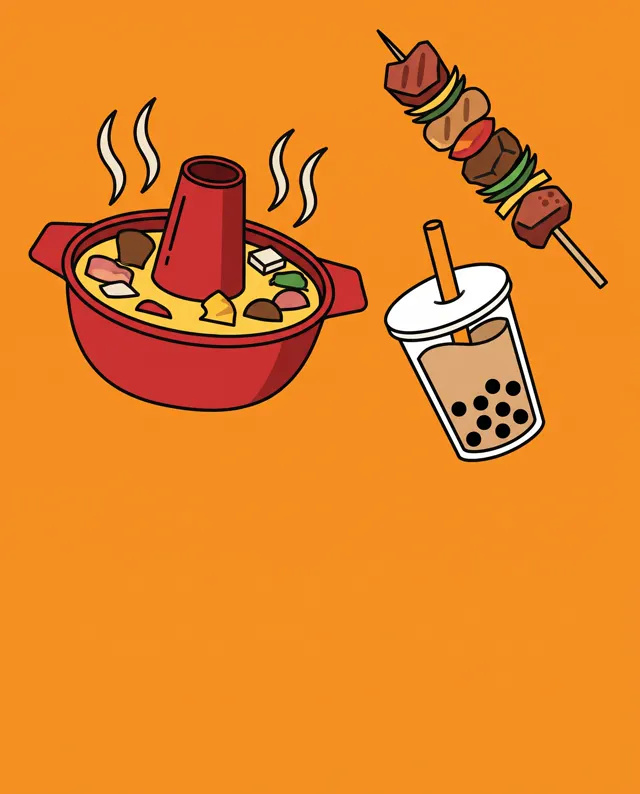
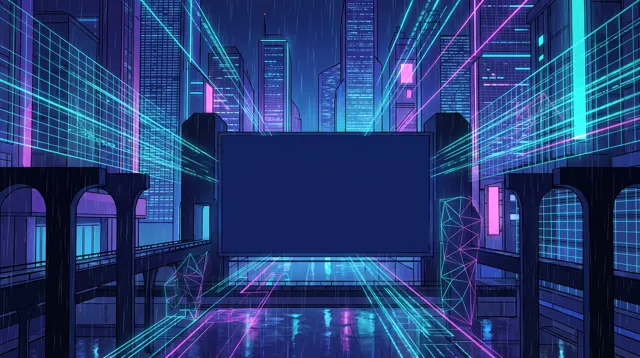
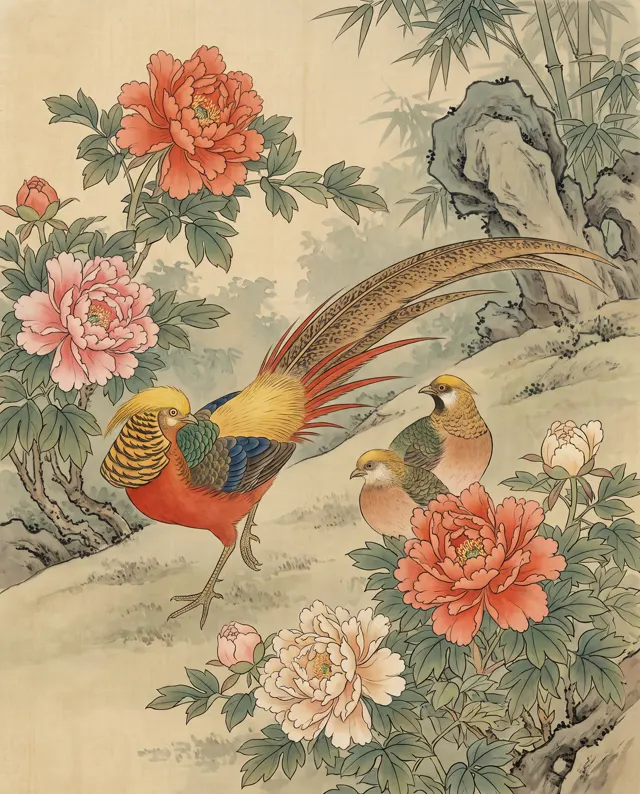
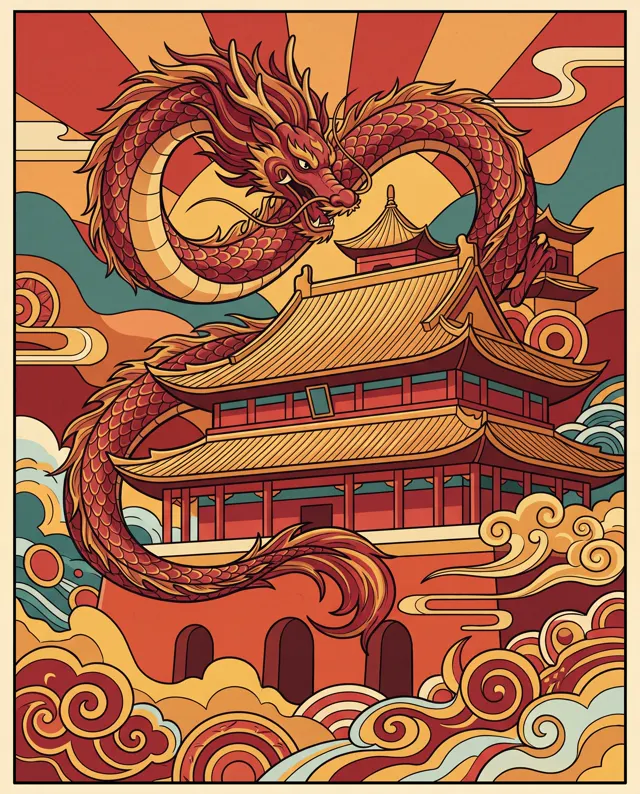
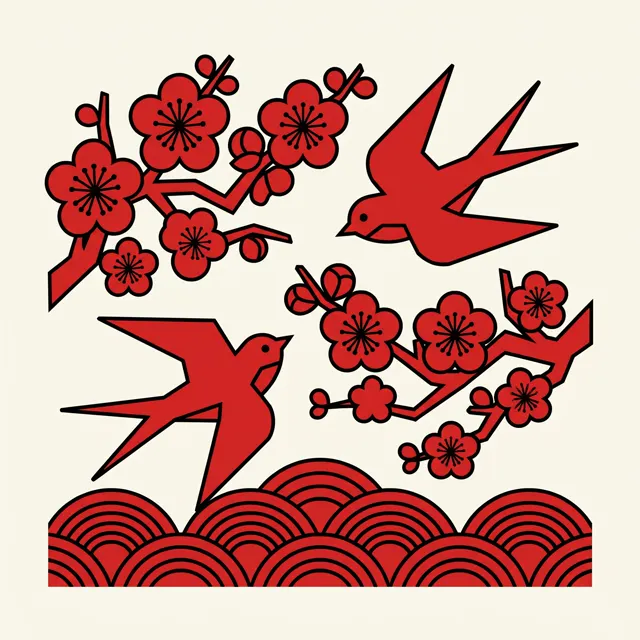
Every image comes with its exact prompt and settings. Hit “Try this prompt” to load it into the generator, then change a few words to make it yours.



What is an AI poster generator?
An AI poster generator creates the key visual of a poster quickly, then hands it to your design tool for layout. The reason is practical: AI text rendering isn’t reliable yet — misspellings and garbled letters are common — so our generator keeps text out of the image unless your prompt asks for it. The dependable workflow is to describe the theme, subject and colors, add a layout instruction like “empty space across the top” or “leave the bottom third clear”, and generate a clean base image. Then place the title, date and venue precisely in a design tool. This page is preset to 9:16 portrait with the Flat illustration type: simple shapes and clear color blocks that make text easy to layer on top.
Start generating free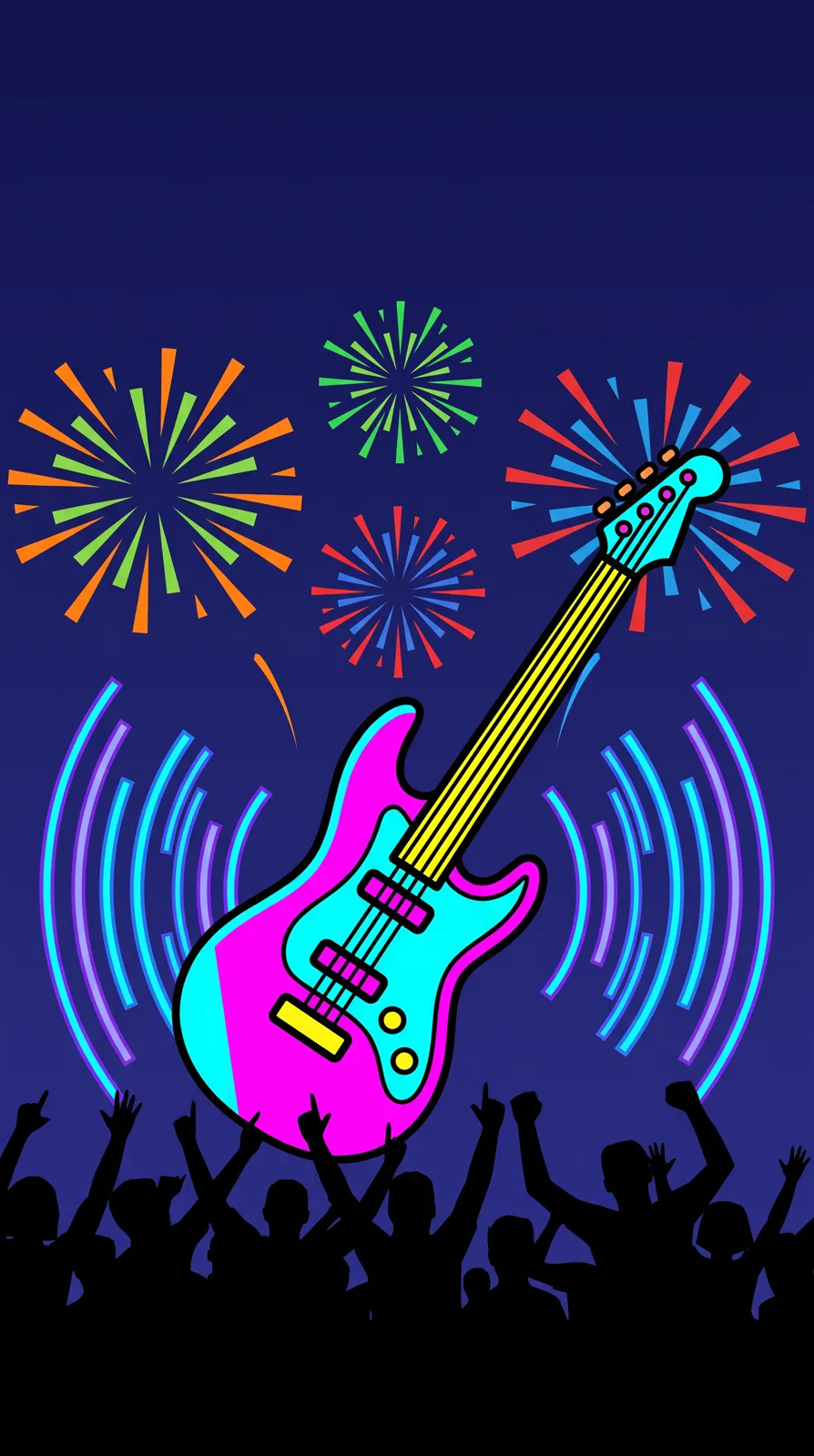
What people use it for
Event promotion
Festivals, markets, talks and openings: generate a strong key visual, add the date and venue, and post it the same day.
Holiday campaigns
Seasonal posters pile up around holidays. Change one line of the prompt and you have a new key visual for the next date on the calendar.
Shop and launch posters
New drinks, menu items and promotions for cafés, restaurants and retail, in a 9:16 format made for phone screens and group chats.
Vertical social graphics
Stories and short-form covers are vertical first. A 9:16 key visual fills the phone screen and stops the scroll.
How it works
- 01
Describe theme and space
Name the event, main elements and colors, and say where the title goes — e.g. “top third left empty for the title.”
- 02
Generate the key visual
9:16 and Flat illustration are preset. Make 1–4 images and keep the composition that leaves the best room for type.
- 03
Lay out the text
Bring the up to 4K image into your design tool and add the headline, date, venue and QR code — accurate and crisp.
Prompt tips
Ask for the empty space
The AI won’t make room for a title on its own. Spell it out: “large plain area at the top”, “subject in the lower half”.
Pick the palette first
Posters are recognized by their colors. Name two or three — “deep navy with warm gold” or “cream with mint green” — to keep the image cohesive.
Switch type for a different feel
Flat illustration is clean and easy to set type over. For a moodier poster, switch to the Photo or Painterly type.
Don’t make the AI spell
Leave headline copy out of the prompt; AI often misspells it. Generate a text-free image and set the title yourself.
FAQ
Related tools


Let AI handle the picture
Describe the theme, ask for title space and get a key visual in about 30 seconds — then set the text your way.