
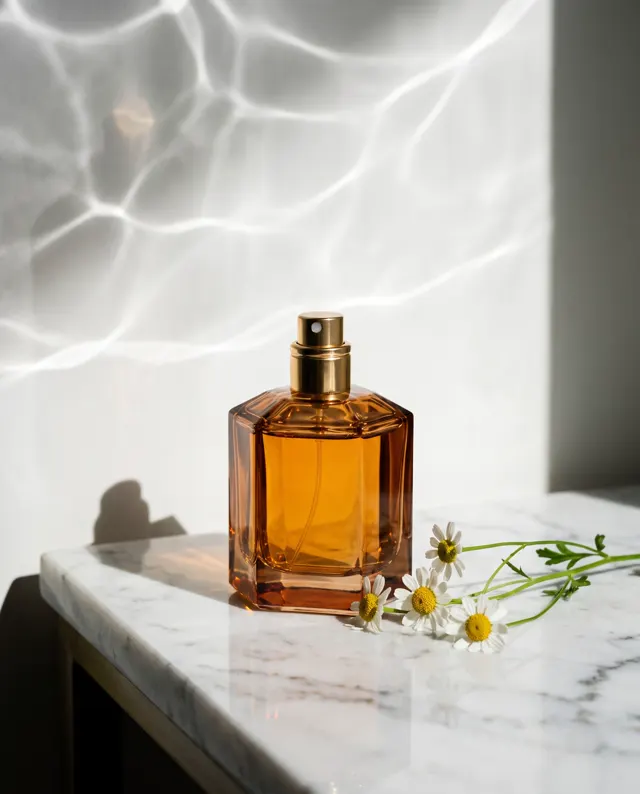
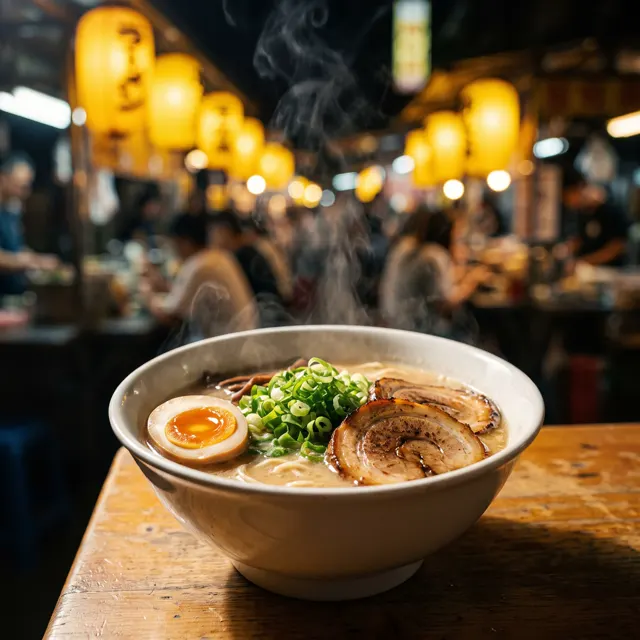
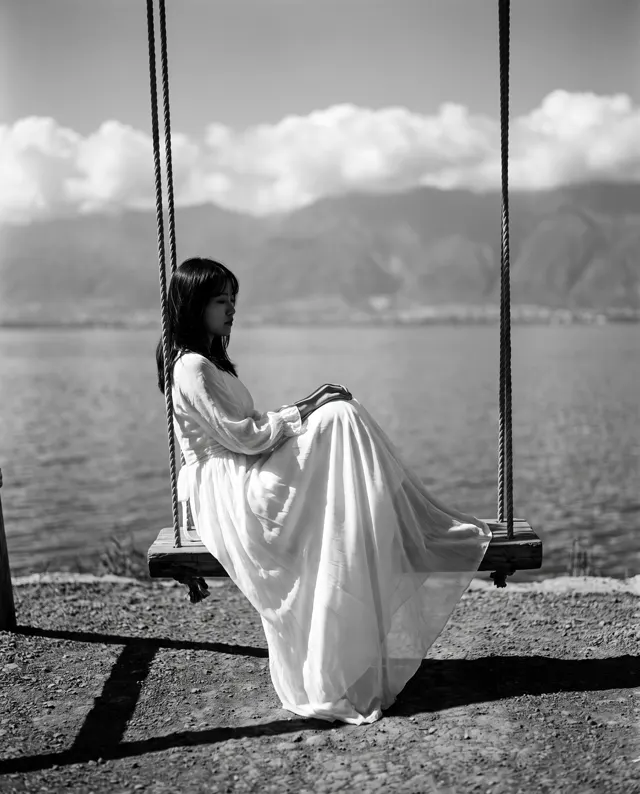
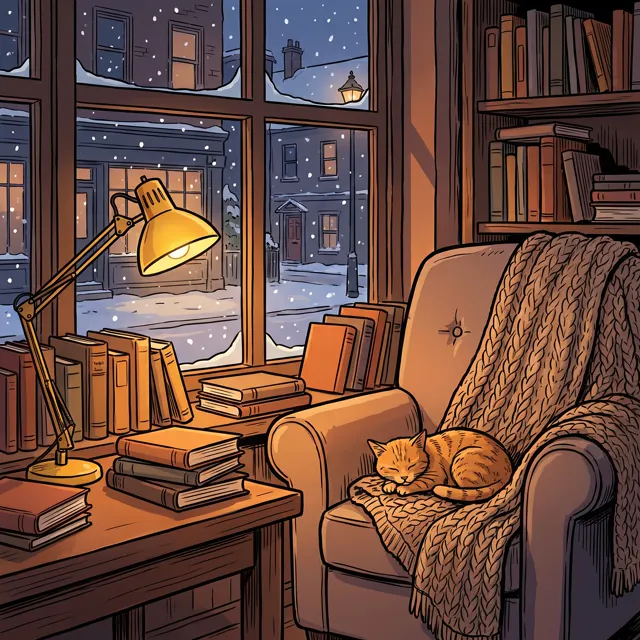
Made for RED notes
Xiaohongshu Cover Maker: Lifestyle Covers in One Line
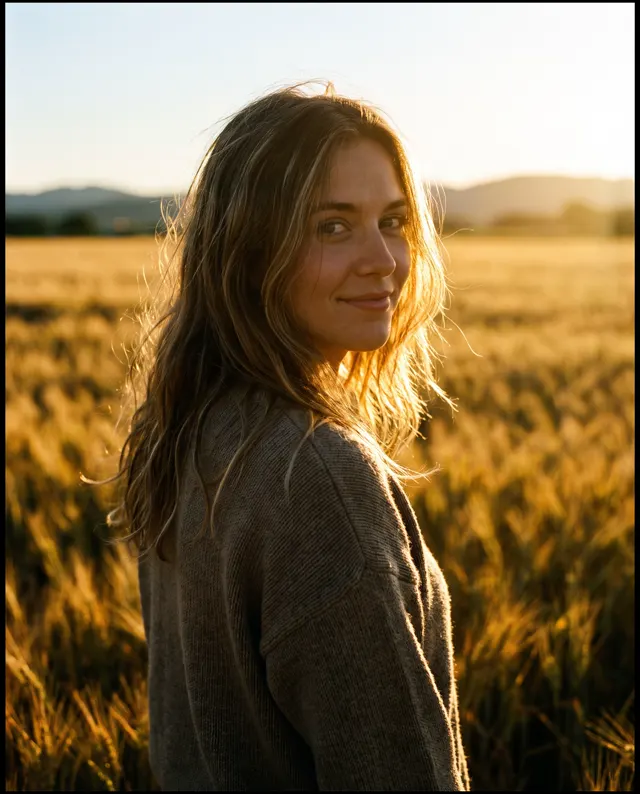
Preset to the Photoreal style at 4:5 — natural light and real-life texture that fit the RED feed. Generate the image, then add your title in the app or a photo editor.
- 19 real examples
- 12 styles
- ~30 sec per image
- 4K output
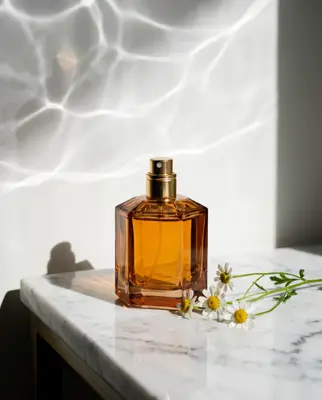
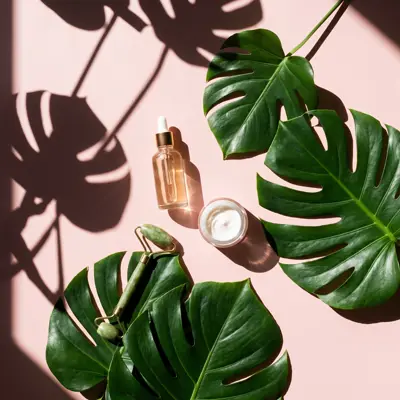

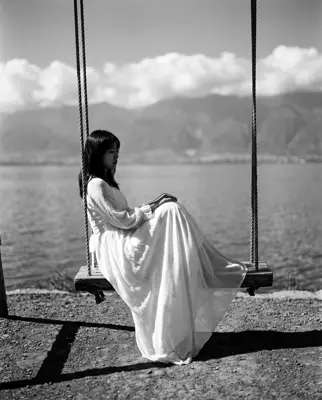
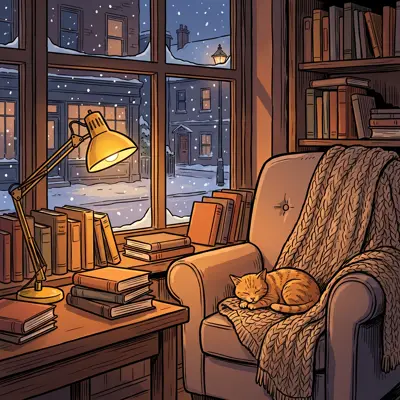

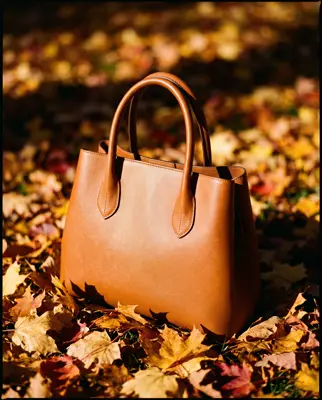
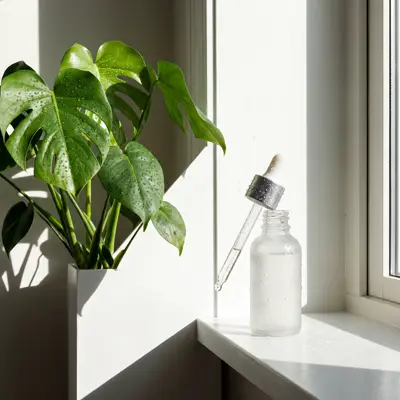
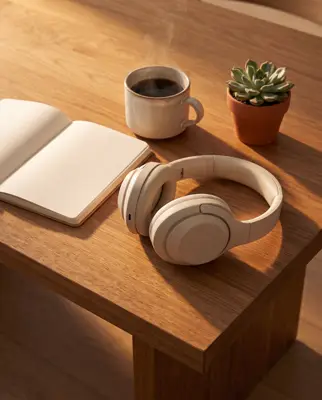

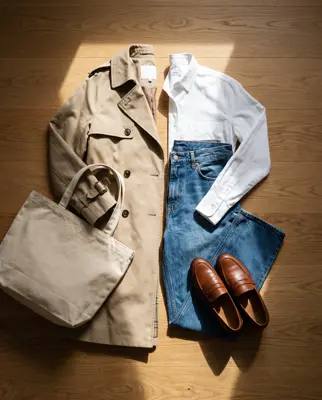
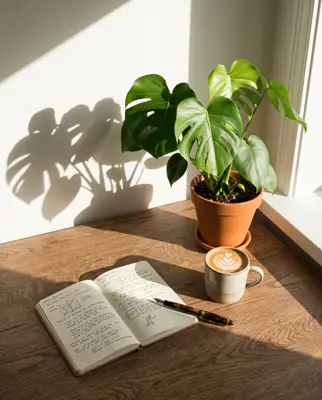

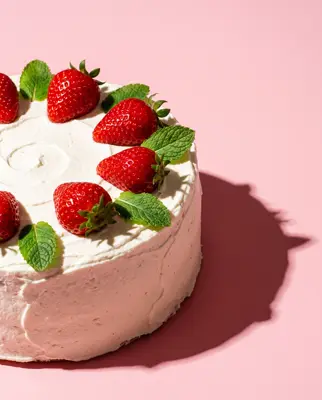

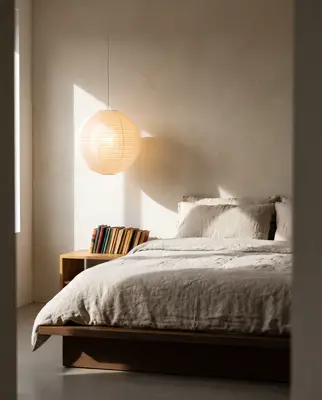
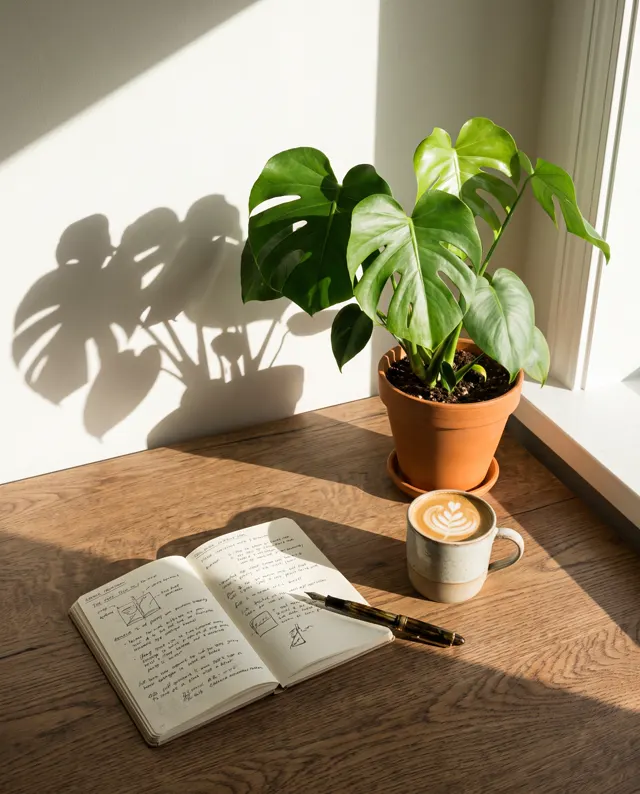
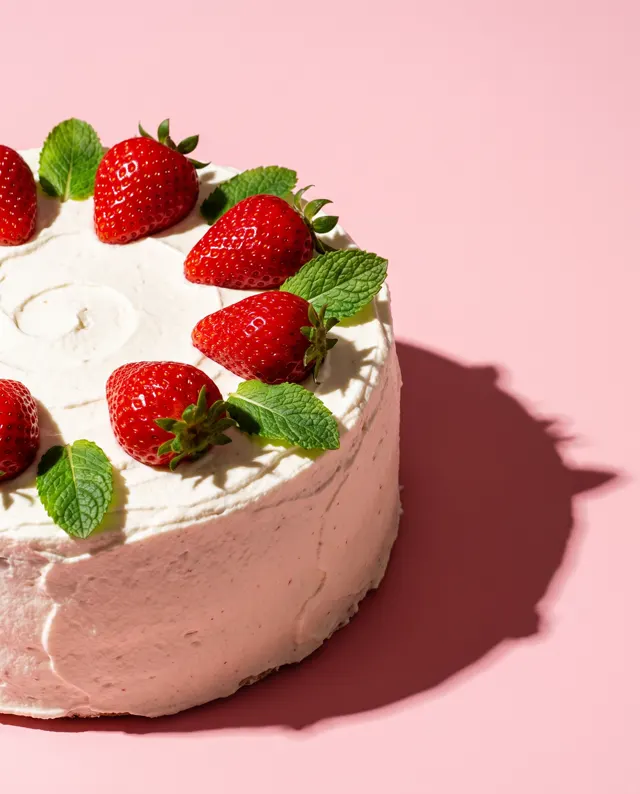
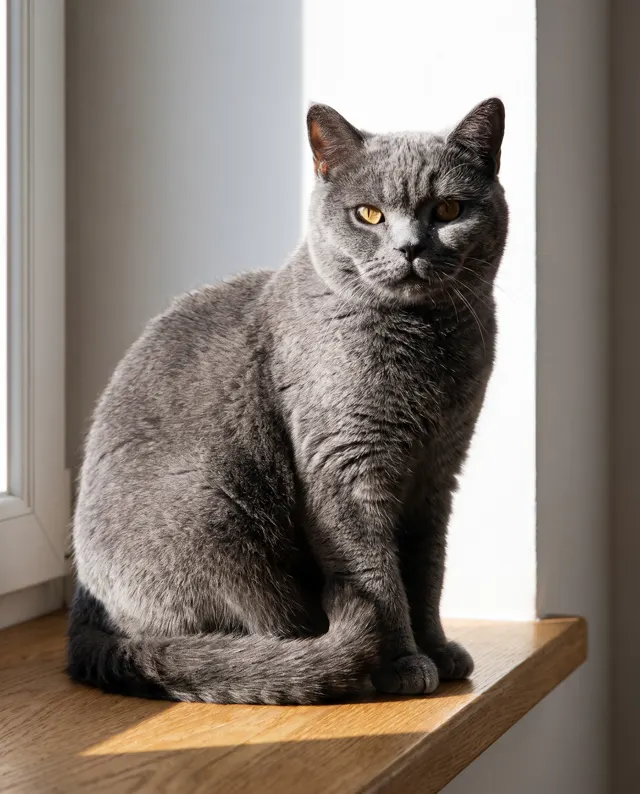
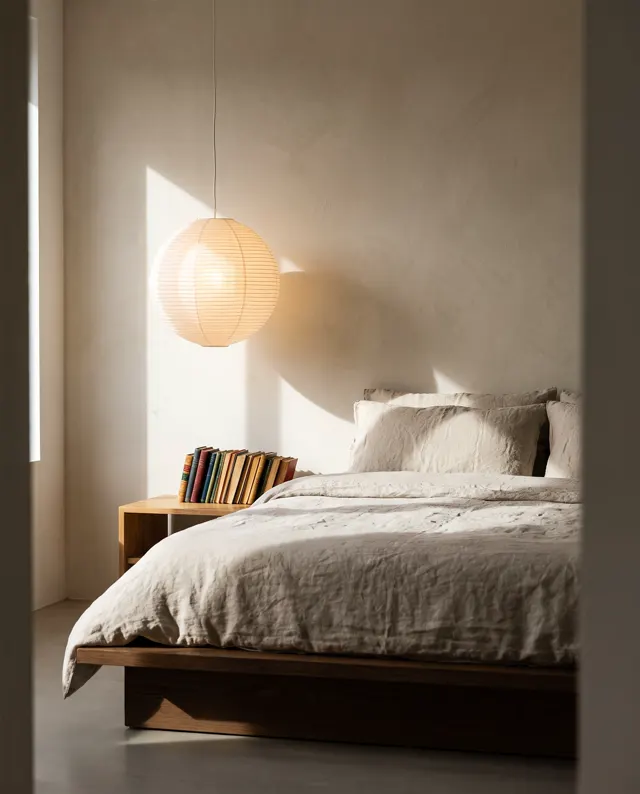
Real images made with this tool
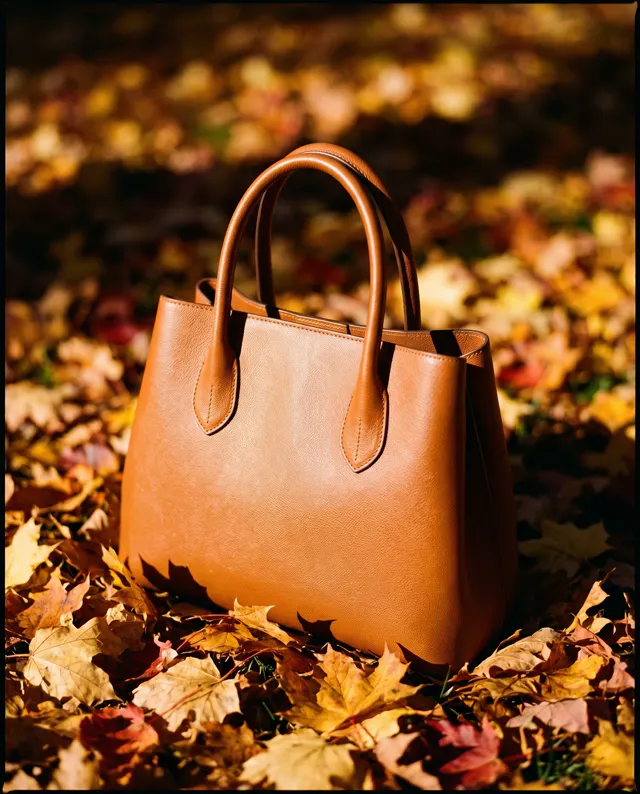
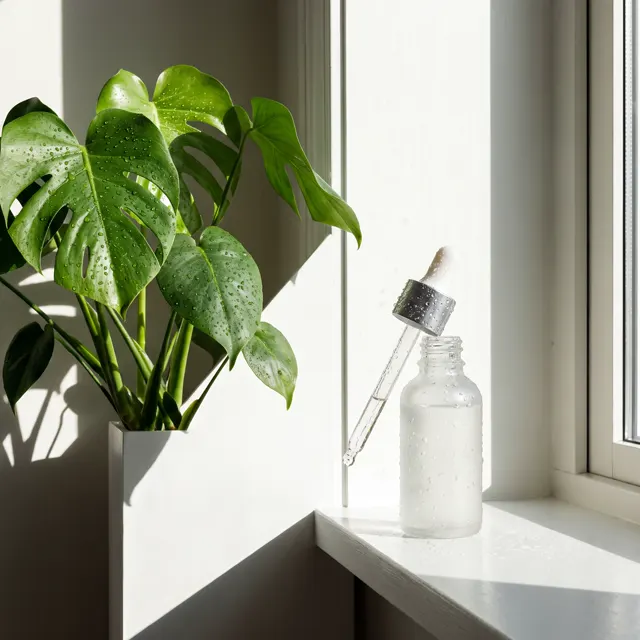
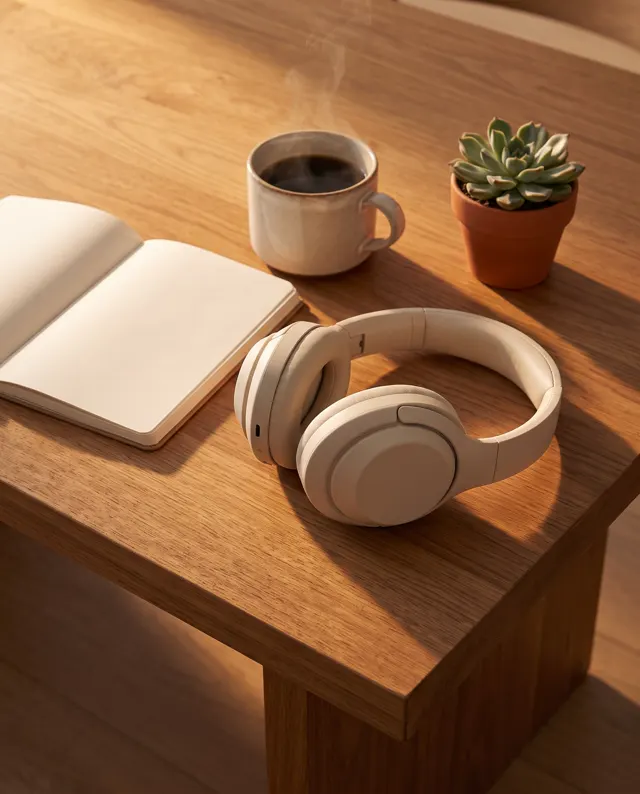
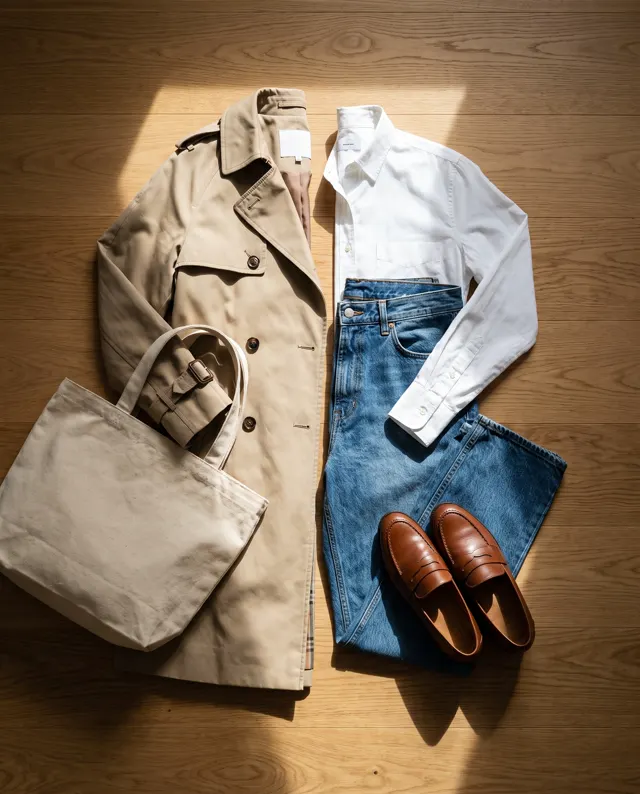
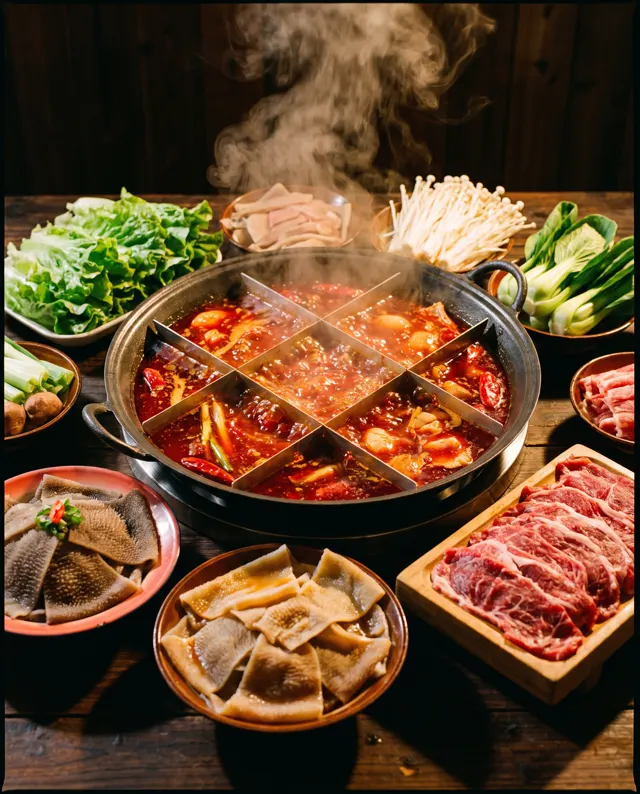
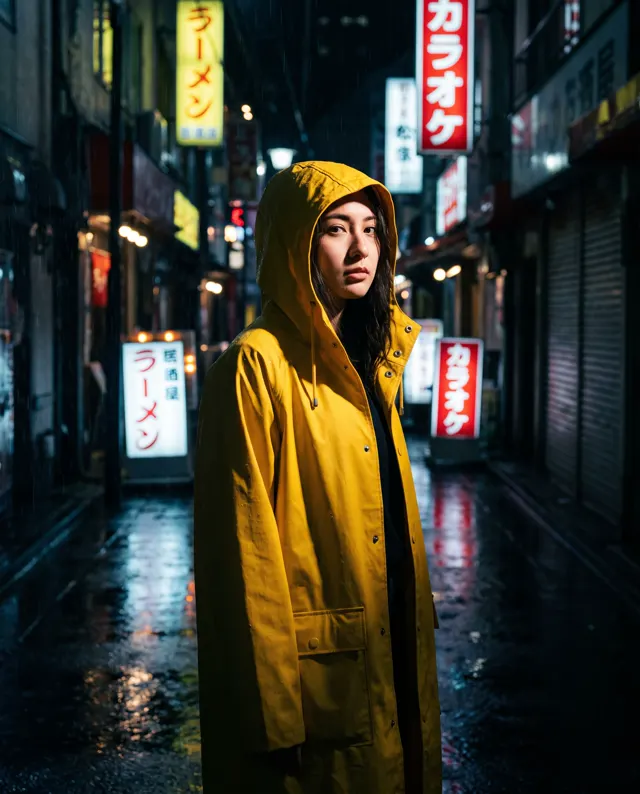
Every image comes with its exact prompt and settings. Hit “Try this prompt” to load it into the generator, then change a few words to make it yours.
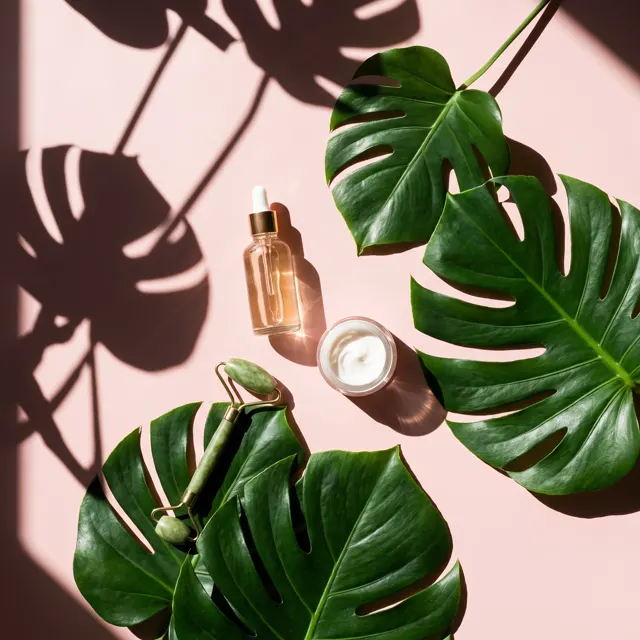




What is a Xiaohongshu cover maker?
Xiaohongshu, also known as RED, is a lifestyle platform where the cover image does much of the work of getting a note opened. A cover maker uses AI to create that first image: describe the note’s topic and the scene you want, and get a photoreal picture in about 30 seconds — no dedicated shoot needed. This page is preset to the Photoreal style at 4:5. Xiaohongshu commonly recommends 3:4; 4:5 is the closest of our output ratios and still reads as a vertical cover in the feed. Keep the subject away from the edges so nothing important gets cropped, and add your title in the Xiaohongshu app or a photo editor, because AI-rendered text isn’t reliable yet. Images are up to 4K, watermark-free and saved to My images.
Start generating free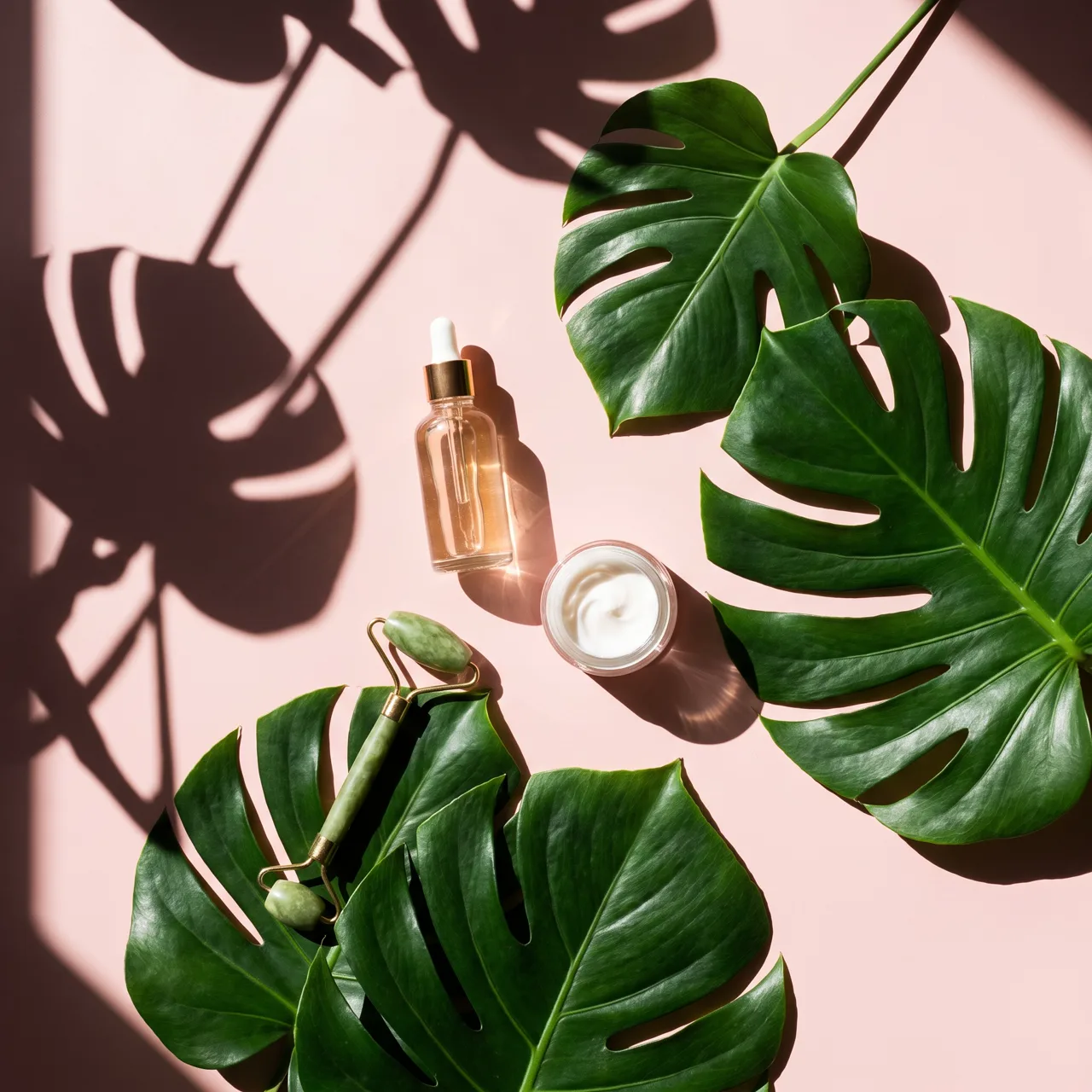
What people use it for
Travel note covers
Didn’t get the shot you wanted? Describe the place and mood for a fresh travel cover, and pair it with your real photos inside the note.
Food and café posts
Dishes, drinks and desserts with warm light and shallow depth of field — good for roundup covers and list-style notes.
Product recommendations
Flat lays and in-use shots of skincare, home and tech finds on clean backgrounds. Use image to image to feature your real item.
Tips and study notes
Book notes, study methods, career advice: use an atmospheric desk or scene as the base, then add a big title in the app.
How it works
- 01
Describe the note
Cover the setting, subject and mood, e.g. “pour-over coffee on a wooden table by the window, afternoon sun, cream tones.”
- 02
Generate a portrait cover
Photoreal and 4:5 are preset. Make 1–4 images and pick the one with the best room for a title.
- 03
Add the title and post
Download the up to 4K original, add the title in the app or an editor, and keep a safe margin around the edges.
Prompt tips
Leave room for the title
Add “empty space at the top” or “subject in the lower half” so the title you add in-app doesn’t cover the subject.
Natural light looks native
RED favors relaxed, real-life images. Use “window light”, “afternoon sun” or “soft backlight” rather than heavy studio lighting.
Keep a series palette
Reuse one or two tone words, like “cream tones” or “muted Morandi colors”, so your profile grid looks consistent.
Mind the safe margins
4:5 and 3:4 differ slightly. Keep the subject off the edges so it isn’t cropped or hidden behind titles and tags.
FAQ
Related tools

Make the cover for your next note
Describe the note, get a portrait cover in about 30 seconds, then add your title in the app. New accounts get free trial credits.