
Anime style
AI Anime Generator: Draw Your Original Characters
Preset to the Anime style at 4:5: clean line art, soft cel shading and detailed backgrounds. Describe the character and scene, and get an anime illustration in about 30 seconds.
- 15 real examples
- 12 styles
- ~30 sec per image
- 4K output
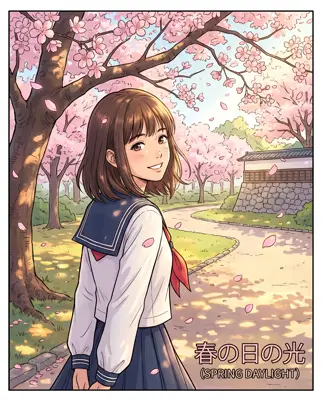
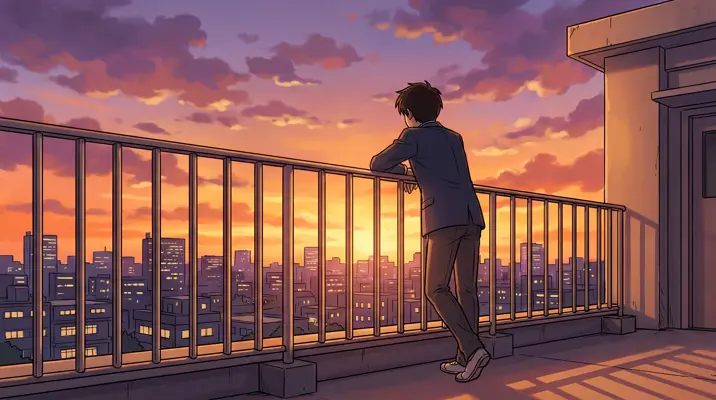
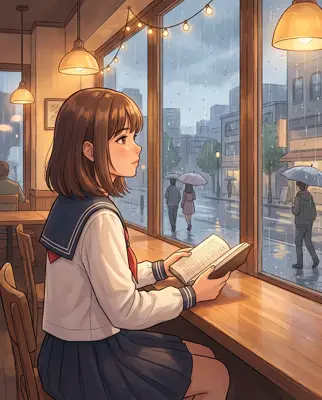
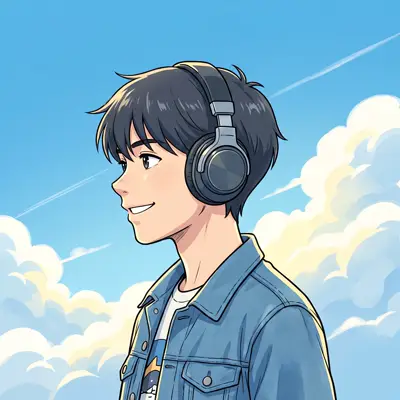
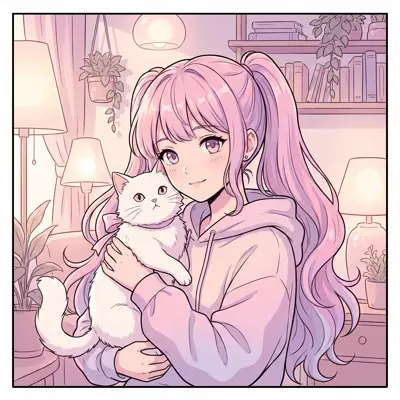
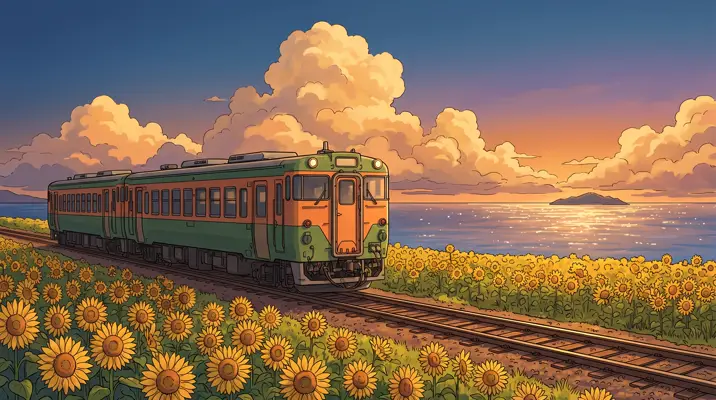

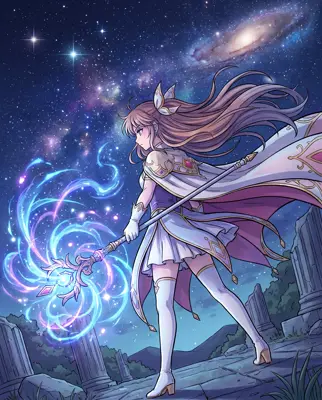
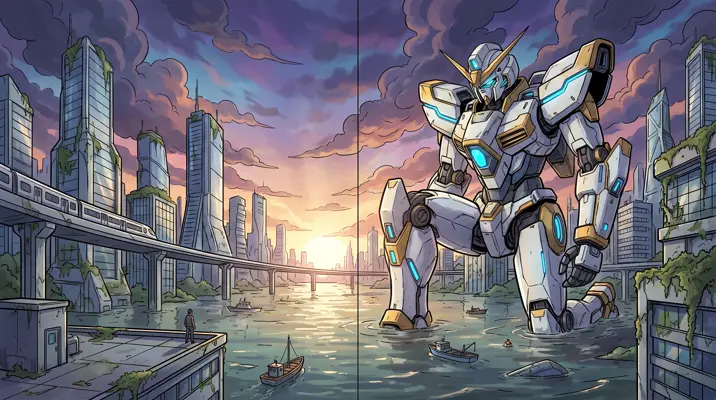
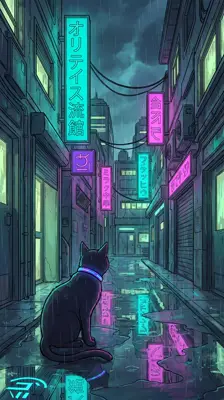
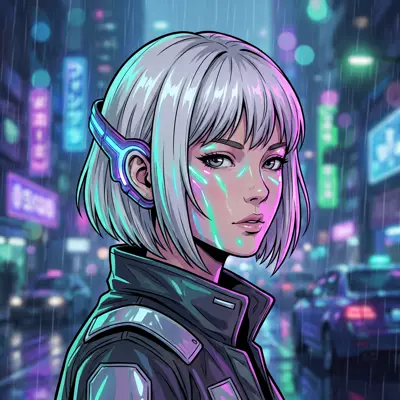
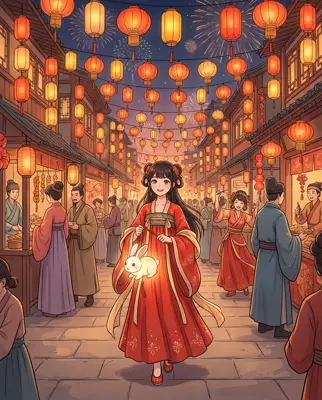
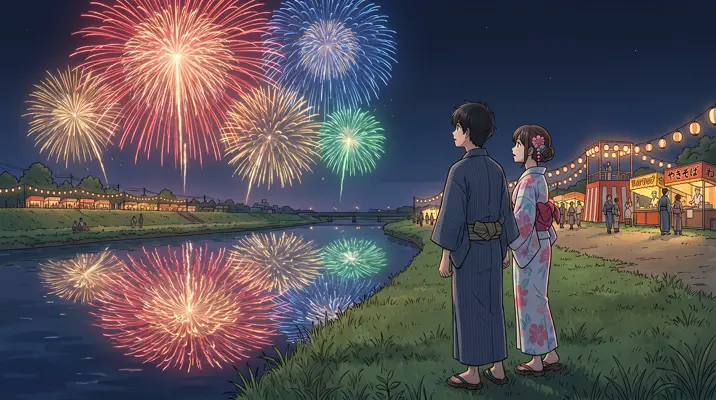
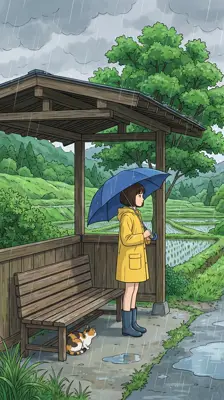
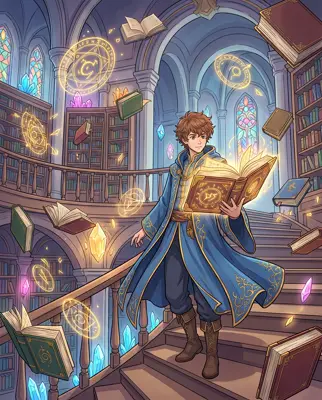
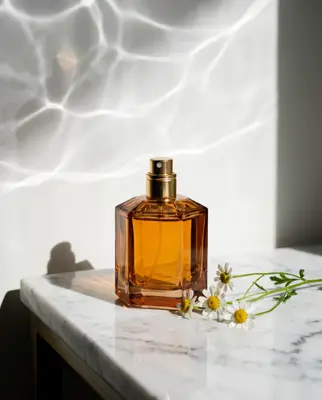
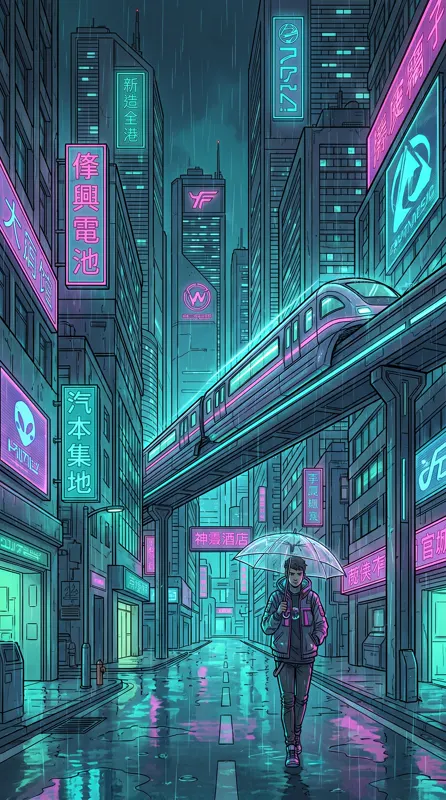
Real images made with this tool
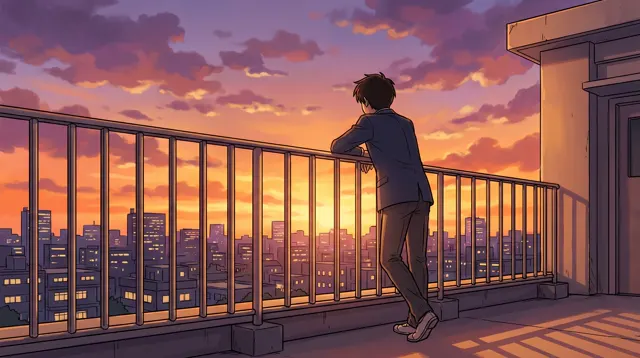
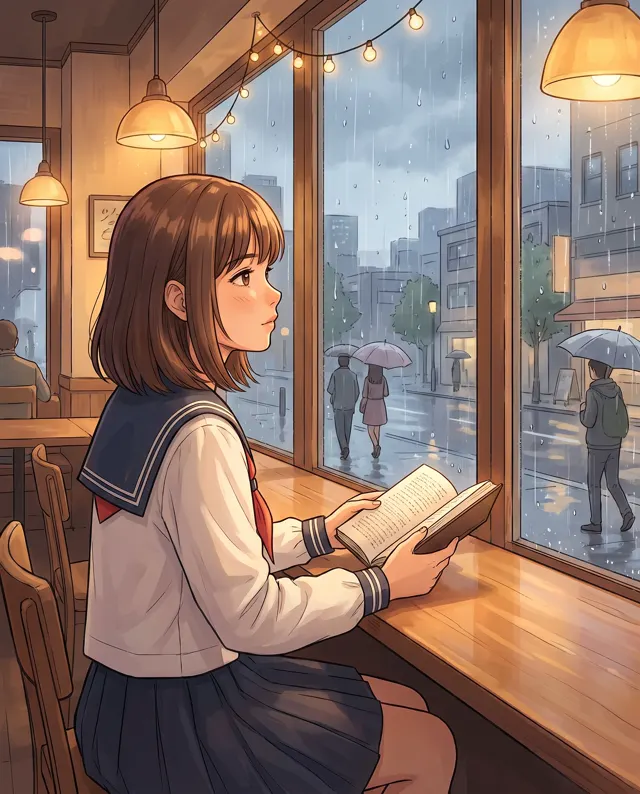
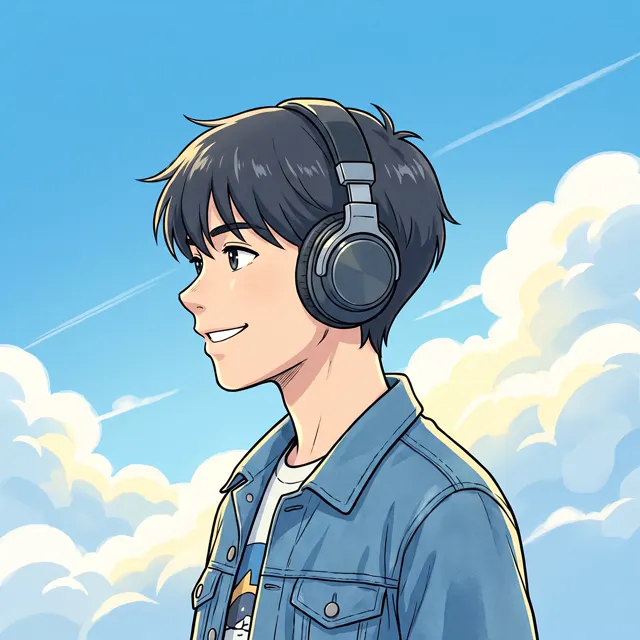
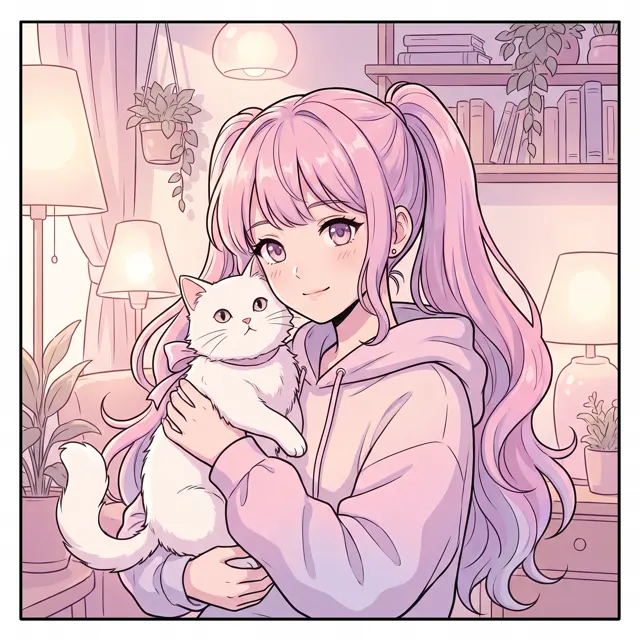
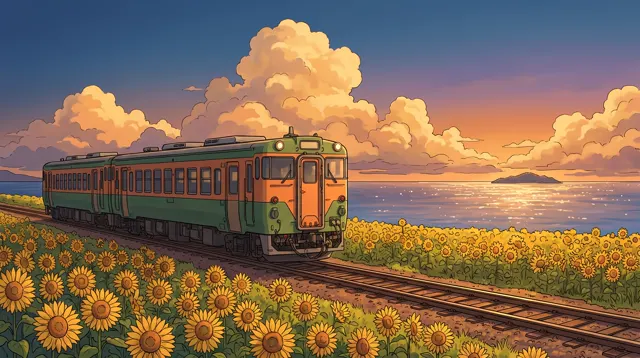
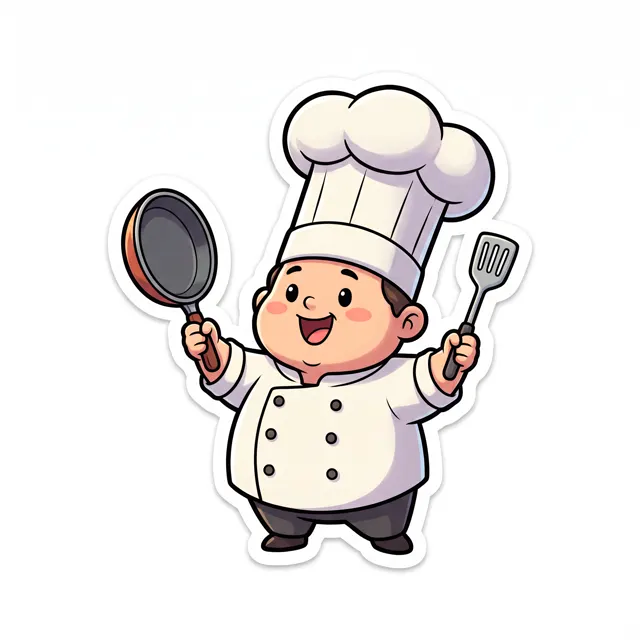
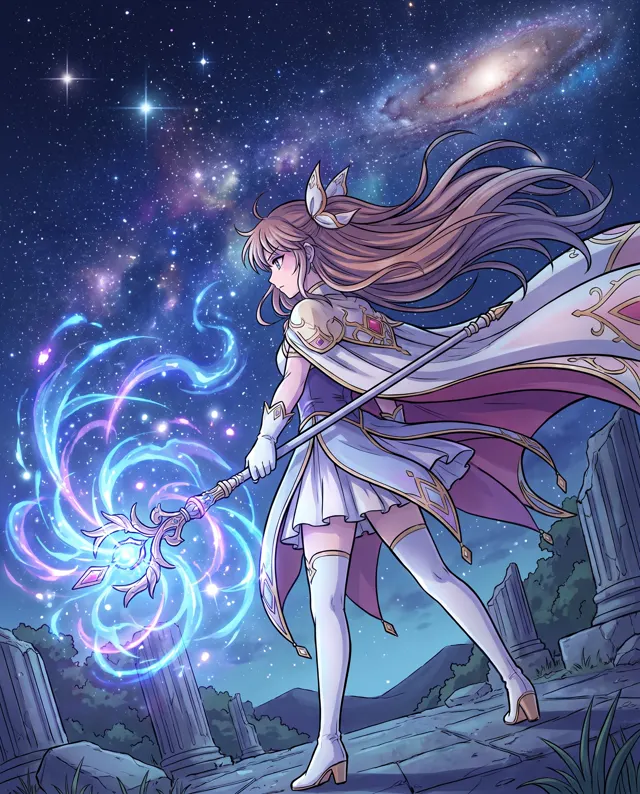
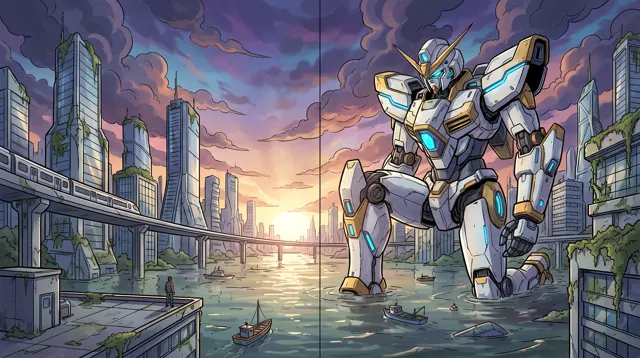
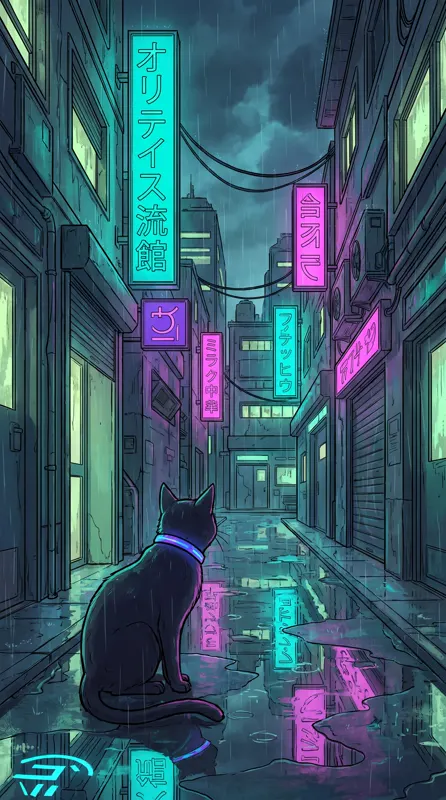
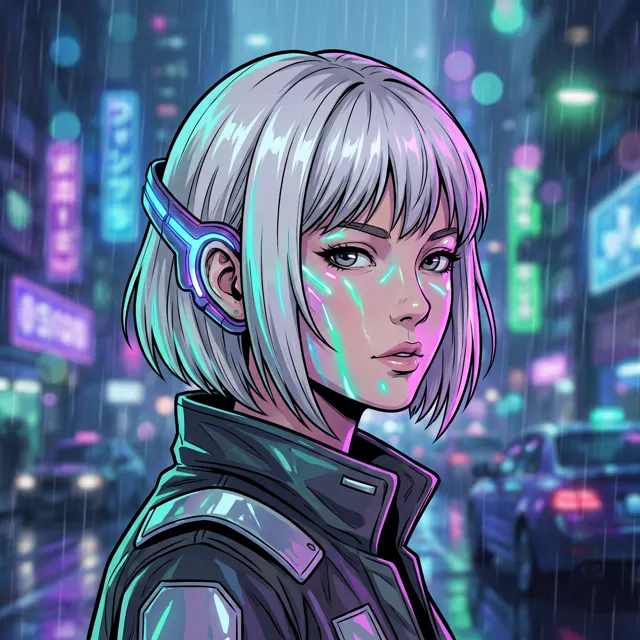
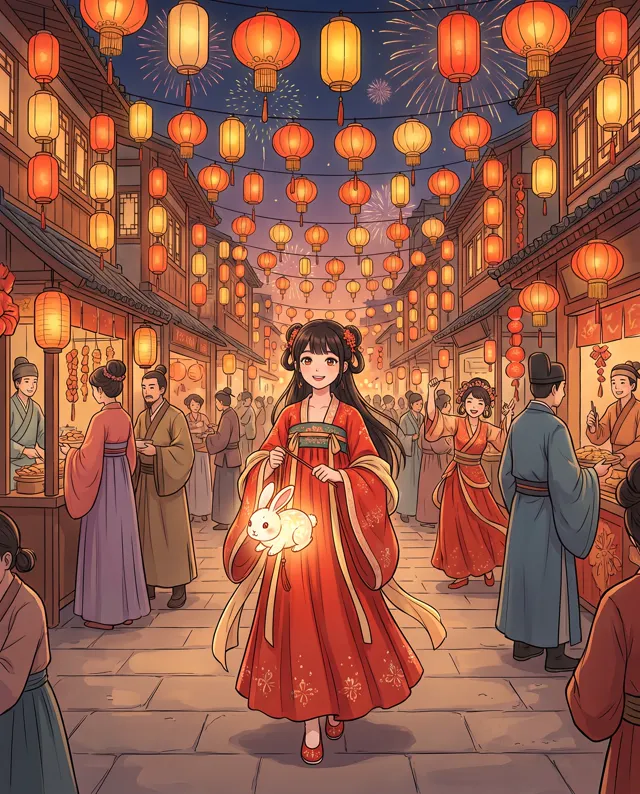
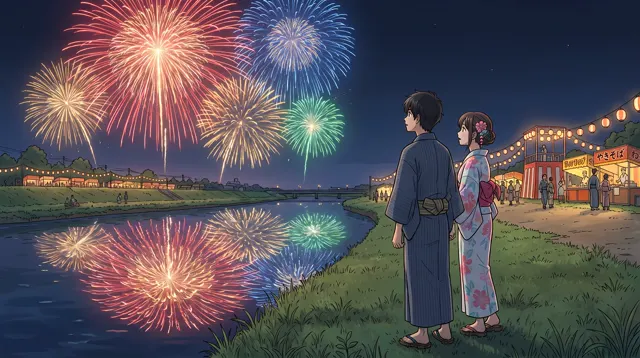
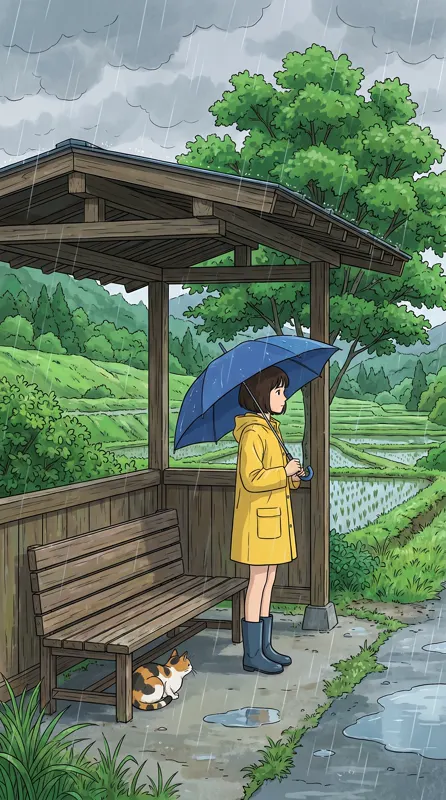
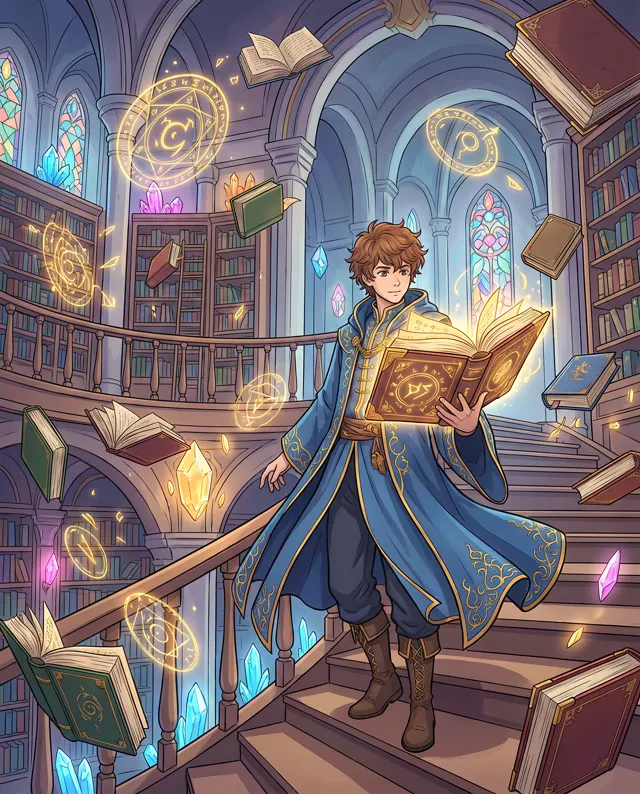
Every image comes with its exact prompt and settings. Hit “Try this prompt” to load it into the generator, then change a few words to make it yours.
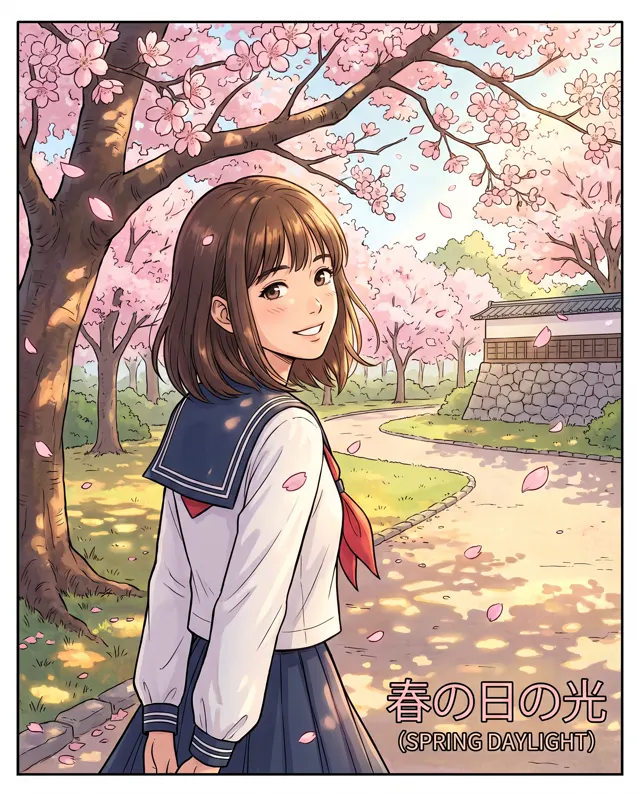
What is an AI anime generator?
An AI anime generator draws anime-style images from a text description — characters, scenes and avatars alike. This page is preset to the Anime style, which uses the Painterly image type: clean line art, soft cel shading and detailed backgrounds, at a 4:5 portrait ratio that suits half-body shots, avatars and character art. Describe the character’s hair, outfit, expression and pose, then the setting and light, and the generator renders it with an anime look. Prompts can be in English or Chinese. For wide scenes or wallpapers, switch to 16:9 or 9:16; for a rounded, toy-like look, try the 3D Cartoon style instead. Each run makes 1–4 images at up to 4K, with no watermark, saved to My images.
Start generating free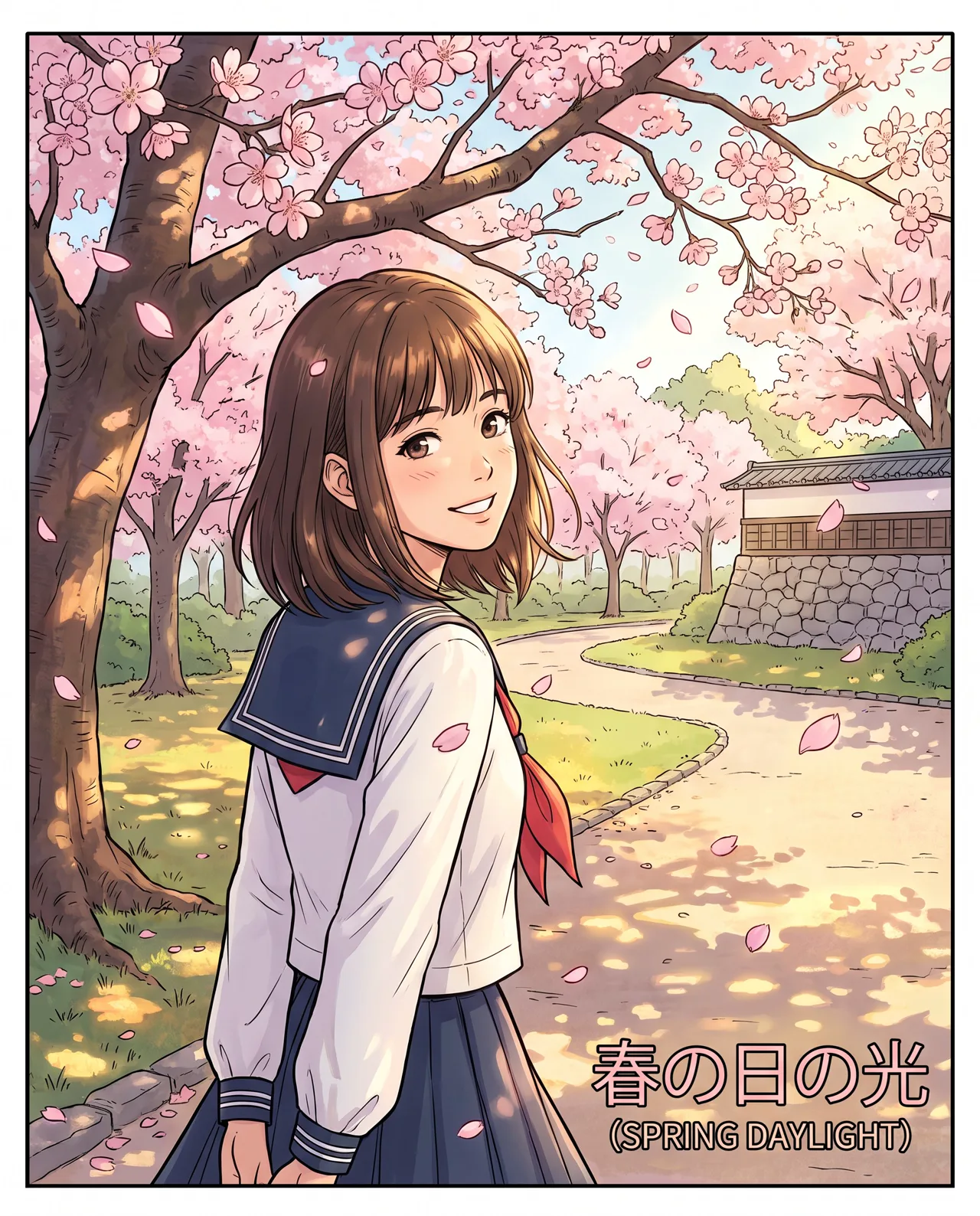
What people use it for
Anime avatars
Describe hair, eye color, expression and accessories for a profile picture of your own. Need a square? Switch to 1:1.
Original character design
Sketch the look of characters for a novel, game or project, and quickly try different hairstyles, outfits and palettes.
Anime-style scenes
Classrooms, streets, rooftops and beaches under cinematic anime skies. Switch to 16:9 and it doubles as a desktop wallpaper.
Social post art
Give quotes, playlists and short stories a matching anime illustration so your account has a recognizable look.
How it works
- 01
Describe the character
Hair, outfit, expression and pose — e.g. “short silver hair, deep blue cloak, smiling, holding a staff.”
- 02
Set the scene and light
Add the backdrop and mood, like “rooftop at dusk, sunset, backlit.” 4:5 is preset; use 1:1 for avatars.
- 03
Generate and choose
1–4 images per run, about 30 seconds each. Keep the one with the best face and pose and download the up to 4K original.
Prompt tips
Be specific about looks
“Long hair” is vague; “waist-length pastel pink hair with blunt bangs” is a character. Hair, eye color and outfit details build recognition.
Name the shot
“Half-body”, “full-body”, “low angle” or “close-up” set the composition. For avatars, write “bust shot, facing the viewer.”
Use light for the anime feel
Anime mood comes from light: “backlit hair highlights”, “golden dusk light” or “neon reflections at night” make it feel like a frame from a film.
Skip existing characters
Don’t name famous anime characters or series — it’s a rights risk and results are inconsistent. Describe your own original design.
FAQ
Related tools
Meet your original character today
Describe the character and the scene, and get an anime illustration in about 30 seconds. Free trial credits for new accounts.