
Lock screen & desktop
AI Wallpaper Generator for Phone and Desktop
Preset to 9:16 portrait with the Painterly type, ready for your lock screen. For a desktop, switch to 16:9. Landscapes, cyberpunk, ink wash, gradients — write what you’d like to see.
- 24 real examples
- 12 styles
- ~30 sec per image
- 4K output
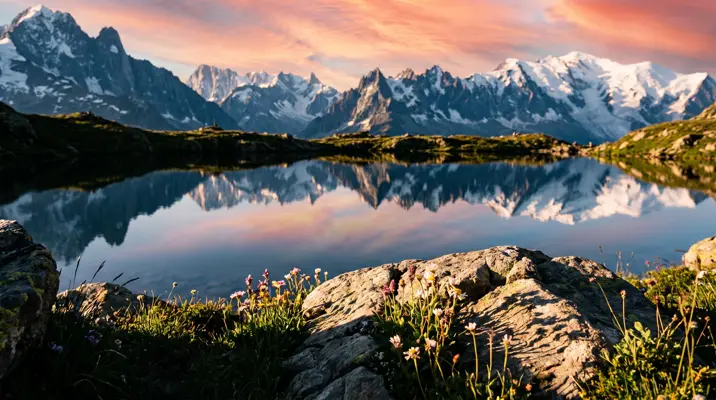
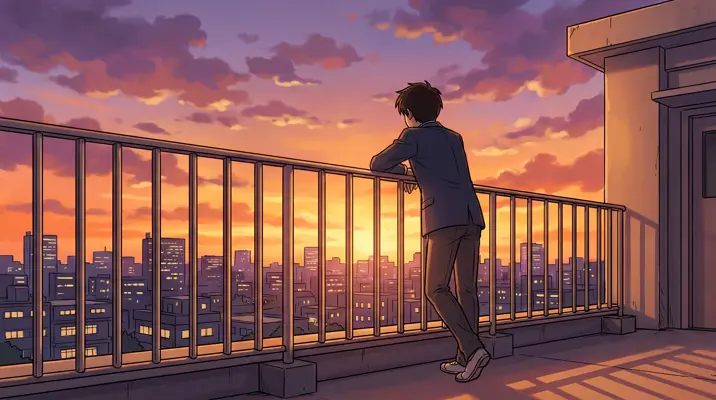
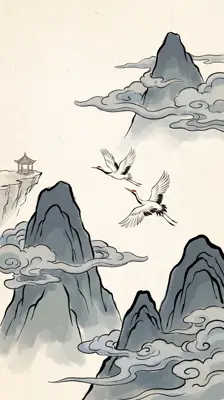
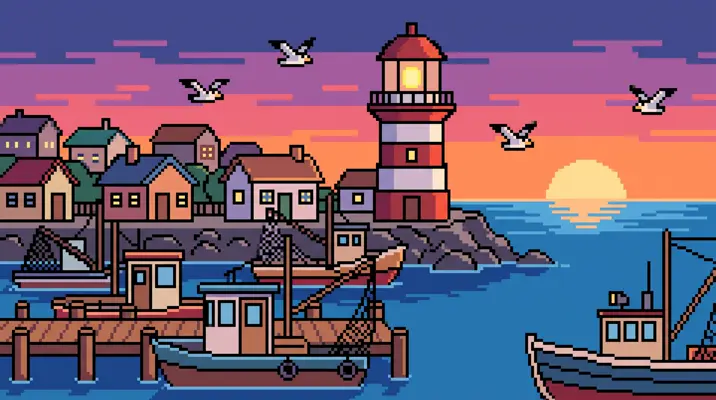
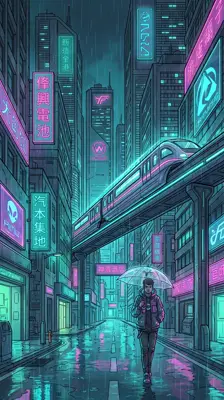
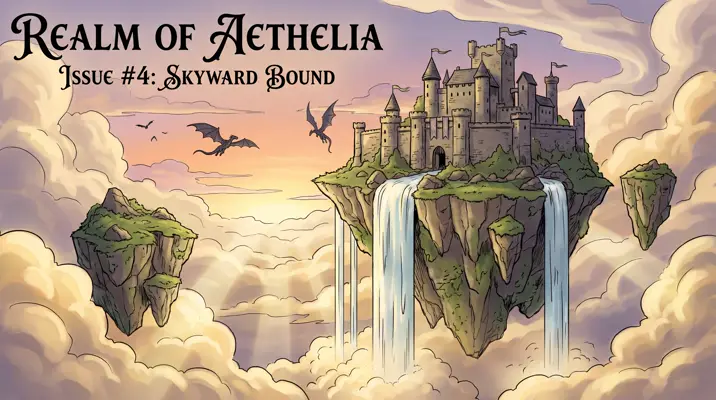
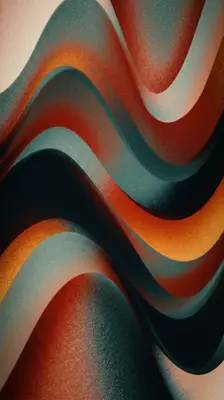
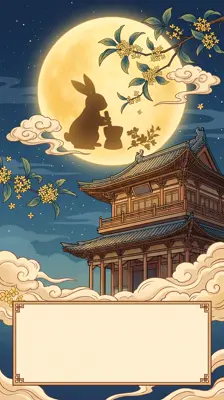
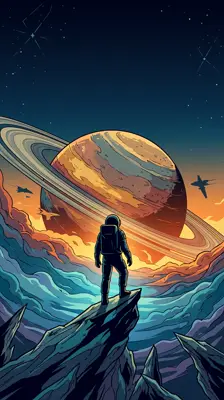
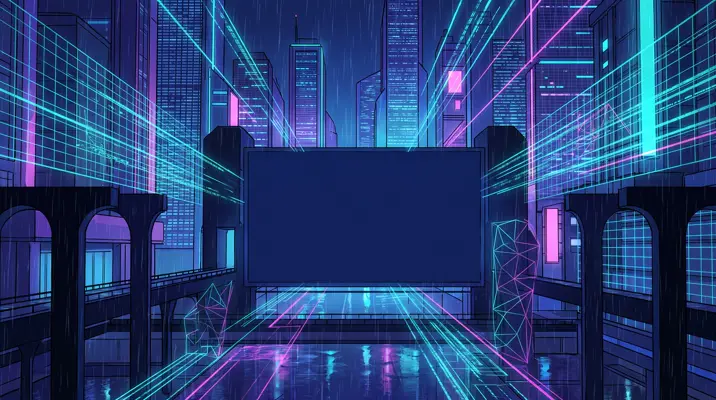
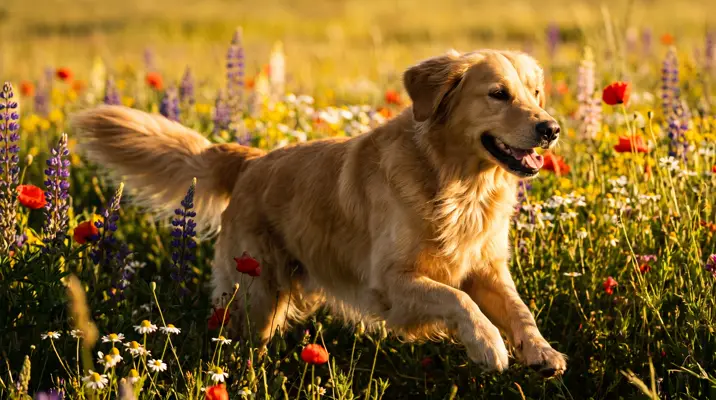
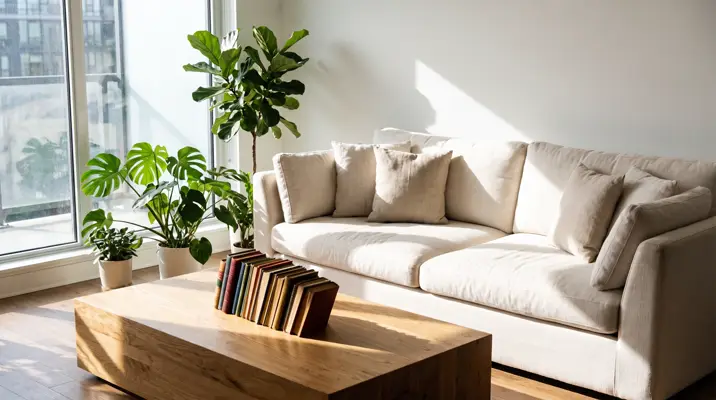
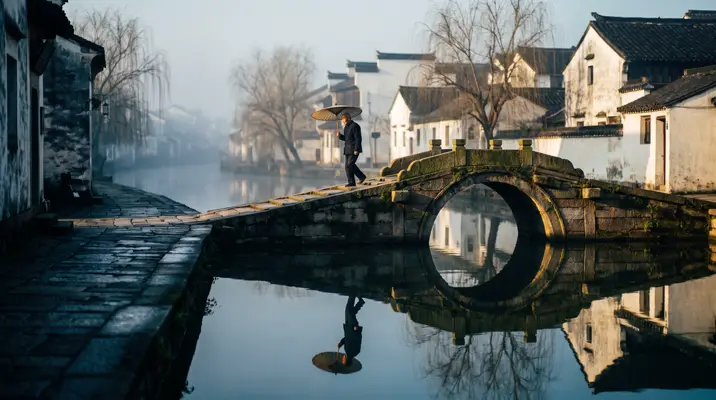
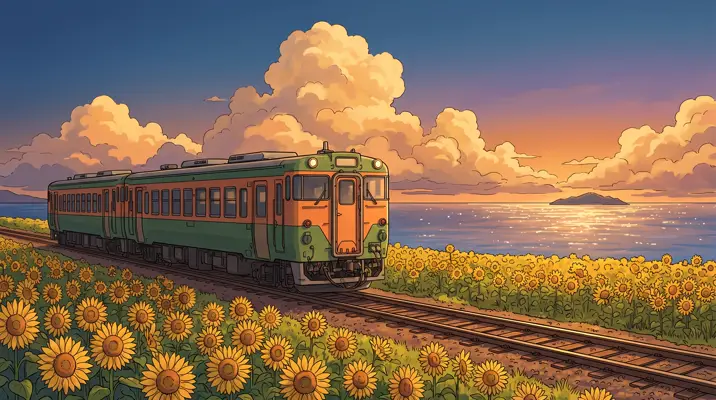
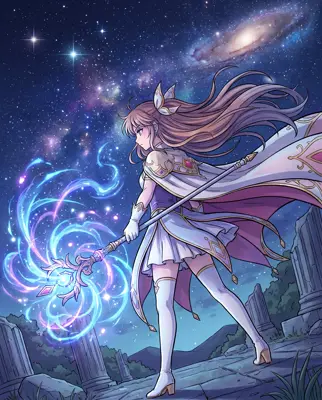
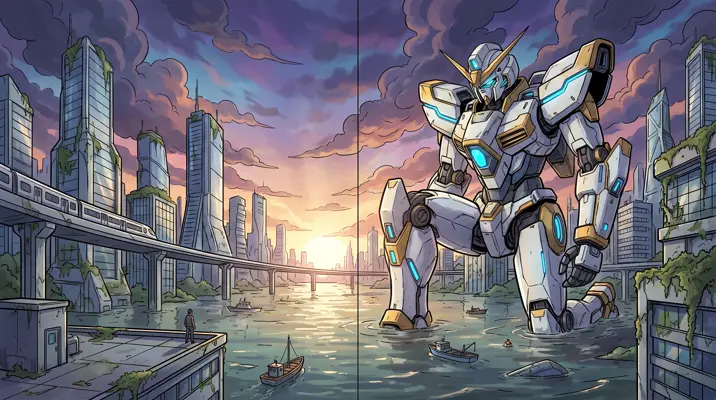
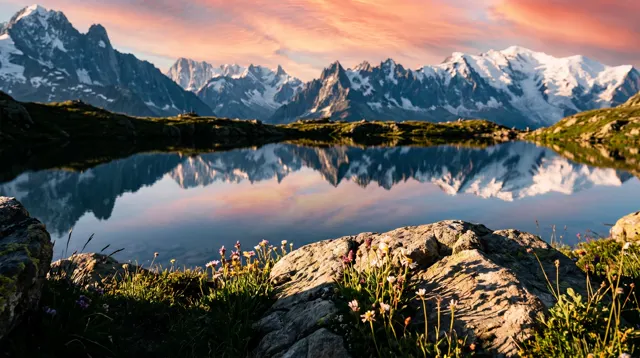
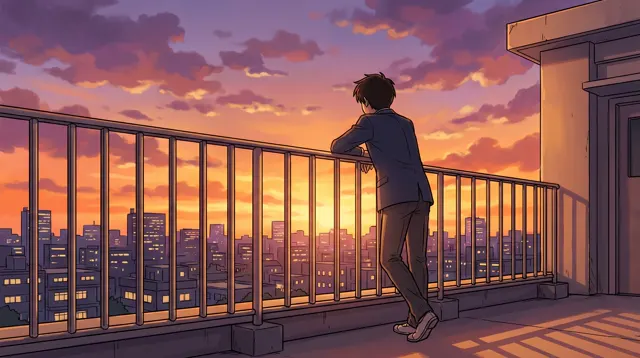
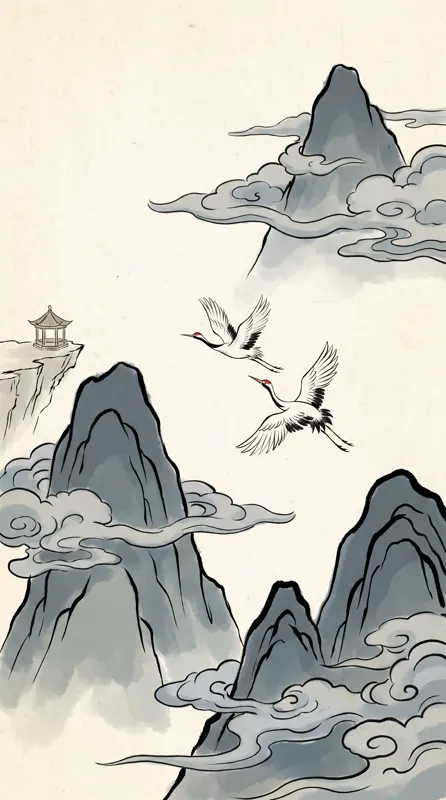
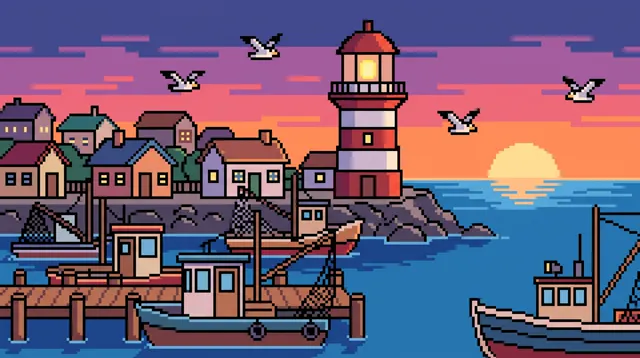
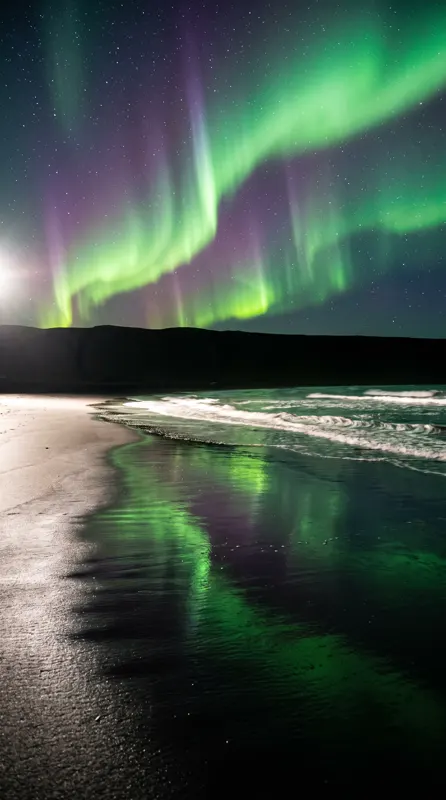
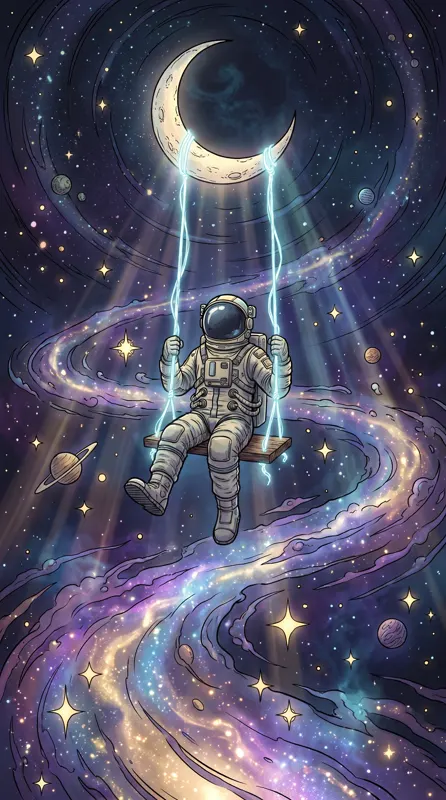
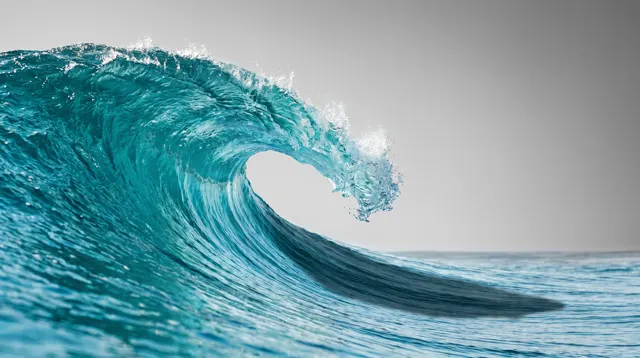
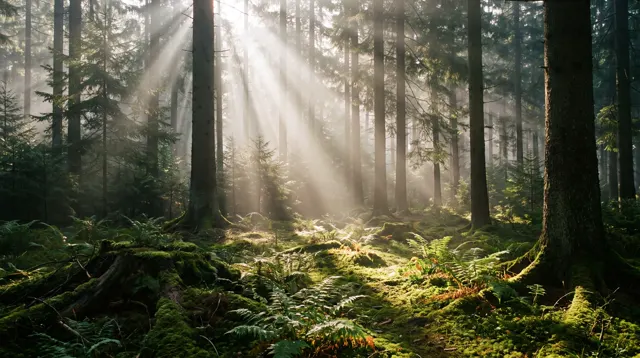
Real images made with this tool
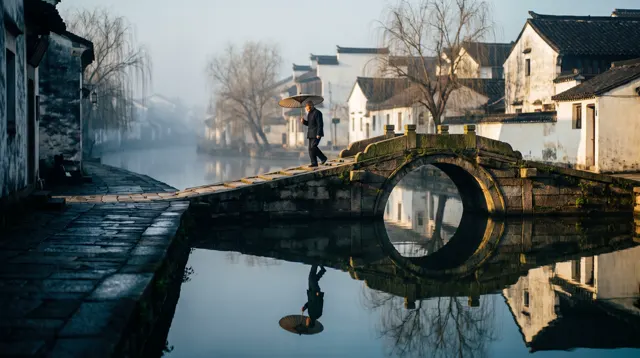
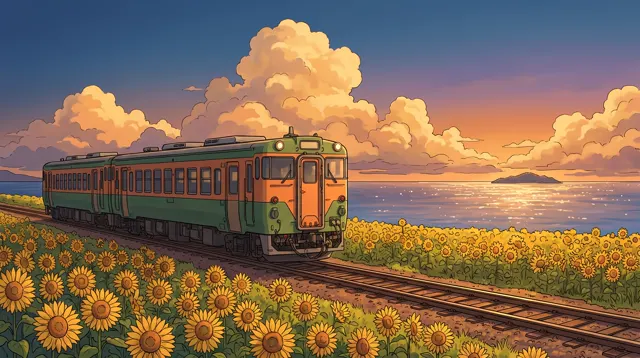
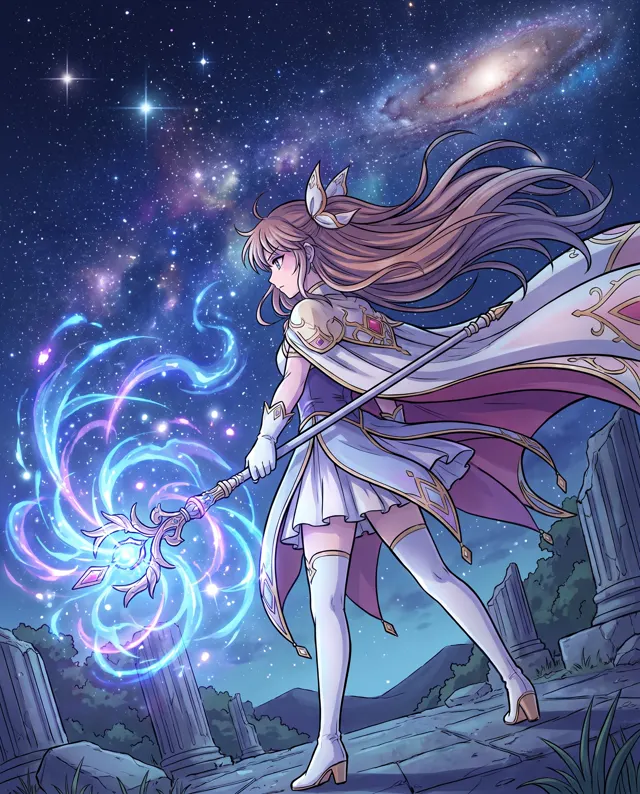
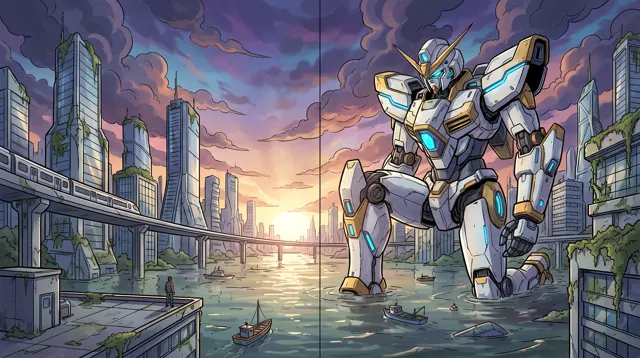
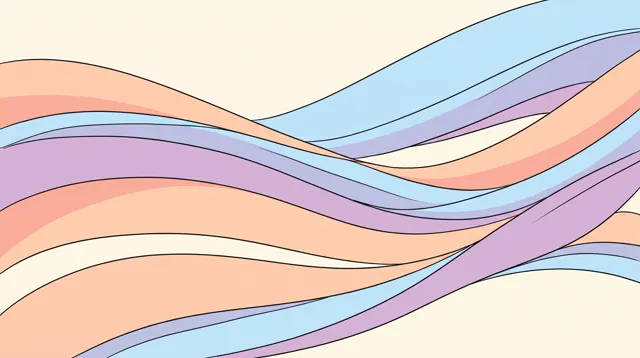
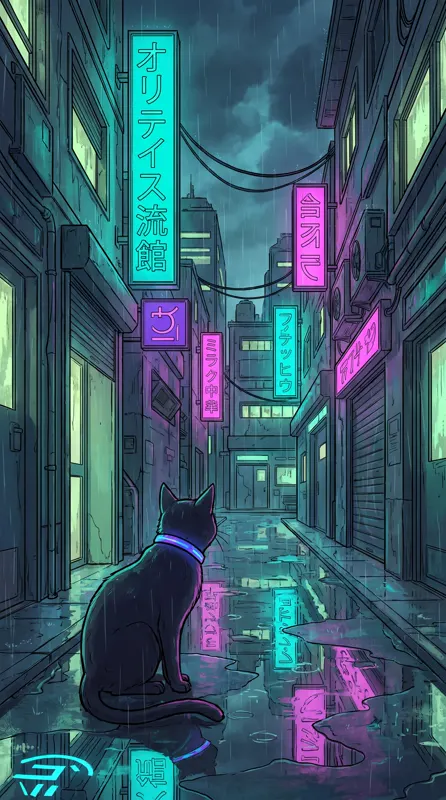
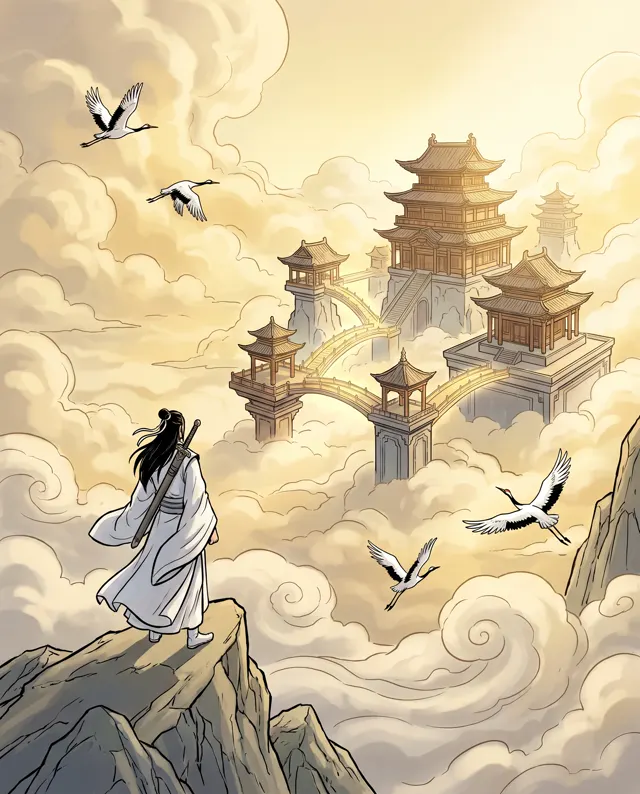
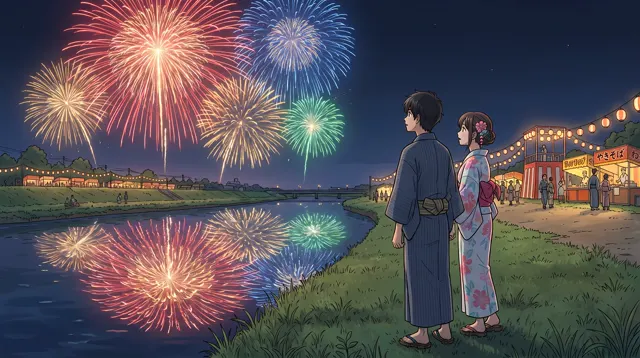
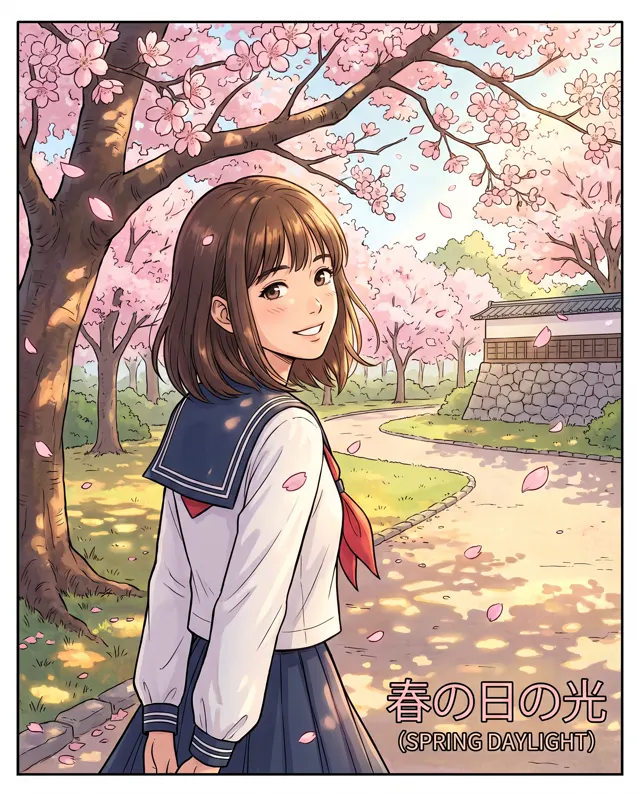
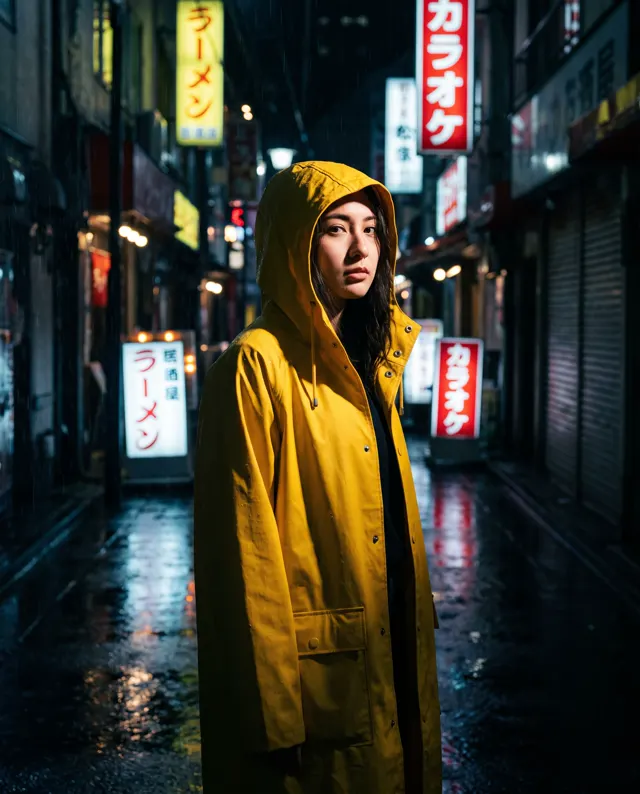
Every image comes with its exact prompt and settings. Hit “Try this prompt” to load it into the generator, then change a few words to make it yours.
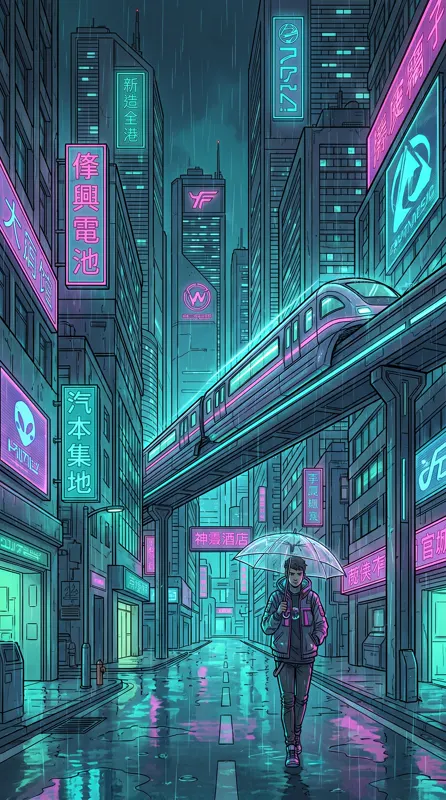
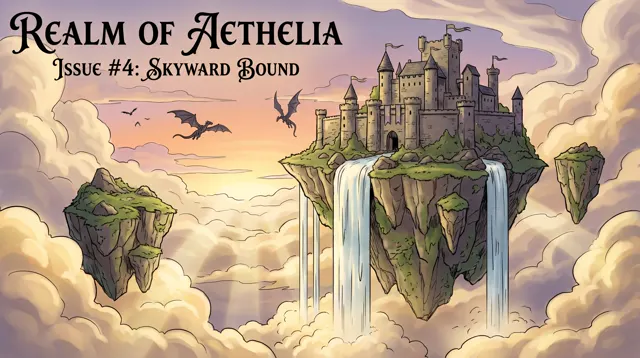
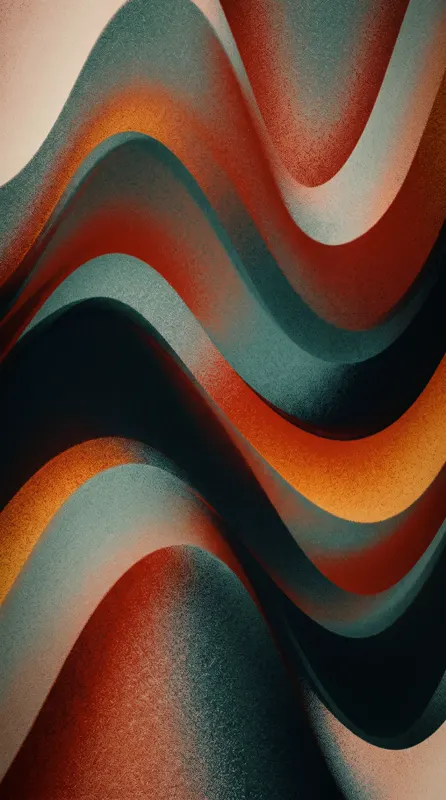
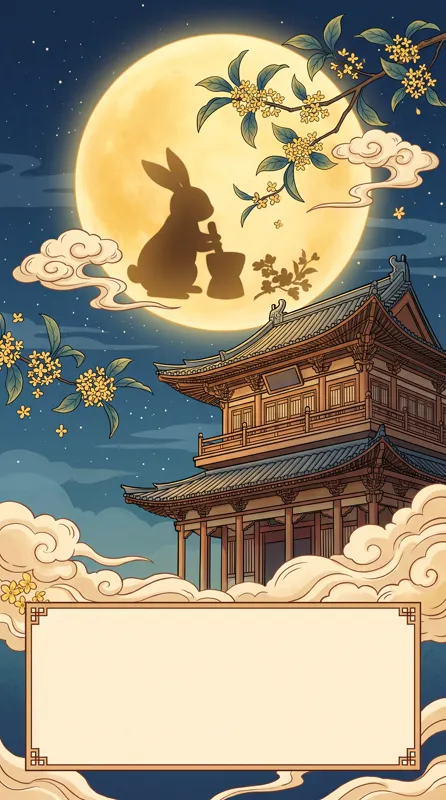
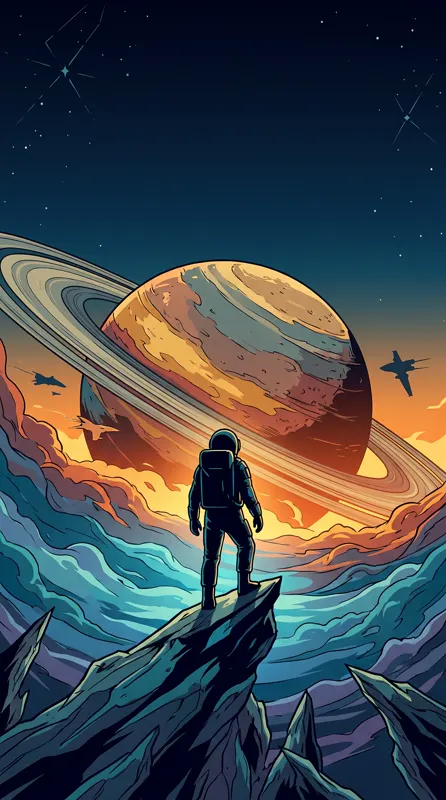
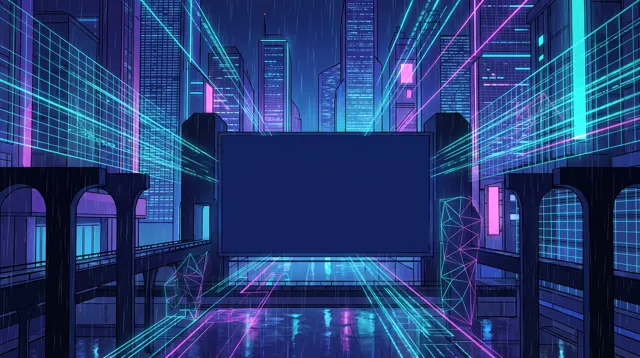
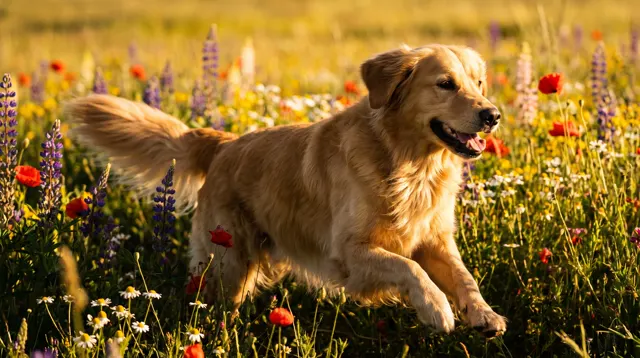
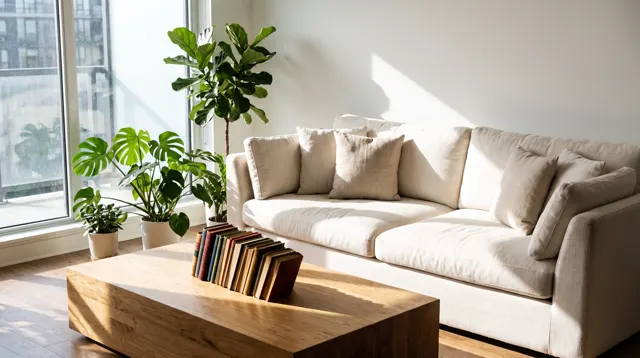
What is an AI wallpaper generator?
An AI wallpaper generator paints a phone or desktop wallpaper from a description of what you’d like to see, so you’re not stuck scrolling through wallpaper apps. This page is preset to 9:16 portrait with the Painterly image type, which brings the rich detail and atmosphere that work well on a lock or home screen. For a desktop, switch to 16:9 landscape. Layer on a style if you like — Cyberpunk, Chinese Ink, Fantasy, Pixel Art — or choose Liquid Gradient for a clean abstract background. One tip makes a big difference: leave open space where your lock-screen clock or desktop icons sit. Each run makes 1–4 images, about 30 seconds each, with no watermark.
Start generating free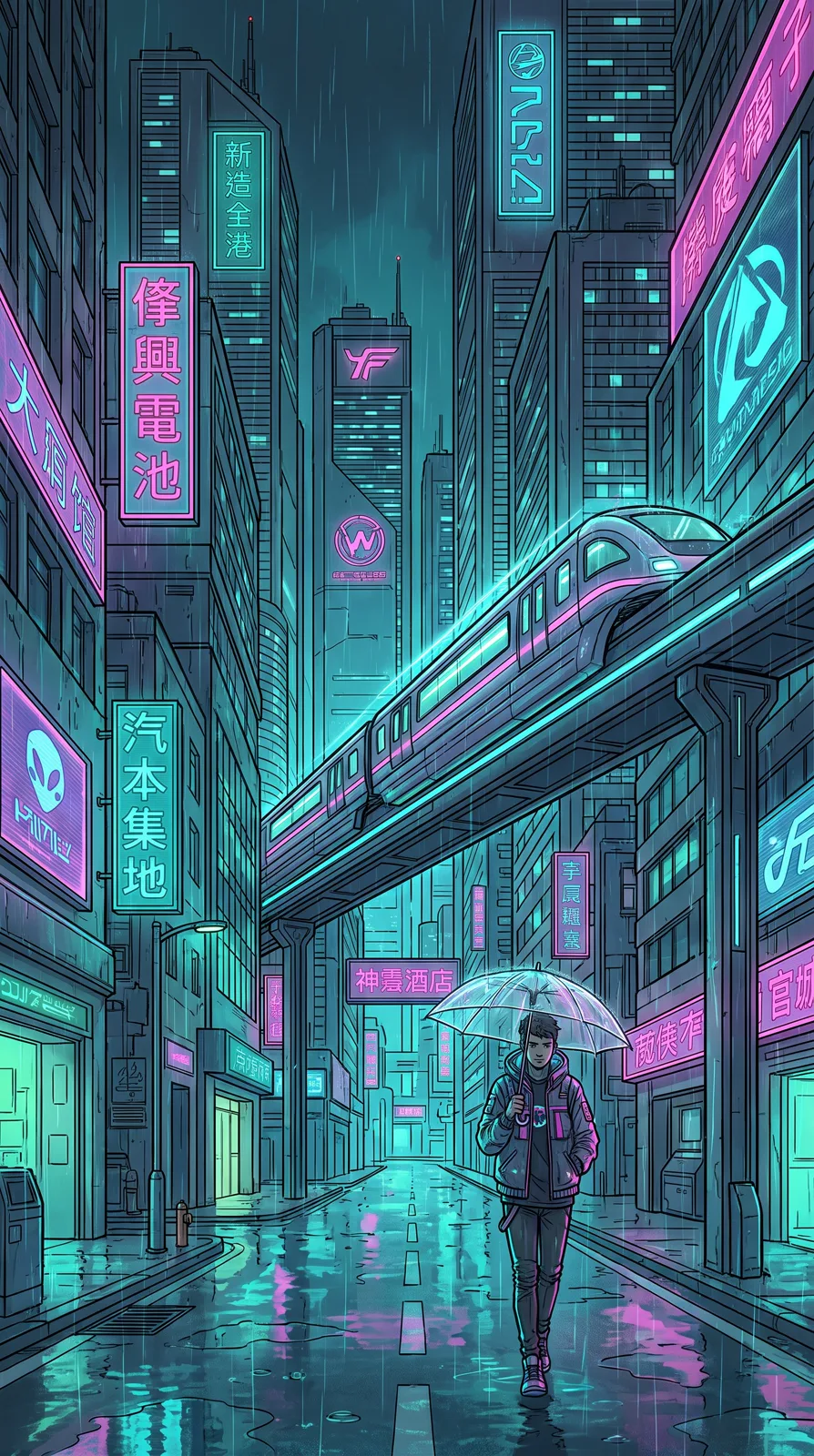
What people use it for
Phone lock screens
9:16 fills the screen. Put the subject in the lower half and leave sky at the top so the clock doesn’t cover it.
Desktop backgrounds
Switch to 16:9 for landscapes or anime scenes, with a clear area on the left or in the center for your icons.
Seasonal themes
Lunar New Year, Mid-Autumn, Christmas or a change of season — describe a fitting scene and give your phone a refresh.
Matching sets
Keep the style and palette fixed and change the subject to make a matching series to share with friends or a partner.
How it works
- 01
Describe the view
Theme, palette and mood, e.g. “snowy mountain lake under the aurora, quiet winter night, teal tones.”
- 02
Pick your device ratio
Keep 9:16 for phones or switch to 16:9 for desktops. Add a style like Cyberpunk or Chinese Ink if you like.
- 03
Download and set it
About 30 seconds per image. Download the up to 4K original and select it in your phone or computer’s wallpaper settings.
Prompt tips
Leave room for the clock and icons
Write “open sky at the top” for lock screens and “subject on the right, empty left side” for desktops.
Tone decides how long you’ll love it
Wallpapers you see all day suit muted or dark tones — “deep navy night”, “misty gray”. For energy, try “bright pastels”.
Stack a style
Same theme, new wallpaper: add Cyberpunk, Chinese Ink or Pixel Art to “snowy mountain lake” for completely different results.
Go minimal with gradients
Don’t want a scene? Choose the Liquid Gradient style and name 2–3 colors: “flowing gradient of violet, magenta and warm orange.”
FAQ
Related tools
Set a new wallpaper today
Describe the view, and in about 30 seconds it’s ready for your lock screen or desktop. Free trial credits for new accounts.