
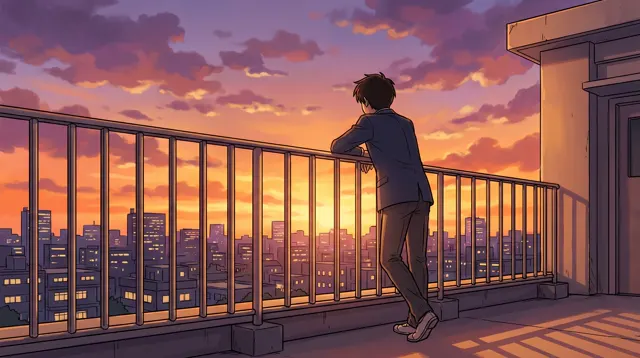
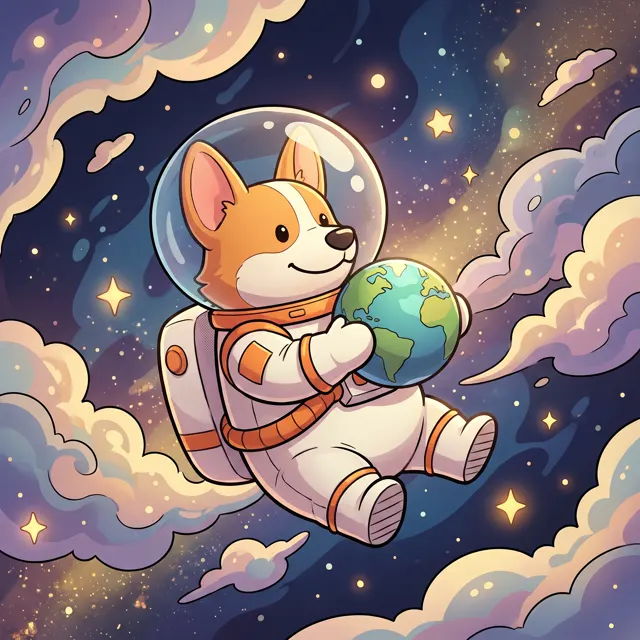
Words in, artwork out
AI Art Generator: Paint Your Ideas with Words
Preset to the Painterly type at 4:5, so brushwork, light and atmosphere come through. Describe the subject, style and mood for oil paintings, illustrations, surreal scenes or concept art.
- 24 real examples
- 12 styles
- ~30 sec per image
- 4K output
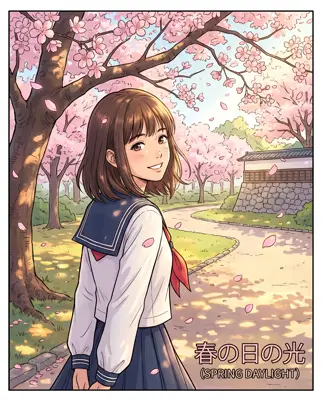
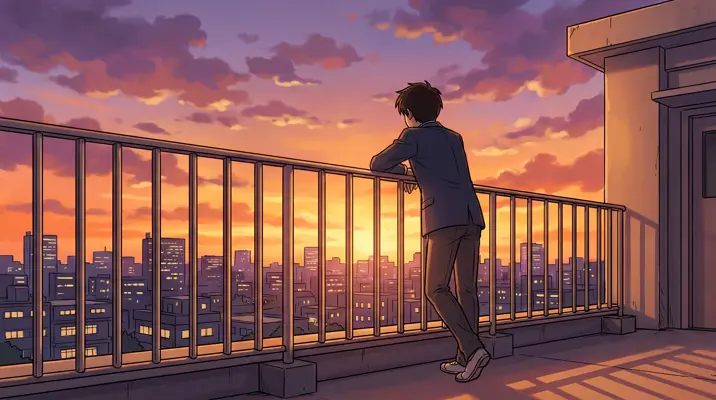
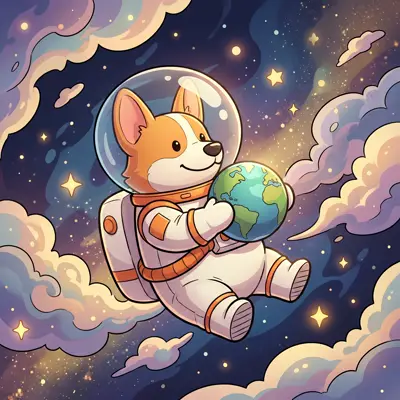
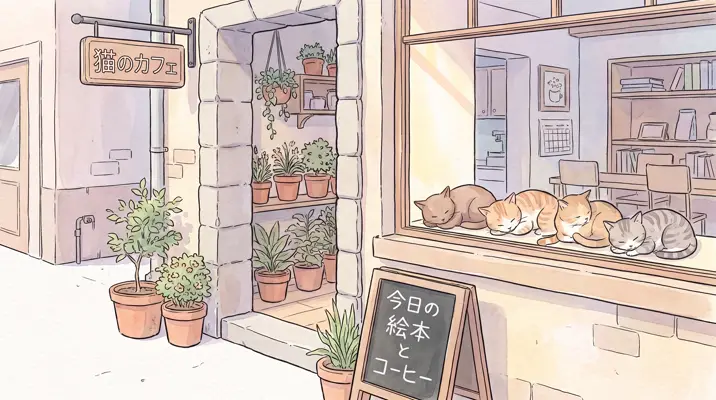
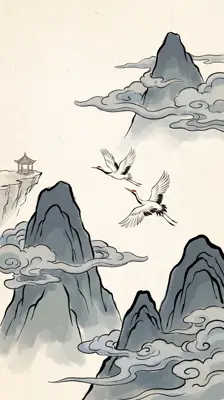
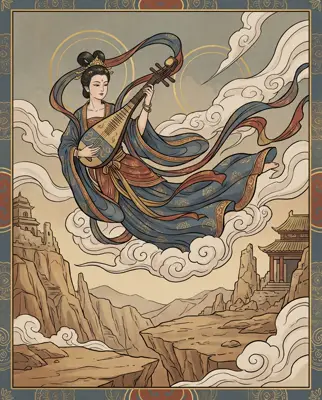
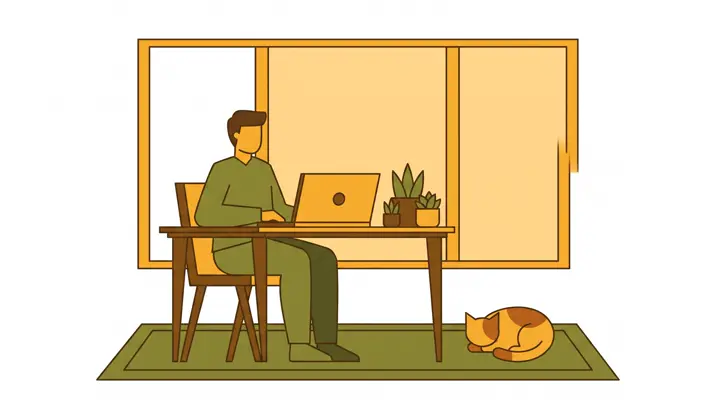
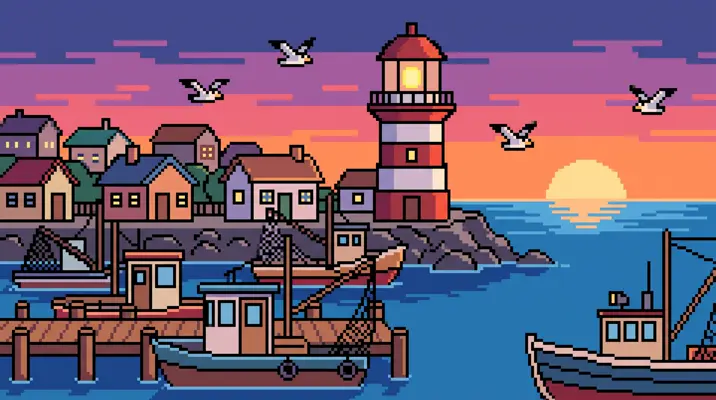
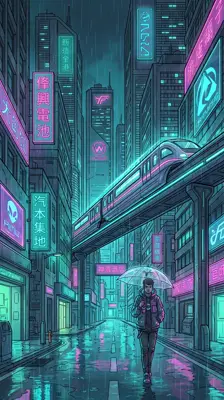
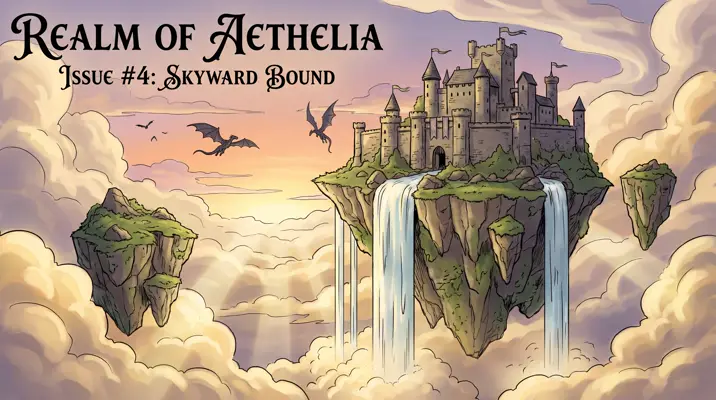
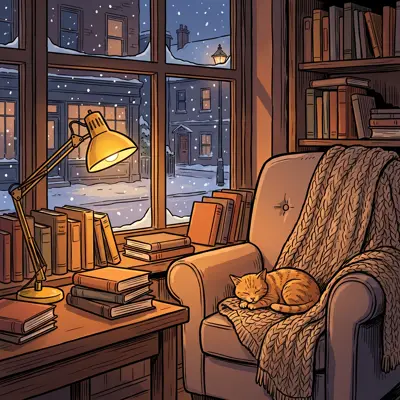
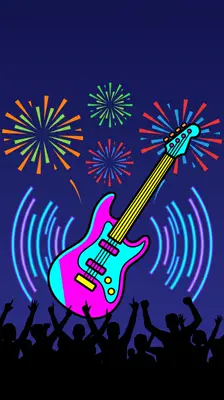
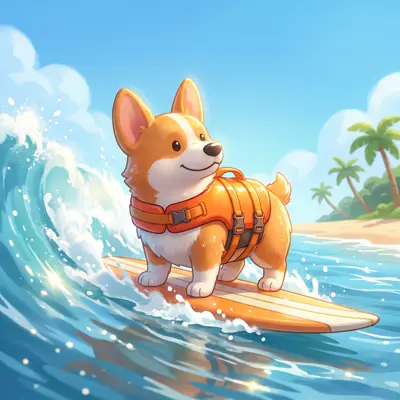
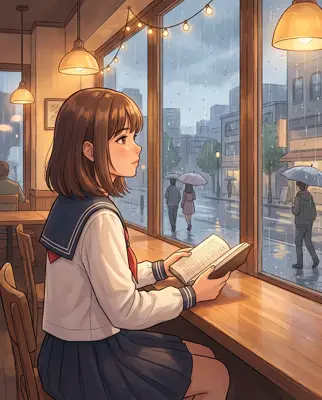
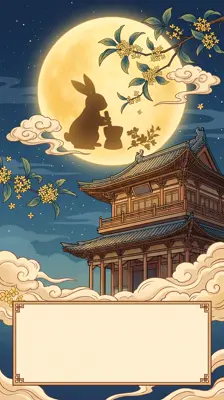
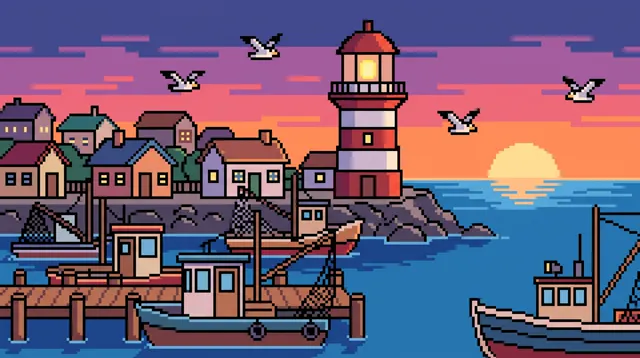
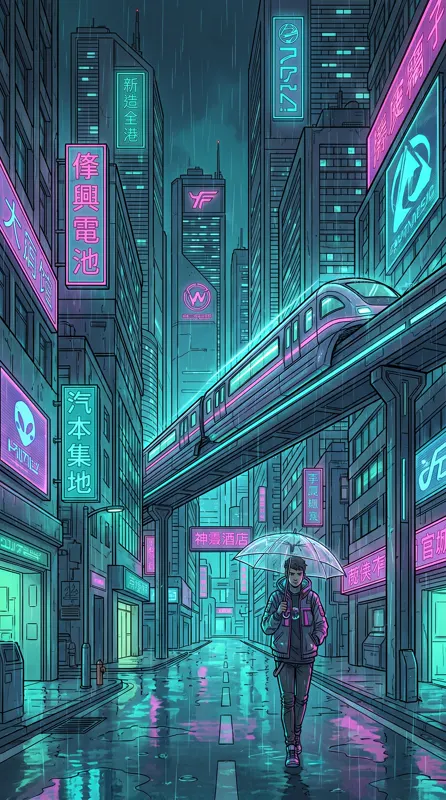
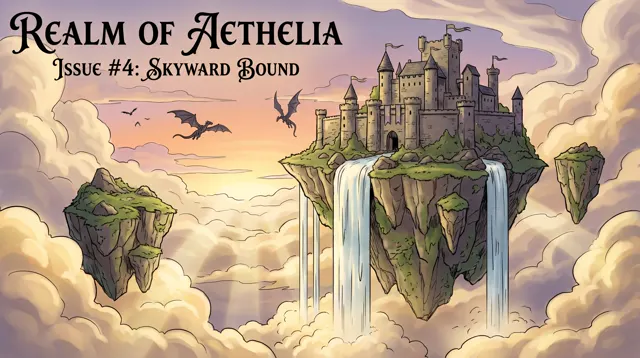
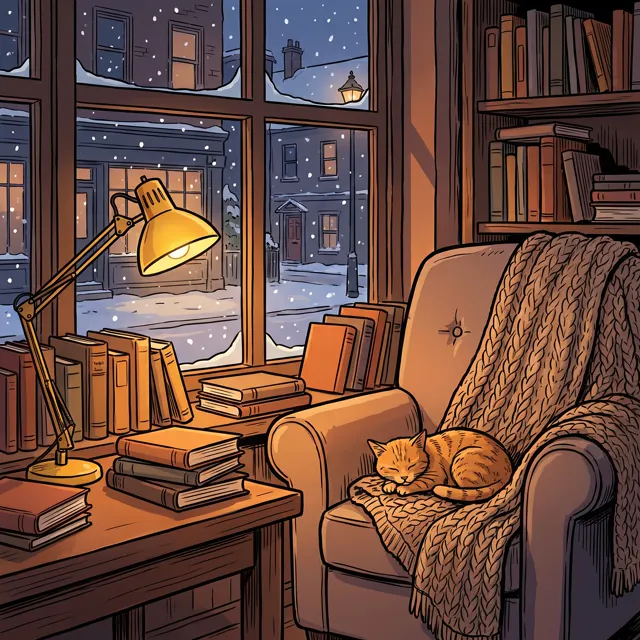
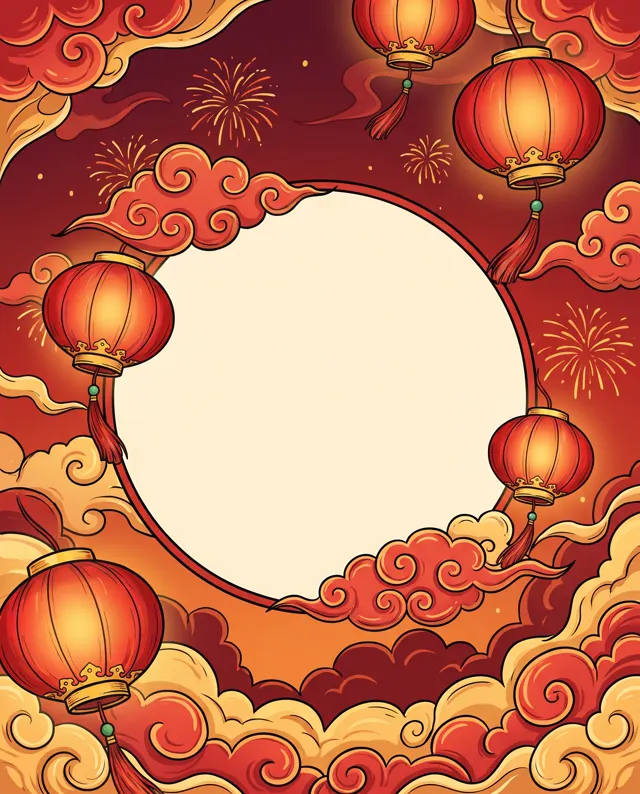
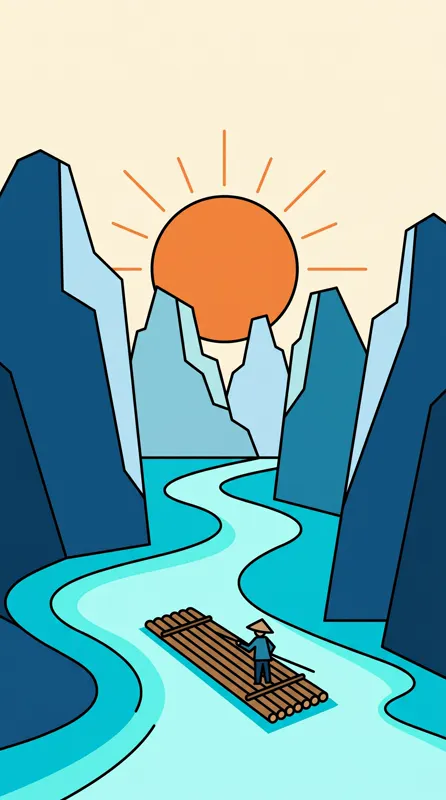
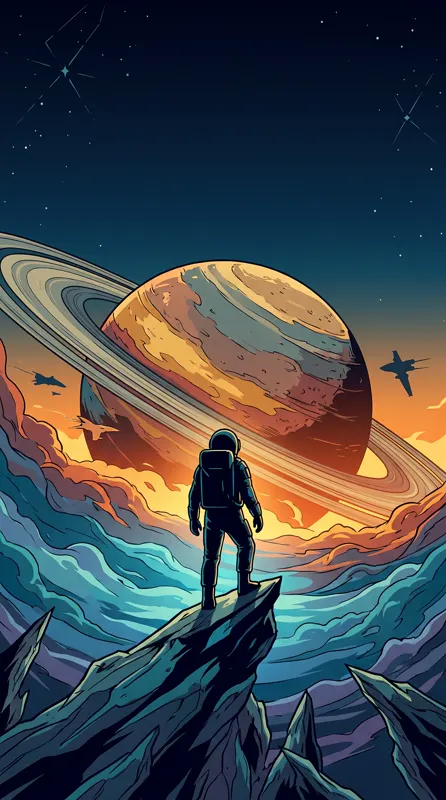
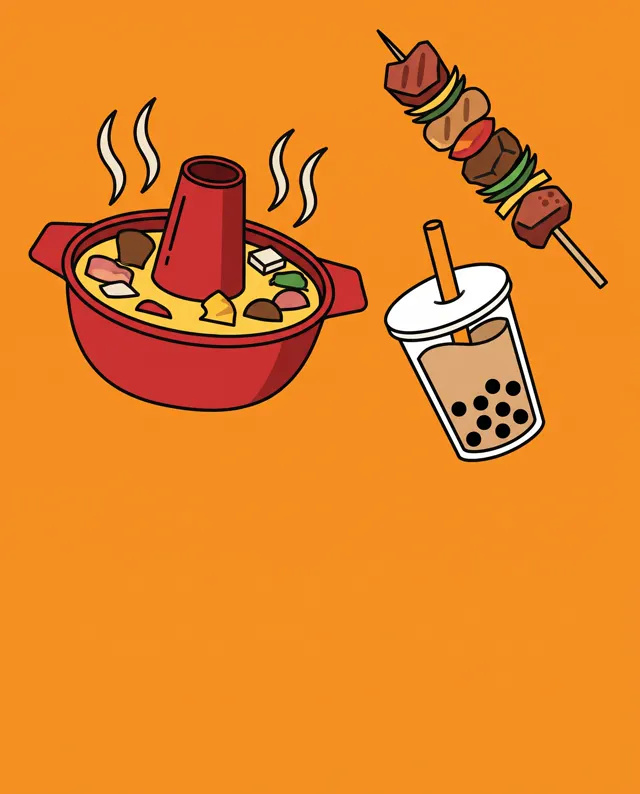
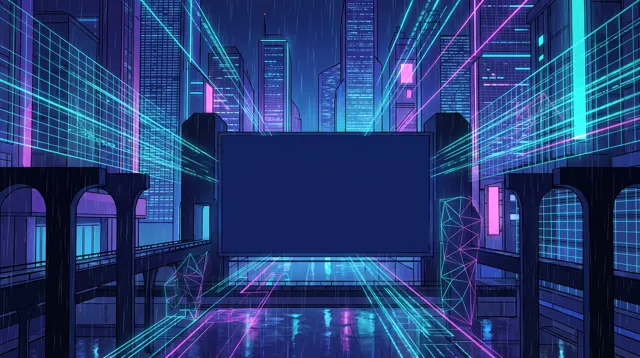
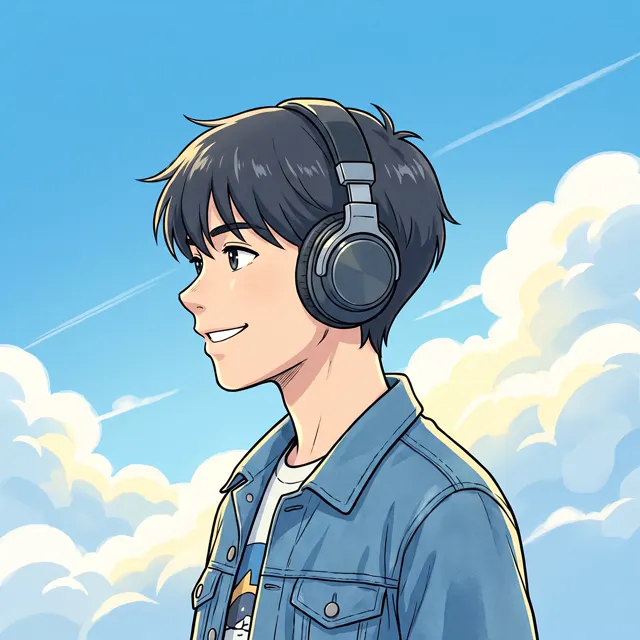
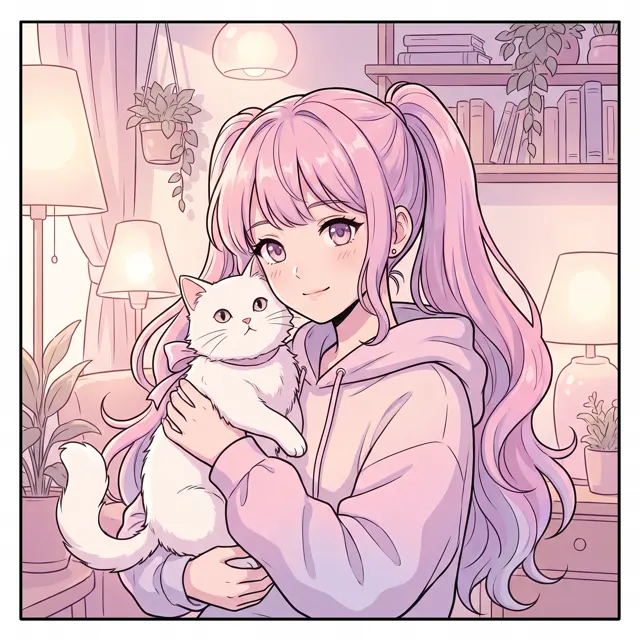
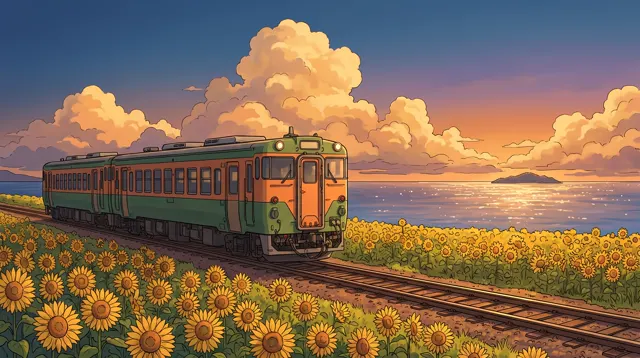
Real images made with this tool
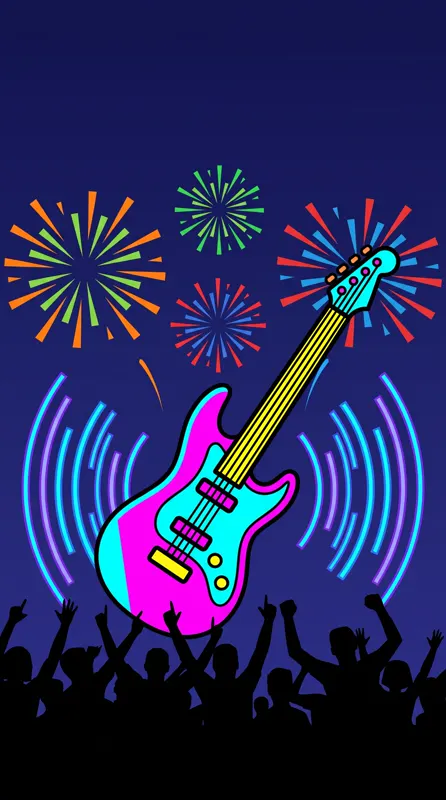
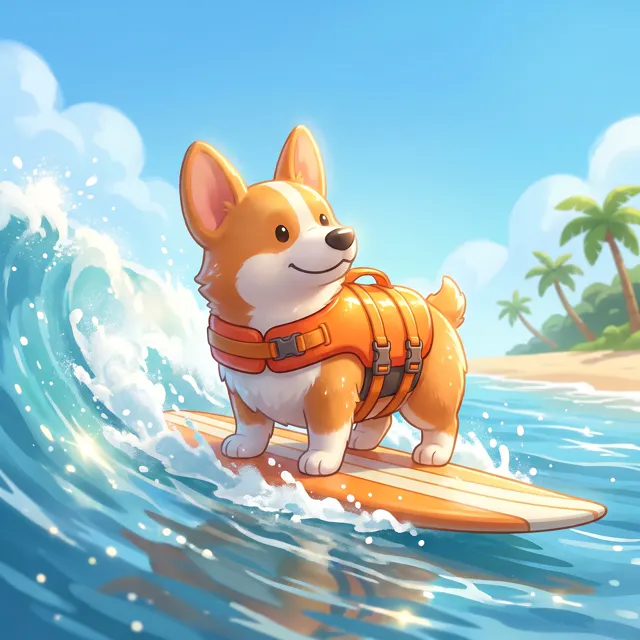
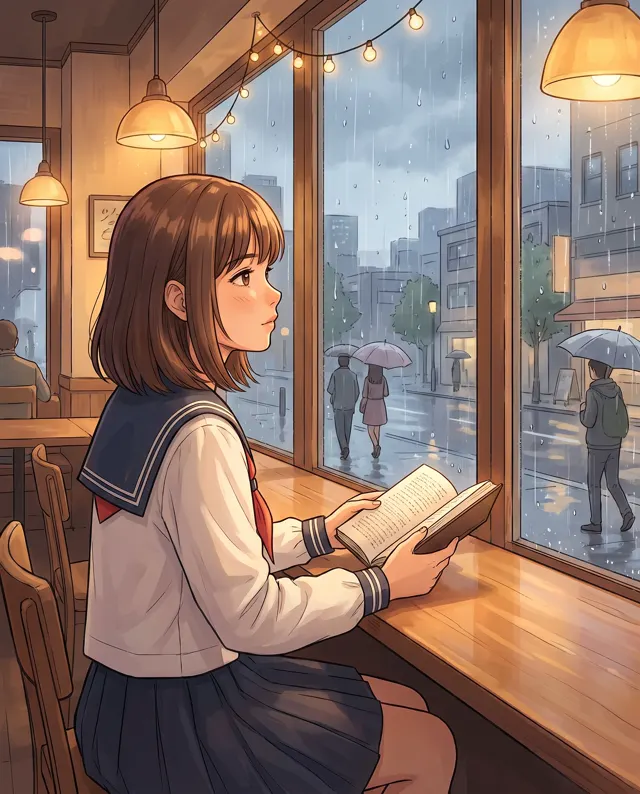
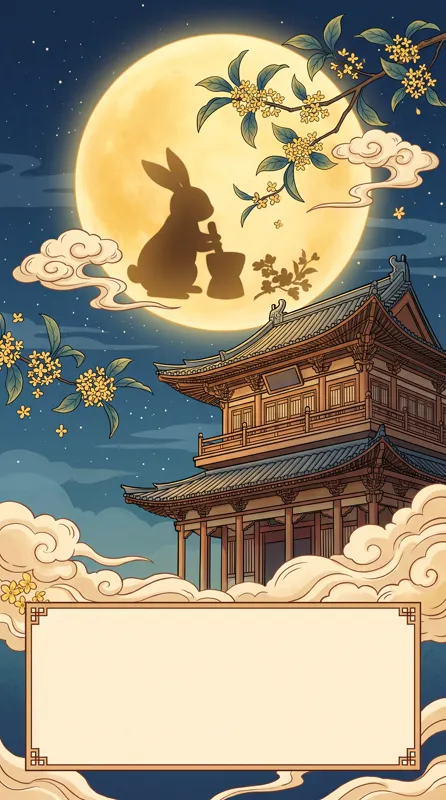
Every image comes with its exact prompt and settings. Hit “Try this prompt” to load it into the generator, then change a few words to make it yours.
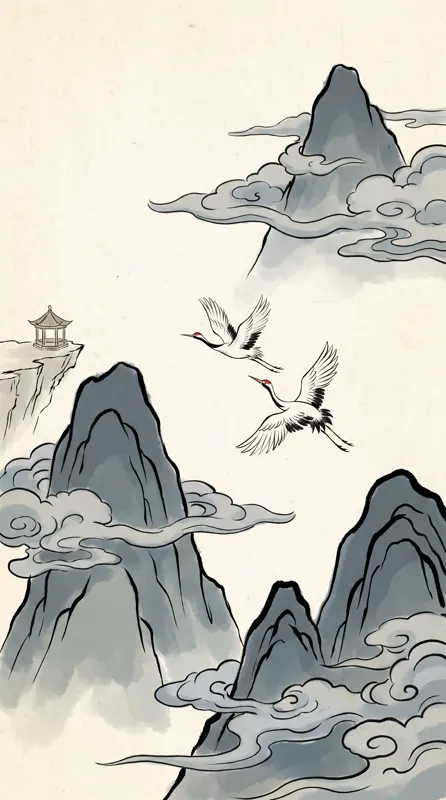

What is an AI art generator?
An AI art generator turns a written idea into an original artwork. You describe the subject, the style and the mood, and the AI paints it — no drawing skills, software or installs needed, just a browser. This page opens on the Painterly image type at a 4:5 portrait ratio. Painterly is built for brushwork, light and atmosphere, so it suits oil paintings, illustrations, surreal scenes and concept art. For a more specific look, add a style such as Watercolor, Chinese Ink, Fantasy or Cyberpunk; for banners or wallpapers, switch to 16:9 or 9:16. Prompts can be in English or Chinese, up to 2,000 characters. Each run makes 1–4 images at up to 4K, with no watermark, saved to My images.
Start generating free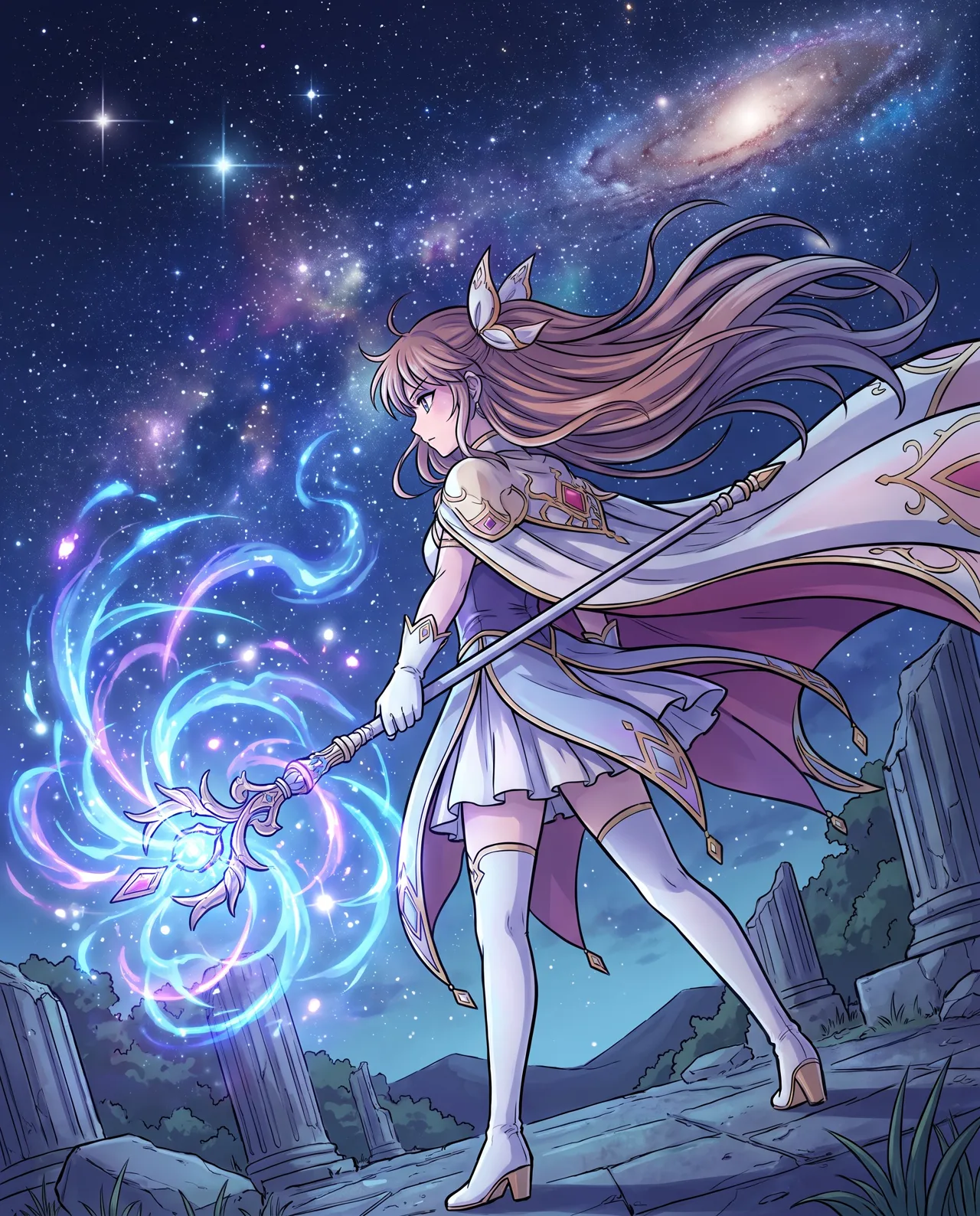
What people use it for
Personal art and prints
Turn a dream, a travel memory or a line of poetry into a painting to share, or print it for your desk or wall.
Concept art
Building a game, novel or screenplay? Describe the world and its mood and get several concept pieces to set the direction.
Artful blog and social images
When a photo feels too literal, use a painterly image for an article header, a podcast cover or a social post.
Style exploration
Try one subject as an oil painting, a watercolor and a surreal scene — four takes per run — then refine the winner.
How it works
- 01
Describe the scene
Say what to paint, where and in what mood — for example, “a seaside town at sunset, warm and calm.”
- 02
Name the style
Add style words like “impressionist oil painting, thick brushstrokes”, or pick one of the style presets.
- 03
Generate and pick
4:5 is preset. Make 1–4 images at about 30 seconds each, then download the up to 4K original you like best.
Prompt tips
Be specific about the medium
“Oil painting” is broad. Try “impressionist oil painting, impasto brushstrokes, visible canvas texture” or “surrealism, dreamlike”.
Name movements, not living artists
“Renaissance”, “ukiyo-e” or “Art Deco” describe a look more reliably than a living artist’s name, and avoid copying anyone’s work.
Let color set the mood
“Muted Morandi palette”, “bold clashing colors”, “dreamy blue-violet” or “warm gold tones” shift the feeling more than extra details.
Match the type to the style
Painterly suits oil, watercolor, ink and fantasy. For flat vector or pixel art, switch to the Flat image type.
FAQ
Related tools
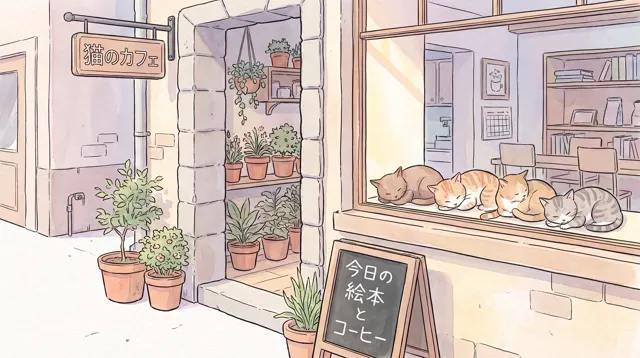
AI Illustration
Watercolor, Chinese ink, 3D cartoon or flat — original illustrations from one sentence.
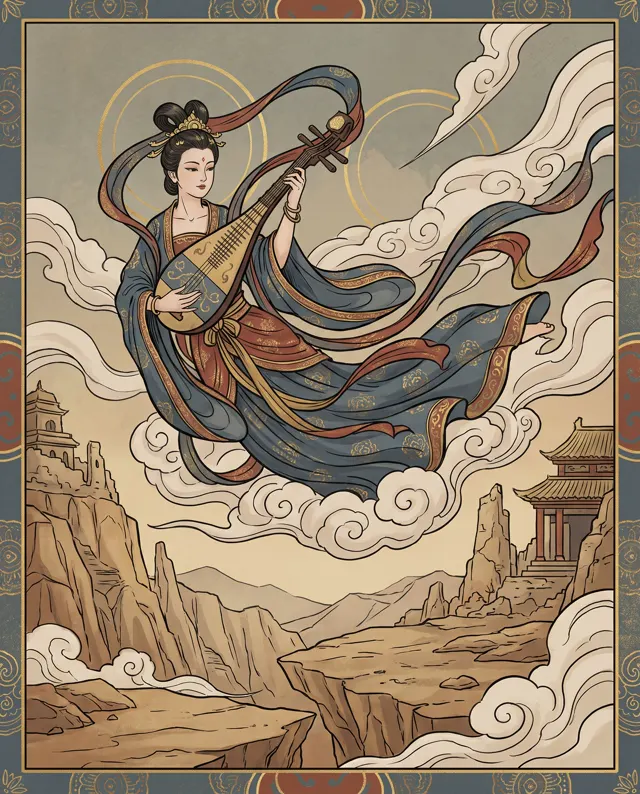
Chinese Style AI Art
Ink wash landscapes, classical figures and poetic scenes from a single line of text.
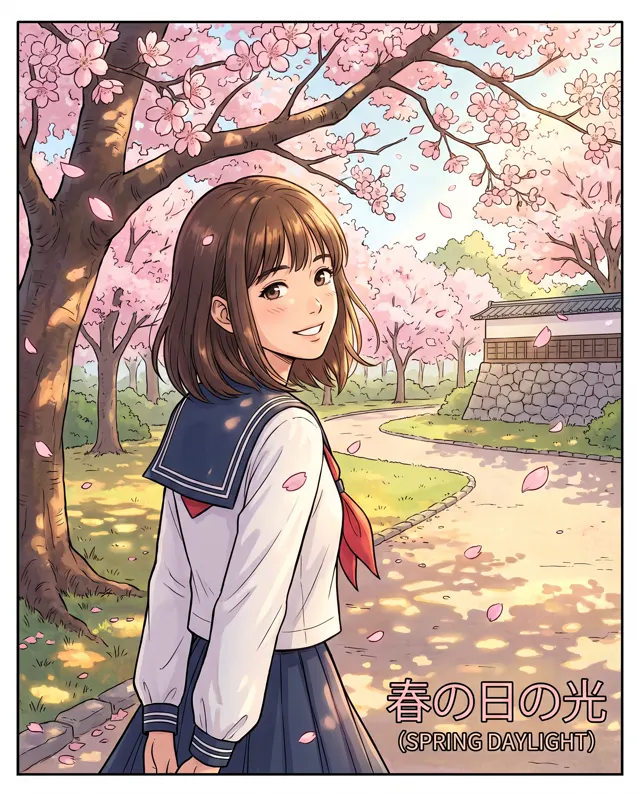
AI Anime Generator
Anime-style illustrations, avatars and original characters from a written description.
Paint the picture in your head
Write one line and see it painted in about 30 seconds. New accounts get free trial credits, and failed generations are refunded.