
Chat stickers
AI Sticker Generator: Stickers of Your Own Characters
Preset to the 3D Cartoon style at 1:1: rounded shapes and bright colors. Describe a character and an expression, then add “sticker style, thick white outline, plain white background.”
- 8 real examples
- 12 styles
- ~30 sec per image
- 4K output
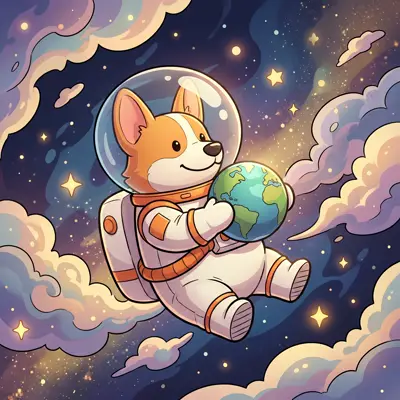

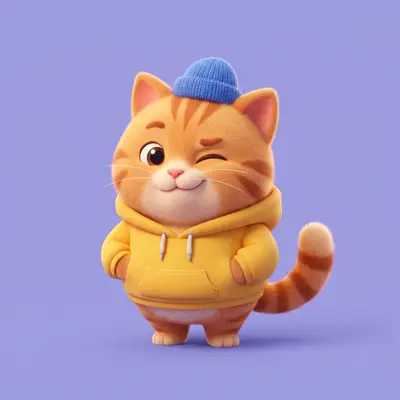
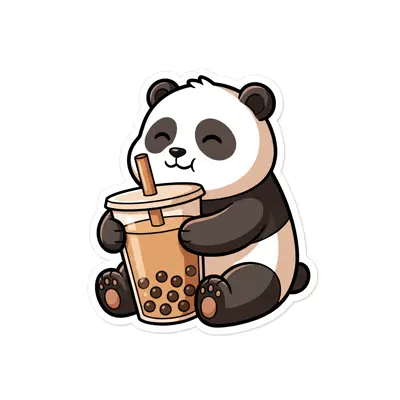
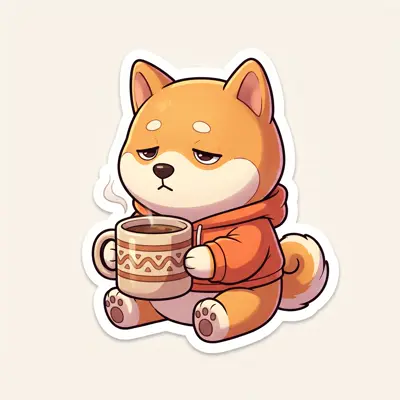
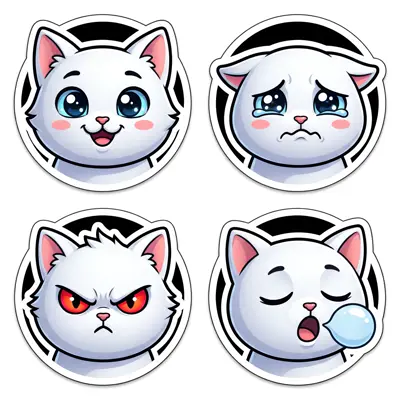
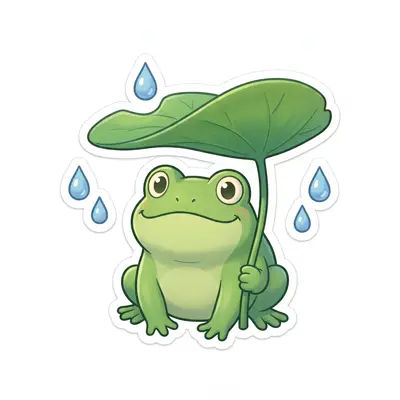
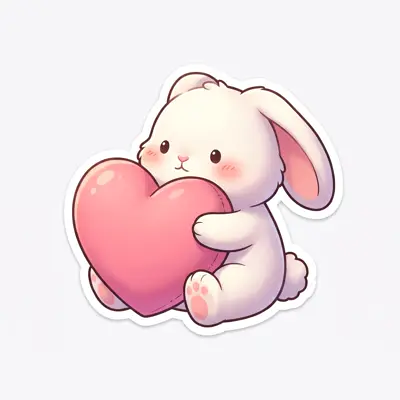


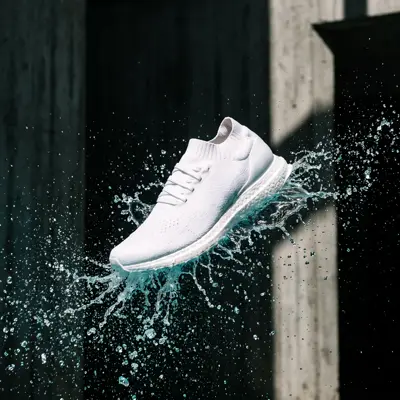

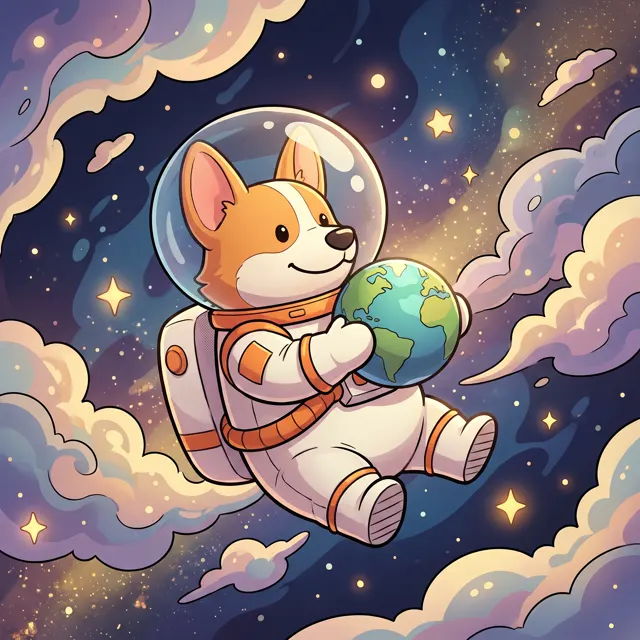
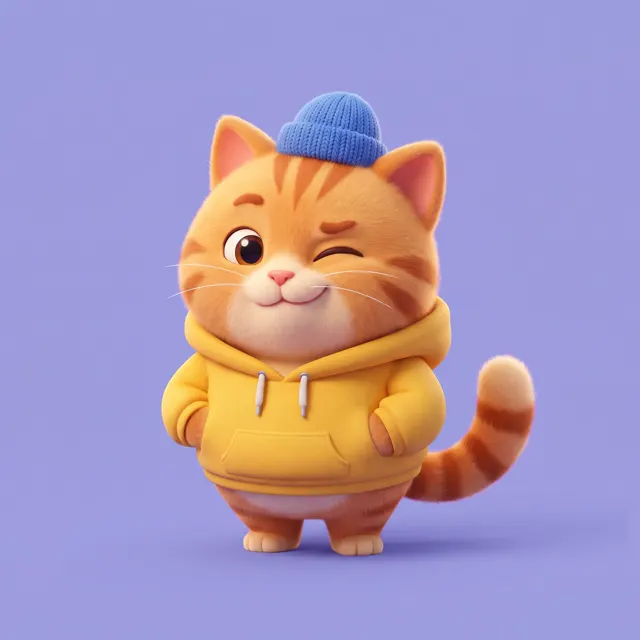
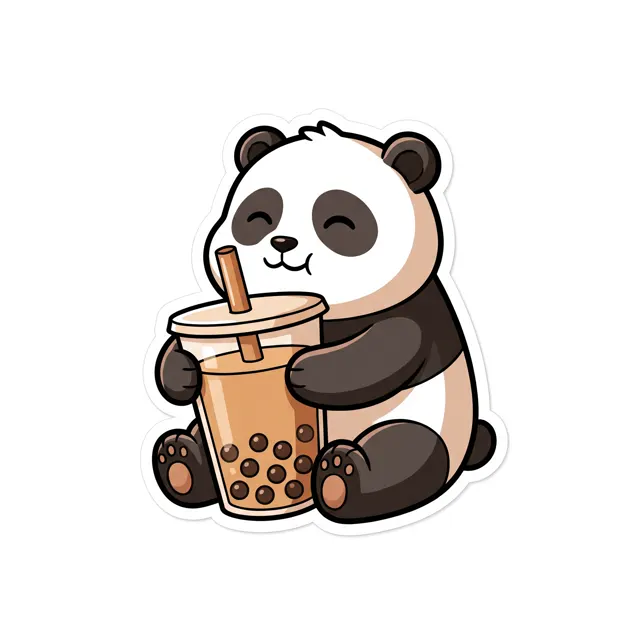
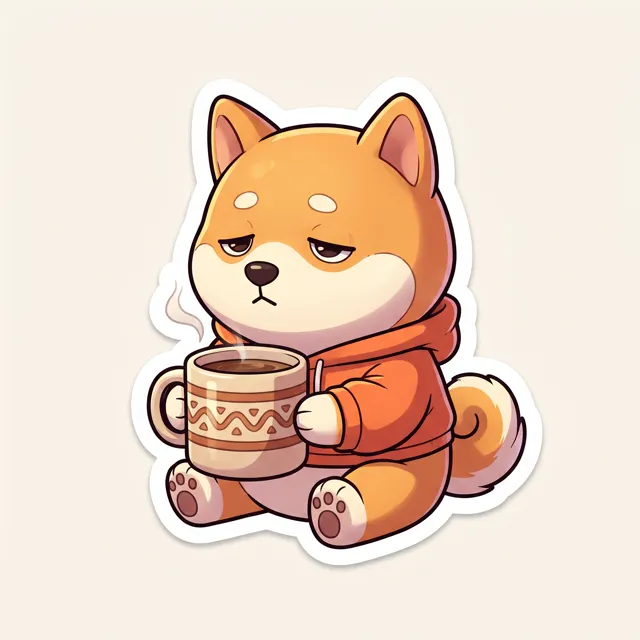
Real images made with this tool
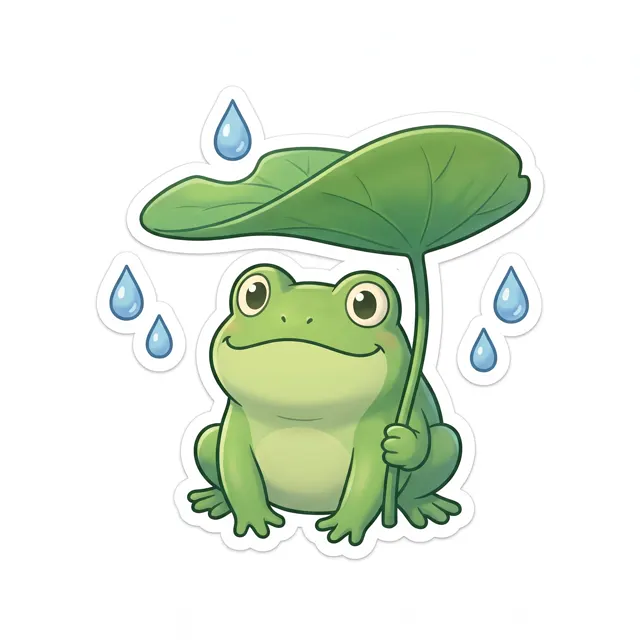
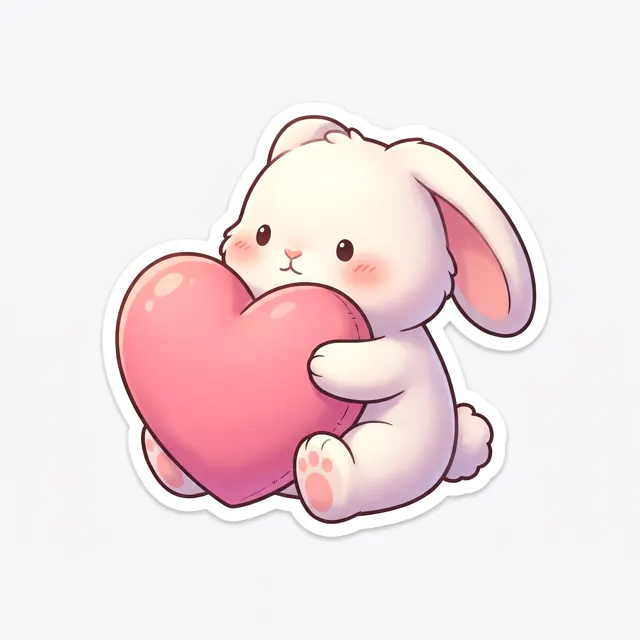
Every image comes with its exact prompt and settings. Hit “Try this prompt” to load it into the generator, then change a few words to make it yours.

What is an AI sticker generator?
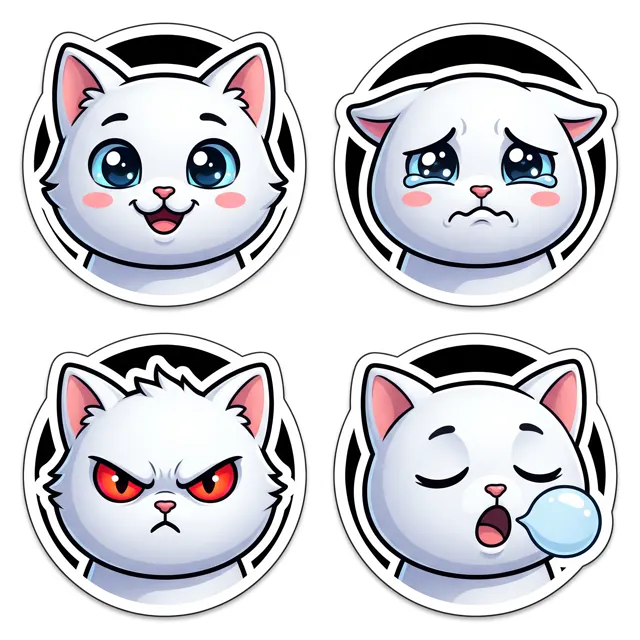
An AI sticker generator draws a character and its expression from your description, ready to use as a chat sticker or emoji-style reaction. This page is preset to the 3D Cartoon style at 1:1, whose rounded shapes and bright colors suit cute, chibi characters. Add “sticker style, thick white outline, plain white background” for a proper sticker look, or ask for a “2×2 grid” to fit four expressions of the same character in one image. One thing to know: the output is a normal image on a white background, not a transparent PNG, and background removal isn’t offered here. For transparent stickers, download the image and remove the background with another tool.
Start generating free
What people use it for
Chat sticker packs
Make a set for yourself, your pet or an original character — happy, sulking, cheering, good night.
Brand and mascot stickers
Give your mascot or shop character a set of chibi expressions for community posts, customer replies and events.
Journals and merch
Create cute designs for journals, or as drafts for fridge magnets, tote bags and keychains.
Greetings and holidays
Use one character for good-morning, birthday and holiday stickers so group chat greetings never repeat.
How it works
- 01
Describe character and expression
Say who it is and what it’s doing — e.g. “a chubby shiba inu making a heart and smiling.”
- 02
Add sticker keywords
Add “sticker style, thick white outline, plain white background”. For several expressions, ask for a “2×2 grid”.
- 03
Generate and finish
About 30 seconds per image. Download the up to 4K original, then cut it out or crop it in another tool if needed.
Prompt tips
Use the sticker trio
“Sticker style, thick white outline, plain white background” belongs in nearly every prompt: crisp edges, a clean backdrop and easier cut-outs later.
Describe each grid cell
“2×2 grid of the same kitten: top left happy, top right crying, bottom left angry, bottom right sleeping” keeps the character consistent and the faces varied.
Big gestures read better
Stickers are shown small, so bold poses — a heart, a facepalm, a bow, flopping flat — read faster than subtle eye changes.
Add captions later
AI-rendered words often come out wrong, so leave text out of the prompt and add captions like “OK!” or “LOL” in an editing or sticker app.
FAQ
Related tools
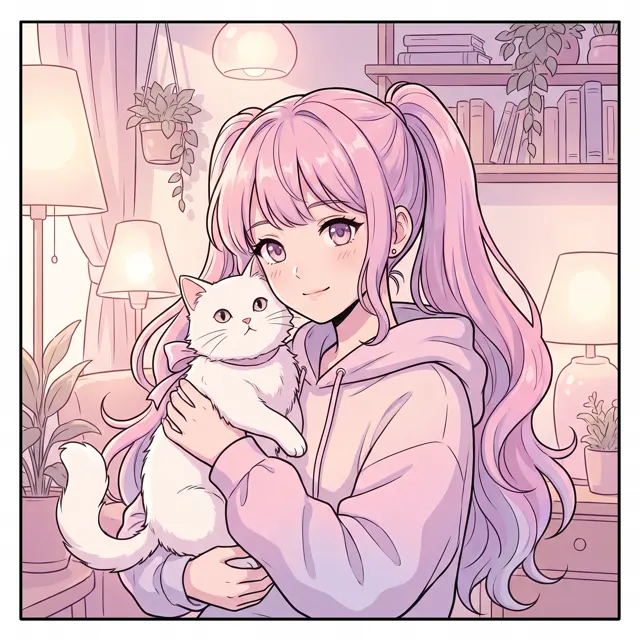
AI Avatar Generator
Anime, cartoon and chibi profile pictures from a short description, in a 1:1 square.
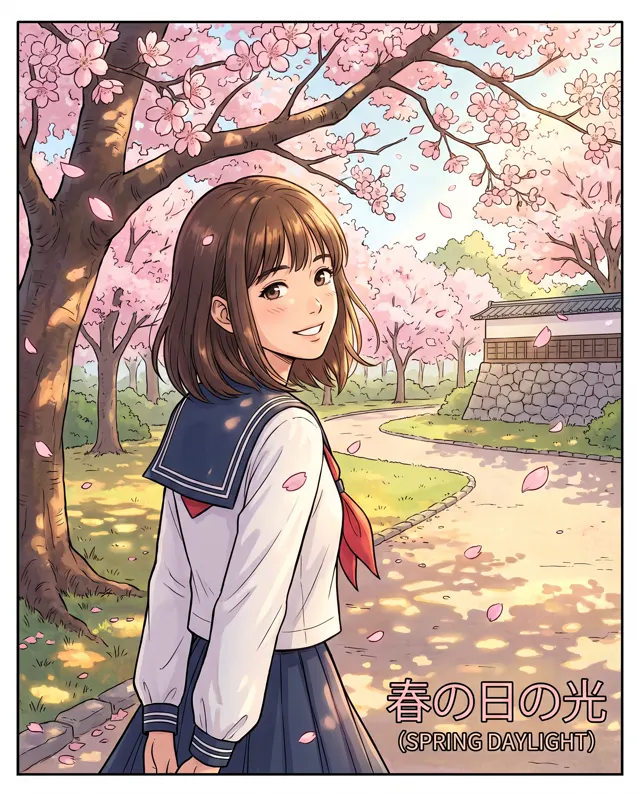
AI Anime Generator
Anime-style illustrations, avatars and original characters from a written description.
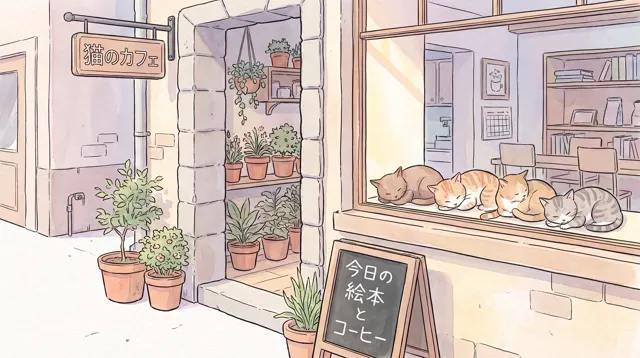
AI Illustration
Watercolor, Chinese ink, 3D cartoon or flat — original illustrations from one sentence.
Give your chats a sticker set of their own
Describe a character and an expression and get a sticker in about 30 seconds. New accounts get free trial credits.