If you’re looking for a Midjourney alternative, start by naming what’s actually in your way: language, access, payment or the parameter learning curve. Midjourney is still the aesthetic benchmark; the tools below are easier to use in Chinese, easier to reach from mainland China and easier to pay for there.
Note: details about other tools reflect what we could confirm as of October 2026 and may change — check each official site. We don’t list prices.
Four reasons people look for an alternative
Most people who move away from Midjourney cite one of these:
- Language. Tutorials and the best community prompts are mostly in English. If you think in Chinese, every complex scene needs a mental translation first.
- Access. It runs on its website and on Discord, and how smoothly that works depends on your network.
- Payment. It’s mainly a paid subscription with limited trials, and paying from mainland China is less convenient than with local tools.
- Learning curve. Aspect ratio, stylization, exclusions and seeds are all parameters you need to learn.
If none of these bothers you, staying with Midjourney is perfectly reasonable. This comparison is for people stuck on at least one.
Five dimensions compared
| Tool | Chinese prompts | Access | Payment model | Output sizes | Learning curve |
|---|---|---|---|---|---|
| Midjourney | Mainly English | Website, Discord | Mainly subscription, limited trial | Custom ratios via --ar | Medium to hard |
| Jimeng AI (ByteDance) | Native | China-based web and app | Daily free credits plus membership | Preset ratios | Easy |
| Wenxin Yige (Baidu) | Native | China-based web | See official site | Preset ratios | Easy |
| LiblibAI, TusiArt | Chinese interface; some models prefer English | China-based web | Daily free compute plus membership | Custom | Harder: models and settings |
| Our generator | Native, up to 2,000 characters | Web | Credits per image, packs and plans | 1:1, 4:5, 9:16, 16:9, up to 4K | Easy, 12 style presets |
A few notes:
- Native Chinese doesn’t mean Chinese only. All of these read English too, so your Midjourney prompt collection isn’t wasted.
- Output sizes depend on your use. Midjourney’s custom ratios are the most flexible. Our four fixed ratios cover product shots, social posts, phone wallpapers and banners — the common cases.
- Free allowances change often. Treat daily credit rules as whatever the official site says on the day you sign up.
What you lose and what you gain
Jimeng AI and Wenxin Yige: the smoothest Chinese experience
Both come from large Chinese tech companies, take Chinese descriptions directly and keep the interface simple — good for everyday images and Chinese-themed art. Coming from Midjourney, you gain not having to translate; you give up some range of styles and controls.
LiblibAI and TusiArt: closest to Midjourney’s “any style” range
Both are online platforms in the Stable Diffusion and FLUX ecosystem, with large libraries of community models for anime, games and photorealism. The cost is complexity: picking models and tuning settings is more involved than Midjourney’s parameters. Model licenses vary, so check before commercial use.
Our generator: lightweight and pay-per-image
The idea is “one sentence in, image out.” Chinese and English are understood natively, 12 style presets replace style parameters, and four common ratios cover most jobs. Each image costs 10 credits on the standard model or 4–8 on the others, takes about 30 seconds and carries no watermark; failed images are refunded automatically. Image-to-image takes up to four reference photos of a product, character or pet and places that same subject in a new scene — useful for e-commerce and character series.
The gaps, stated plainly: no inpainting, no upscaling, no negative prompts, no seeds, no video and no custom model training. If your workflow depends on those, Midjourney or an SD-based platform is a better fit.
For a broader roundup including Recraft and other design tools, see the best AI image generators of 2026.
Migrating from Midjourney: a parameter map
| Midjourney habit | What to do here |
|---|---|
| --ar 9:16 and other ratios | Pick one of four ratios in the interface |
| --no text to exclude things | No negative prompts; describe positively, e.g. “a clean plain background” |
| --seed to reproduce | No seeds; generate two to four and save the prompt you like |
| --stylize, --style raw | Choose a style preset or describe the style in words |
| Style and character references | Image-to-image keeps a product, character or pet consistent; it is not style transfer |
| Upscale | Not available; output goes up to 4K directly |
| Vary Region | Not available; adjust the prompt and regenerate |
| Comma-separated tag lists | One or two plain sentences |
The last row matters most. Tags like “cinematic, epic, 8k, trending” do little here. A sentence that names subject, setting, light and framing does more.
Example: rewriting a Midjourney-style prompt
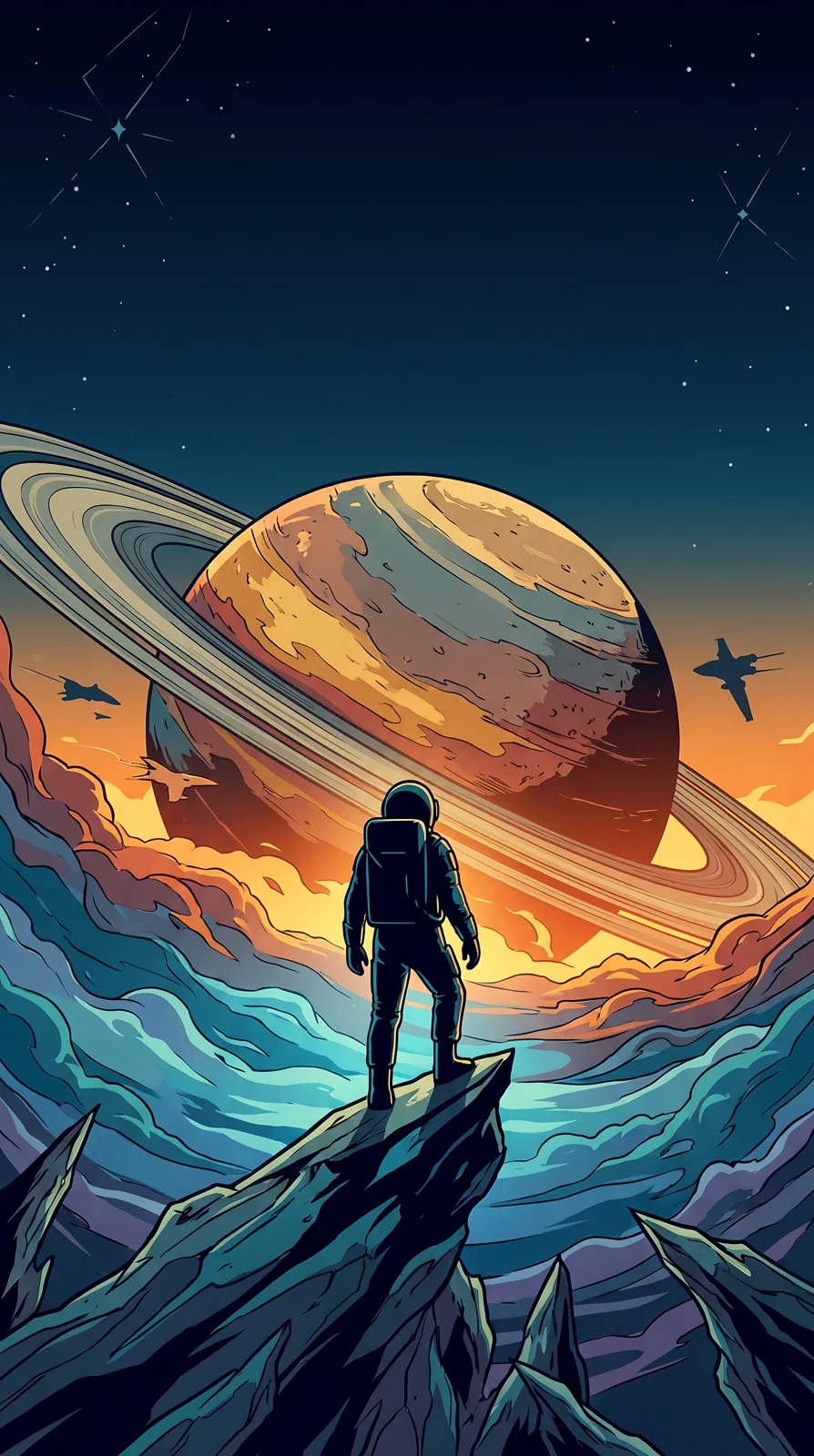
The sci-fi cover image, written Midjourney-style, might look like this:
astronaut silhouette, giant ringed planet, cinematic poster, teal and orange, epic --ar 9:16 --no text
Rewritten for our generator:
Sci-fi key visual with a movie-poster feel: an astronaut standing before a giant ringed planet, backlit silhouette, warm-cool contrast, epic scale, space at the top for a title
Pick 9:16 and drop “no text” — text is kept out of images by default. Copy the full prompt from Sci-Fi Movie Poster Art.
Writing in Chinese also lets you use cultural concepts without hunting for translations:
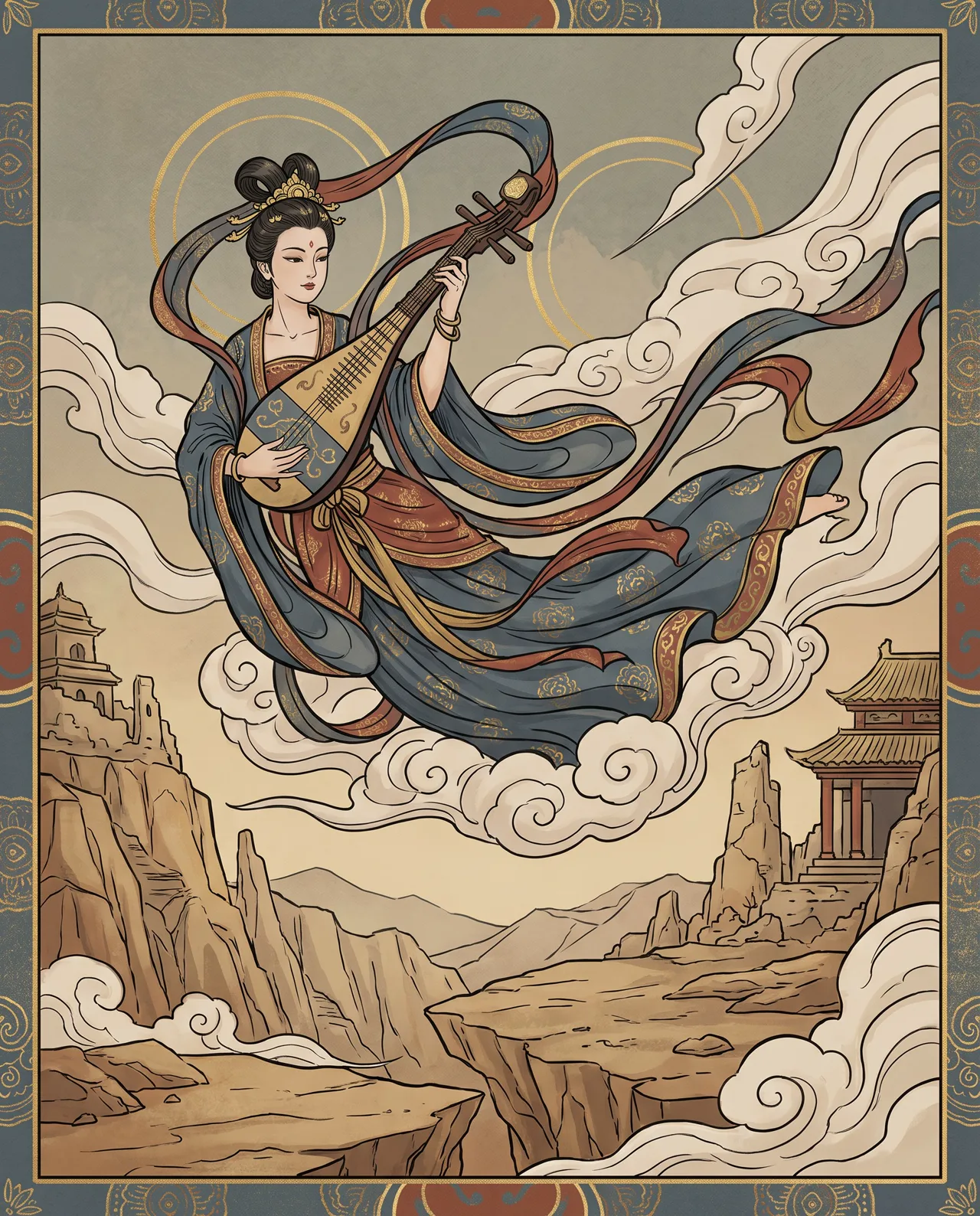
Prompt idea: a flying apsara in the style of Dunhuang murals, ribbons flowing, holding a pipa, in azurite blue, cinnabar red and gold.
Terms like “feitian” apsaras or mineral pigment names are understood directly in Chinese. See the full prompt at Dunhuang Flying Apsara.
Photography language works too:
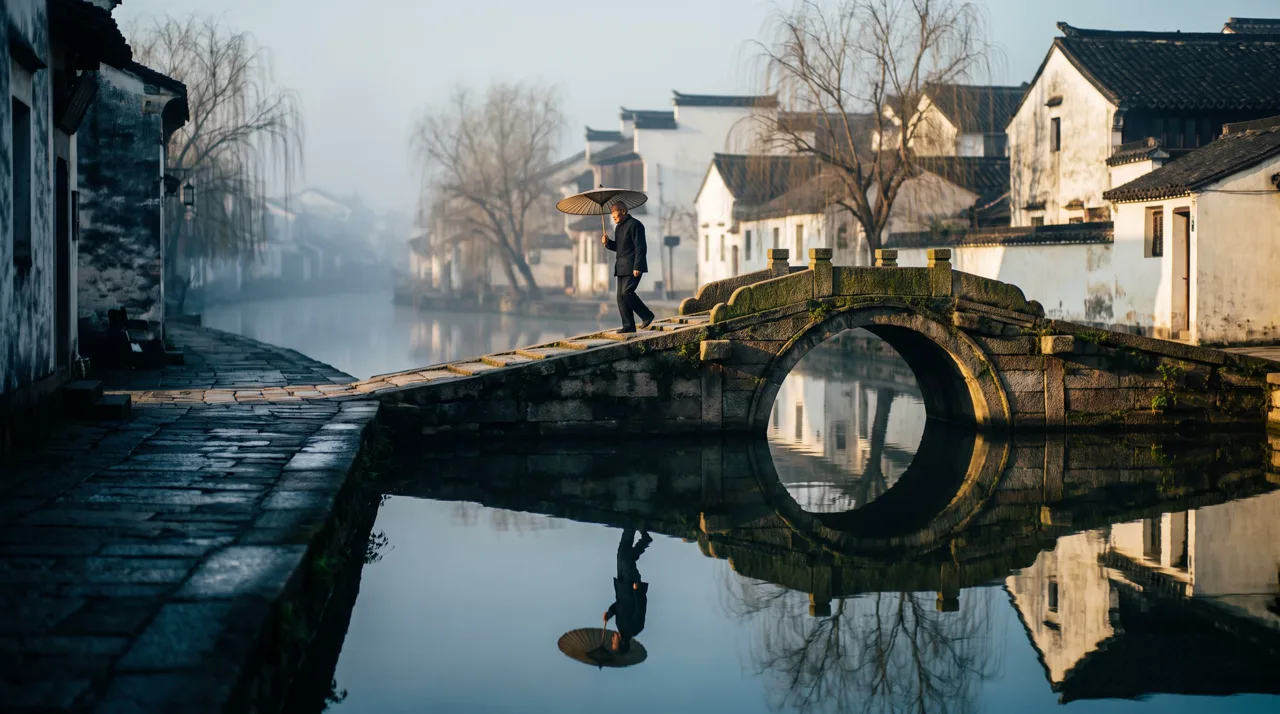
Prompt idea: a Jiangnan water town in morning mist, an elderly person with an umbrella crossing a stone bridge, reflection in the river, 85mm lens, color cinematic look.
More on writing prompts in our AI image prompt guide.
Which should you choose?
| Your situation | Suggestion |
|---|---|
| Top aesthetics, no access or payment issues | Stay with Midjourney |
| Quick everyday images in Chinese | Jimeng AI, Wenxin Yige or our generator |
| Lots of community models and niche styles | LiblibAI, TusiArt |
| Same product across many scenes | Our image-to-image or another tool with subject references |
| Occasional use, no subscription | Daily free allowances or pay-per-image tools |
| Need inpainting or upscaling | Midjourney or an SD-based platform |
Still unsure? Take your two or three most common image types and run the same description through a few tools. Our guide to free AI image generators covers the free options.
Before commercial use
Whichever tool you land on, read its terms, avoid trademarks, real people and imitations of living artists, and follow platform rules on labeling AI content. Our guide to commercial use of AI images has details.
New users get free trial credits. Start with text-to-image, borrow a prompt from the prompt library, or check pricing for packs and plans.