
Portraits for pets
AI Pet Portrait: Your Cat or Dog, Reimagined as Art
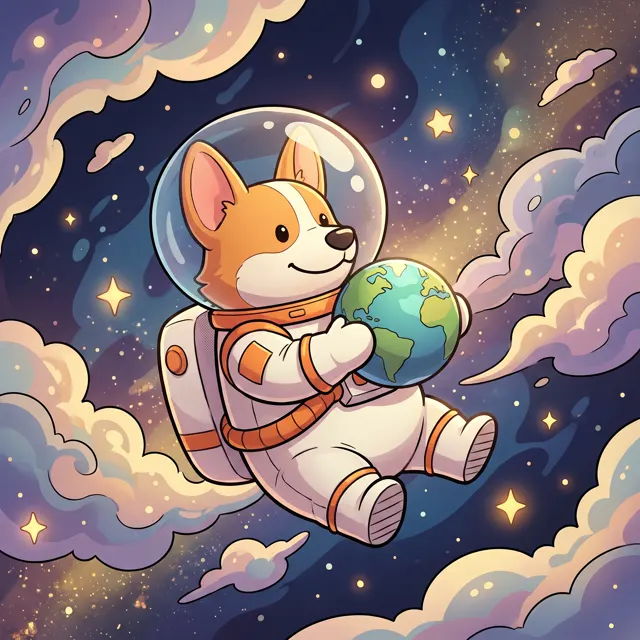
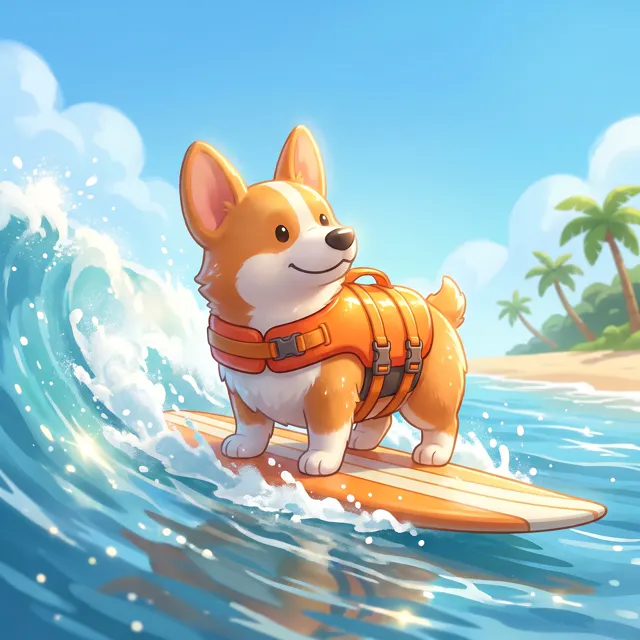
Upload clear photos of your cat or dog as subject references, then describe the look: royal oil portrait, astronaut, holiday outfit or watercolor. The AI keeps fur color and features as closely as it can.
Upload a product or character and the AI places it in a new scene (up to 4)
Sign in to upload references- 12 real examples
- 12 styles
- ~30 sec per image
- 4K output
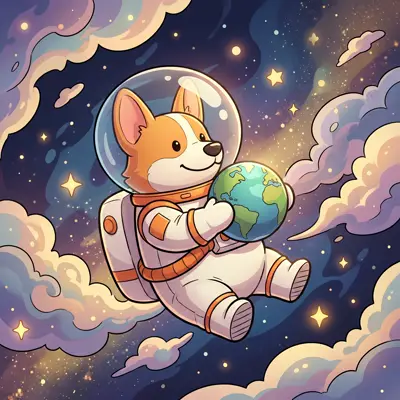
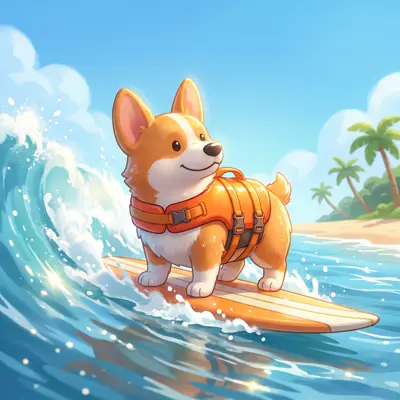
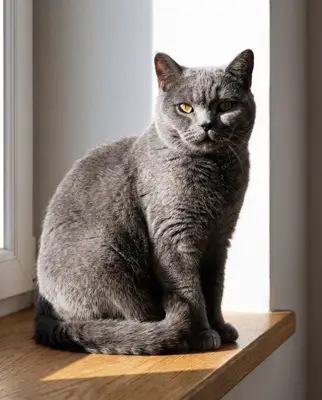
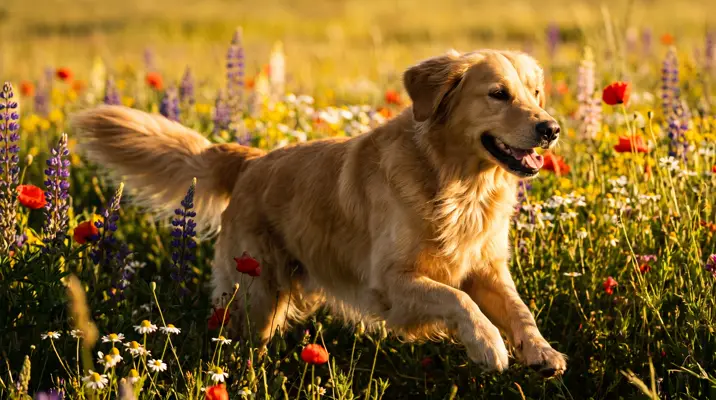
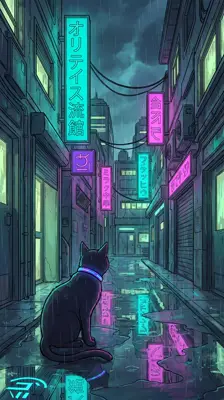
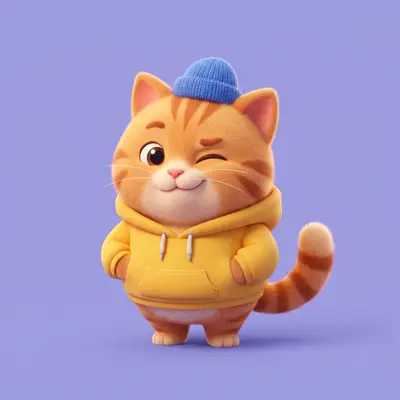
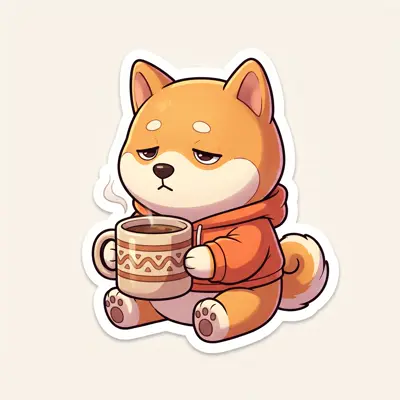
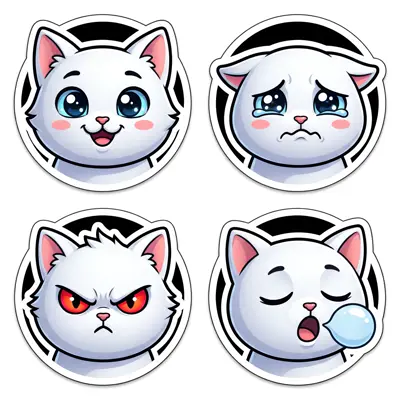
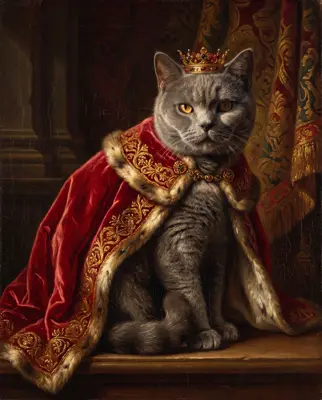
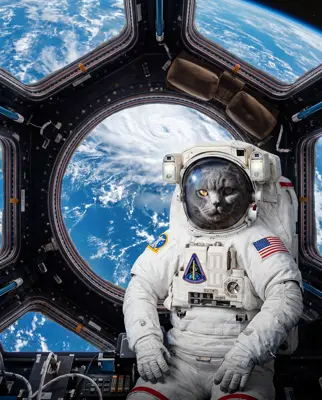
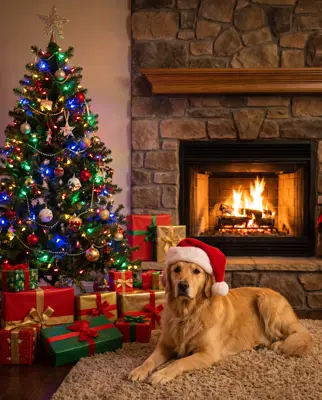
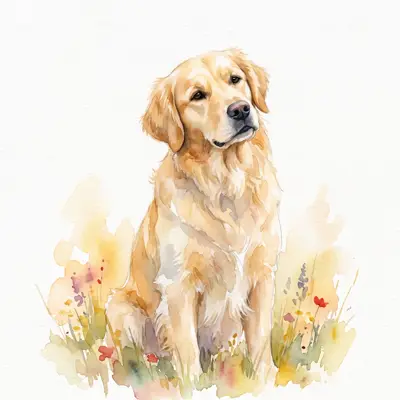
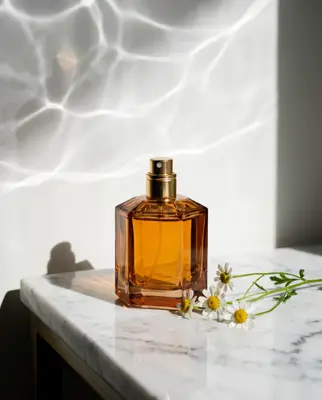
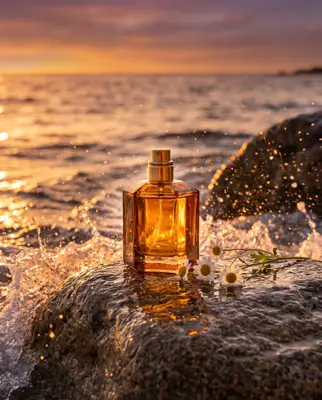
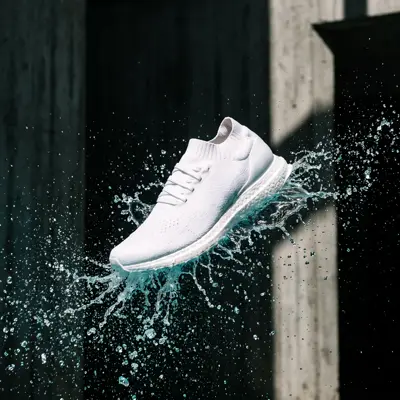
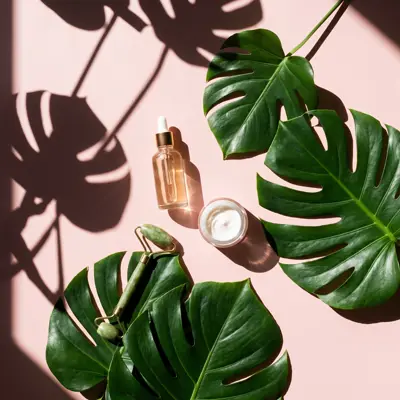
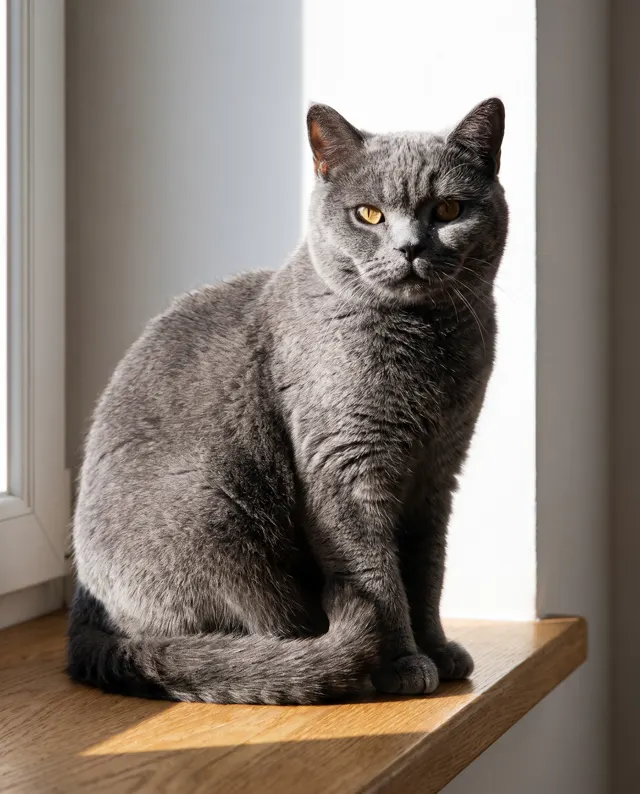
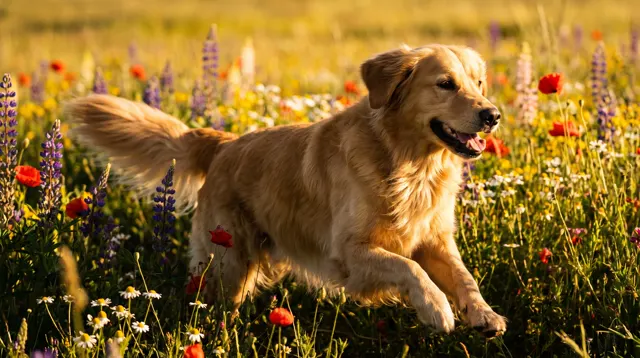
Reference → Result
Left: the uploaded reference. Right: the new scene from one sentence, with the subject’s look kept.
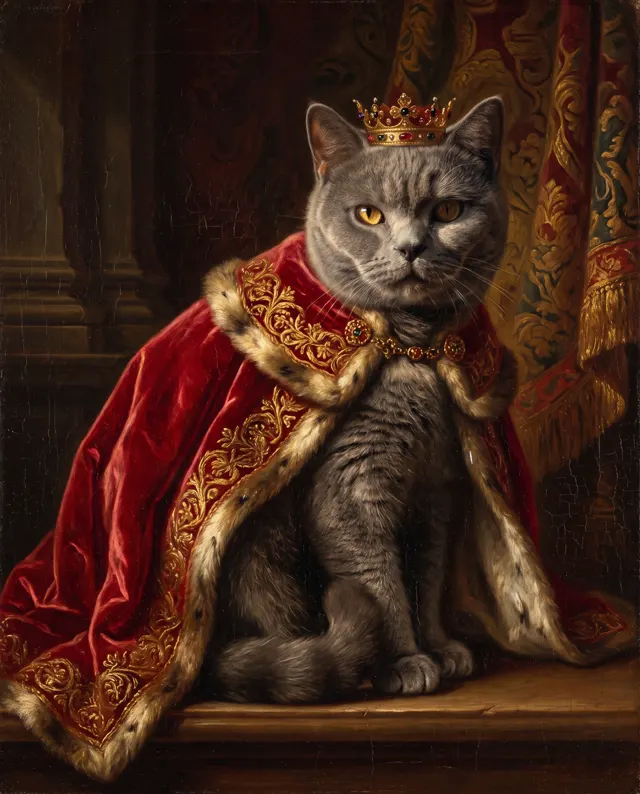
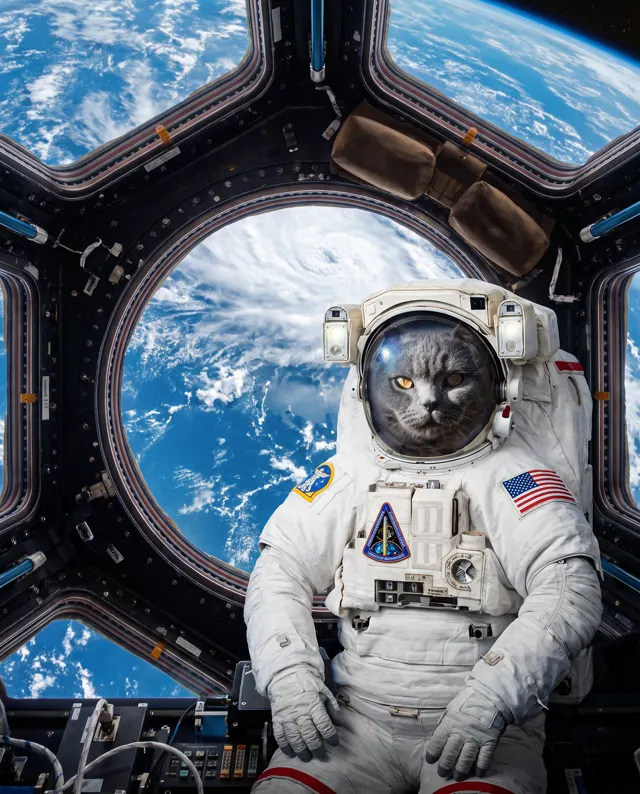
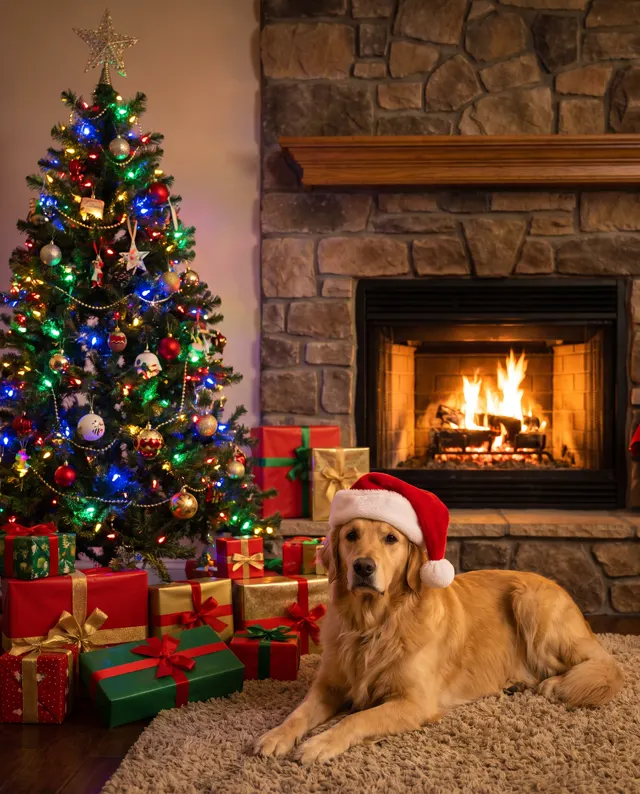
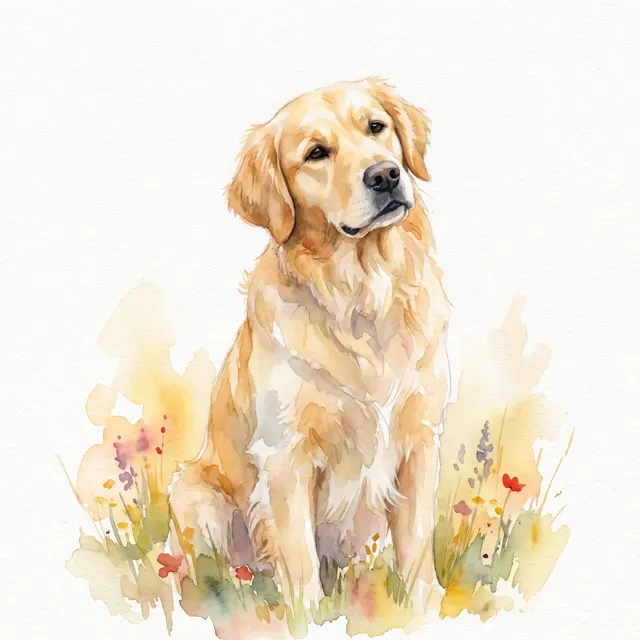
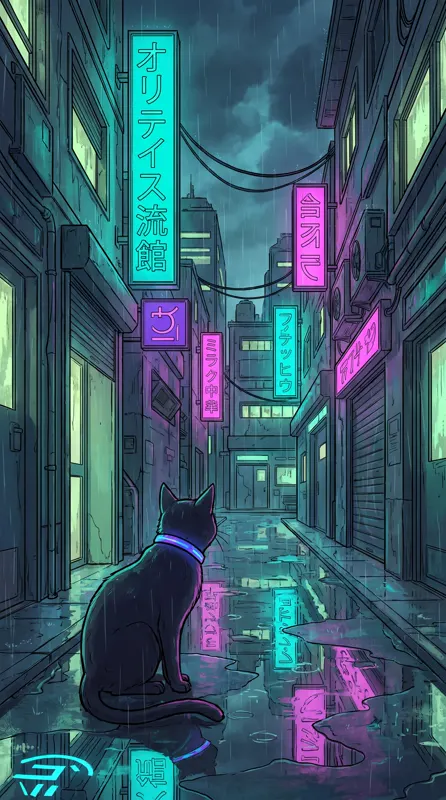
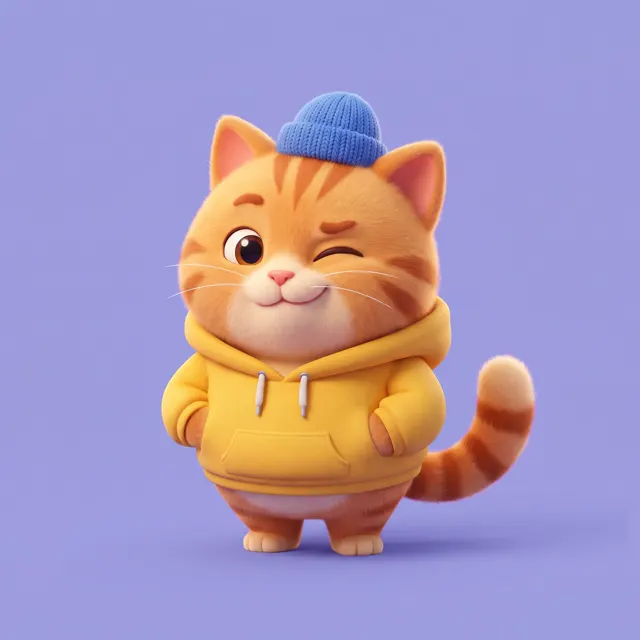
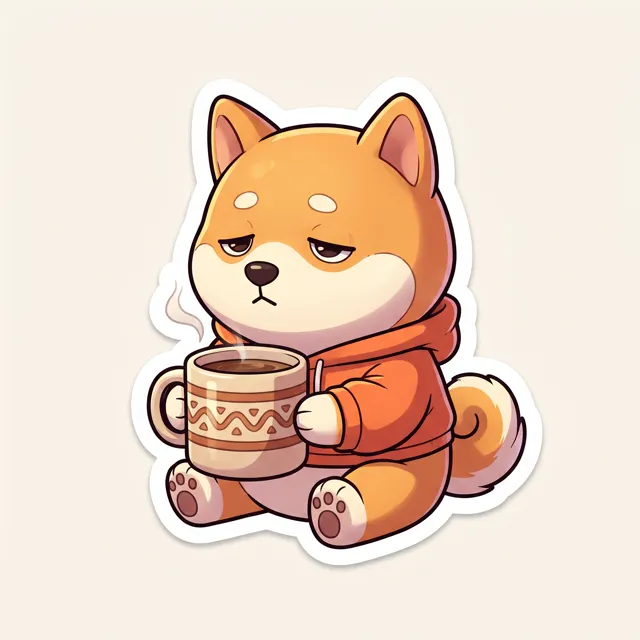
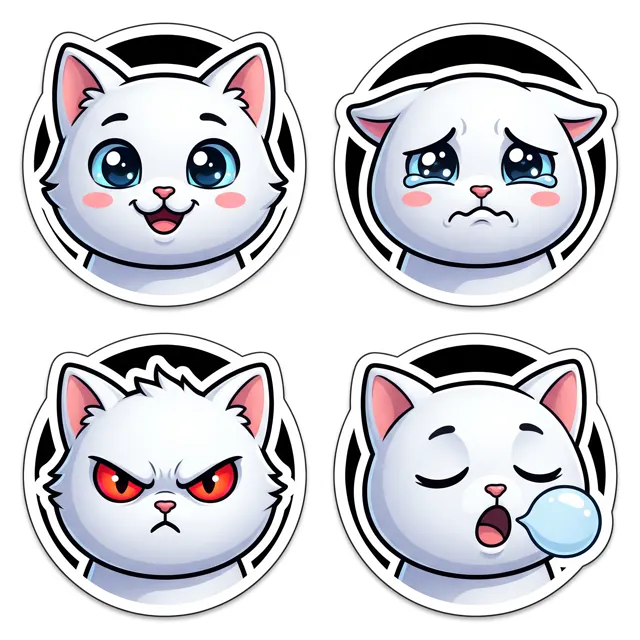
Real images made with this tool
Every image comes with its exact prompt and settings. Hit “Try this prompt” to load it into the generator, then change a few words to make it yours.
How does an AI pet portrait work?
An AI pet portrait uses photos of your cat or dog as a subject reference and places your pet in a new look and setting. Upload 1–4 photos of the same pet, then describe what you want — “royal oil portrait”, “astronaut”, “Christmas outfit” or “watercolor portrait” — and the AI keeps fur color, markings and facial features as closely as it can. The page is preset to 4:5, which suits frames, phone wallpapers and profile pictures. With references attached, the image type and style presets are ignored and the look comes from your prompt, so include words like “classical oil painting” or “soft watercolor washes”. Results are up to 4K with no watermark, saved to My images.
Start generating free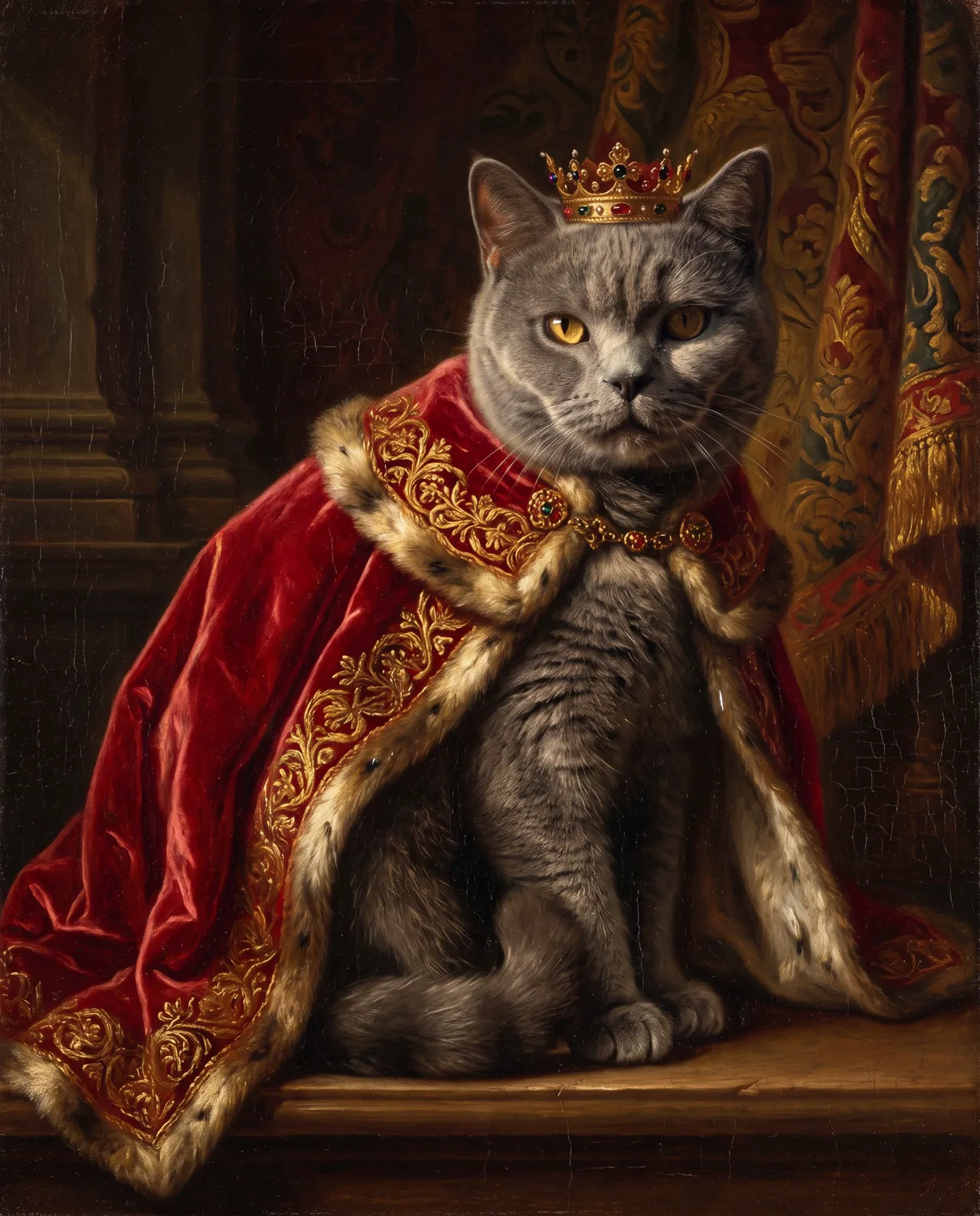
What people use it for
Keepsakes and framed prints
Mark a birthday or adoption day, or remember a pet who’s gone, with an oil-style portrait you can print and frame.
Holiday portraits
Dress your pet up for Lunar New Year, Christmas or Halloween in a festive scene for cards and social posts.
Avatars and wallpapers
Use it as a profile picture, a phone wallpaper or a pet account cover, with a new look every season.
Pet brands and shops
Pet stores, product brands and pet creators can put one pet into many creative scenes for posters and posts.
How it works
- 01
Upload pet photos
Add 1–4 sharp, well-lit photos of the same pet — ideally a front view and a side view with fur detail visible.
- 02
Describe the look and style
Spell out outfit, scene and art style — e.g. “red velvet cape, gold crown, classical oil portrait.”
- 03
Generate and pick
4:5 is preset, about 30 seconds per image. Make four and keep the one that looks most like your pet.
Prompt tips
Photos decide the likeness
Pick sharp, evenly lit shots with the whole face visible. Avoid backlight, blur and hands or toys in the way, and capture distinctive markings clearly.
More angles, steadier results
Front, side and full-body photos help the AI read ear shape, markings and build. Don’t mix in photos of other pets.
Put the style in the prompt
With references, your prompt sets the look: write “classical oil painting, impasto”, “soft watercolor” or “cinematic lighting”.
Repeat key features
Markings not quite right? Restate them in the prompt — “orange and white coat, black patch over the left eye, short tail.”
FAQ
Related tools
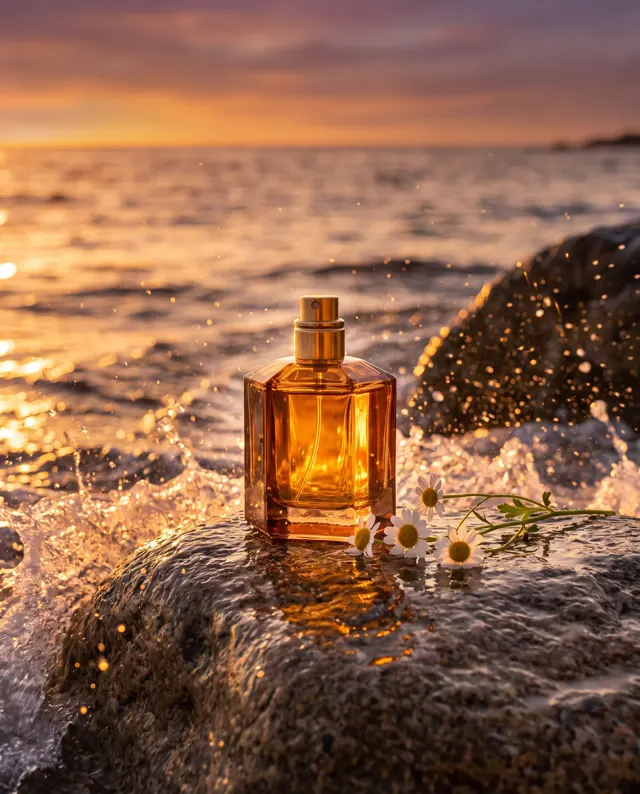
Image to Image
Upload a product, character or pet and place the same subject in a brand-new scene.
AI Avatar Generator
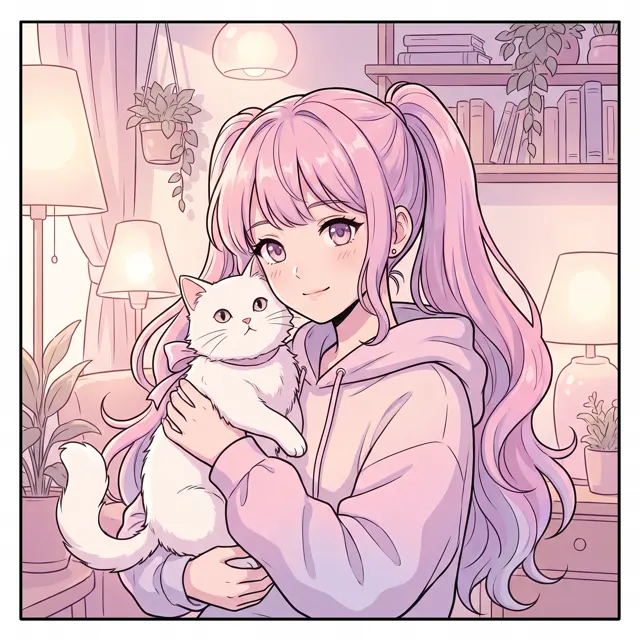
Anime, cartoon and chibi profile pictures from a short description, in a 1:1 square.

AI Sticker Generator
Cute 3D cartoon stickers and emoji-style reactions on white, up to four per image.
Give your pet a portrait worth framing
Upload your pet’s photos, describe the look and see it in about 30 seconds. New accounts get free trial credits.