
Design inspiration
AI Interior Design: See the Look Before You Renovate
Preset to the Photoreal style at 16:9, like an interior photo. Describe the room, style, materials and light to get a concept render for comparing styles and briefing family or your designer.
- 8 real examples
- 12 styles
- ~30 sec per image
- 4K output
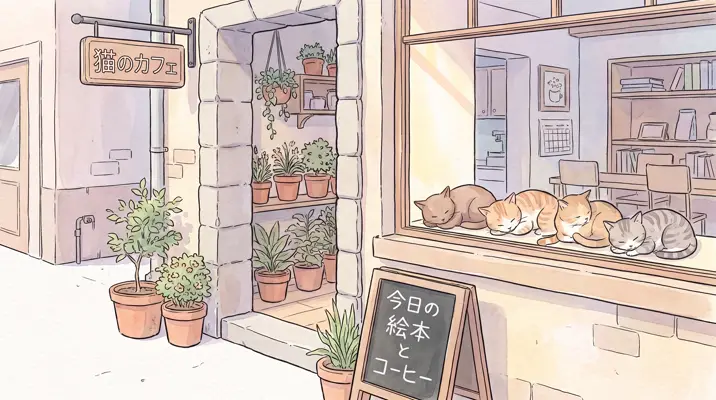
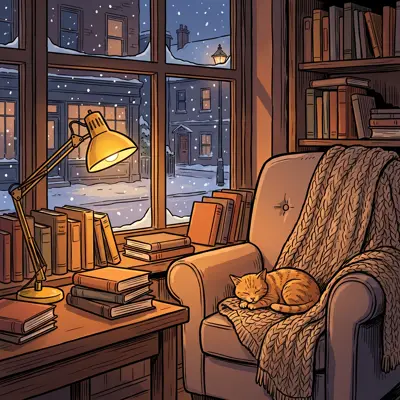
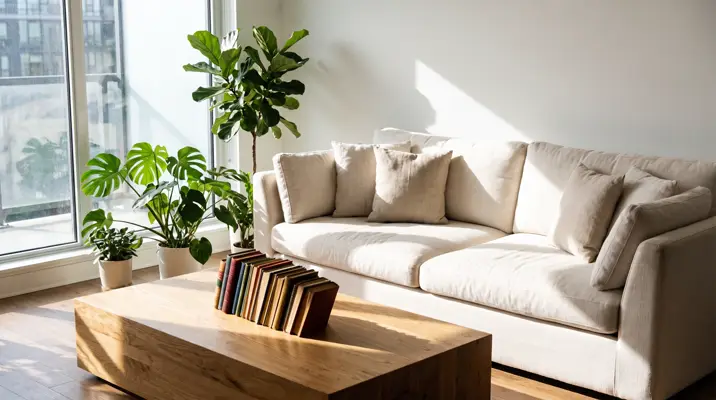
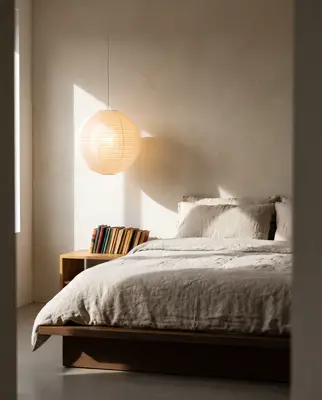
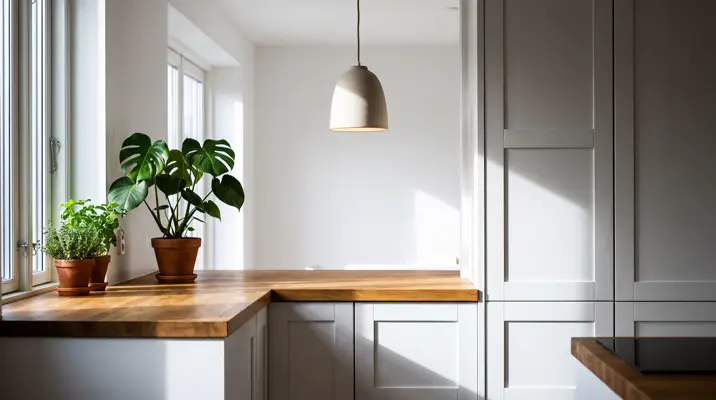
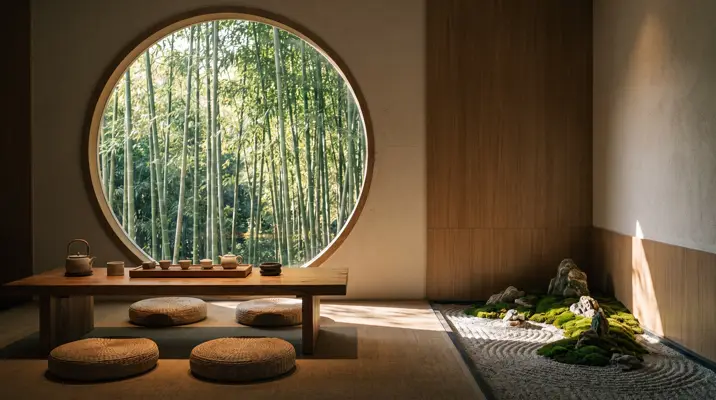
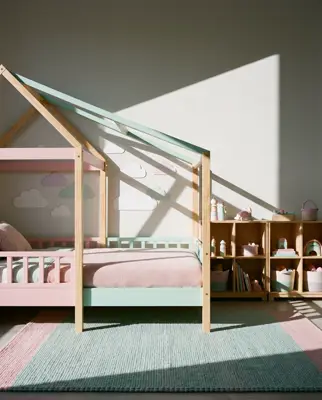
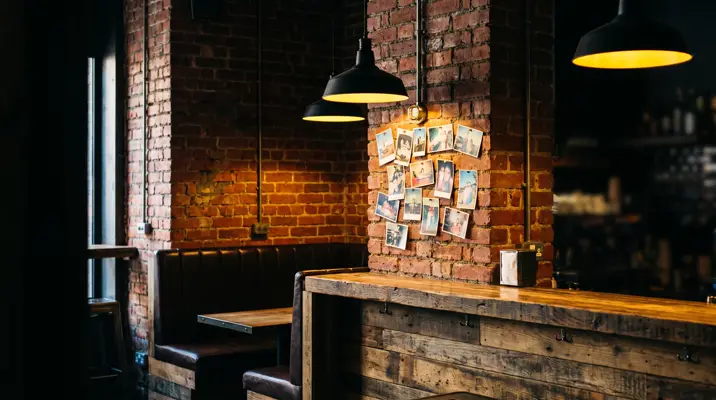
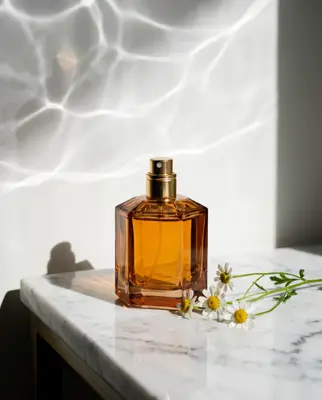







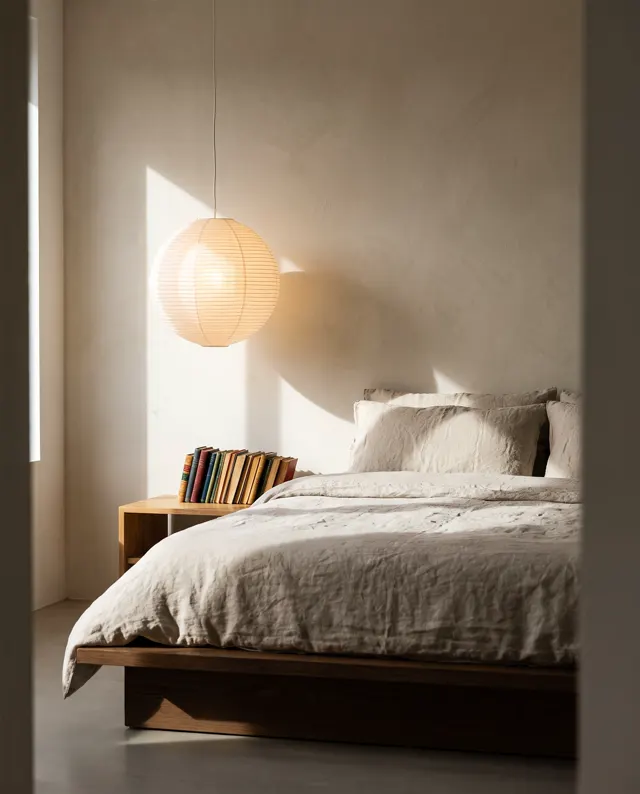
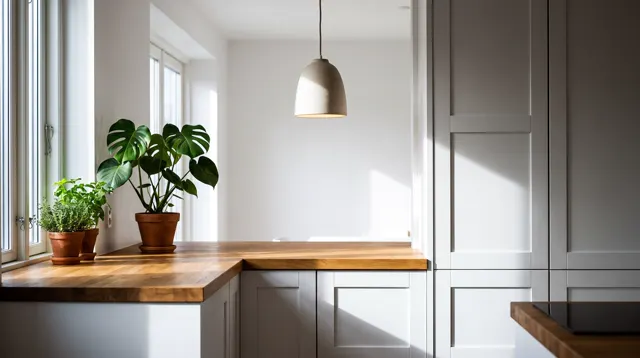
Real images made with this tool
Every image comes with its exact prompt and settings. Hit “Try this prompt” to load it into the generator, then change a few words to make it yours.
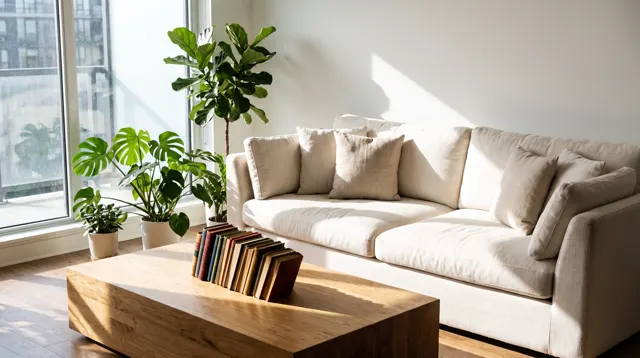
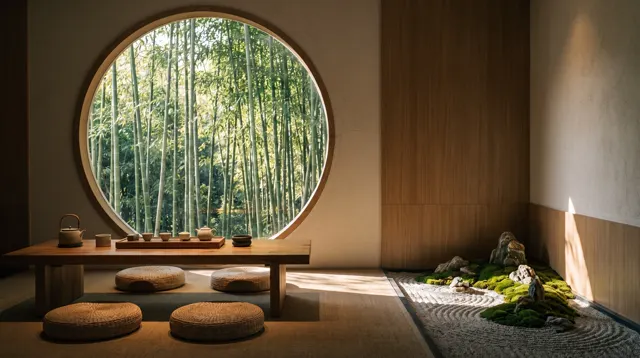
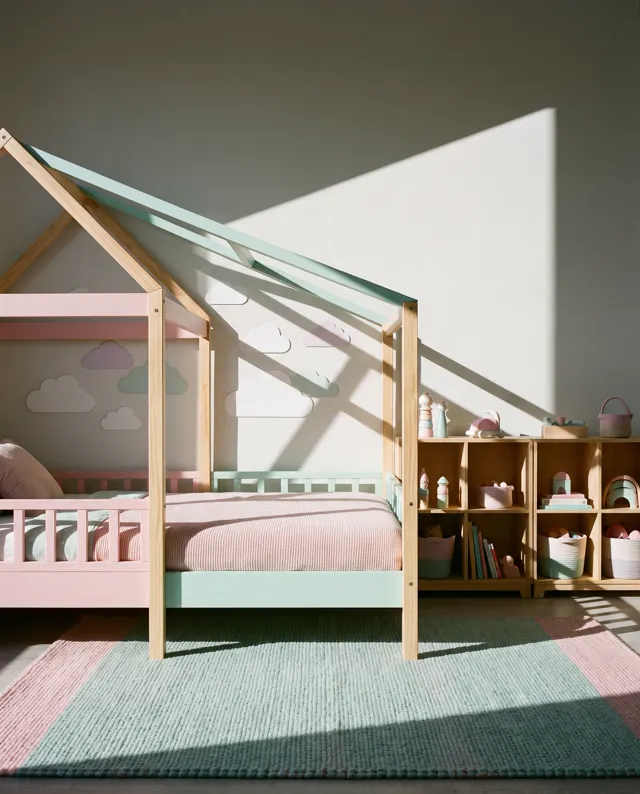
What can AI interior design do?
AI interior design turns a description of a room and a style into a photoreal interior image. This page is preset to the Photoreal style at 16:9, so results look like professional interior photography — useful for comparing directions such as Japandi, wabi-sabi, Scandinavian or modern Chinese before a renovation, or for showing clients a mood. Be clear about the limits: these are concept and mood images for inspiration, not construction drawings, and nothing is to scale. It also can’t precisely redesign a photo of your own room; an uploaded photo is a loose reference at best. You’ll get better results by describing the room type, rough size, window position and key furniture in words.
Start generating free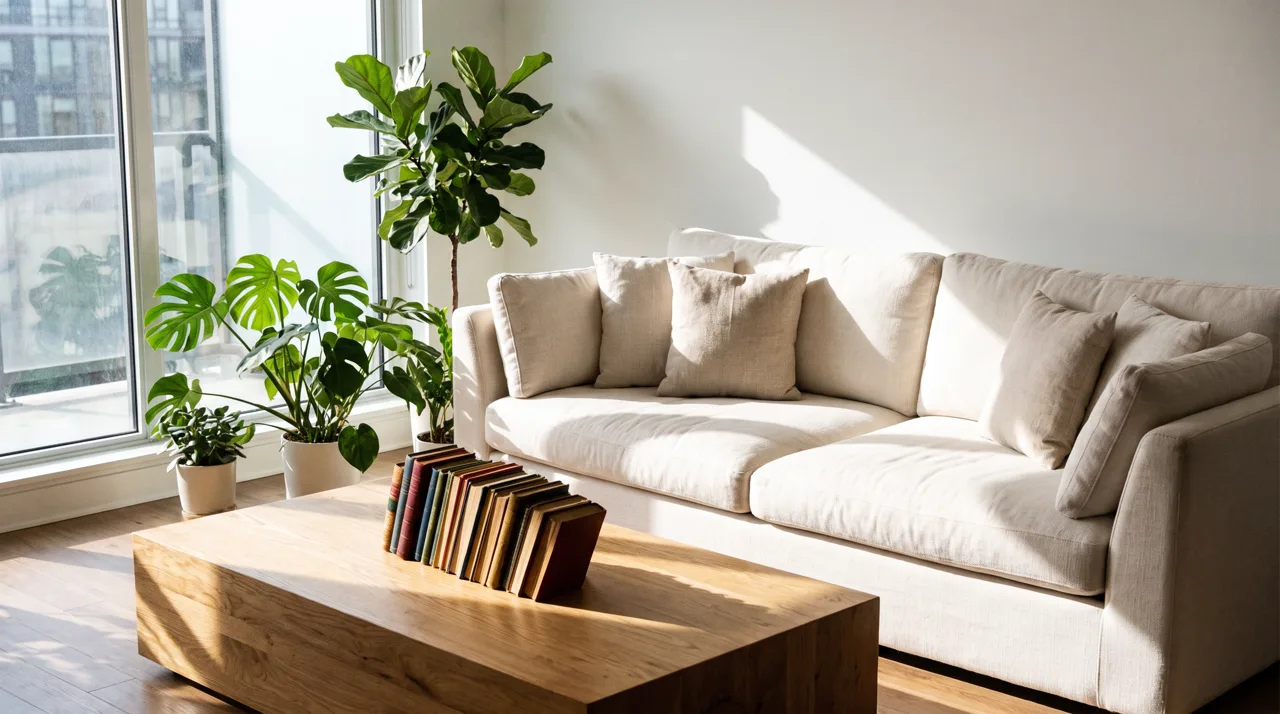
What people use it for
Choosing a style before renovating
Cream tones or wabi-sabi? Run the same room description in several styles and decide together with the whole household.
Designer style proposals
In a first meeting, show a few mood images to confirm a client’s taste before starting the real plans.
Decor and color ideas
Thinking of a new sofa, curtains or wall color? Describe the new combination and see whether the room still works.
Rentals, cafés and shops
Before opening a guesthouse, café or studio, use concept images to agree on the vibe with builders and partners.
How it works
- 01
Describe the room
Give the room type, rough size and light — e.g. “a small living room with one floor-to-ceiling window.”
- 02
Add style and materials
Name the style, key furniture, materials and palette: “cream style, fabric sofa, light oak floor, off-white tones.”
- 03
Generate and compare
16:9 is preset. Make 1–4 images at about 30 seconds each, then refine the description of the direction you like.
Prompt tips
Materials make it real
“Microcement”, “walnut”, “terrazzo”, “linen upholstery” and “matte black hardware” capture a look far better than a style name alone.
Write the light
“Late-afternoon sun”, “soft morning light” or “warm LED strips at night” change the mood completely. Say which way daylight comes in.
Direct the camera
“Wide-angle, eye level, looking from the doorway toward the window” or “diagonal composition” shows the whole space, not one corner.
A mood board, not a blueprint
Sizes, proportions and structure aren’t accurate, and furniture isn’t real products. Build and buy from your designer’s drawings and measurements.
FAQ


See it before you renovate
Describe your room and the style you love, and get a render in about 30 seconds. New accounts get free trial credits.