The most reliable way to make an AI avatar is to describe an original anime or chibi character in words, or to upload two to four photos of your pet and use image-to-image. Use the 1:1 ratio, keep the face centered, and skip face swaps entirely — we don’t offer them.
Three kinds of avatar, three workflows
Every avatar ends up as a small square, but the way you get there differs:
| Avatar type | How to make it | Suggested style preset | Typical use |
|---|---|---|---|
| Anime avatar | Text-to-image, character described in words | Anime | Discord, X, Reddit, games, forums |
| Chibi character | Text-to-image with “chibi, big head, small body” | 3D Cartoon or Flat | Sticker packs, shop mascots, community icons |
| Pet avatar | Image-to-image with your pet’s photos | Photoreal, Anime or Watercolor | Your own profile, a pet account |
| Scenery or object | Text-to-image | Any | Work accounts where you’d rather not show a face |
All four use 1:1, with output up to 4K. Resolution is never the problem with avatars; recognizability and framing are.
First, what we don’t do: face swaps
Our generator does not swap faces and won’t turn a selfie into an anime portrait that preserves your real features. Image-to-image takes reference photos of a product, a character or a pet and regenerates a whole new scene around that subject. It is not a face-replacement tool.
Please don’t upload photos of celebrities, friends or strangers to make avatars either. Likeness and personality rights apply whether or not an AI drew the picture.
The good news: most people don’t want a pixel-perfect copy of their face. They want something that feels like them — and words can do that.
Anime avatars: build yourself from a feature list
People recognize you by a few signals: short or long hair, glasses or not, the jacket you always wear, the headphones that never leave your neck. Put those signals in the prompt and you get an original character with your fingerprints on it.
| Feature | Example wording |
|---|---|
| Hair | shoulder-length black bob, light-brown curls in a low ponytail, twin tails |
| Face details | round glasses, dimples when smiling, slightly upturned eyes |
| Clothing | denim jacket over a white tee, grey hoodie, crisp white shirt |
| Accessories | over-ear headphones, a beret, silver earrings, hair clips |
| Expression and angle | smiling in profile, winking at the viewer, chin on hand |
| Background and palette | blue sky with clouds, flat pastel pink, a bookshelf and lamp |
| Hobby prop | holding a cat, a film camera, a cup of bubble tea |
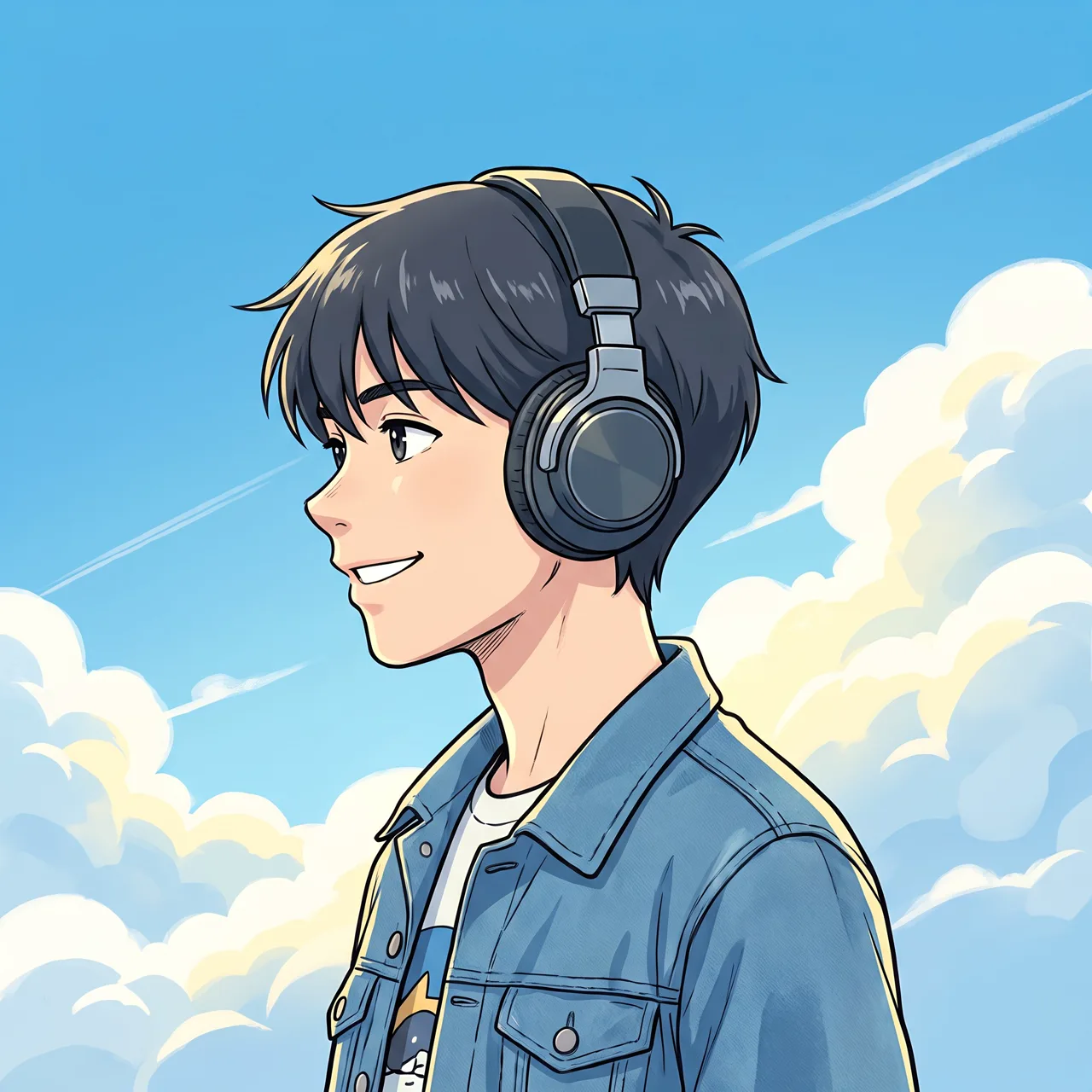
The headphones avatar in our prompt library is written exactly this way: “Anime avatar: a short-haired boy wearing headphones, smiling in profile, blue sky and white clouds behind, fresh bright colors, bust portrait.” Hair, accessory, expression, background and framing — no filler adjectives.
Adding a hobby prop makes an avatar more personal:
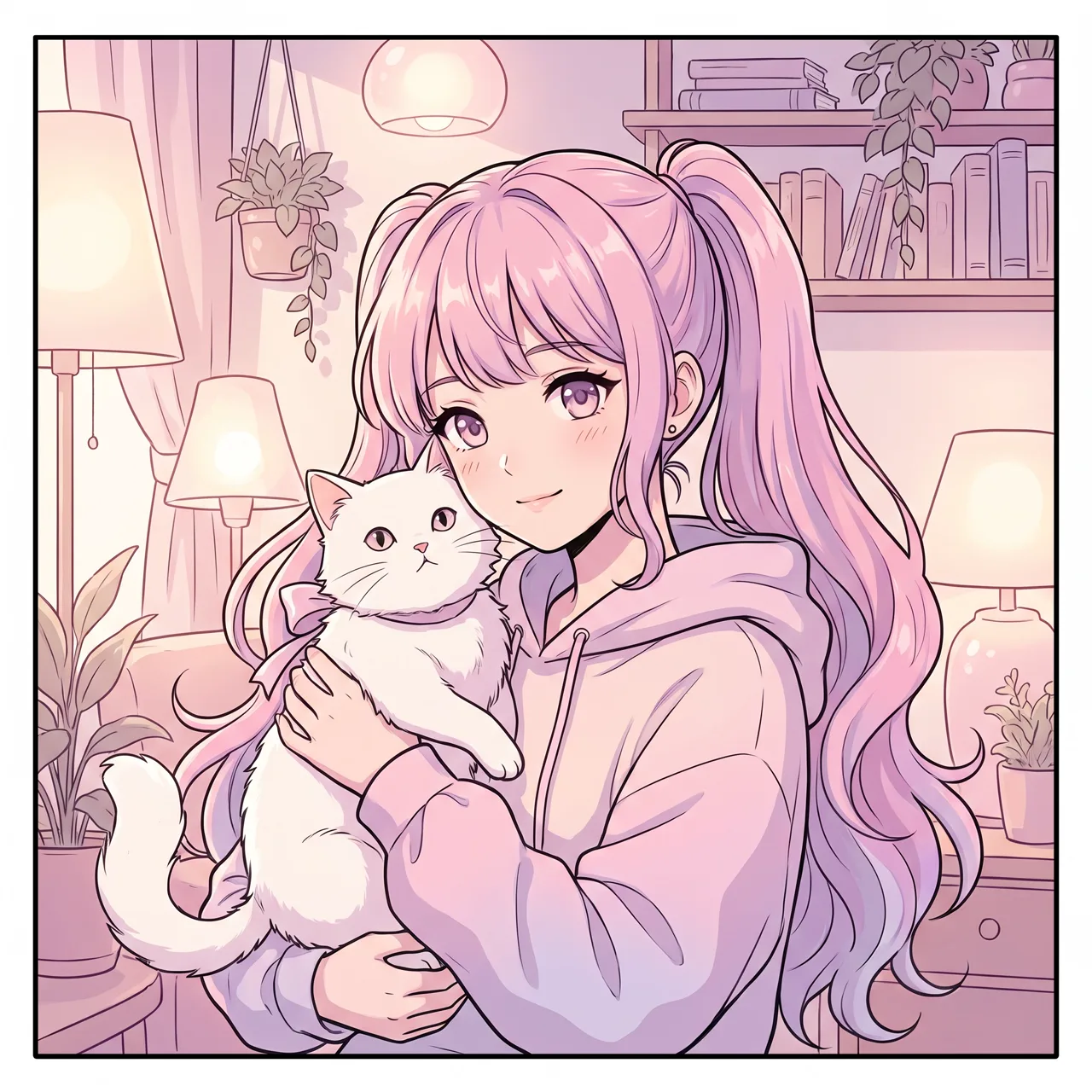
Prompt idea: anime avatar, a girl with twin tails hugging a white cat, pink and lavender tones, soft light, bust portrait, Anime style preset.
Habits that make avatars work:
- Say “avatar” or “bust portrait.” The figure is framed from the chest up, so the face gets enough of the frame.
- Commit to one main color. In a chat list your avatar is the size of a fingernail; a clear sky-blue or pastel-pink background is easier to spot than a busy palette.
- Keep the background simple. Street scenes and crowds turn into noise when shrunk.
- Stay original. “The hero from a famous anime” raises copyright issues. An original character is safer and actually unique.
For a deeper look at anime characters and scenes, read our AI anime art guide.
Framing for circular crops
Most platforms show avatars as circles or rounded squares, so the corners disappear:
- Center the face with breathing room above the head and below the chin.
- Keep key elements off the edges. Headphones, hat brims and the pet in your arms should sit inside the middle 70% or so.
- Test at thumbnail size. If you can still tell who it is at chat-list size, it works.
More on square crops and ratios in how to choose an AI image aspect ratio.
Chibi characters: avatars that double as stickers
The core chibi words are “chibi, two heads tall, round body, big eyes.” If the character will become stickers, add “sticker style, white outline, pure white background.” We don’t offer background removal, so a plain white background just makes the cleanup easier in your design tool.

Prompt idea: a chibi little chef with a round body and a tall chef hat, raising a spatula, cute sticker style, pure white background, 3D Cartoon preset.
Once you have a chibi you love, upload it as a reference in image-to-image and write “have this character holding a coffee cup” or “have this character dozing off at a desk.” Generate a few of each and keep the best to assemble a sticker set. Leave the captions (“On it!”, “Thanks!”) for your design tool: the generator keeps text out by default, and AI-drawn lettering is often wrong.
Pet avatars: let your pet star
For pets, image-to-image is the way to go. Upload two to four clear photos, call your pet “this cat” or “this dog” in the prompt, and describe a new scene:
Have this cat sitting on a snowy windowsill wearing a red knitted scarf, warm lamplight, close-up, avatar framing, simple background
Have this dog sitting on a grassy hill under a blue sky, big grin, front-facing close-up, avatar framing, anime style
Photoreal keeps fur color, markings and eye color most faithfully. Anime, watercolor and 3D cartoon will stylize the face, so generate several and pick the closest. Our AI pet portrait guide covers how to shoot good references.
No pet, just want a cute animal avatar? Use text-to-image:
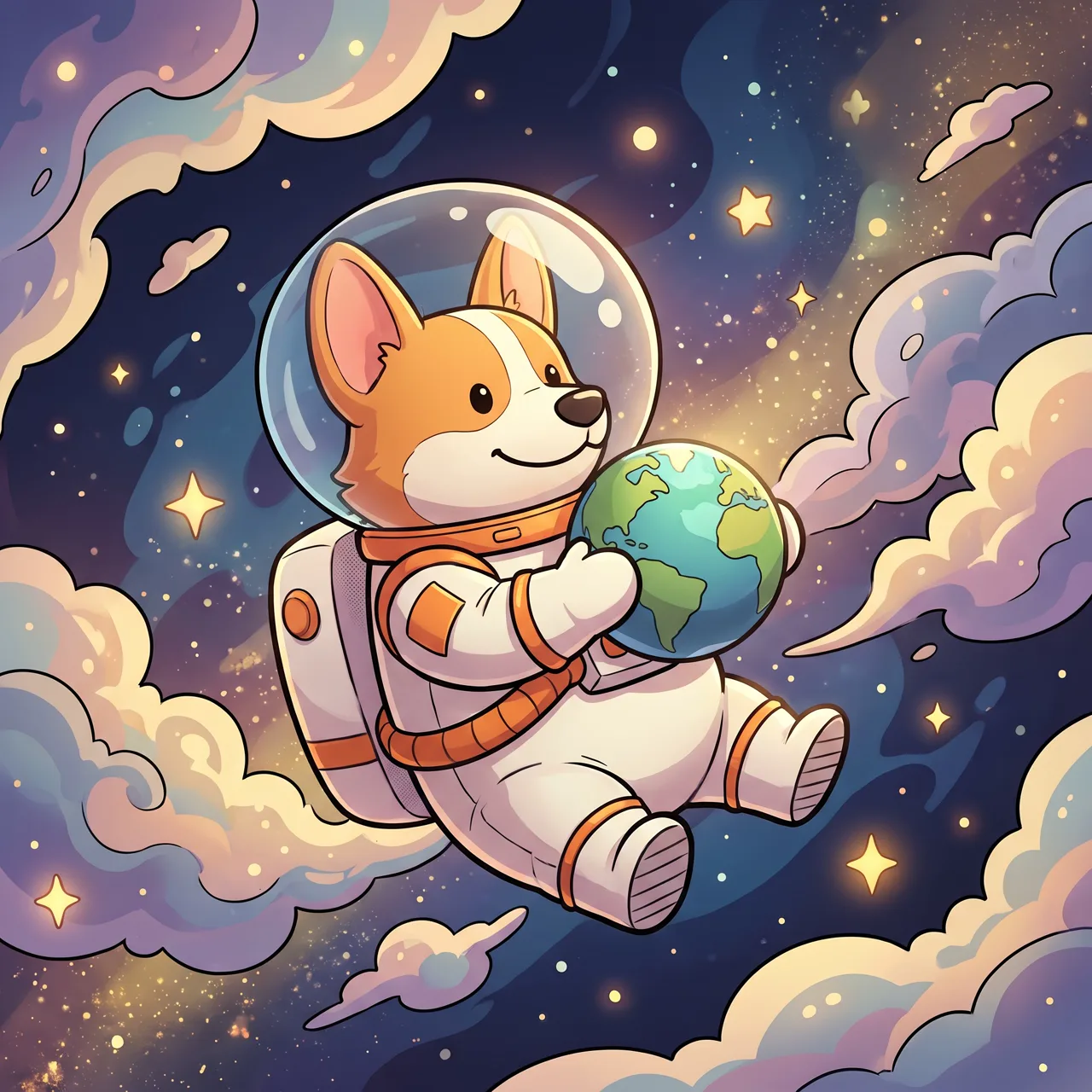
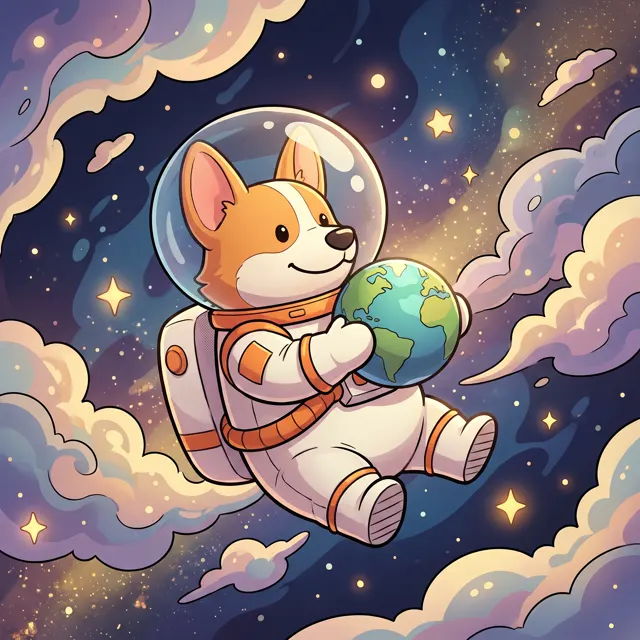
Prompt idea: a cute corgi astronaut floating in space holding a tiny planet, stars and colorful nebula in the background.
Copy-and-paste avatar prompts
Replace the bracketed parts and paste into the AI anime generator or text-to-image:
1. Anime avatar: a [boy/girl] with [hair], wearing [accessory], [expression and angle], [simple background], [main color], bust portrait
2. Anime avatar: a [person] in [glasses style] and [clothing], holding [hobby prop], soft light, front-facing bust portrait
3. Chibi [job or role], two heads tall, round body, [signature outfit or prop], cute sticker style, white outline, pure white background
4. Chibi [animal] with big eyes, [action], [colors], 3D cartoon character, flat color background, centered
5. Have this [cat/dog] in [outfit] sitting in [scene], [lighting], avatar framing, simple background
6. Close-up of [scenery or object] in [season], subject centered, [main color], clean and simple, avatar style
Browse the prompt library for more — the chibi chef is easy to adapt to your own job.
Three checks before you set it
- Recognizable when tiny? Shrink it to about 100 pixels.
- Hands and details right? Avatars that hug a pet or make a gesture deserve a finger count.
- Nothing infringing? No brand logos, famous characters or real faces.
Each image costs 10 credits on the standard model or 4–8 on the others, you can make one to four per run, failed images are refunded automatically, and new users get free trial credits. Head to the studio and start with template 1.