



Slide visuals without stock photos
AI Presentation Image Generator: Slide Images in One Consistent Palette
Describe the concept a slide needs to show and the AI presentation image generator returns a 16:9 presentation image in a clean flat style in about 30 seconds, in HD, no watermark. Set a palette once and every image in the deck matches, from the title slide to the section dividers.
- 4 real examples
- 12 styles
- ~30 sec per image
- HD no watermark

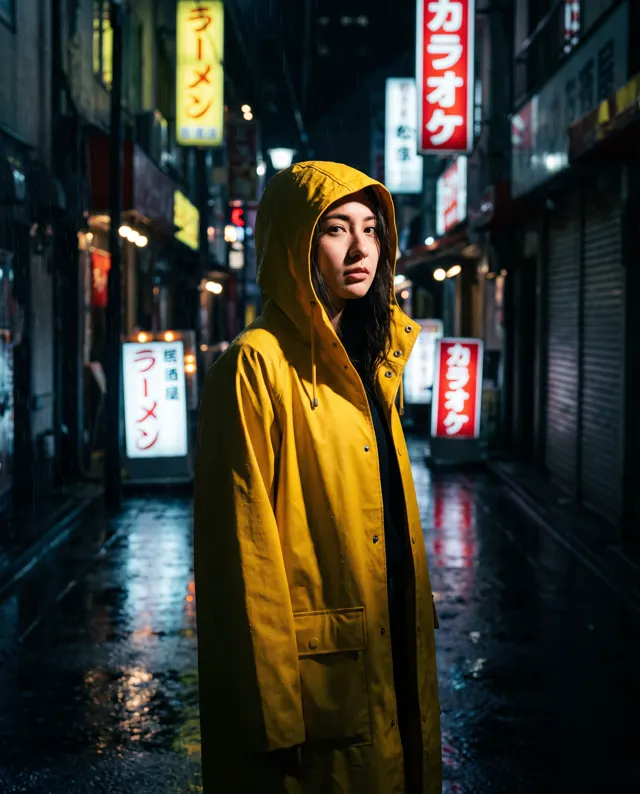
AI Presentation Image Generator examples
Every image comes with its exact prompt and settings. Hit “Try this prompt” to load it into the generator, then change a few words to make it yours.

What is an AI presentation image generator?
An AI presentation image generator makes the visuals a deck needs from one-line descriptions of the ideas on each slide. A presentation about growth needs a picture of growth, a section on risk needs an image for risk, and a title slide needs something better than a stock handshake. You describe the concept and the palette, and about 30 seconds later you have a high-resolution 16:9 presentation image with no watermark, ready to drop into PowerPoint, Keynote or Google Slides. This AI presentation image generator is preset to the Flat style at 16:9, the proportion of nearly every slide, and you can switch to any of the 12 style presets or to 1:1 for a square image beside a column of text. What makes an AI presentation image generator useful for a whole presentation rather than a single picture is consistency: write the same palette and style line into every prompt, and the image on slide 3 matches the image on slide 30, so the presentation looks designed instead of assembled. Consultants, founders, teachers, sales teams and students use the AI presentation image generator for pitch decks, lectures, training material and quarterly reviews. Two things to know. It cannot render reliable text or charts with real numbers, so keep words and data in the slide itself and let the presentation image carry the metaphor. It also cannot edit an existing image; it always makes a new one. On a paid account every presentation image can be used commercially, including in client decks.
Start generating in HD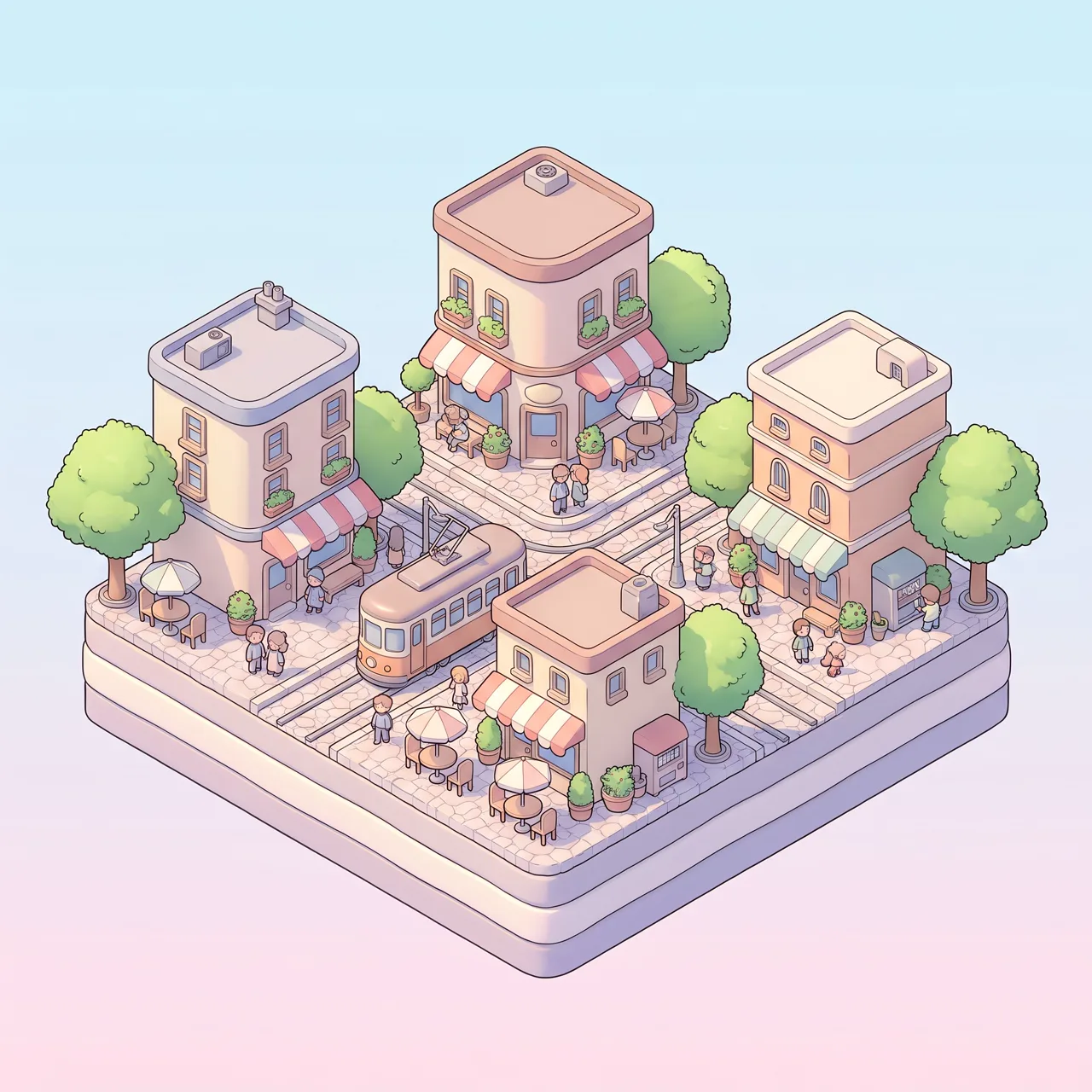
AI Presentation Image Generator use cases
Pitch decks and sales presentations
A pitch presentation lives or dies on the first impression. The AI presentation image generator gives a title image, a problem image and a vision image in the same palette as your brand, so the presentation looks designed rather than filled with the first stock photo found.
Section dividers and title slides
A long presentation needs breathing room between chapters. Generate one abstract presentation image per section in a shared style, a path, a bridge, a sunrise, and the audience knows a new part is starting. The AI presentation image generator keeps the whole set visually related.
Concept illustrations for lectures
Teachers and trainers explain abstract ideas: compound interest, feedback loops, supply and demand. A single clear presentation image of the metaphor does more than a slide of bullets, and the AI presentation image generator produces that image from an English or Chinese prompt.
Reports, webinars and templates
A quarterly presentation, a webinar deck and an internal template are reused for months. Build a small library of presentation image backgrounds and scenes in your colors with the AI presentation image generator once, and every team deck that follows starts from the same visual language.
How to use AI Presentation Image Generator
Describe the idea
Write the point the slide makes, one visual metaphor for it and your palette, for example “a presentation image about teamwork, figures assembling a puzzle, navy and mint, flat illustration.” Mention empty space on one side if text will sit beside the image.
Keep 16:9, lock the style
Flat style and 16:9 are preset to fill a slide. Choose 1:1 for an image beside text, or another of the 12 style presets if the presentation calls for photos or sketches, and reuse the same style words so every presentation image matches.
Generate and insert
Each presentation image costs 10 credits per image and takes about 30 seconds; failed images are refunded automatically. Download the HD image with no watermark and insert it into the presentation as a full-slide background or beside your text.
AI Presentation Image Generator prompt tips
Decide the palette first
Open the presentation template, note two or three colors, and write them into every prompt as “navy, mint and off-white.” The AI presentation image generator then returns each image in those colors, and the presentation keeps one look from start to finish.
One metaphor per slide
A presentation image is read in a second while someone talks over it. Ask for a single object or situation, a bridge for partnership, a compass for strategy, and avoid crowded scenes that compete with the speaker and the words on the slide.
Leave space for your text
Most slides place a headline and bullets next to the image. Ask for “subject on the right, plain background on the left” so the presentation image leaves a calm area, and keep the background simple so text stays readable on top of the image.
No text or charts inside
AI-rendered words, numbers and chart axes come out wrong, so never ask for labels, titles or real data in the image. Build charts and text in the presentation software and let the image carry the idea; write “no text” in the prompt.
AI Presentation Image Generator FAQ
Related tools


AI Presentation Image Generator pricing: pay per image, no subscription
Taster pack · 15 HD images
150 credits that never expire. No subscription, one per account.
Images for your next presentation, in one palette
Describe each idea in the AI presentation image generator, keep your palette line, and get an HD 16:9 presentation image for every slide in about 30 seconds, no stock photos needed.