
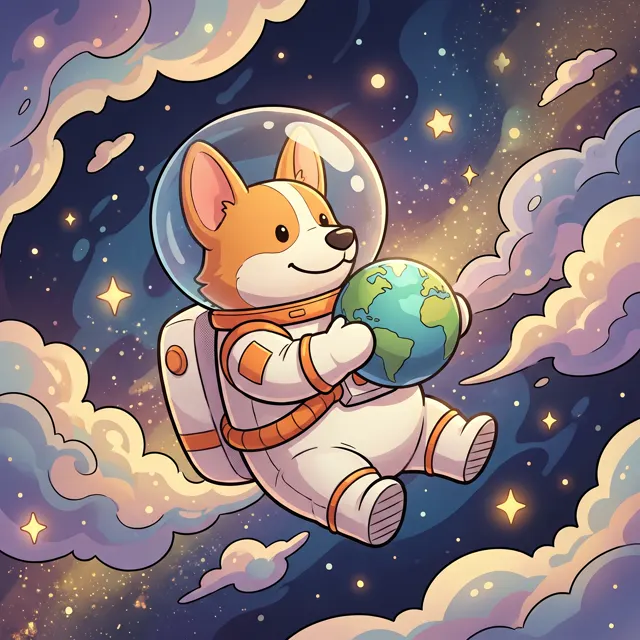

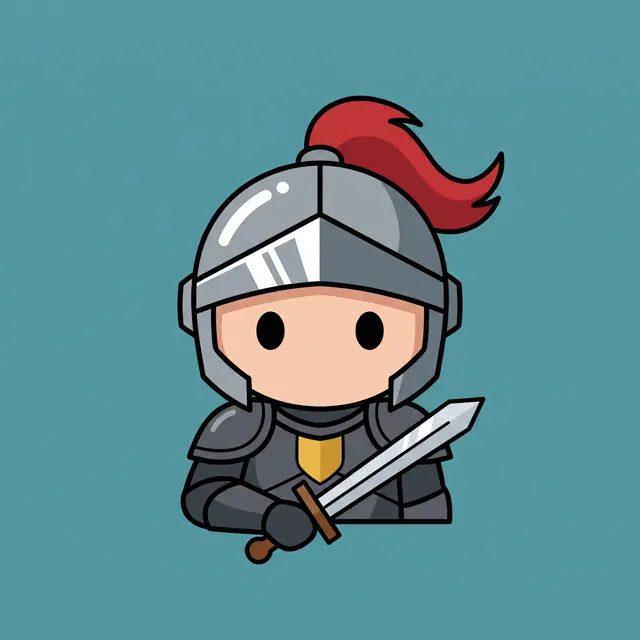
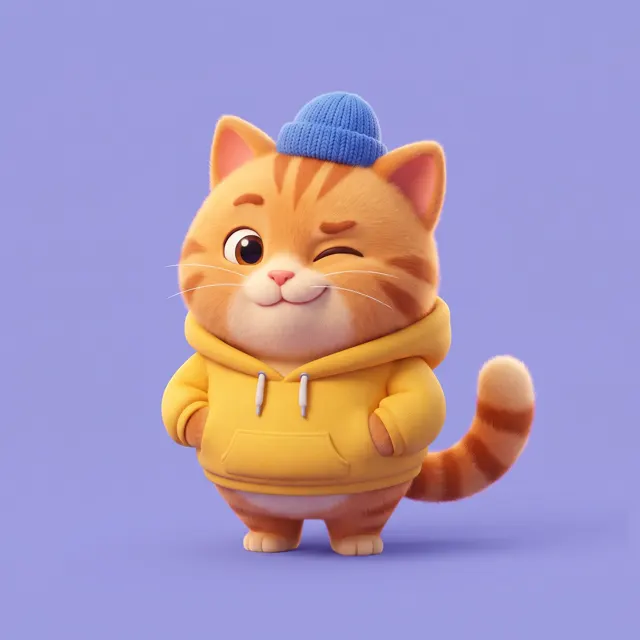
Mascots · Marks · Icons
AI Logo Generator: Mascots, Marks and Icons
Preset to the Flat style at 1:1: bold shapes, few colors, clean edges. Describe your logo’s mascot or symbol, add “no text, plain white background”, then set your brand name in a design tool.
- 8 real examples
- 12 styles
- ~30 sec per image
- HD no watermark

AI Logo Generator examples
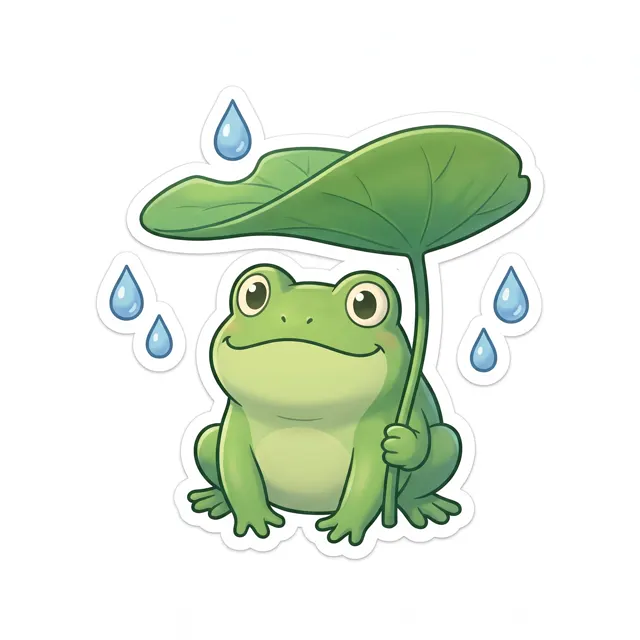
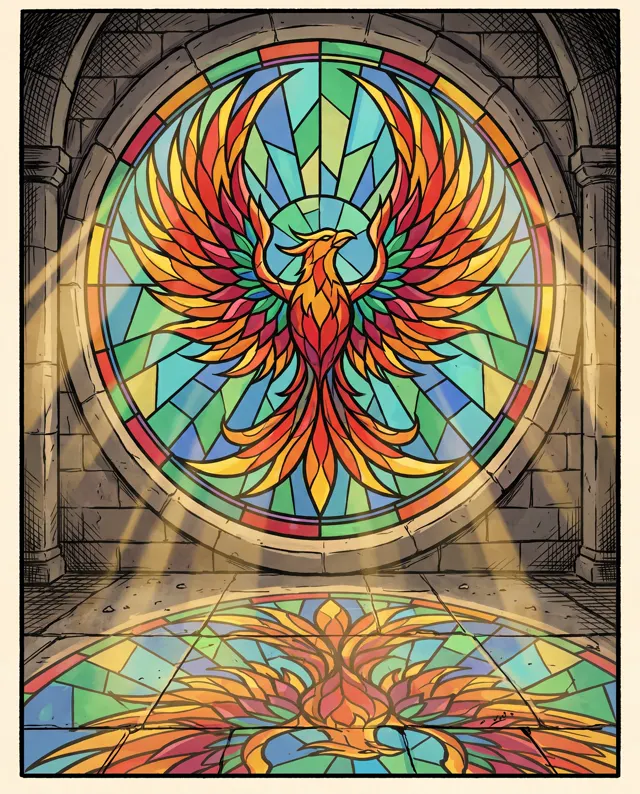
Every image comes with its exact prompt and settings. Hit “Try this prompt” to load it into the generator, then change a few words to make it yours.

What is an AI logo generator?
An AI logo generator turns a description of your brand’s symbol — a mascot, an emblem, an icon — into a logo mark you can build on. This page is preset to the Flat style at 1:1: bold shapes, a limited palette and clean edges, which is what a logo needs to stay readable at small sizes. One honest caveat: AI-rendered lettering is unreliable, and misspelled or warped letters are common, so we recommend generating the symbol only and adding your brand name in a design tool, where you control the font and spacing. Write “no text, plain white background” in your prompt, keep the design simple, and compare 1–4 options per run. Every logo is HD with no watermark. They are regular images, not vector files, so redraw or trace your final logo to vector before printing it large.
Start generating in HD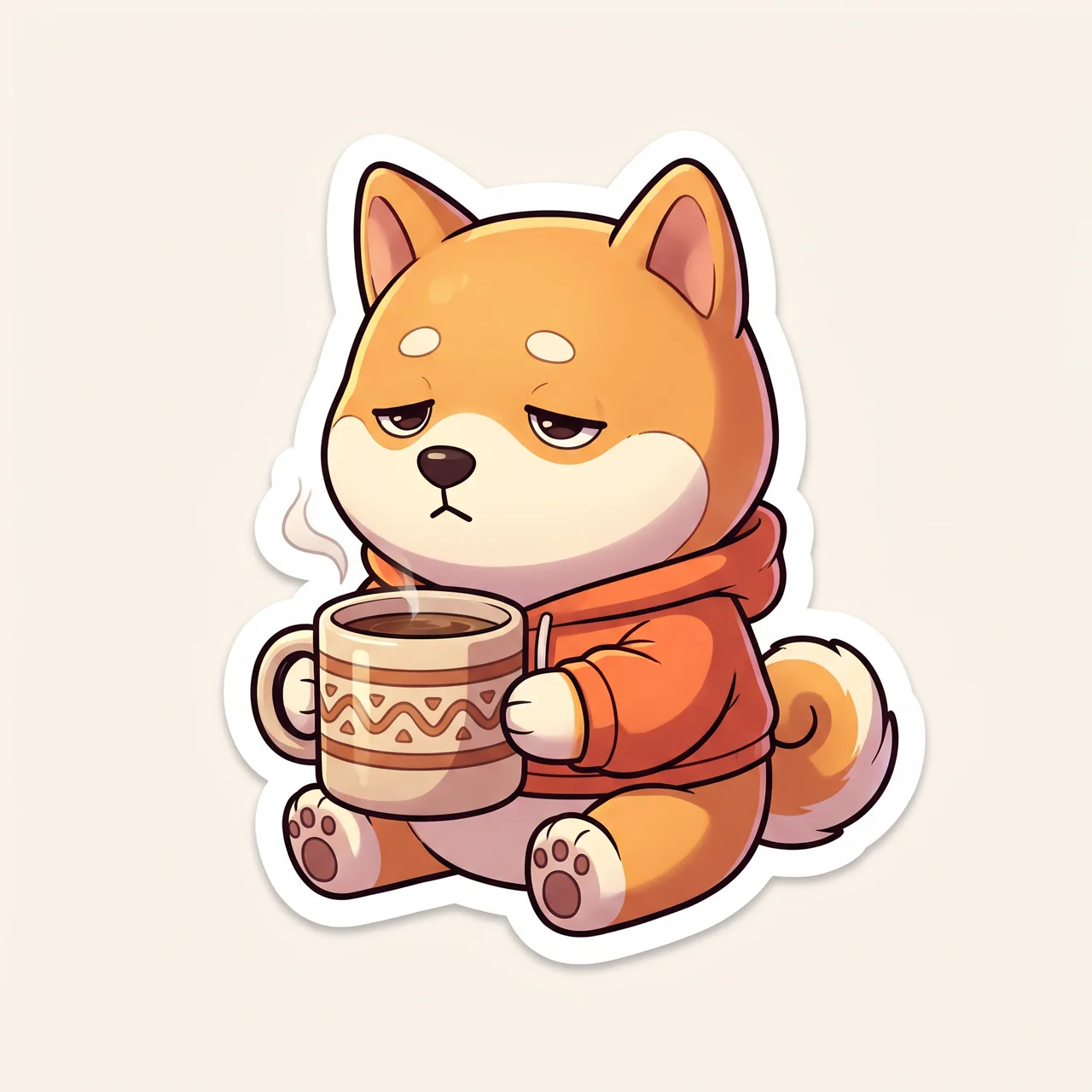
AI Logo Generator use cases
Mascot logos
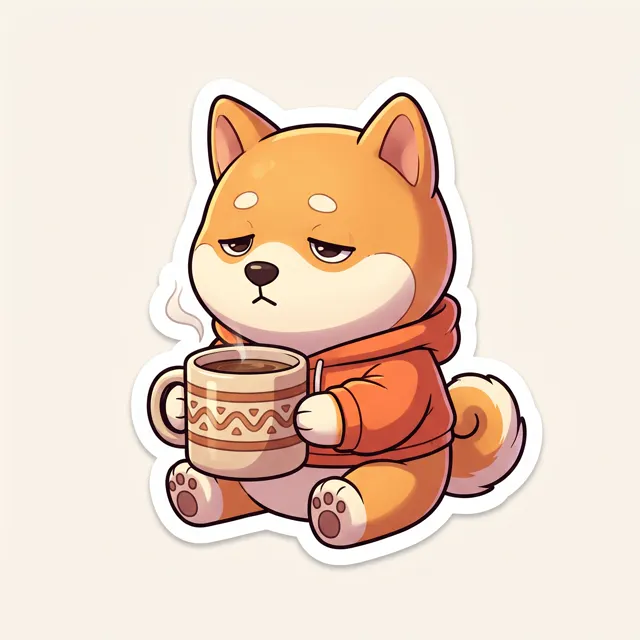
Give a café, shop or channel a friendly mascot logo — a shiba with a coffee, a chibi chef, a panda with bubble tea.
Emblems and badges
Crest, seal and emblem logos for teams, clubs, games and craft brands, each built around one strong, symmetrical symbol.
App and site icons
The AI logo generator doubles as an AI icon generator: ask for a “square app icon, one centered symbol” to draft app icons, favicons and profile pictures.
Concepts before a designer
Explore a dozen logo directions in minutes, then take the strongest to a designer — or your own design tool — to refine.
How to use AI Logo Generator
Describe the symbol
Name the logo’s mascot or symbol, the mood and two or three colors — e.g. “a smiling shiba holding a coffee cup, warm orange.”
Keep it logo-simple
Add “bold simple shapes, centered, no text, plain white background.” Flat style and 1:1 are preset; make 1–4 logo options.
Add your name and refine
Download the full-resolution original, set your brand name in a design tool, and trace the logo to vector for print.
AI Logo Generator prompt tips
Leave the lettering out
Write “no text” and add the brand name yourself. AI often misspells words or invents letters, and a real font makes the logo look more professional.
Fewer details, stronger mark
A logo has to work at favicon size. Ask for “bold simple shapes, two or three colors, no gradients” and skip fine textures.
Center it on white
“Centered, plain white background, generous margin” gives your logo clean edges that are easy to cut out, crop or trace later.
Fix the character, vary the pose
Reuse the same mascot description — species, outfit, colors — and change only the pose to build a matching set for menus, stickers and socials.
AI Logo Generator FAQ


AI Logo Generator pricing: pay per image, no subscription
Taster pack · 15 HD images
150 credits that never expire. No subscription, one per account.
Find your logo mark
Describe your mascot or symbol and get crisp, watermark-free HD logo options in about 30 seconds.