


Photoreal, great value
Seedream 5.0: Photoreal Images, Chinese Aesthetics
Seedream 5.0 is not connected on PixBloom at the moment. Read what it does, run the same prompts on our standard engine below, or leave your email to be told if we add it.
Seedream 5.0 is not connected on PixBloom yet
This page explains what Seedream 5.0 does and shows prompts written for it. PixBloom currently generates with its own standard engine, which handles the same prompts; try one below. Want Seedream 5.0 itself here? Leave your email — if enough people ask, we connect it and tell you first.
- 138 real examples
- 12 styles
- ~30 sec per image
- HD no watermark

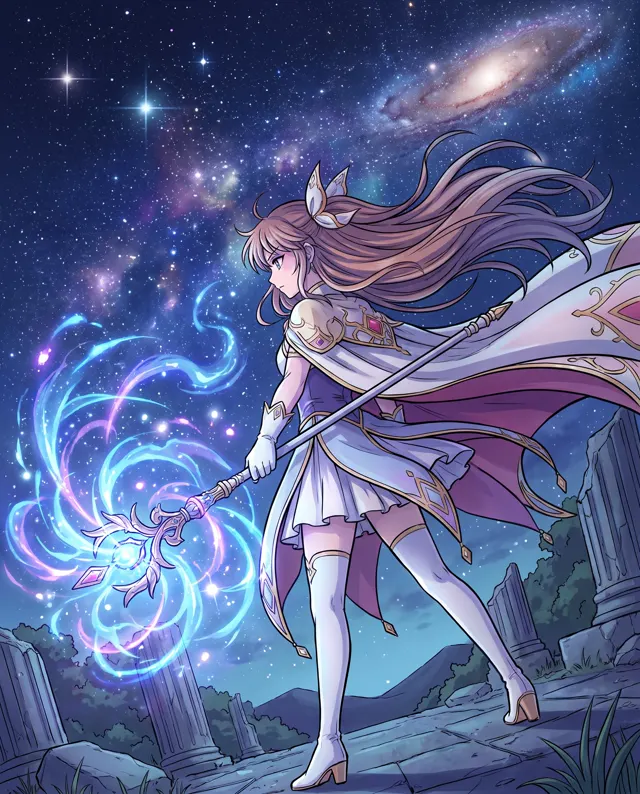
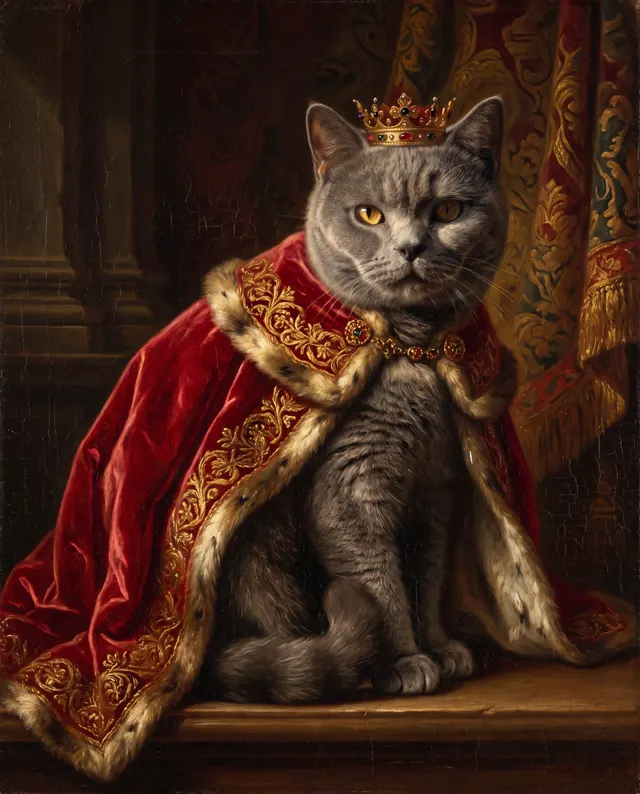
Prompt ideas for Seedream 5.0
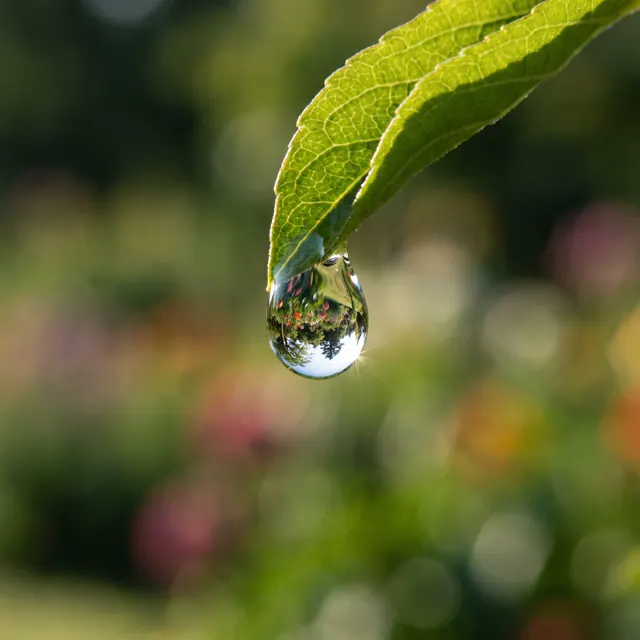
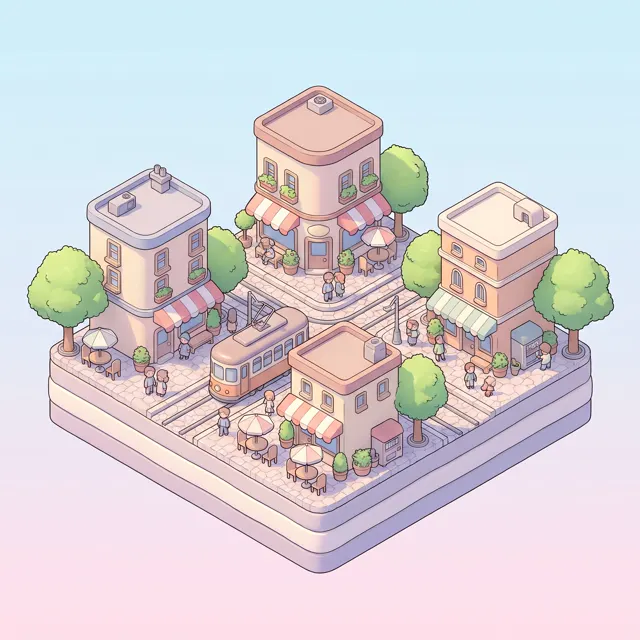
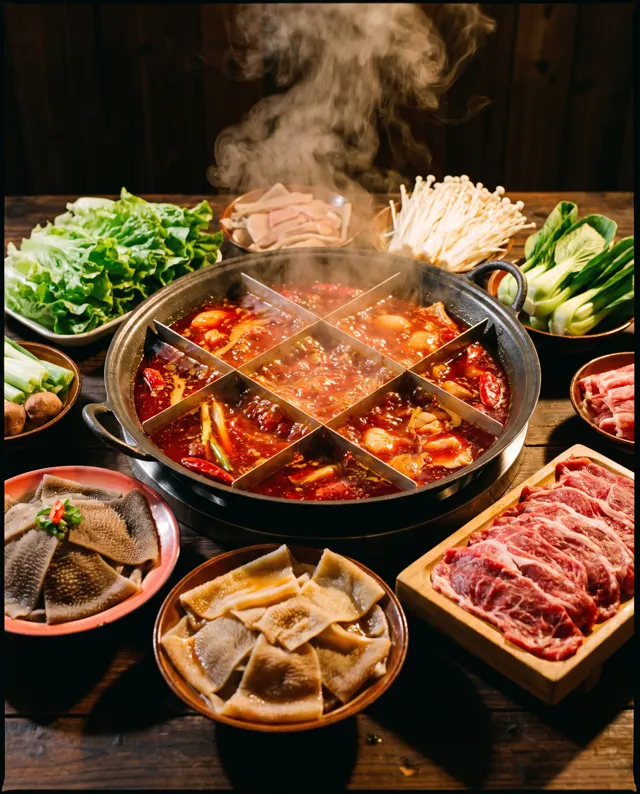
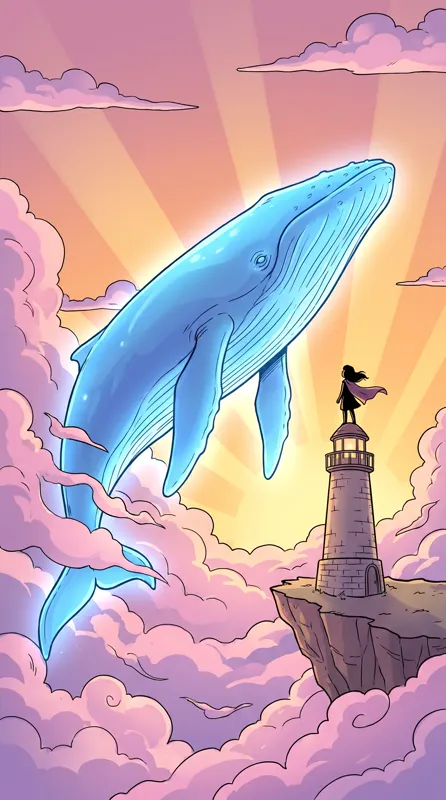
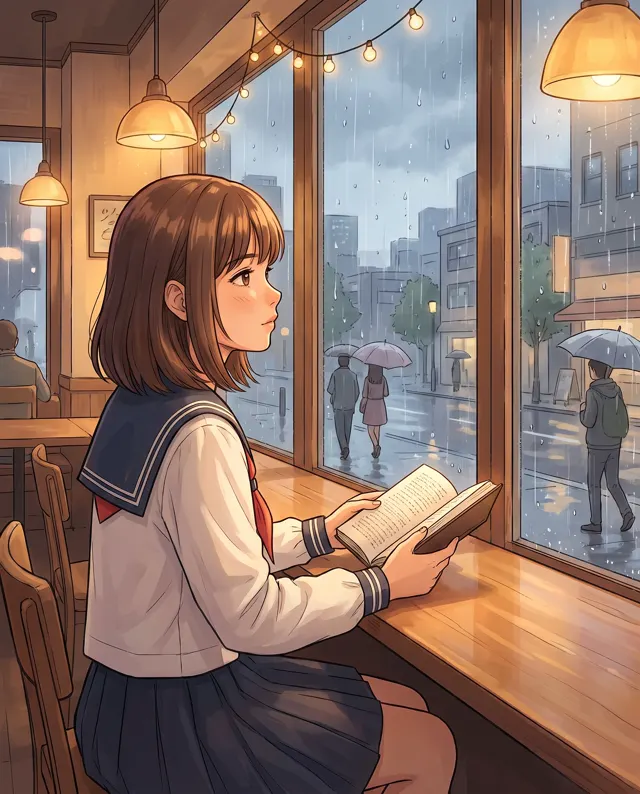
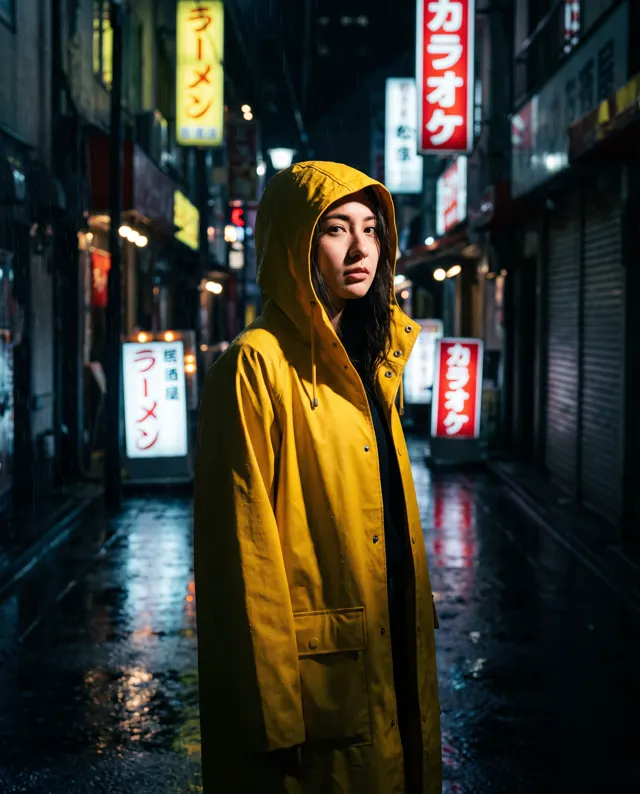
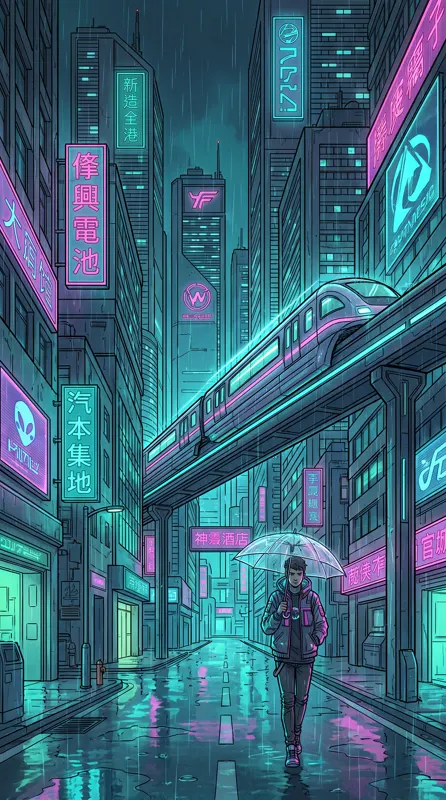
Made with our standard model. Open one, copy the prompt and run it with this model to compare.


What is Seedream 5.0?
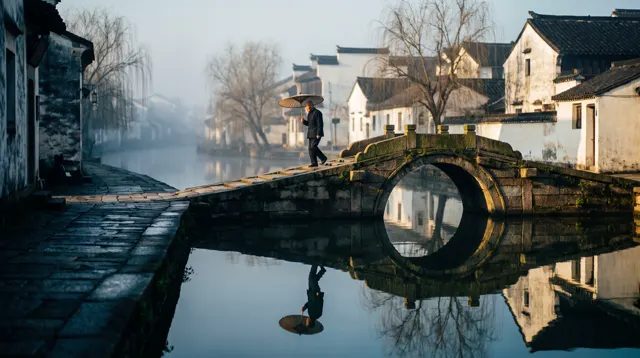
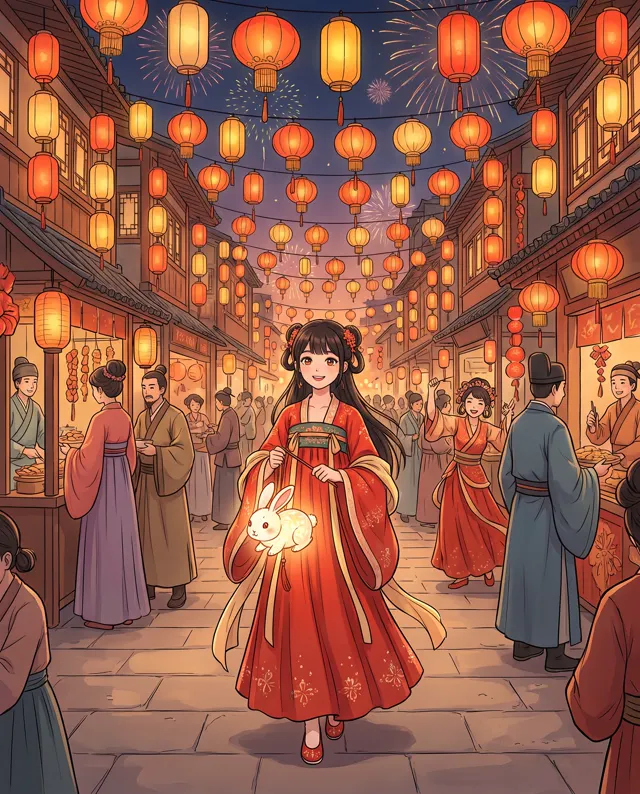
Seedream 5.0 is ByteDance’s image generation model. Its strengths are photoreal texture and an understanding of Chinese prompts and aesthetics: canal towns, hutong streets, Chinese food and modern Chinese fashion come out with an authentic feel, whether you write in Chinese or English. At 4 credits per image it’s also among the lowest-cost options on our site, which makes it handy for batches of everyday images and for exploring directions. It accepts up to four reference images, offers 1:1, 3:4, 9:16 and 16:9, and outputs high-resolution images. The image-type setting applies only to our Standard engine, so describe the look in your prompt. We’re independent and not affiliated with ByteDance.
Start generating in HD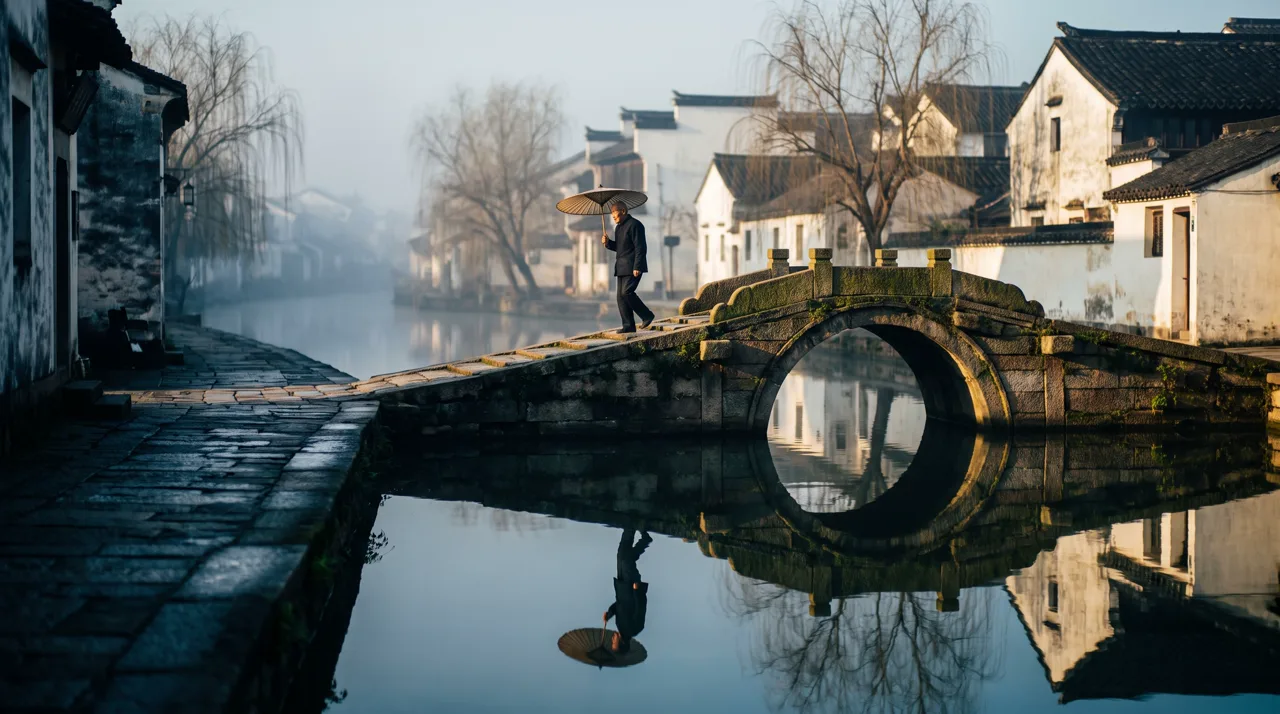
Seedream 5.0 use cases
Everyday photoreal images
Articles, RED notes and blogs that need lots of realistic images — at 4 credits each, extra options are easy on the budget.
Chinese themes
Old towns, classical gardens, solar terms, Chinese dishes and modern Chinese fashion come out with a genuine local feel.
Food and lifestyle
Menus, delivery listings and restaurant posts benefit from realistic food texture and a warm atmosphere.
Exploring directions
Early in a project, batch out several concepts with Seedream to find a direction while keeping costs down.
How to use Seedream 5.0
Choose Seedream 5.0
Seedream 5.0 and 1:1 are preselected. Use 3:4 or 9:16 for portrait images and 16:9 for landscape.
Describe the scene
Cover subject, setting, light and texture — e.g. “a canal town at dawn, light mist, photoreal.” Chinese or English both work.
Generate and pick
Results usually take tens of seconds. Make 1–4 images and download the full-resolution original you like best.
Seedream 5.0 prompt tips
Use camera language for realism
“Photoreal, natural light, 85mm lens, shallow depth of field” helps Seedream’s photographic strengths come through.
Name specific Chinese details
“White walls and black tiles”, “moon gate”, “frog-button collar” or “blue-and-white porcelain” beat a generic “Chinese style”.
Compare, then refine
At 4 credits each, make four at once, compare composition and light, then tweak a few words on the best one.
Write the style into the prompt
The image-type setting doesn’t apply to Seedream. For film grain, illustration or ink effects, describe them or add a style preset.
Seedream 5.0 FAQ
Seedream 5.0 pricing: pay per image, no subscription
Taster pack · 15 HD images
150 credits that never expire. No subscription, one per account.
Photoreal images for 4 credits each
Describe your scene and get richly detailed, photoreal results in tens of seconds. Failures are refunded.