
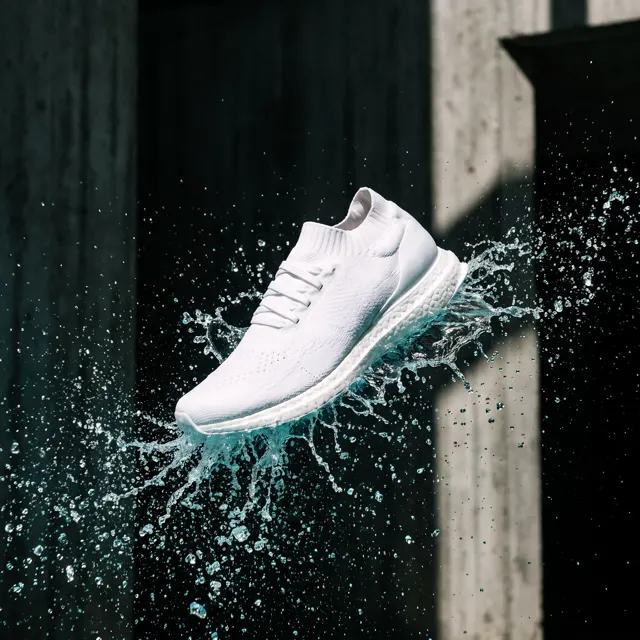
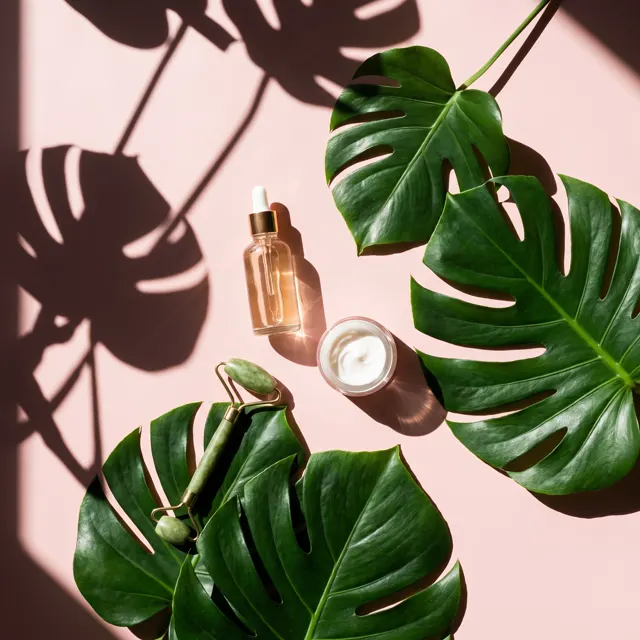

One product photo, a full listing set
Product Listing Images: One Photo In, Four Listing Images Out
Upload one photo of your product — a phone snapshot works — and add a short description. One click makes four separate product listing images: a white-background main image, a lifestyle scene, a detail close-up and a second angle, each in HD with no watermark.
Upload a product or character and the AI places it in a new scene (up to 4)
Sign in to upload references- 24 real examples
- 12 styles
- ~30 sec per image
- 4 images per set

Product Listing Images: one photo in, four images out
On the left, the one product photo a seller uploaded; on the right, the four separate images made from it in one run: main image, lifestyle scene, detail close-up and alternate angle.
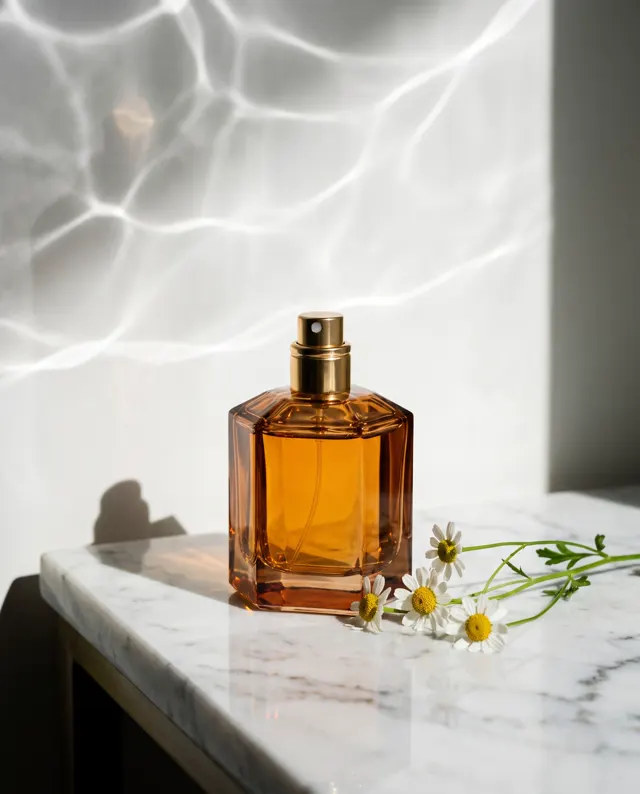
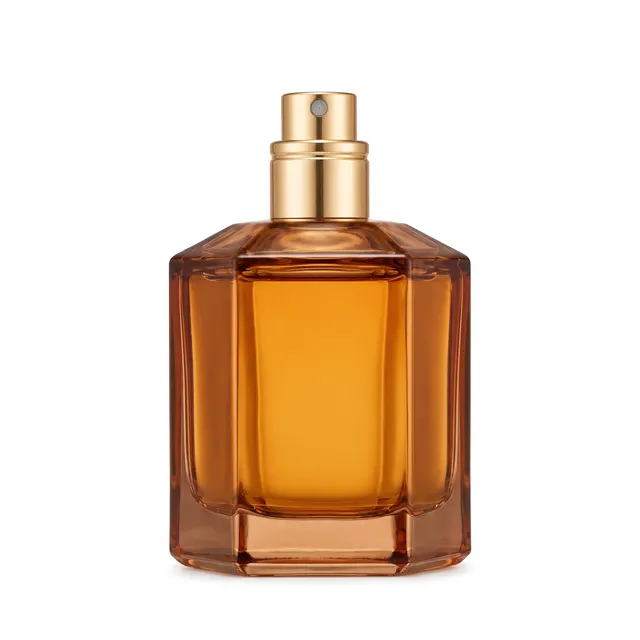

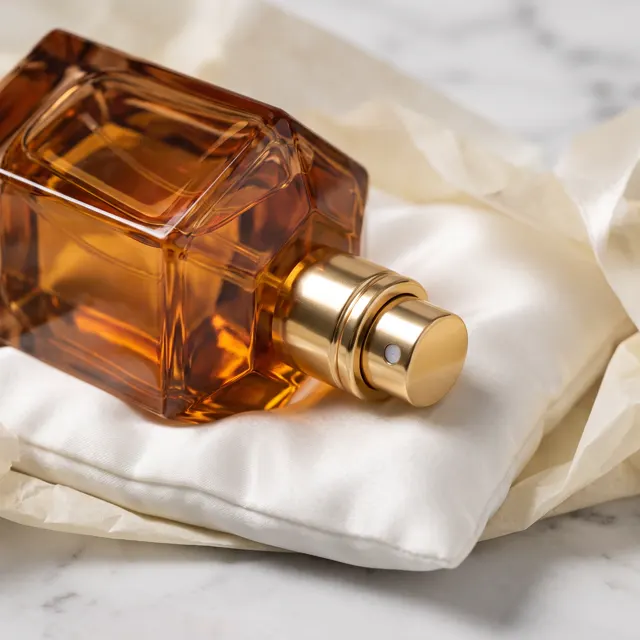
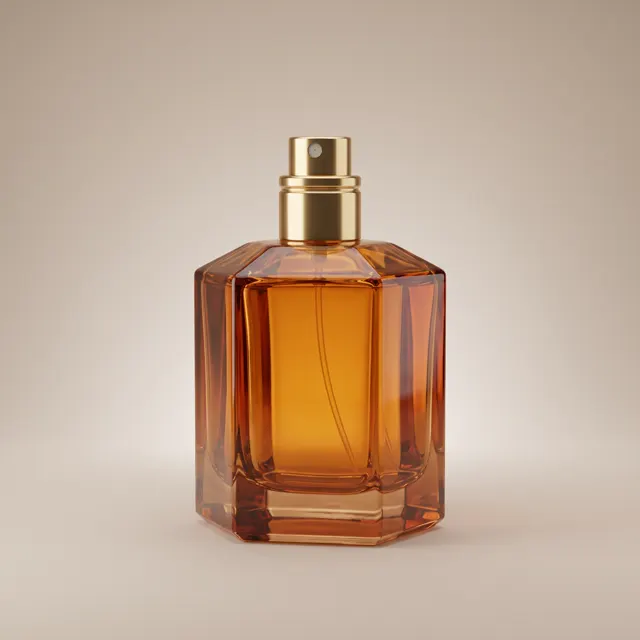
Reference → Result
Left: the uploaded reference. Right: the new scene from one sentence, with the subject’s look kept.
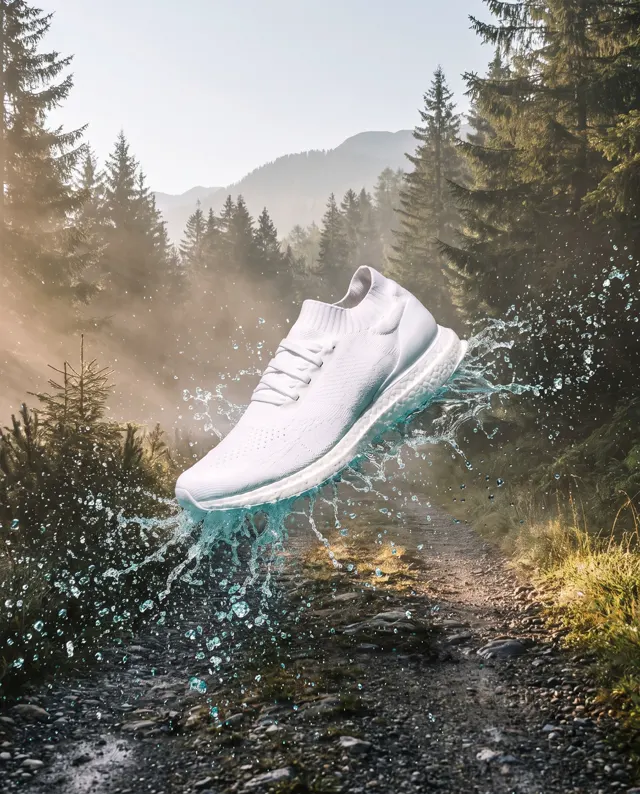
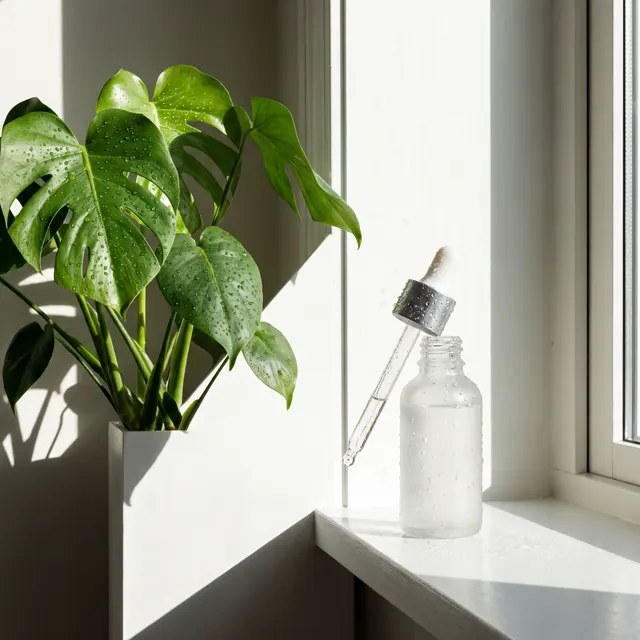

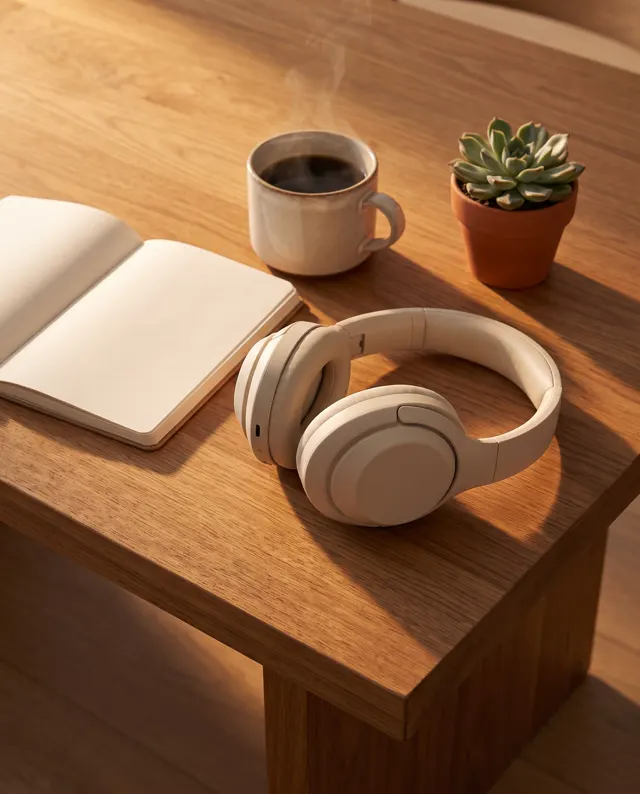
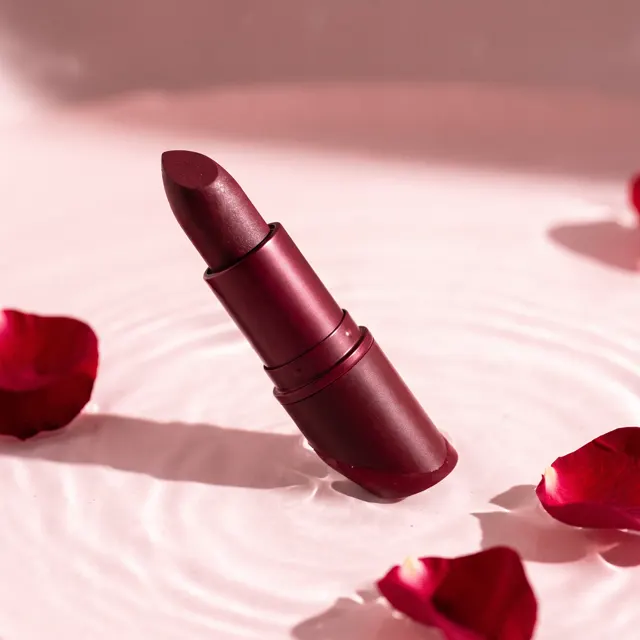
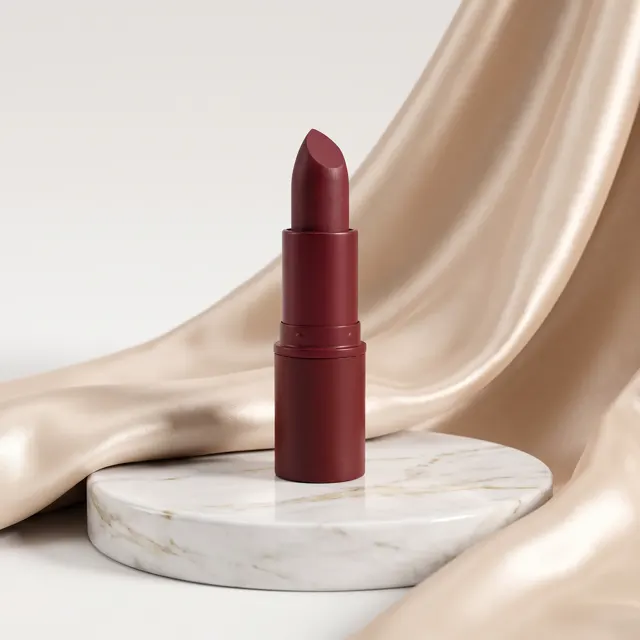
Product Listing Images examples
Every image comes with its exact prompt and settings. Hit “Try this prompt” to load it into the generator, then change a few words to make it yours.

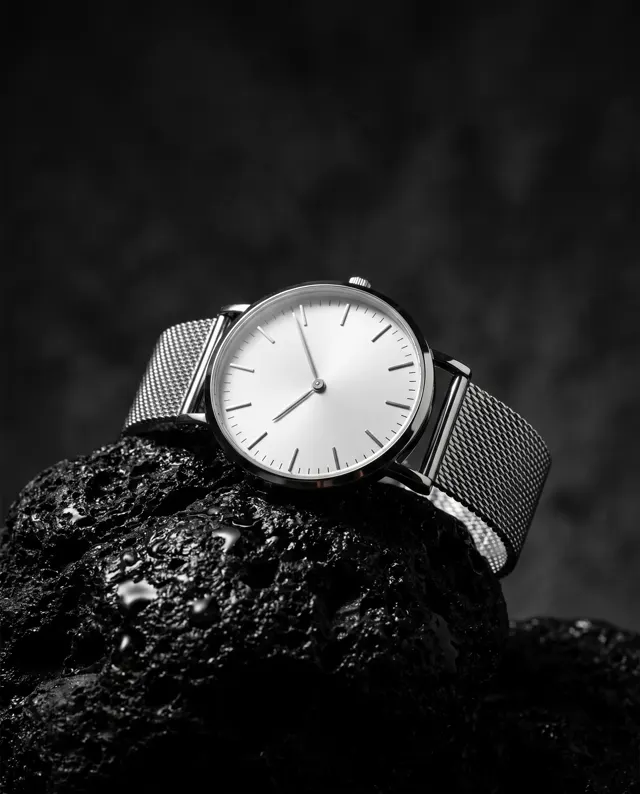
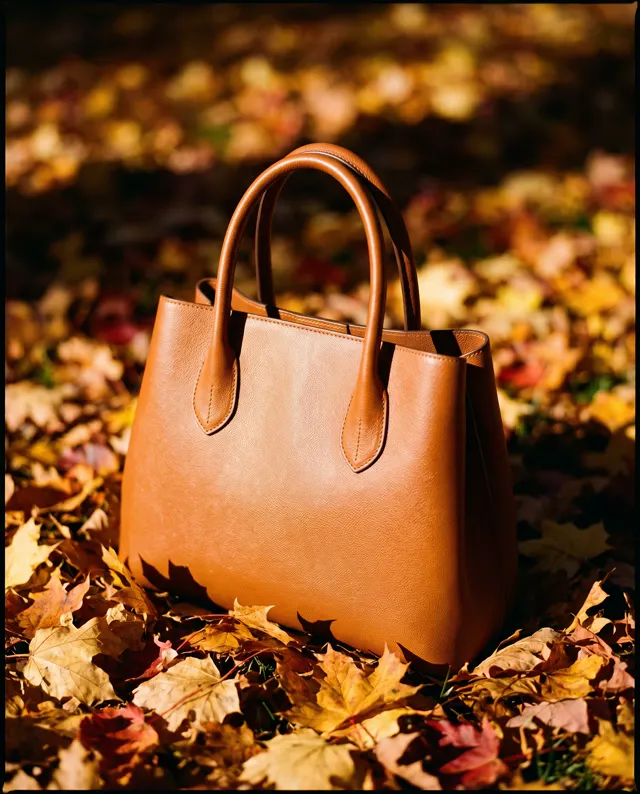

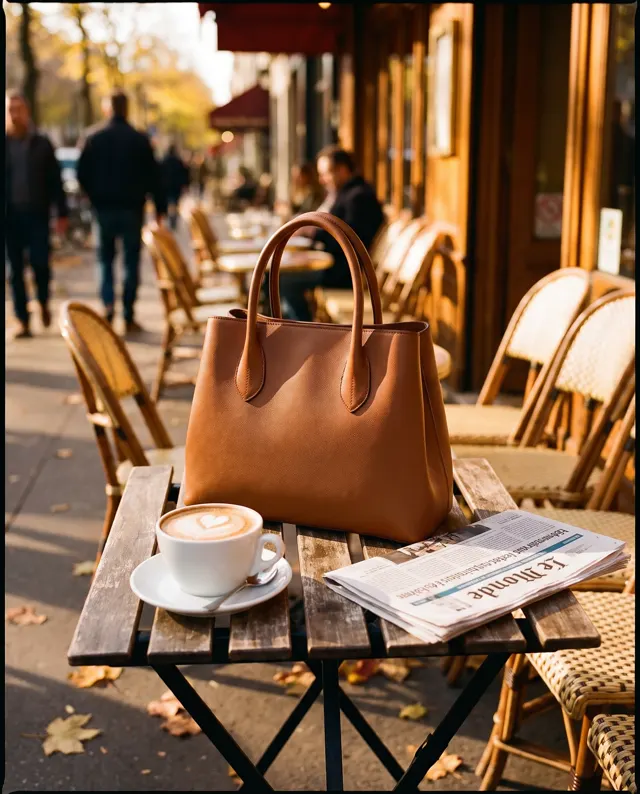
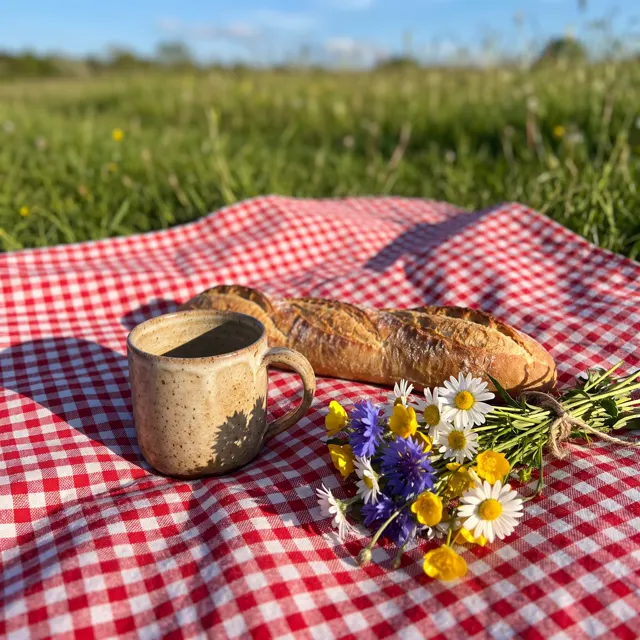

What are product listing images?
Product listing images are the images a shopper flips through on a product page: a main image that earns the click in search results, then supporting images that answer questions before anyone asks. Most marketplaces let you add several images per listing, and Amazon requires the main image to sit on a pure white background. Shooting product listing images the usual way means booking a photographer and a studio, then setting up lights for every product. Here you start from a single product photo instead. Upload a clear shot of the product — a phone snapshot is fine — and describe what it is, its material, its selling points and where you sell it. One click creates four separate product listing images, never a collage or grid: a centered main image on pure white with even studio light, a lifestyle scene with the product in use, a close-up of material, texture and craftsmanship, and a side or three-quarter view on a soft neutral background that shows shape and proportions. All four images come out in HD, in the aspect ratio you choose, watermark-free and cleared for commercial use on paid accounts. The AI keeps your product’s look, and a sharp, well-lit reference photo gives the most faithful listing images.
Start generating in HD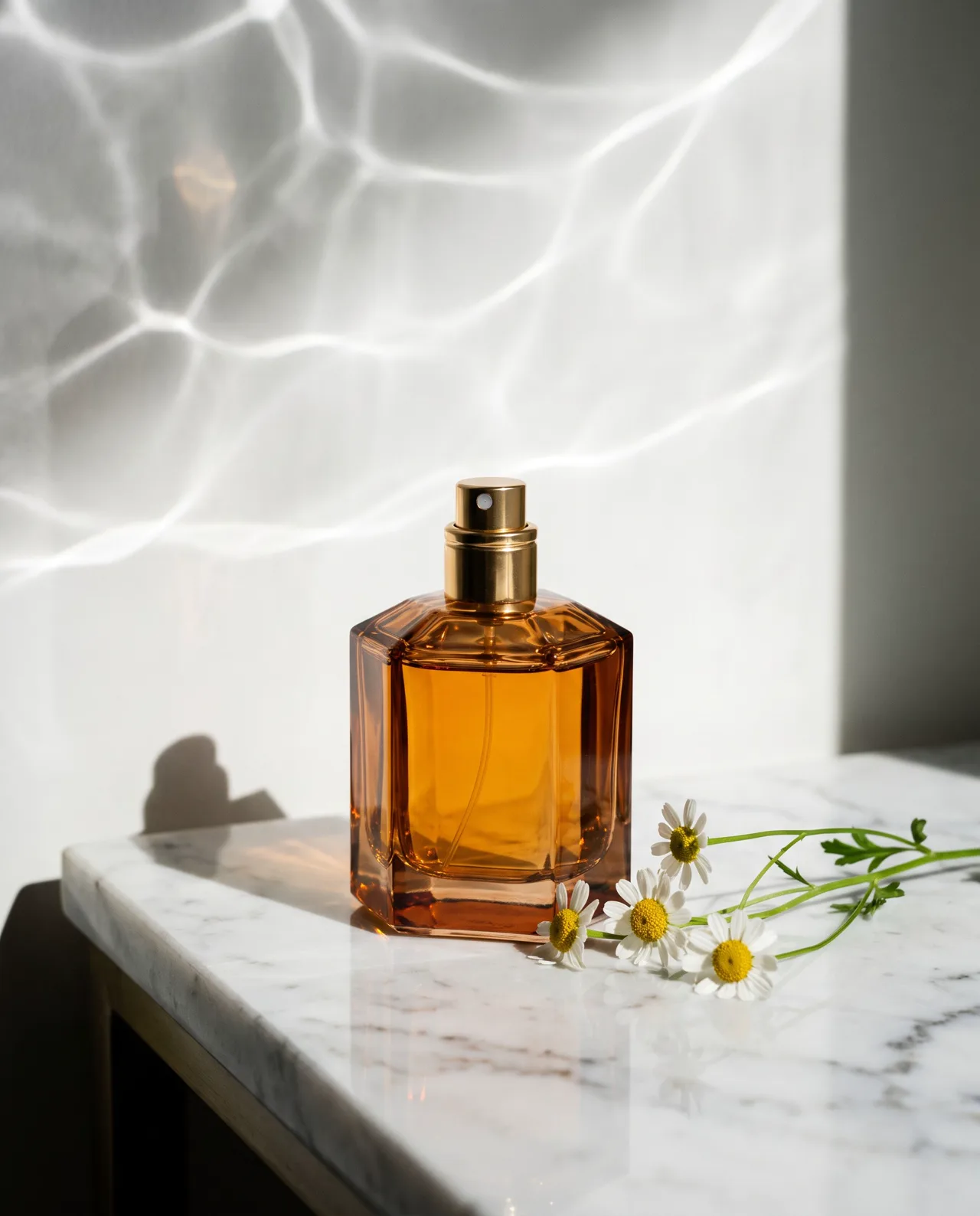
Product Listing Images use cases
Amazon product listing images
Amazon asks for a main image on pure white. The set gives you that plus three supporting product listing images, so a new Amazon listing goes live with four images instead of one lonely photo.
Shopify and Etsy listing images
On your own store or an Etsy listing, the lifestyle scene and the close-up do what a shop assistant would: they show scale, mood and material, so your product listing images answer questions before buyers have to ask.
Temu and cross-border product catalogs
Listing dozens of SKUs? Run one set per product from a phone photo of each item and keep every listing consistent: the same white main image, the same light and the same four kinds of product listing images across the catalog.
Pay per set, product unchanged
Credits are bought once and never auto-renew, and a failed listing image is refunded automatically. The product listing images keep your product as it is — new background, light and angle, same item — so what buyers see in the listing is what they get.
How to use Product Listing Images
Upload one product photo
Use a single, sharp photo of the product on its own. A phone snapshot near a window is fine; fill the frame and keep busy backgrounds and fingers away from key product details.
Describe the product, pick a ratio
Write what the product is, the material, two or three selling points and the platform, e.g. “ceramic mug, matte glaze, 350 ml, for an Etsy listing.” Choose 1:1 for square main images or 3:4 for taller listing images.
Generate the four listing images
One click makes four product listing images for 40 credits. Download the HD images with no watermark, add price or selling-point text in your own editor, then upload them to the listing.
Product Listing Images prompt tips
Start with a clean product photo
Product listing images are only as faithful as your photo. Shoot in daylight, keep the whole product in frame and in focus, and turn the side with the logo or key feature toward the camera.
Spell out the selling points
Skip “high quality” and name what buyers care about — “brushed stainless steel, leak-proof lid, fits car cup holders” — so the lifestyle and close-up images show those product features instead of generic props.
Name the platform and the buyer
“For an Amazon listing” or “for a minimalist Etsy shop” sets the tone; add who the product is for or where it’s used — “home office,” “camping,” “a gift” — to shape the lifestyle scene.
Add text in your own editor
AI-rendered text and logos aren’t reliable, so don’t ask for printed words. The images leave clean space: overlay prices, badges and selling points in your own design tool before the product listing images go live.
Product Listing Images FAQ
Related tools
AI Product Photo Generator
Studio-style product photos for listings and ads.

AI Background Generator
Rebuild the whole scene around your product photo.
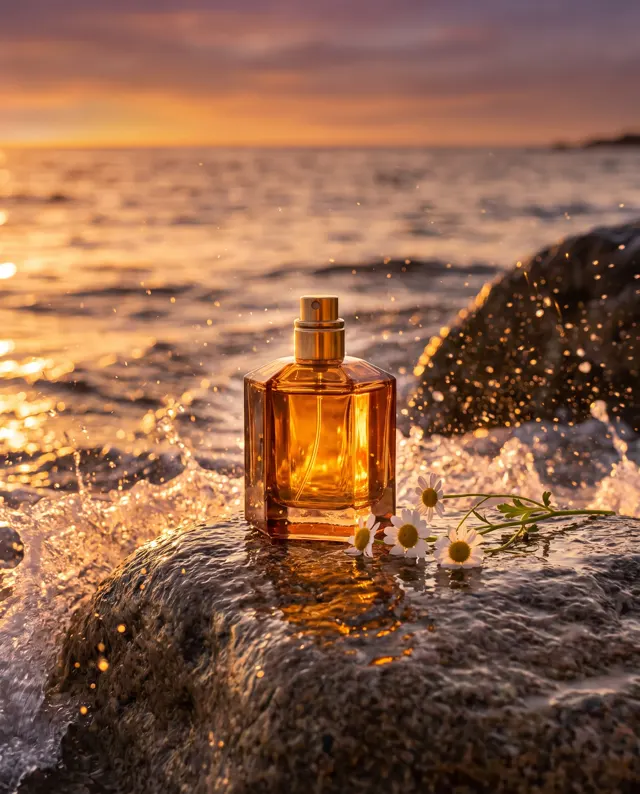
Image to Image
Put your product, character or pet in a new scene.
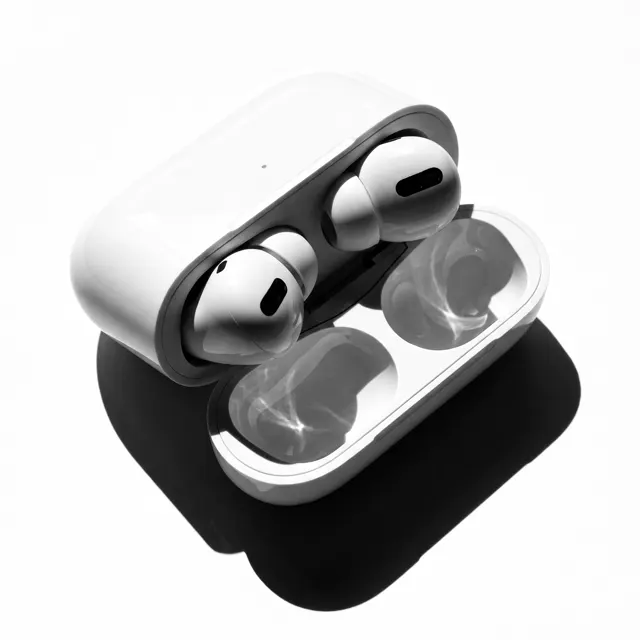
Ecommerce Main Image Generator
Turn one product photo into a main image that follows Amazon, Temu, Shopee, TikTok Shop or AliExpress rules
Product Listing Images pricing: pay per image, no subscription
Taster pack · 15 HD images
150 credits that never expire. No subscription, one per account.
Your next listing: four images from one product photo
Upload a photo of your product, describe it in a line, and get four product listing images — main, lifestyle, detail and angle — in HD for 40 credits a set.