
Cover art without a designer
AI Album Cover Generator: Cinematic Square Cover Art for Your Release
This AI album cover generator is preset to the Cinematic style at 1:1, the square every streaming service and podcast app expects. Describe the mood, setting and palette of the record and get an album cover with clean space for the title in about 30 seconds, in HD, no watermark.
- 4 real examples
- 12 styles
- ~30 sec per image
- HD no watermark

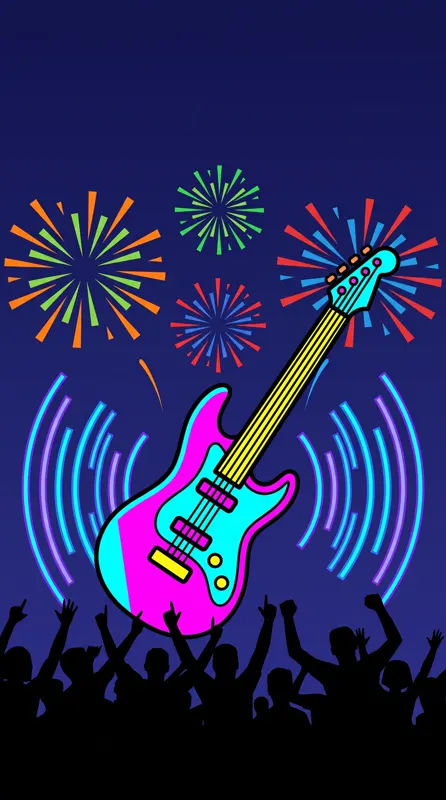
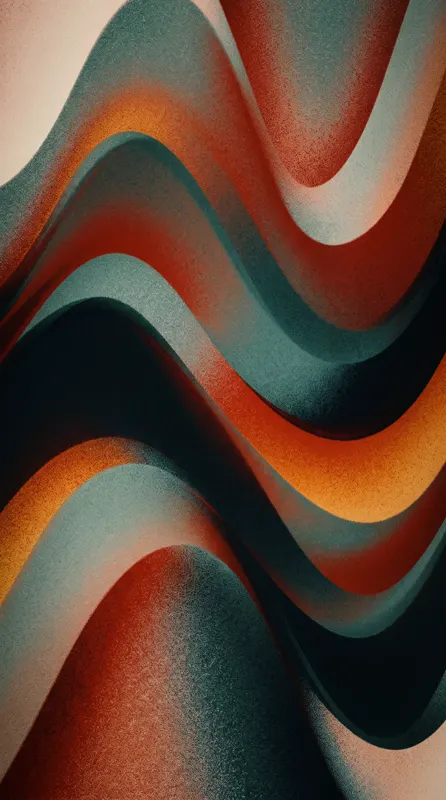
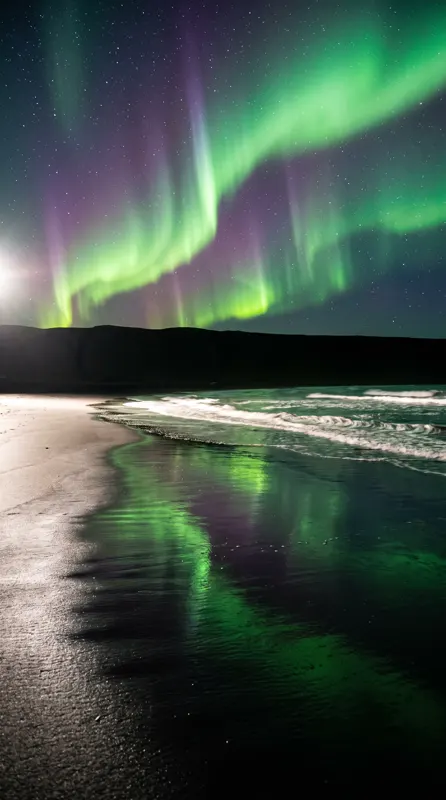
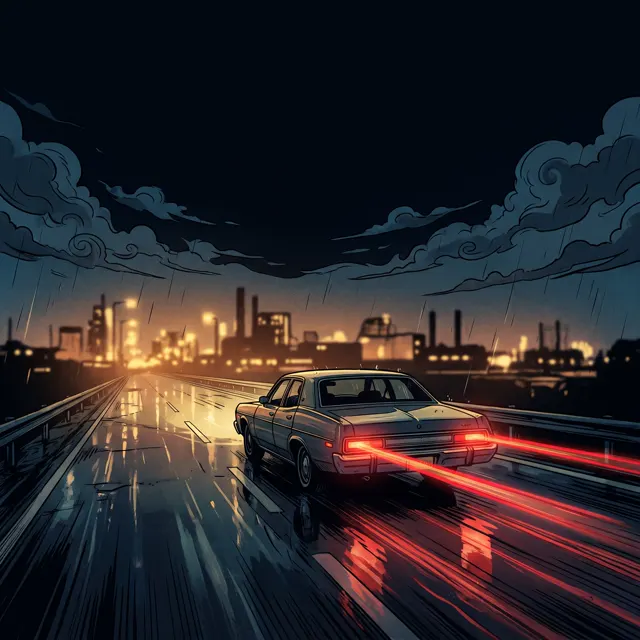
AI Album Cover Generator examples
Every image comes with its exact prompt and settings. Hit “Try this prompt” to load it into the generator, then change a few words to make it yours.
What is an AI album cover generator?
An AI album cover generator turns a written description of your music into finished cover art. You type the mood, the setting, the colors and the era the record belongs to, and about 30 seconds later you have a square, high-resolution album cover with no watermark. This AI album cover generator is preset to the Cinematic style at 1:1, because that is the shape every streaming service, podcast app and playlist uses for an album cover. The style leans on film-like light, depth and atmosphere, which suits most genres from folk to techno, and you can switch to any of the 12 style presets if a record wants a flatter or more painterly cover. Independent musicians, producers, podcasters and small labels use an AI album cover generator because a release schedule rarely waits for a designer, and a single, an EP and a remix each need their own album cover. You can also work from pictures: upload 1–4 photos of a band, an object or a location as references and the album cover keeps their look as closely as it can, though not pixel-perfect. Two honest limits. The AI album cover generator does not render reliable text, so the album title and artist name belong in your own editor afterwards, and it cannot edit an existing cover in place; it always creates a new image. On a paid account, every album cover you download can be used commercially on streaming services, merch and posters.
Start generating in HD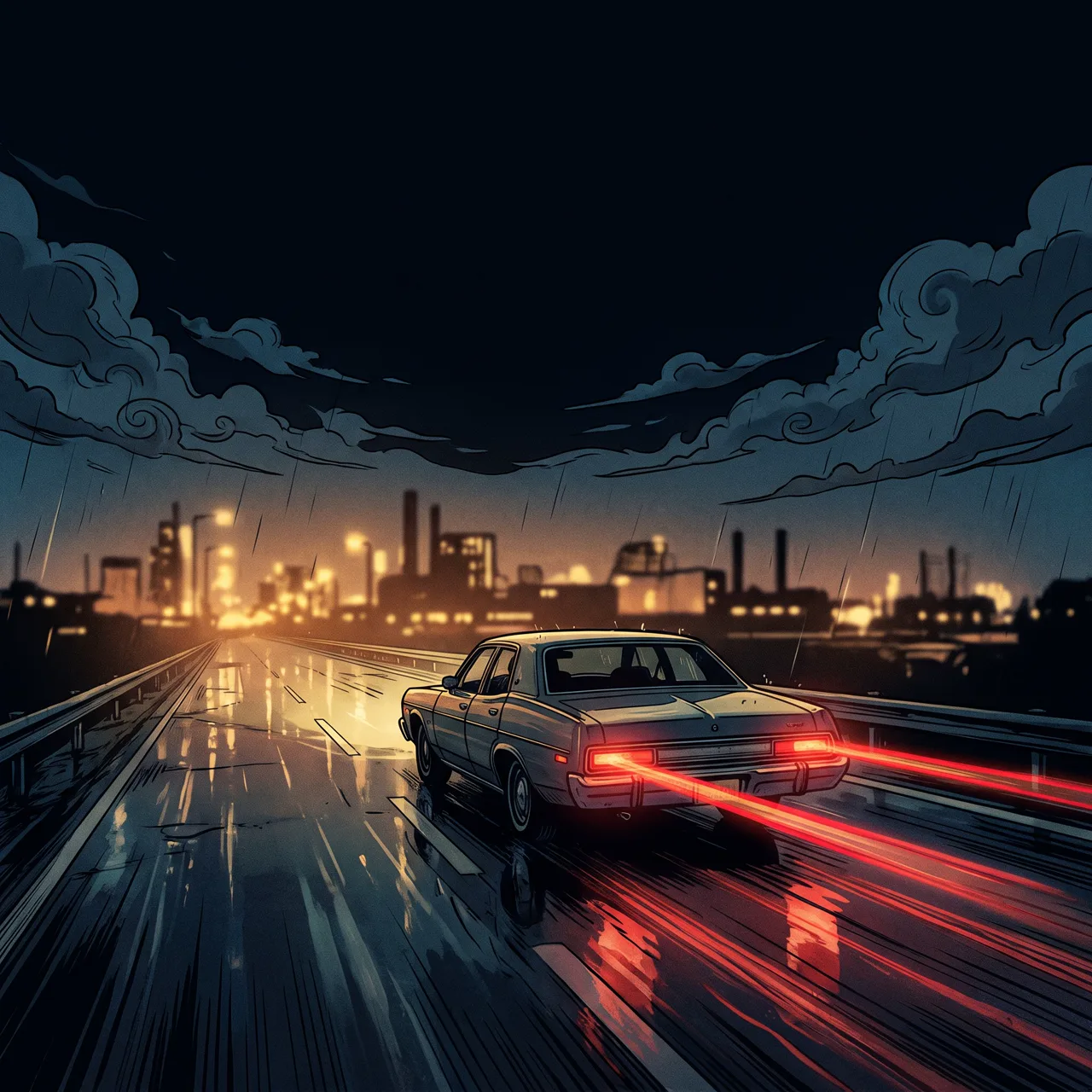
AI Album Cover Generator use cases
Singles and EPs on streaming
Every single, EP and remix needs its own square artwork before a distributor will accept it. Describe the track’s mood in the AI album cover generator and have an album cover for each release in the same visual family, without waiting on a designer’s calendar for every cover.
Podcast cover art
Podcast directories show the cover at thumbnail size, so the album cover has to read at a glance. Use the AI album cover generator to make a bold, simple square with one clear subject and strong contrast, then put the show name on the cover in your own editor.
Playlist and mixtape covers
Curators, DJs and radio shows refresh playlist covers every week. Set a palette and a subject once and the AI album cover generator gives you a new square album cover for each mix in minutes, so a themed series of covers looks consistent across the whole feed.
Vinyl, cassette and merch art
A physical release needs artwork for the sleeve, the label and the poster. Make the album cover first with the AI album cover generator, then generate 16:9 or 9:16 variations of the same scene for banners and stories, so the whole album campaign shares one cover image.
How to use AI Album Cover Generator
Describe the record
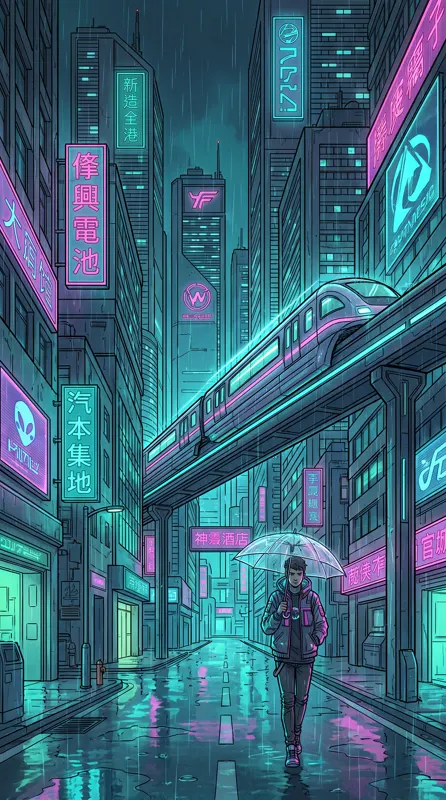
Write the mood, the setting, the palette and the era in one or two sentences, in English or Chinese, for example “a lone figure on a rainy neon street, teal and magenta, synthwave album cover.” Add 1–4 reference photos if the cover should feature your band.
Keep 1:1, pick a style
Cinematic style and the 1:1 square are preset, which is what streaming services expect for an album cover. Switch to another of the 12 style presets for a painterly or flat cover, and ask for a quiet area where the album title will sit.
Generate and download
Each album cover costs 10 credits per image and takes about 30 seconds; failed images are refunded automatically. Download the HD cover with no watermark, then add the album title and artist name in your own editor before uploading to your distributor.
AI Album Cover Generator prompt tips
Leave room for the title
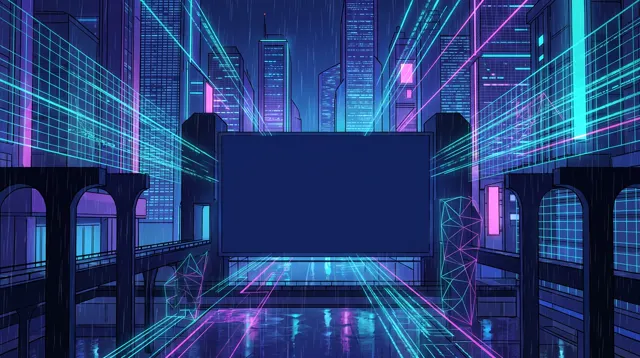
Ask for “empty sky in the upper third” or “a plain dark area at the bottom” so the album cover has a calm zone where the album title and artist name can sit without covering the subject of the cover.
One subject, strong contrast
An album cover is usually seen at thumbnail size. Name a single subject and a clear light-against-dark relationship, for example “a red umbrella in a grey crowd,” and avoid prompts with many small elements that turn the cover to noise when it shrinks.
Borrow the language of genres
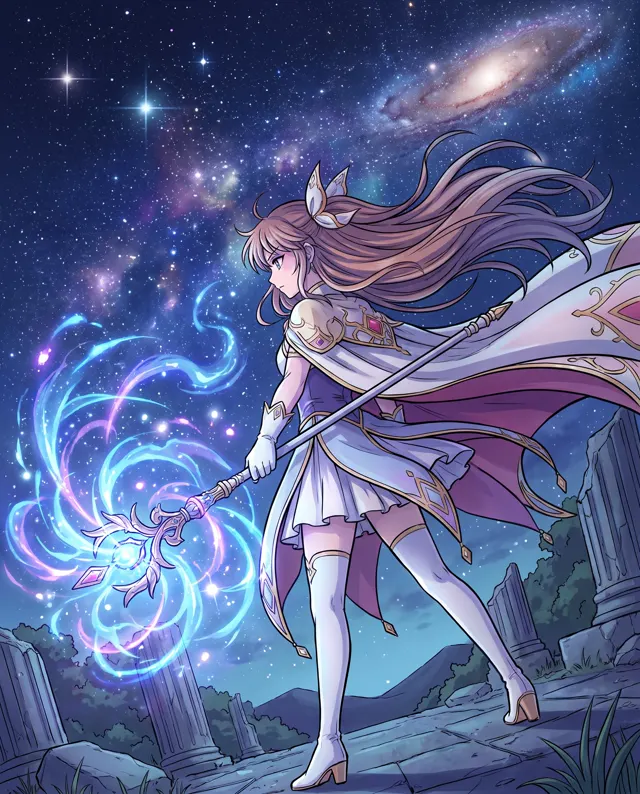
Genres carry visual codes: film grain and wide landscapes for folk, neon and chrome for synthwave, soft pastel haze for bedroom pop, high-contrast black and red for metal. Naming the genre in the prompt steers the album cover toward what listeners of that album expect.
Skip text, logos and famous faces
Do not ask the generator for the album title, a label logo or a famous person on the cover; AI text is unreliable and likenesses raise rights issues. Describe a scene or an anonymous figure for the album cover instead, and add text in your editor.
AI Album Cover Generator FAQ
Related tools
AI Album Cover Generator pricing: pay per image, no subscription
Taster pack · 15 HD images
150 credits that never expire. No subscription, one per account.
Your next album cover, ready before the release
Describe the mood of the record in the AI album cover generator, or upload photos of the band, and get a square, cinematic album cover with room for the title in about 30 seconds.