

Novels · Ebooks · Picture books
AI Book Cover Generator: Cover Art with Room for Your Title
This AI book cover generator is preset to the Flat type at 4:5 portrait. Describe your book’s scene and mood, ask for space for the title, then set the title and author name in your design tool.
- 10 real examples
- 12 styles
- ~30 sec per image
- HD no watermark

AI Book Cover Generator examples
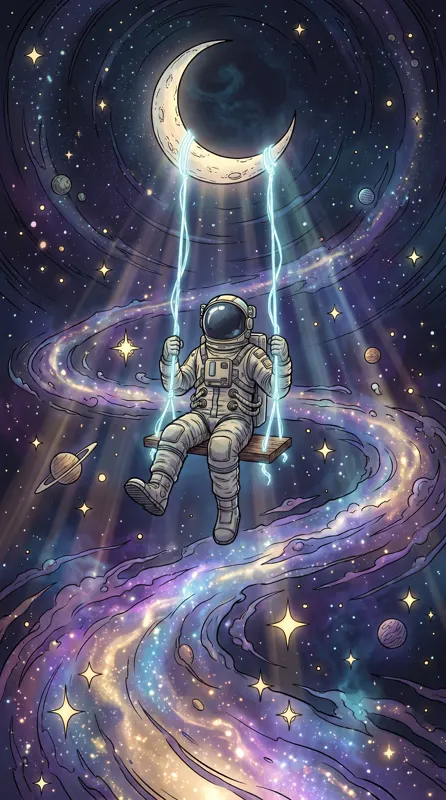
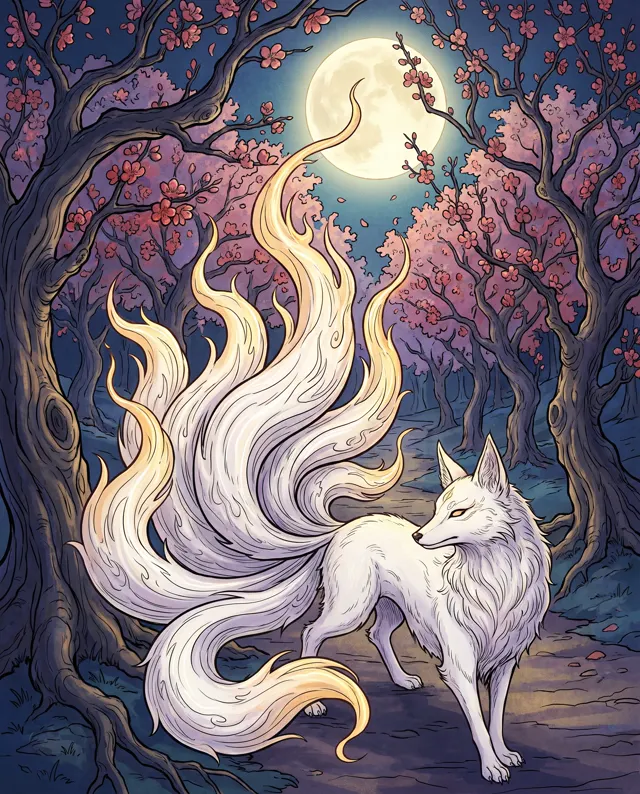
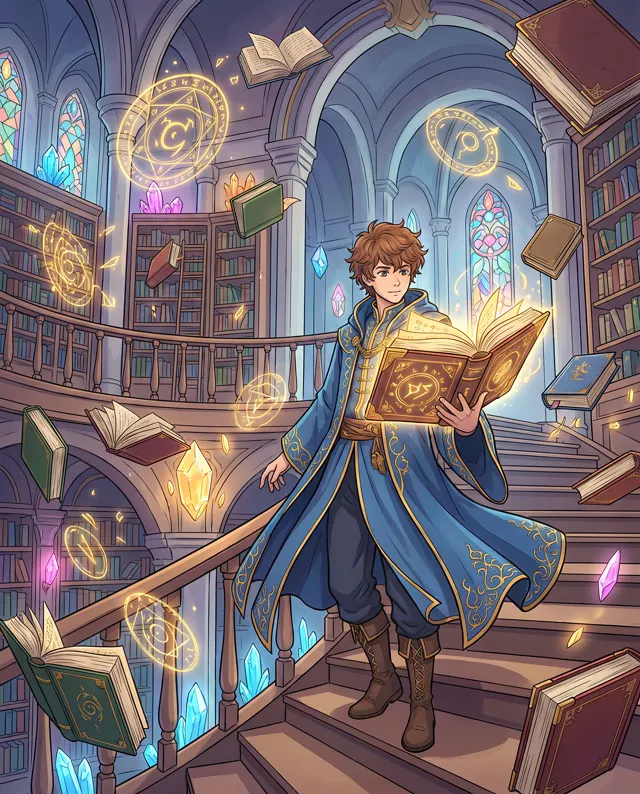
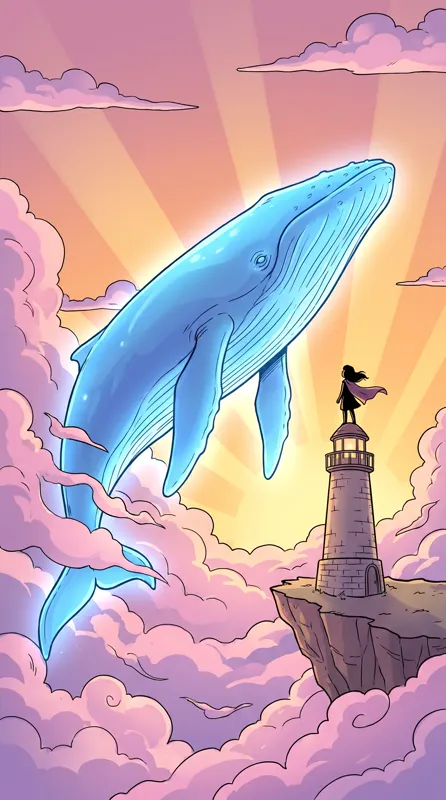
Every image comes with its exact prompt and settings. Hit “Try this prompt” to load it into the generator, then change a few words to make it yours.

Famous painting styles
Want a master's look? See the public-domain originals, then use the matching prompts in one click.

What is an AI book cover generator?
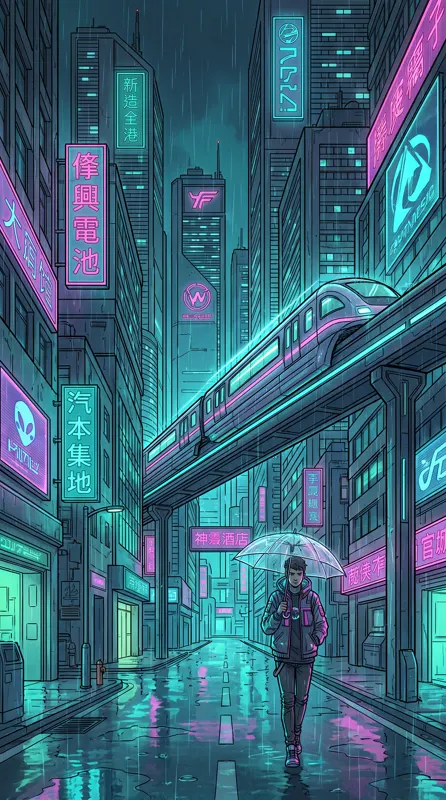
An AI book cover generator paints the artwork for your book cover from a description of the story’s world, mood and main character — then you add the type. It follows the same honest workflow as our poster tool: AI text rendering isn’t reliable, so ask for empty space and set the title and author name in a design tool, where every letter is right. This page is preset to the Flat type at 4:5 portrait, which suits picture books, minimalist book covers and nonfiction; for lush fantasy, xianxia or sci-fi art, switch to the Painterly type or add a style like Fantasy or Chinese Ink. Most book covers are taller than 4:5, so keep the subject centered with some margin on the sides and crop to your trim size. Each run makes 1–4 HD book cover images, with no watermark.
Start generating in HD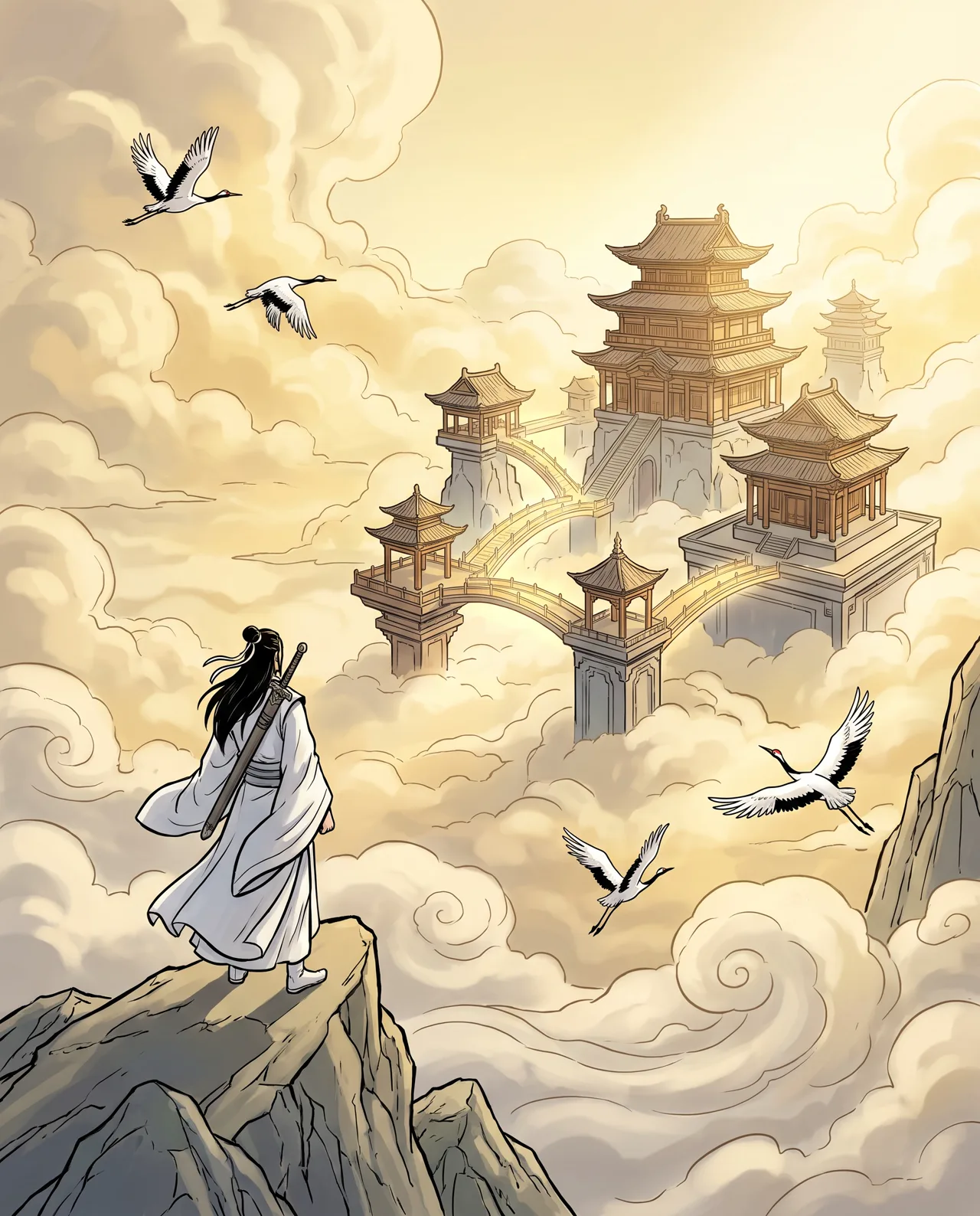
AI Book Cover Generator use cases
Self-publishing and KDP covers
Indie authors can draft ebook and paperback book covers, then lay out the title, author name and back cover in a design tool.
Web novels and serials
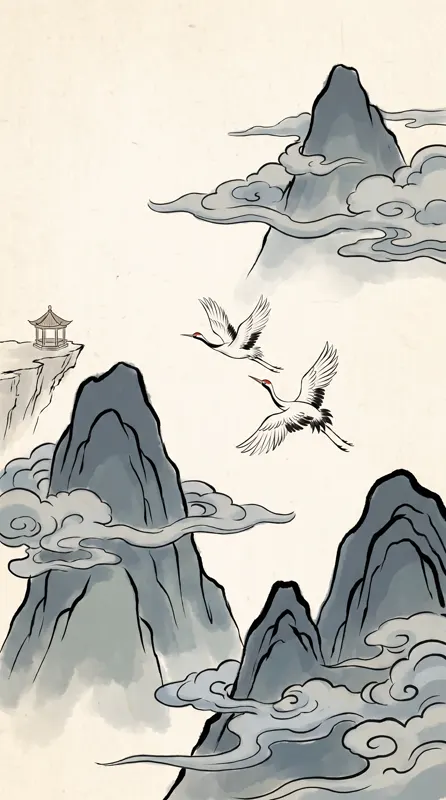
Xianxia, romance, mystery: give each serial or volume a book cover that tells readers the genre at a glance.
Picture books
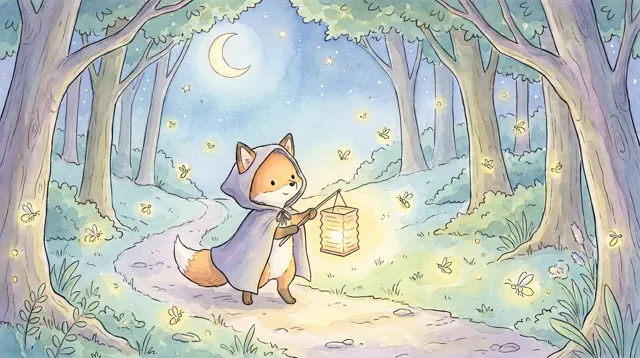
Draft a warm, simple cover for a children’s book, with a friendly main character and a clear spot for the title.
Mockups and pitches
Make concept book covers for manuscripts, publisher pitches, book clubs or reading lists before commissioning final art.
How to use AI Book Cover Generator
Describe the world
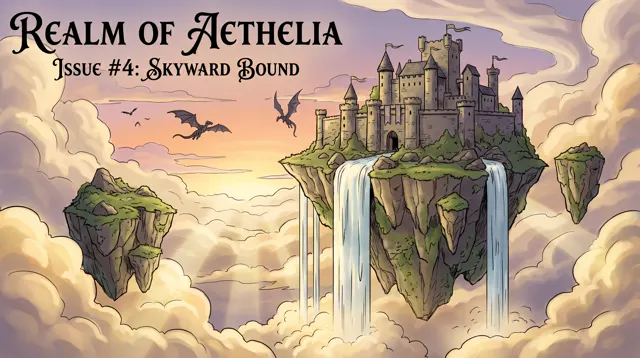
Describe your book’s genre, main character, setting and colors — e.g. “a floating palace above the clouds at dawn, gold and jade tones.”
Leave room for the title
Add “empty space at the top for the title”. 4:5 and the Flat type are preset; switch to Painterly for richer book cover art.
Set the type
Download the high-resolution image, crop it to your book’s trim size and add the title and author name in a design tool.
AI Book Cover Generator prompt tips
Sell the genre at a glance
Readers see book covers at thumbnail size first. One clear subject, a bold silhouette and a genre palette — gold for fantasy, deep blue for sci-fi — read best.
Plan where the title goes
Write “upper third left empty” or “subject in the lower half” so the book title sits on a calm area, not across a face.
Match the type to the genre
Flat suits picture books and minimal covers. For epic fantasy or xianxia, switch to Painterly or add the Fantasy or Chinese Ink style.
Keep a series consistent
Fix the style, palette and composition in your prompt and change only the scene, so every book in a series looks related.
AI Book Cover Generator FAQ



AI Book Cover Generator pricing: pay per image, no subscription
Taster pack · 15 HD images
150 credits that never expire. No subscription, one per account.
Give your story a cover
Describe the world of your book and get sharp, watermark-free HD cover art in about 30 seconds.