
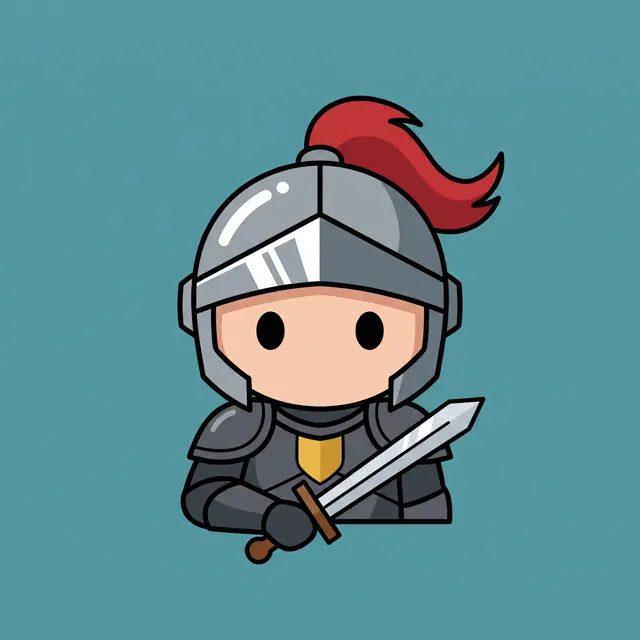
Retro pixels from a sentence
AI Pixel Art Generator: 8-Bit and 16-Bit Art from One Sentence
Type what you want, a knight on a castle wall, a cozy pixel kitchen, a retro arcade poster, and the AI pixel art generator returns high-resolution square 1:1 pixel art in about 30 seconds, with no watermark. Upload a reference image to turn a photo or sketch into pixel art.
- 2 real examples
- 12 styles
- ~30 sec per image
- HD no watermark

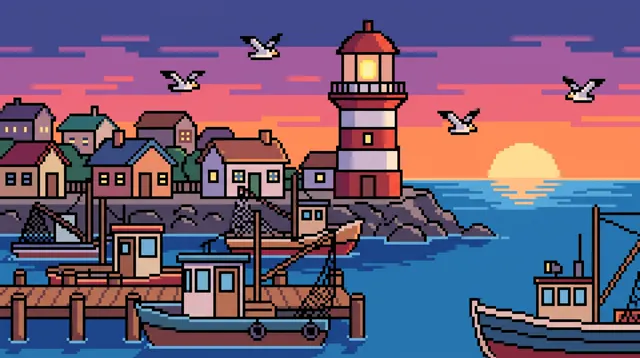
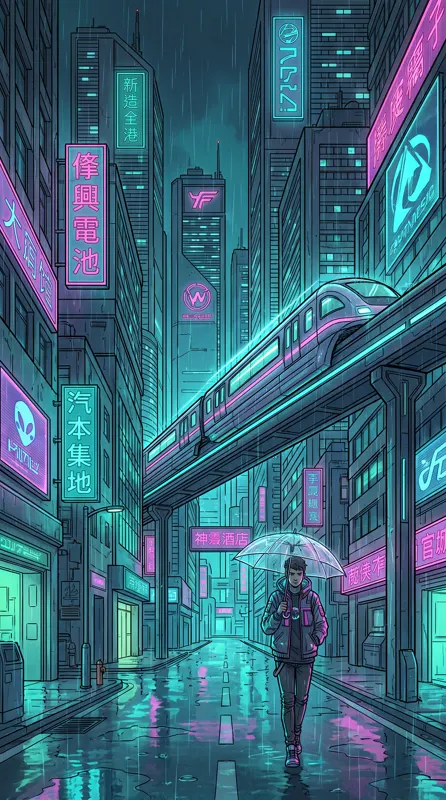
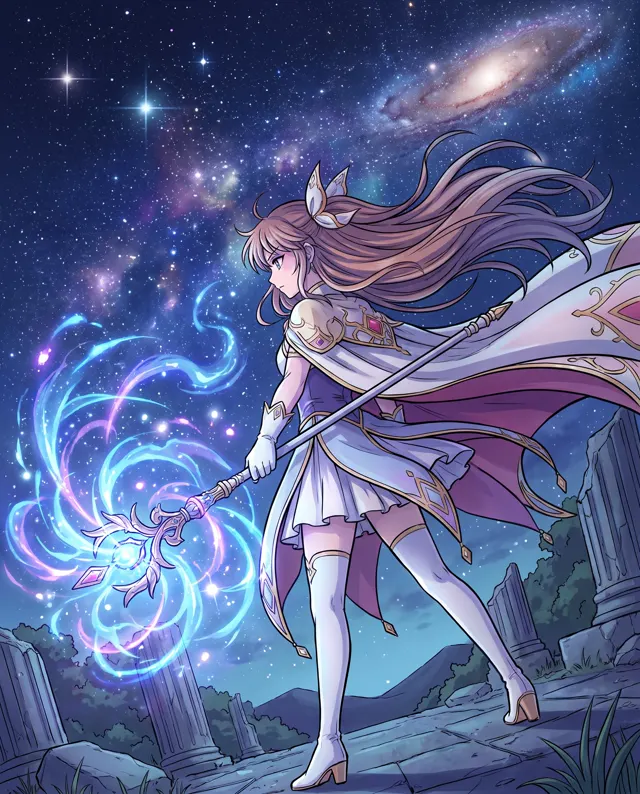
AI Pixel Art Generator examples
Every image comes with its exact prompt and settings. Hit “Try this prompt” to load it into the generator, then change a few words to make it yours.
What is an AI pixel art generator?
An AI pixel art generator makes retro, blocky pixel art from a sentence instead of from hours of placing pixels by hand. Pixel art is the visual language of 8-bit and 16-bit games, and it is back on avatars, stickers, posters, album covers and indie game store pages. Drawing it well is slow: every pixel is a decision, and a single 64 by 64 character can take an afternoon. The AI pixel art generator skips that. Describe the subject, the palette and the era, say 'a knight with a blue cape on a castle wall, 16-bit, limited palette', and in about 30 seconds you get a square 1:1 pixel art image with clean blocks, a consistent palette and the dithered shading of classic games. Upload 1–4 reference images and the AI turns a photo, a sketch or an existing character into pixel art while keeping its look as closely as it can, which is how most people make a pixel avatar of themselves or their pet. Each image is HD with no watermark, the download is yours, and paid accounts can use the pixel art commercially in games, merch and marketing. Be clear about what it is: an AI pixel art generator makes single finished images, not animated sprite sheets or tilesets with exact grid dimensions, and it cannot render readable text, so leave titles for your own editor.
Start generating in HD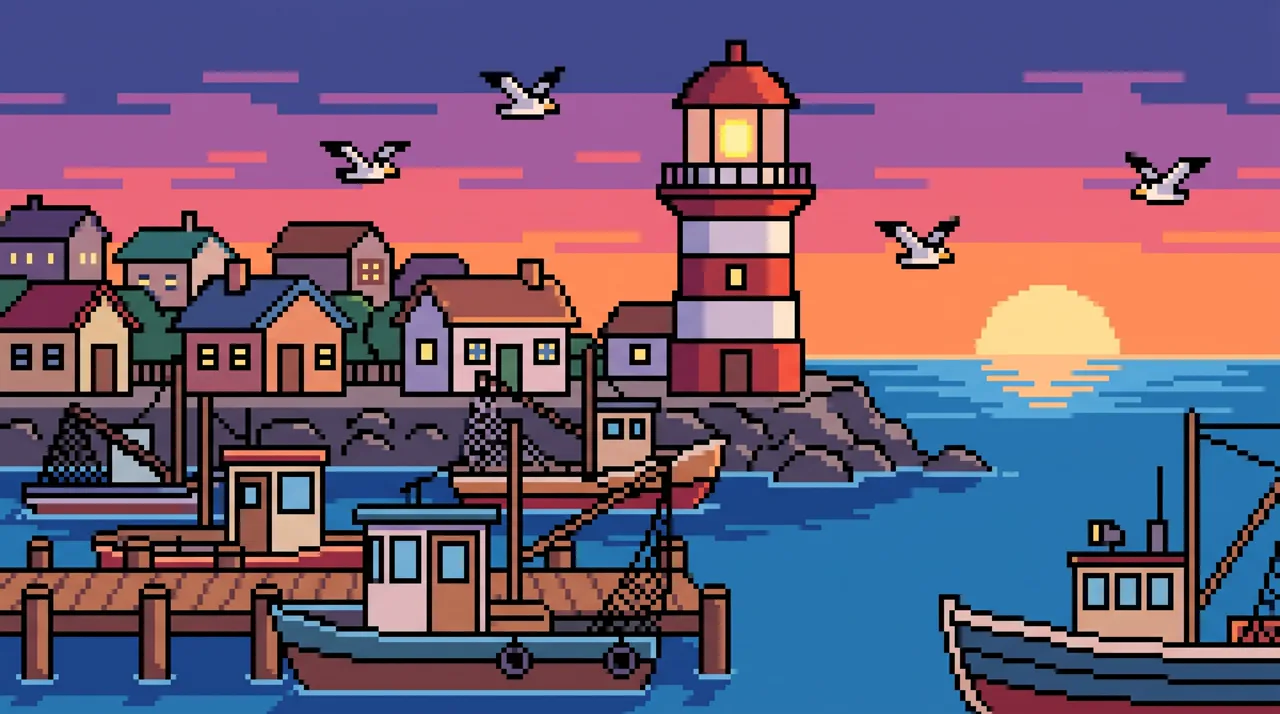
AI Pixel Art Generator use cases
Indie game concept and promo art
Game developers can use the AI pixel art generator for concept scenes, key art, store page banners and social posts that match the game's 8-bit or 16-bit look. Explore a dozen pixel environments in an hour, then hand the chosen direction to your pixel artist or rebuild it in your engine.
Pixel avatars and profile pictures
Upload a selfie or a photo of your pet, ask for 'pixel art portrait, 16-bit, limited palette', and get a square pixel avatar for chat apps, gaming profiles and forums. The AI keeps the hairstyle, glasses and colors as closely as it can, so the pixel art still reads as you.
Stickers, badges and merch
Pixel art prints well on stickers, pins, shirts and mugs because the shapes are bold and the palette is small. Describe a single object on a plain background, say a pixel cactus in a pot, and the 1:1 pixel art image is ready to cut out and send to a print service.
Retro posters and covers
A neon city in the rain, a sunset over a pixel ocean, a spaceship above a planet: the AI pixel art generator makes arcade-style scenes for playlist covers, event posters and video thumbnails. Ask for 'no text' and add your title to the pixel art in your own editor afterward.
How to use AI Pixel Art Generator
Describe the scene or subject
Write the subject, the setting, the era and the palette: 'a cozy pixel art kitchen, 8-bit game scene, warm evening light, limited palette'. To turn a photo or sketch into pixel art, upload 1–4 reference images first. English and Chinese prompts both work.
Confirm style and ratio
The Pixel style and the 1:1 square are preset, which suits avatars, stickers and game icons. Switch to 16:9 for a banner or a title screen, 9:16 for a phone wallpaper, and choose 1–4 images per run to compare palettes and compositions of the pixel art.
Generate and download
Each pixel art image costs 10 credits and arrives in HD in about 30 seconds, with no watermark. Failed images are refunded automatically. Download your pixel art, scale it with nearest-neighbor in your editor to keep the blocks sharp, and use it.
AI Pixel Art Generator prompt tips
Name the bit era
'8-bit' gives chunky blocks and a tiny palette; '16-bit' gives more detail and smoother dithering; 'modern HD pixel art' keeps the grid but adds lighting. Pick one and say it every time so a set of pixel art images looks like one game.
Limit the palette
Classic pixel art uses few colors. Write 'limited palette, four shades of green and a cream highlight' or 'purple and teal neon palette' and the result looks deliberate. Skip 'photorealistic' or 'highly detailed', which pull the AI pixel art generator away from clean blocks.
Ask for clean, square pixels
Add 'crisp square pixels, no blur, no anti-aliasing, flat background' to keep edges sharp. For an avatar or sticker, 'single character, centered, plain background' makes the pixel art easy to crop and reuse at small sizes.
Know what it cannot do
The AI pixel art generator makes one finished picture at a time. It does not output an animated sprite sheet, a tileset on an exact 16 by 16 grid, or readable text. Draft the look of the pixel art here, then build frames and tiles in your pixel editor.
AI Pixel Art Generator FAQ

AI Pixel Art Generator pricing: pay per image, no subscription
Taster pack · 15 HD images
150 credits that never expire. No subscription, one per account.
Your pixel art, one sentence away
Describe a character or a scene, or upload a photo to turn into pixels, and the AI pixel art generator returns clean, high-resolution 8-bit or 16-bit pixel art in about 30 seconds. 10 credits per image, failed images refunded.