
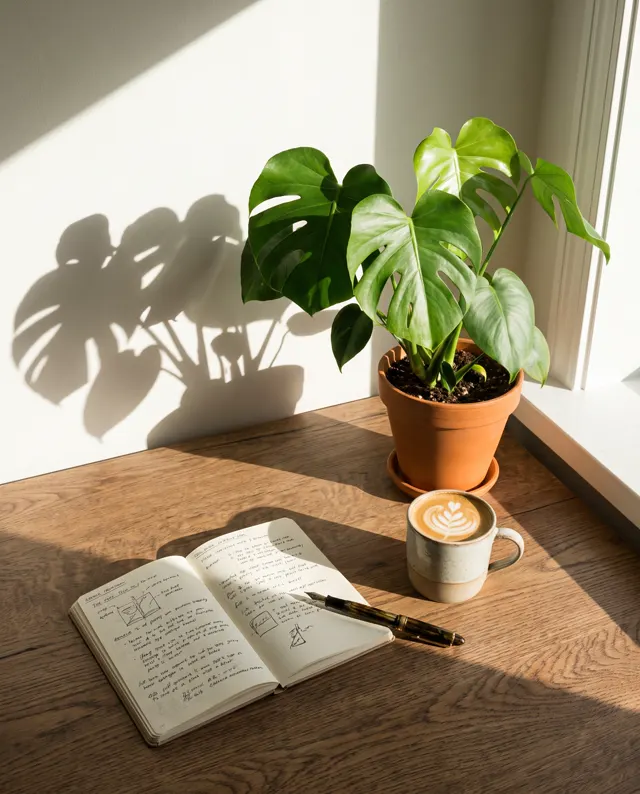

A cover image for every post
AI Blog Cover Image Generator: One Style, a Cover for Every Post
Type the topic of the post and the AI blog cover image generator returns a 16:9 blog cover image in a clean flat style in about 30 seconds, in HD, no watermark. Describe your palette once and every cover image on the blog looks like it came from the same designer.
- 4 real examples
- 12 styles
- ~30 sec per image
- HD no watermark

AI Blog Cover Image Generator examples
Every image comes with its exact prompt and settings. Hit “Try this prompt” to load it into the generator, then change a few words to make it yours.
What is an AI blog cover image generator?
An AI blog cover image generator makes the picture at the top of a post from a one-line description of what the post is about. Every blog post, newsletter issue and WeChat article needs a cover image, and stock sites give you the same handshake and laptop that every other blog uses. Here you type the topic, a subject and a palette, and about 30 seconds later you have a high-resolution 16:9 blog cover image with no watermark. This AI blog cover image generator is preset to the Flat style at 16:9, the shape of a blog header, a link preview and a newsletter banner, and you can switch to another of the 12 style presets or to 1:1 for a square share image. The point of an AI blog cover image generator is consistency: write the same palette and style words into every prompt and each new cover image matches the ones before it, so the blog looks like one publication rather than a collage. Writers, content teams, WeChat official account editors and newsletter authors use the AI blog cover image generator to publish on schedule without waiting on a designer. It cannot render reliable text, so put the headline on the cover image in your own editor, and it cannot edit an existing image; it always makes a new one. On a paid account every blog cover image can be used commercially, including on sponsored posts.
Start generating in HD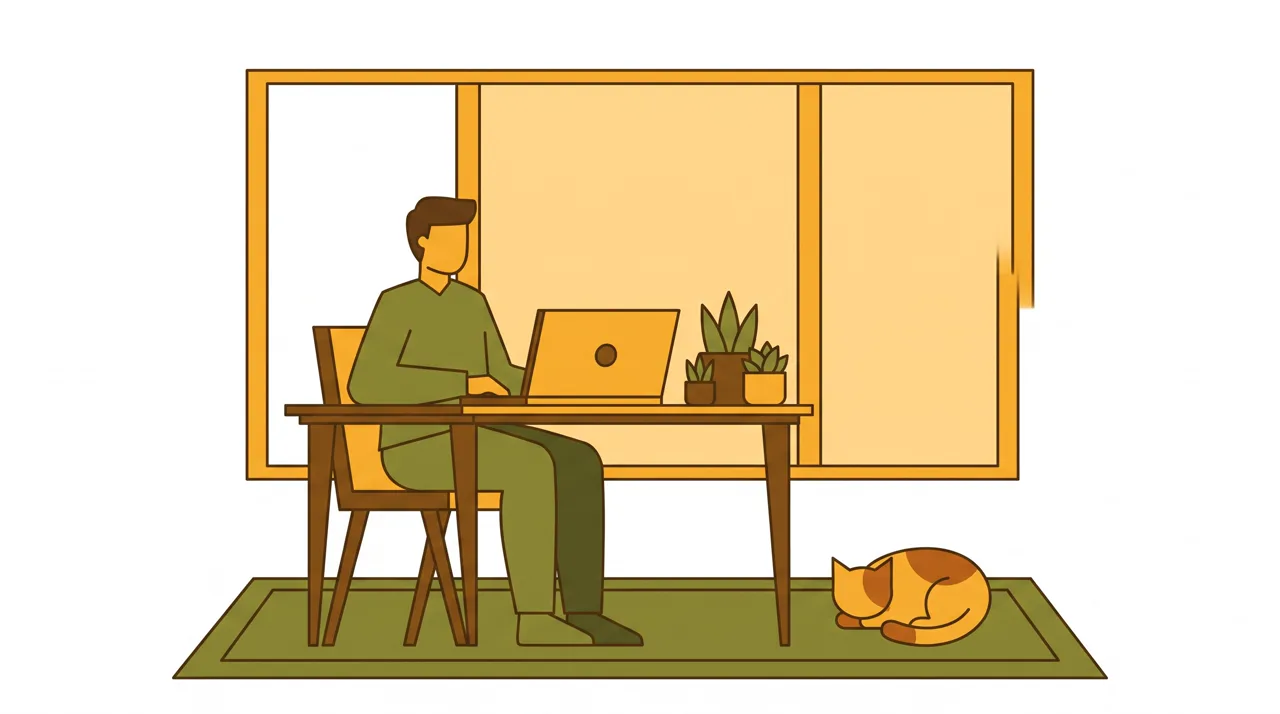
AI Blog Cover Image Generator use cases
Blog posts and newsletters
Each blog post needs a header image, and each newsletter issue needs a banner at the top. The AI blog cover image generator gives a 16:9 blog cover image for every piece from a few sentences, so the publishing calendar no longer depends on finding a stock image nobody else has used.
WeChat official account covers
A WeChat article shows a wide cover in the feed and a square image when shared in a chat. Generate the 16:9 blog cover image with the AI blog cover image generator, subject centered, crop it to the wide 2.35:1 cover, then make a 1:1 version of the same scene for the share card.
Series and category art
A tutorial series or a category page on the blog looks finished when every cover image shares a palette and a motif. Fix the style words once, change only the subject per post, and the AI blog cover image generator keeps the whole series of blog covers visually related.
Social previews and link cards
The cover image is what appears when a post is shared, so it often does the job of a thumbnail. Ask the AI blog cover image generator for one clear subject and an empty area, and the blog cover image reads at link-card size and leaves room for the title.
How to use AI Blog Cover Image Generator
Describe the post
Write what the blog post is about, one visual subject that stands for it and your palette, in English or Chinese, for example “a post about sleep, a crescent moon over a bed, navy and cream, flat illustration.” Add 1–4 reference images if you have a cover style to match.
Keep 16:9, set the style
Flat style and 16:9 are preset, the shape of a blog header and a link preview. Pick 1:1 for a square share image, choose another of the 12 style presets if your blog uses photos or watercolor, and ask for empty space on the cover where the title will go.
Generate and publish
Each cover image costs 10 credits per image and takes about 30 seconds; failed images are refunded automatically. Download the HD blog cover image with no watermark, add the headline in your editor if you want text on the cover, and upload it to the post.
AI Blog Cover Image Generator prompt tips
Write a style line and reuse it
Decide once how the blog looks, for example “flat illustration, warm beige and teal, rounded shapes, no outlines,” and paste that line into every prompt. The AI blog cover image generator then changes only the subject, and every cover image belongs to the same set.
One metaphor per cover
A blog cover image works like an icon: one idea, read in a second. “A key unlocking a book” says more about a blog post on learning than a crowded desk scene. Name a single object or situation for the cover and let the empty space do the rest.
Plan the crop and the title
Headers get cropped differently by blog themes, feeds and chat previews. Keep the subject near the center of the cover image, ask for a calm area on one side, and check how the blog cover image looks at thumbnail size before you publish the post.
No text, no real logos
AI letters come out garbled, so do not ask for the headline inside the image; overlay it in your editor. Avoid asking for brand logos or recognizable people on a blog cover image, which raises rights questions, and describe generic devices and anonymous figures for the cover instead.
AI Blog Cover Image Generator FAQ
Related tools

Xiaohongshu Cover Maker
Portrait covers and post images for RED notes.

YouTube Thumbnail Maker
Eye-catching thumbnail backgrounds for YouTube and Bilibili.
AI Presentation Image Generator
Slide illustrations and section dividers in one consistent palette.

AI Illustration Generator
Original watercolor, ink, 3D or flat illustrations.
AI Blog Cover Image Generator pricing: pay per image, no subscription
Taster pack · 15 HD images
150 credits that never expire. No subscription, one per account.
A matching cover image for your next blog post
Describe the post in the AI blog cover image generator, keep your style line, and get an HD 16:9 blog cover image with room for the headline in about 30 seconds.