
Backgrounds for video covers
YouTube Thumbnail Maker: Eye-Catching 16:9 Backgrounds
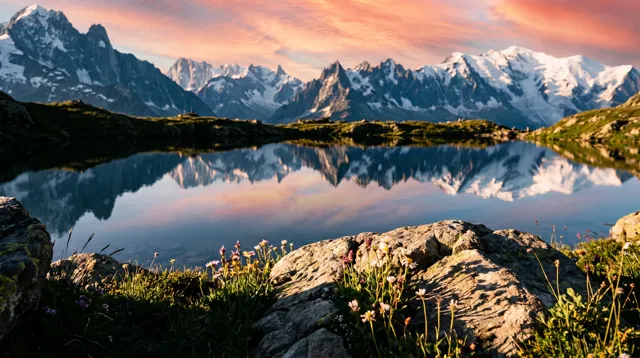
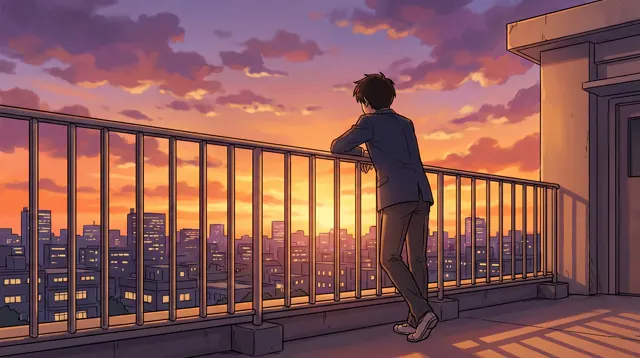
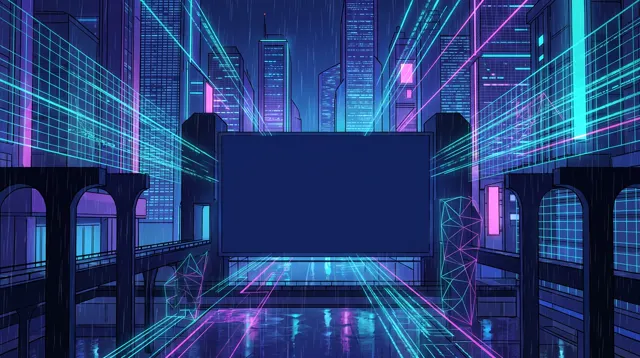
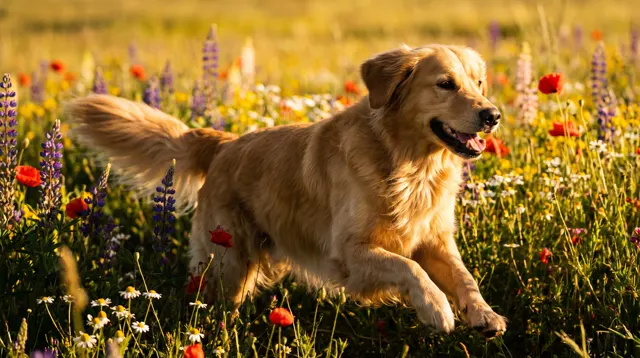
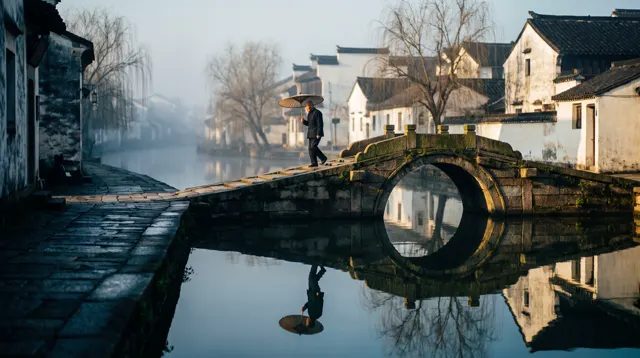
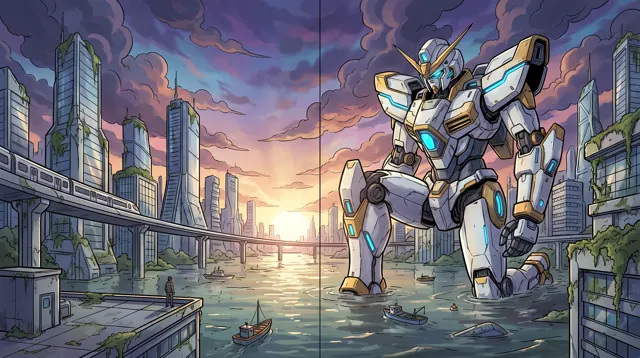
This YouTube thumbnail maker is preset to the Cinematic style on the Photo type at 16:9: dramatic light and bold color. Leave space for your headline, then add the text and your face cut-out in an editor.
- 10 real examples
- 12 styles
- ~30 sec per image
- HD no watermark

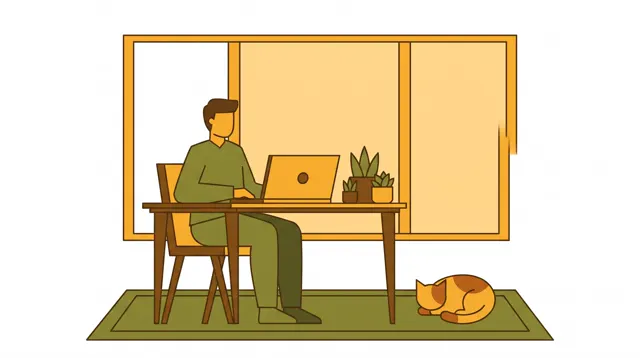
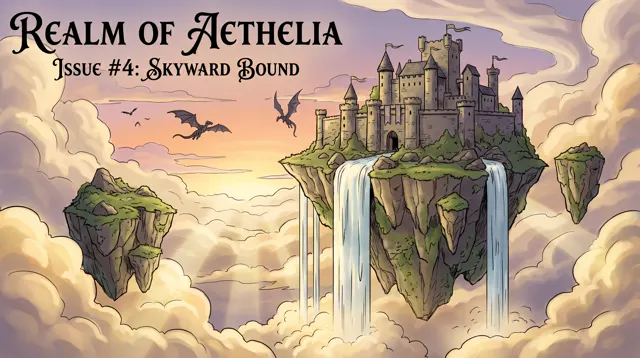
YouTube Thumbnail Maker examples
Every image comes with its exact prompt and settings. Hit “Try this prompt” to load it into the generator, then change a few words to make it yours.
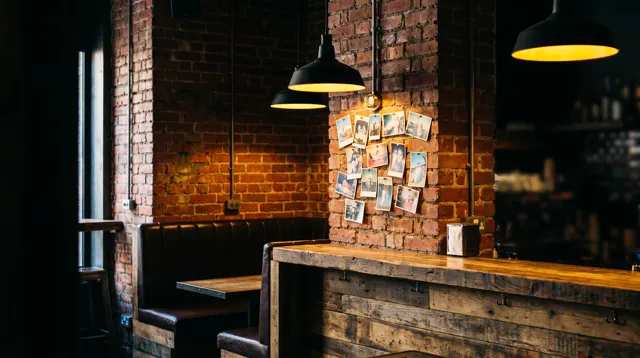
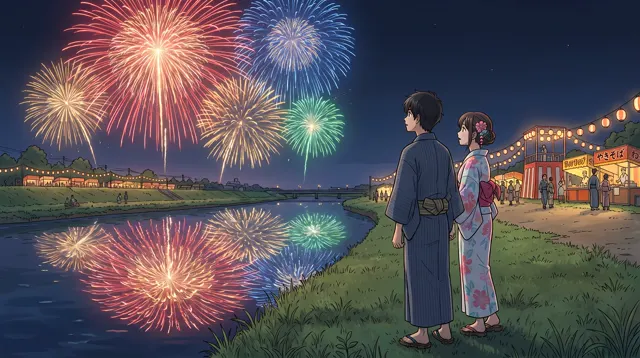
What is a YouTube thumbnail maker?
A YouTube thumbnail maker helps you produce the image people see before they click on your YouTube video. This one generates the YouTube thumbnail background or key visual — a dramatic scene, a product stage, a moody landscape — at 16:9, the landscape shape YouTube and most video platforms use for covers. It’s preset to the Cinematic style on the Photo type, for strong lighting, depth and color that still read at small sizes in the YouTube feed. AI text rendering isn’t reliable, so keep the headline out of the prompt: ask for open space on one side, then add the title, arrows and your face cut-out in an editor. Each run makes 1–4 YouTube thumbnail options in about 30 seconds each, in HD, with no watermark.
Start generating in HD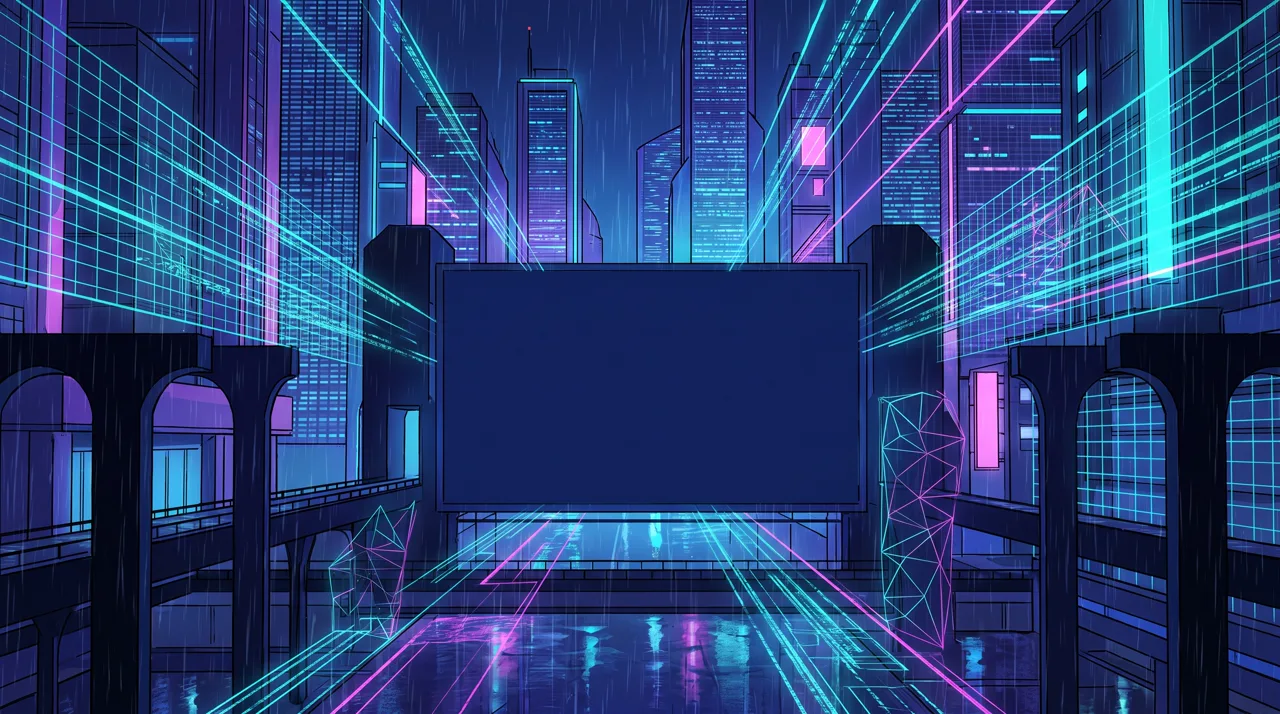
YouTube Thumbnail Maker use cases
YouTube videos
Tech reviews, travel vlogs, tutorials: generate a YouTube thumbnail scene that hints at the video’s topic and leaves room for a bold headline.
Bilibili and other platforms
The 16:9 covers you make for YouTube also work for Bilibili, video podcasts and course platforms — change the prompt for each episode.
Series and playlists
Keep the palette and composition fixed and swap the subject, so a series is instantly recognizable in the YouTube feed.
Live streams and channel art
Make backgrounds for YouTube stream start screens, premieres and community posts in the same visual style as your thumbnails.
How to use YouTube Thumbnail Maker
Describe the scene
YouTube thumbnail subject, setting and mood — e.g. “a giant mecha in a flooded city at dawn, golden backlight.”
Leave space for text and face
Add “empty space on the left for a headline”. YouTube’s 16:9 and the Cinematic style are preset; make 1–4 options.
Finish in your editor
Download the high-resolution image, add the headline and your face cut-out, and export at the size YouTube or your platform asks for.
YouTube Thumbnail Maker prompt tips
One subject, big contrast
YouTube thumbnails are seen tiny on phones. One clear subject, strong light-dark contrast and two or three saturated colors read best.
Reserve a side for the headline
Write “subject on the right, empty left side” so a short YouTube headline and your face cut-out don’t cover the action.
Keep text out of the prompt
AI often misspells words. Generate a text-free YouTube thumbnail background and set three to five bold words yourself in an editor.
Make a few and compare
Generate four versions of the same idea and preview them at small size; the thumbnail that reads at a glance usually wins on YouTube.
YouTube Thumbnail Maker FAQ
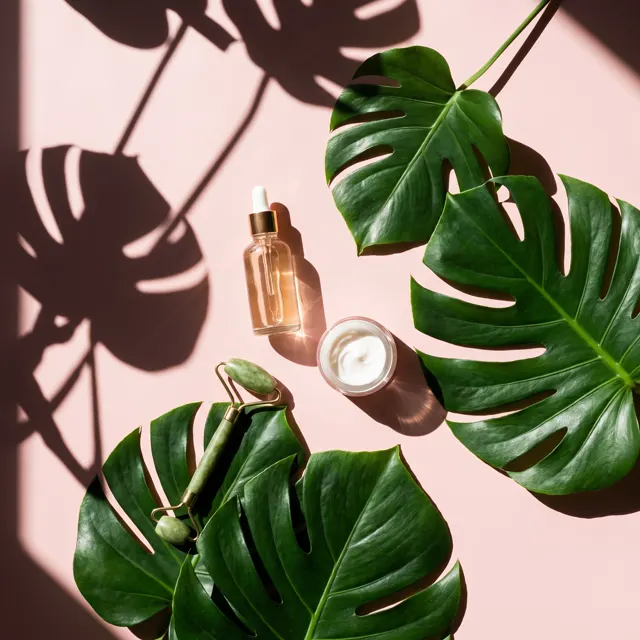
YouTube Thumbnail Maker pricing: pay per image, no subscription
Taster pack · 15 HD images
150 credits that never expire. No subscription, one per account.
Make your next thumbnail stand out
Describe the scene, leave room for your headline and get a sharp HD 16:9 YouTube thumbnail background, with no watermark.