
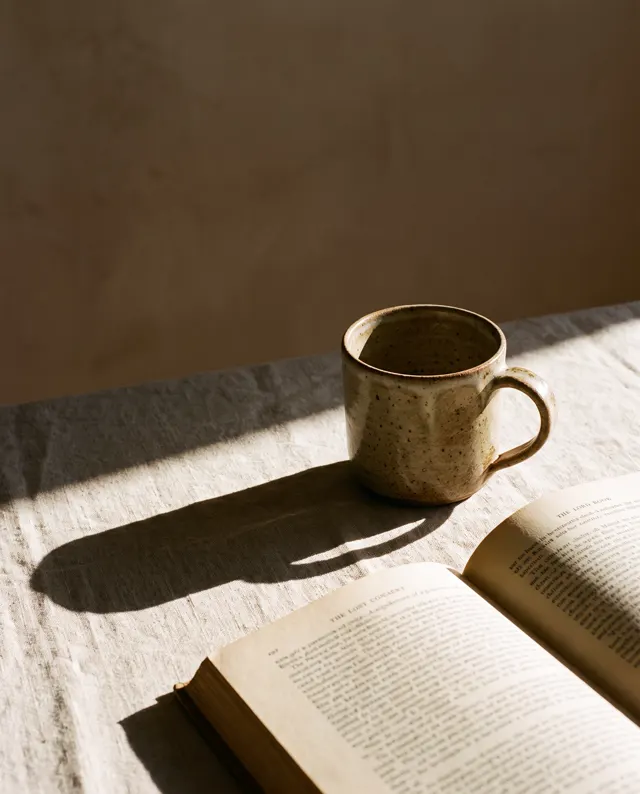
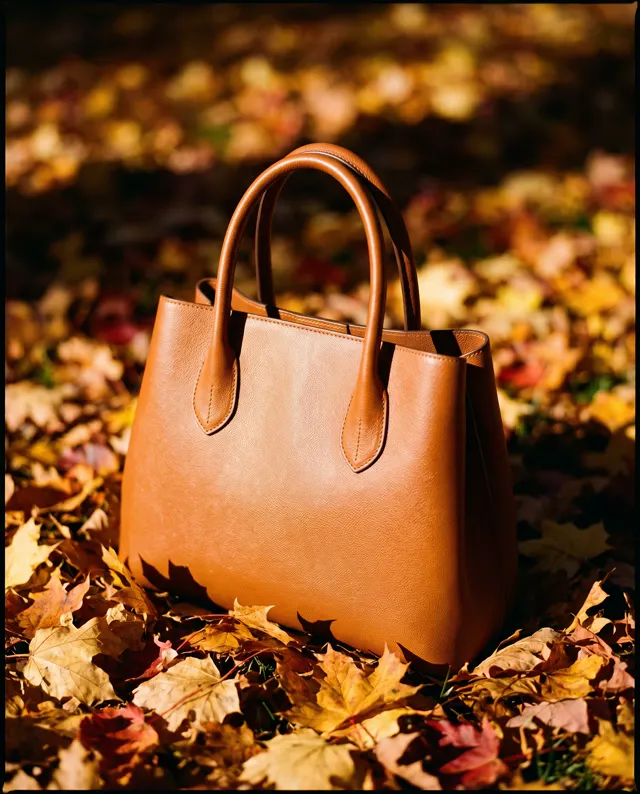
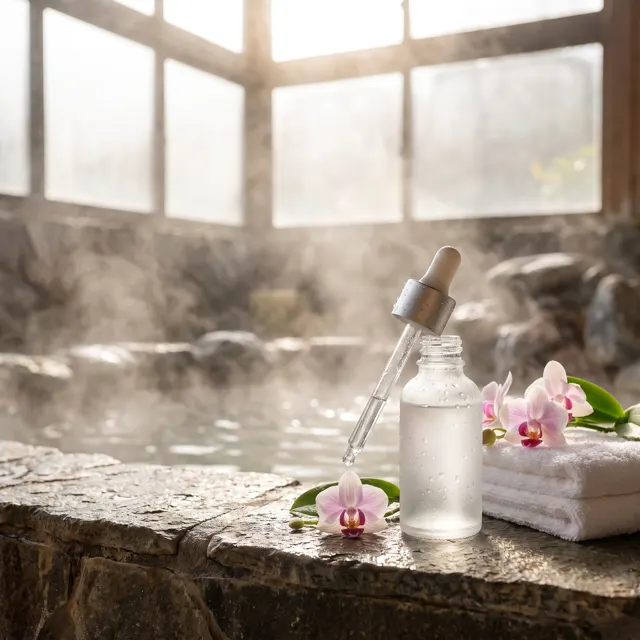
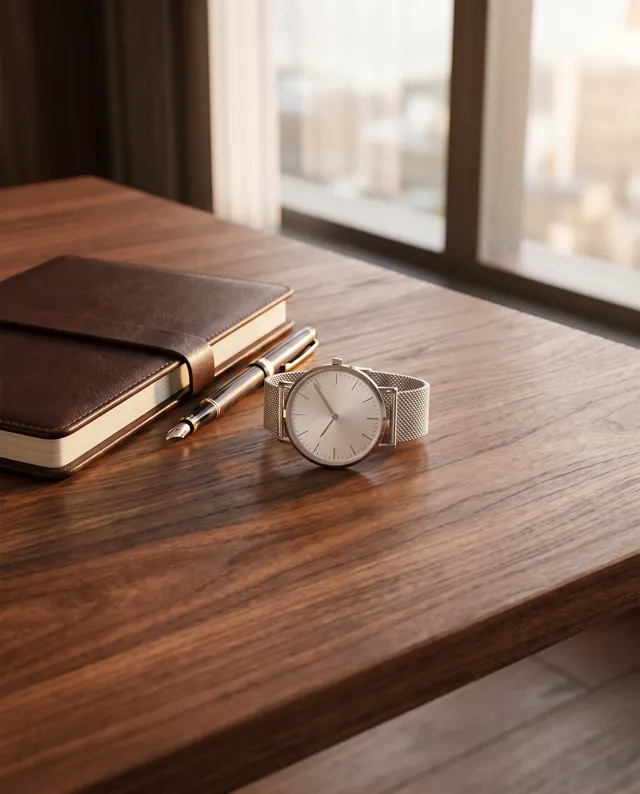
New scene, same product
AI Product Scene Generator: Your Product in Real-Life Scenes
Upload a photo of your product, describe the scene, and the AI product scene generator places the same product in a kitchen, on a desk, in a bathroom or outdoors with matching light and shadow. Photo style at 1:1, about 30 seconds per scene, in HD, no watermark.
Upload a product or character and the AI places it in a new scene (up to 4)
Sign in to upload references- 6 real examples
- 12 styles
- ~30 sec per image
- HD no watermark

Reference → Result
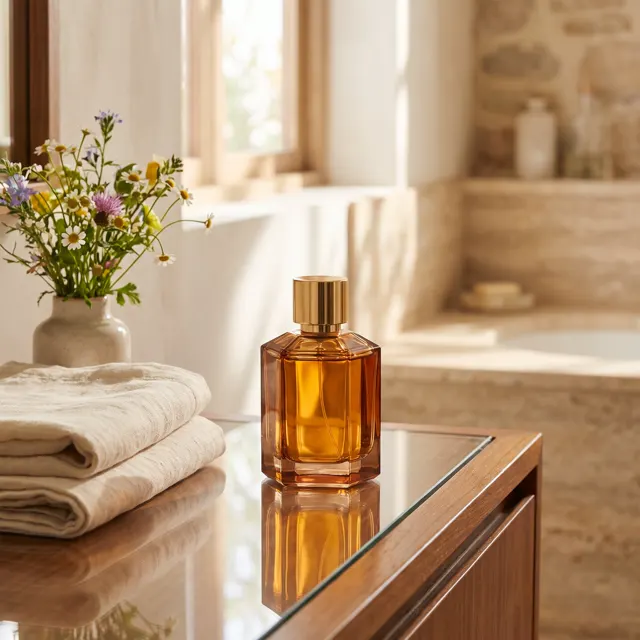
Left: the uploaded reference. Right: the new scene from one sentence, with the subject’s look kept.
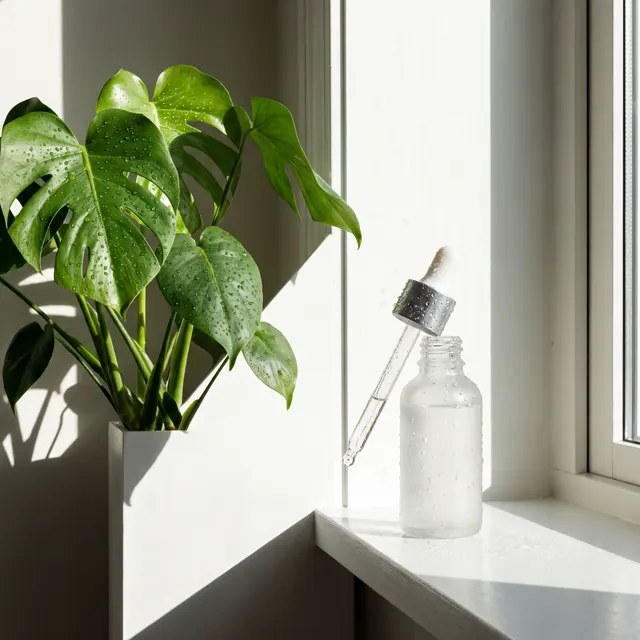
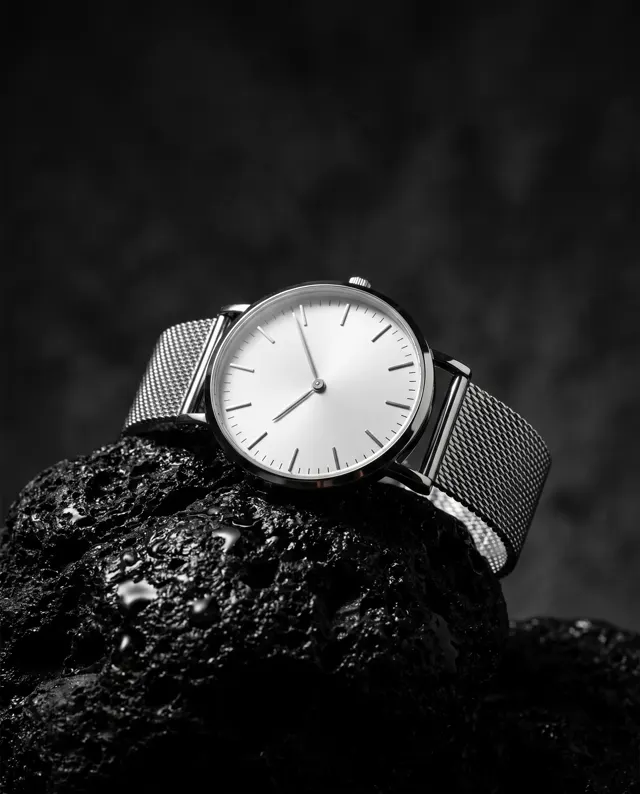
AI Product Scene Generator examples
Every image comes with its exact prompt and settings. Hit “Try this prompt” to load it into the generator, then change a few words to make it yours.
What is an AI product scene generator?
An AI product scene generator takes one photo of your product and places that same product into a lived-in scene: a mug on a desk, a serum bottle on a bathroom shelf, a water bottle on a trail. White background images sell the facts; a product scene sells the feeling and shows scale, context and who the product is for. Shooting a lifestyle scene normally means renting a location or building a set, styling props and waiting for the right light, then repeating it for every product. This AI product scene generator does that from a single photo. Upload a clear shot of the product, describe the scene, surface, props and light in one or two sentences, and in about 30 seconds you get a photo-style HD product scene with no watermark, lit to match the environment. It is image to image, so the AI product scene generator keeps your product’s shape, color and material as closely as it can while building the scene around it. Use the result on detail pages, in feed ads, on Xiaohongshu or Pinterest, or as the second image in a listing. Two limits to know: the product scene is a new render rather than your original photo dropped onto a backdrop, so small details can drift and you should check every scene against the real item; and AI-rendered text on labels is unreliable, so plan to add legible packaging text in your own editor. Paid accounts can use every product scene from the AI product scene generator commercially.
Start generating in HD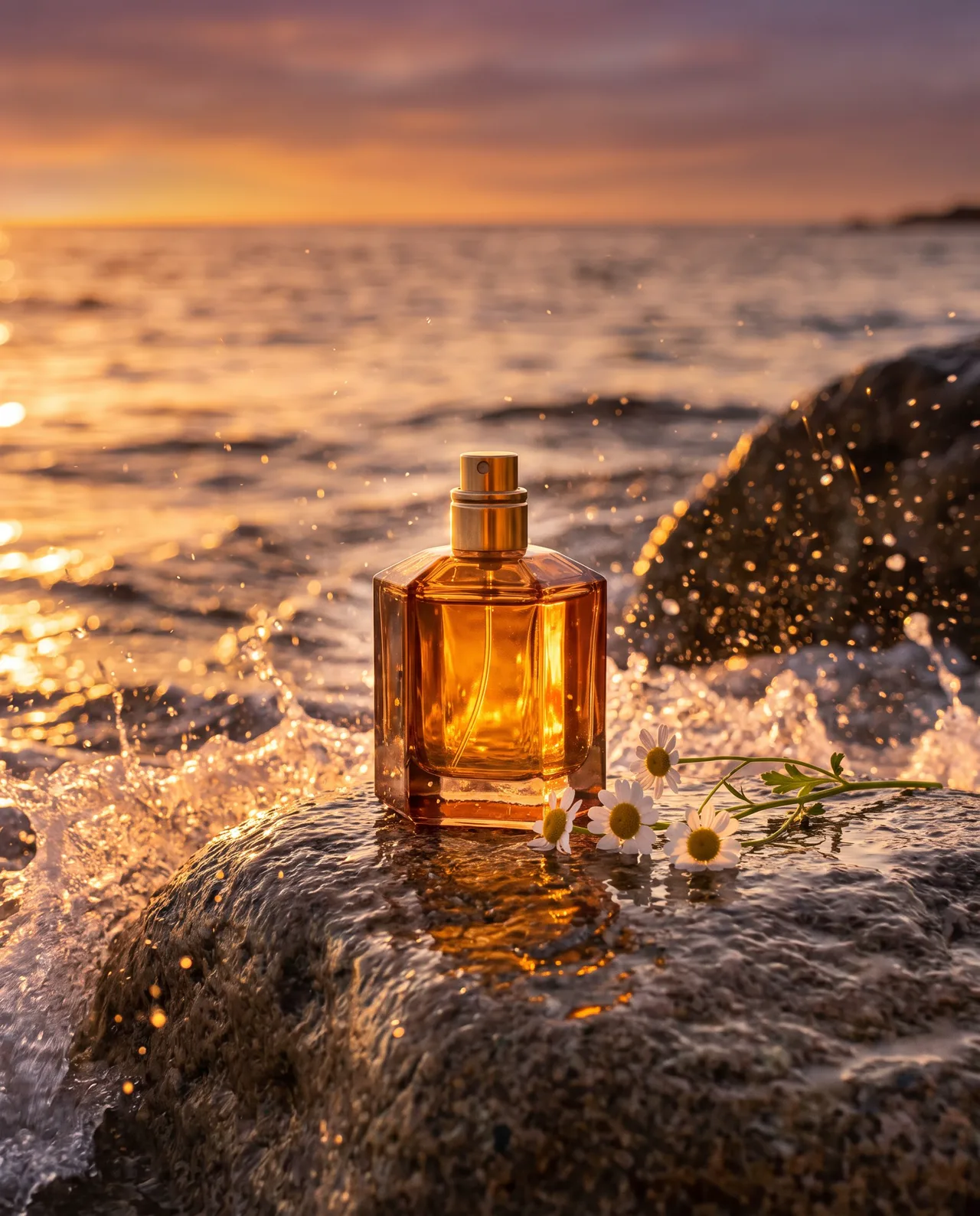
AI Product Scene Generator use cases
Detail page lifestyle images
After the white main image, buyers scroll to see the product in use. The AI product scene generator gives a listing three or four lifestyle images, the same product in a kitchen scene, a desk scene and an outdoor scene, without booking a location shoot.
Feed ads and A/B tests
An ad performs differently in a bright kitchen scene than in a moody evening scene. Make several product scene variations for the same item with the AI product scene generator and test which scene earns the click before paying for a real shoot.
Xiaohongshu and Instagram posts
Social feeds want a product scene that looks like someone’s real desk or morning routine, not a studio. The AI product scene generator produces a natural-light scene with everyday props for each post, enough to fill a weekly posting calendar.
Seasonal and regional scenes
Same product, different scene: a candle in an autumn living room in October, on a Christmas table in December, on a spring balcony in April. The AI product scene generator refreshes the scene around a product in minutes, so a seasonal campaign does not need a new shoot each time.
How to use AI Product Scene Generator
Upload the product photo
One sharp photo of the product on its own, whole item in frame, shot in daylight if you can. The AI product scene generator takes shape, color and material from this photo, so avoid clutter and fingers over key details.
Describe the scene and light
Write where the product sits, what surrounds it and how the light falls, such as “on a light oak desk, open notebook, morning window light”. Photo style and 1:1 are preset; switch to 4:5 or 16:9 for detail pages and banners.
Generate and download
Make 1 to 4 scene images for 10 credits per image, pick the scene that fits the page, and download it in HD with no watermark. Failed images are refunded automatically, and every product scene is saved to My images.
AI Product Scene Generator prompt tips
Match the scene to the buyer
Describe the scene where the buyer actually uses the product: a yoga mat in a sunlit living room, a lunchbox on an office desk. A product scene that mirrors the buyer’s day converts better than a generic pretty scene.
Name the surface and the light
“Marble counter, soft window light from the left” gives the AI product scene generator what it needs to ground the product with believable reflections and shadow. A vague prompt like “nice background” produces a floating product and a flat scene.
Keep props in scale
Add two or three props of known size, a mug, a book, a pair of glasses, so the scene communicates how big the product is. Too many props and the product scene stops being about the product.
Keep the product the hero
Write “product in sharp focus, background softly blurred” so the scene supports the product rather than competing with it. Avoid asking for people holding the product; hands and faces add risk, and the scene reads cleaner with the product alone.
AI Product Scene Generator FAQ
Related tools
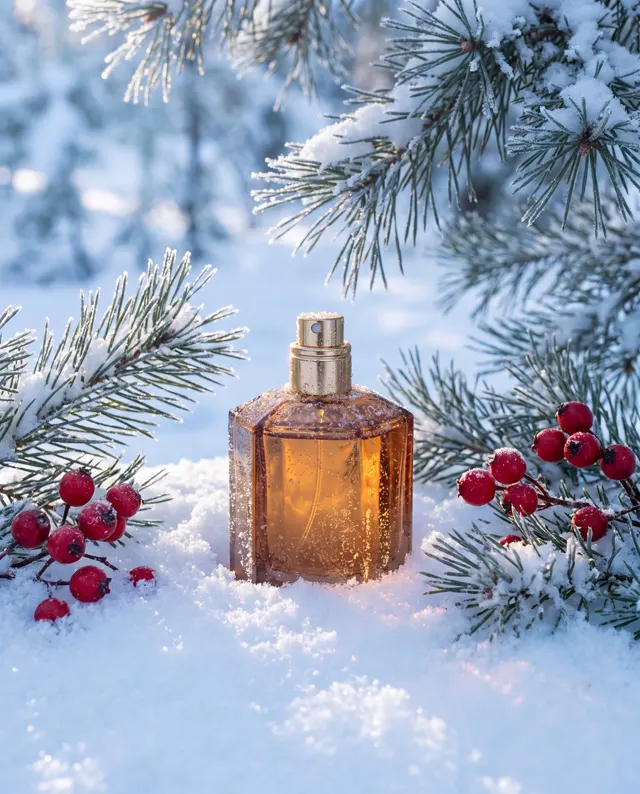
AI Background Generator
Rebuild the whole scene around your product photo.
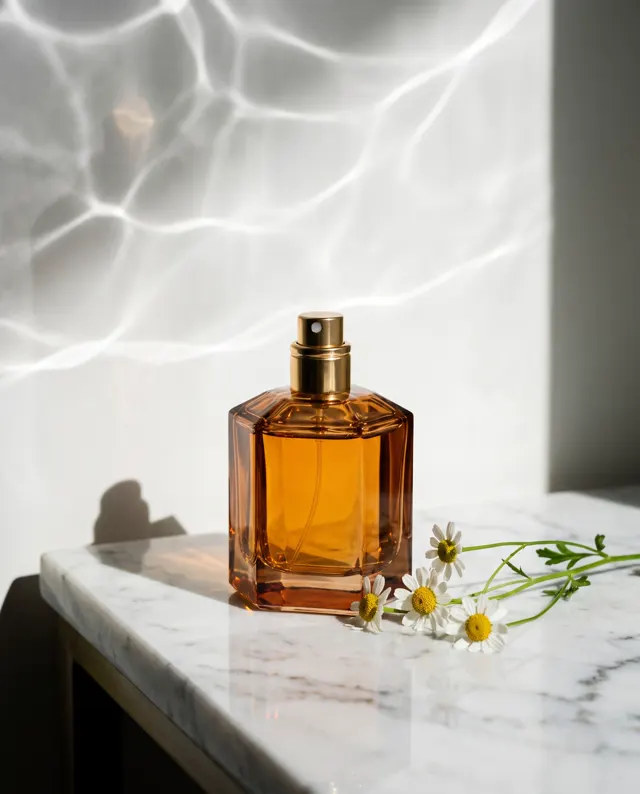
AI Product Photo Generator
Studio-style product photos for listings and ads.
Product Listing Images
One product photo in, a four-image listing set out.
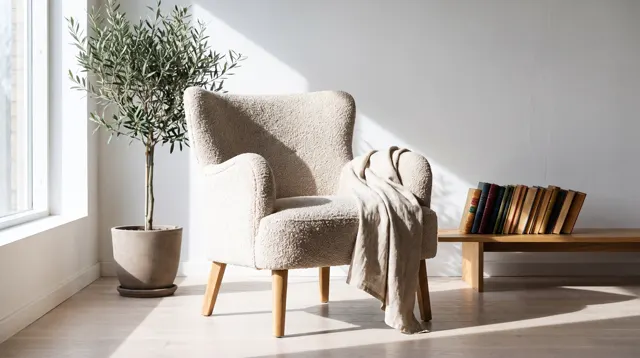
AI Furniture Photo Generator
Your chair, sofa or lamp in a styled room: one photo in, a catalog photo out.
AI Product Scene Generator pricing: pay per image, no subscription
Taster pack · 15 HD images
150 credits that never expire. No subscription, one per account.
Put your product in its scene today
Upload one photo to the AI product scene generator, describe the scene, and get a lifestyle product scene image in about 30 seconds, in HD, no watermark, 10 credits per image.