
Your photo, painted in oils
Photo to Oil Painting AI: Turn Your Photo into an Oil Painting
Upload one photo of a person, a pet, a couple or a place, say whether you want a classical portrait or a loose impressionist canvas, and the photo to oil painting AI returns a 4:5 oil painting in about 30 seconds, in HD, no watermark, ready to print and frame.
Upload a product or character and the AI places it in a new scene (up to 4)
Sign in to upload references- 4 real examples
- 12 styles
- ~30 sec per image
- HD no watermark

Reference → Result
Left: the uploaded reference. Right: the new scene from one sentence, with the subject’s look kept.
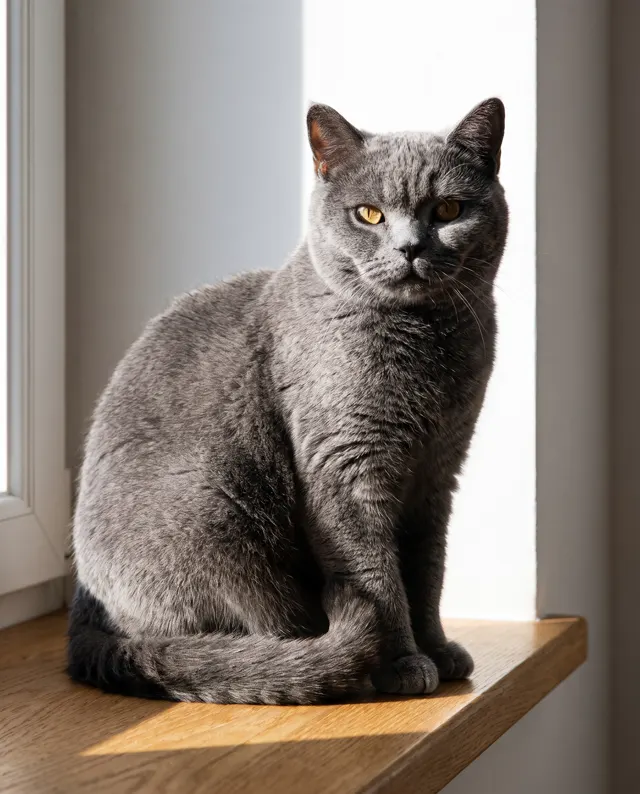
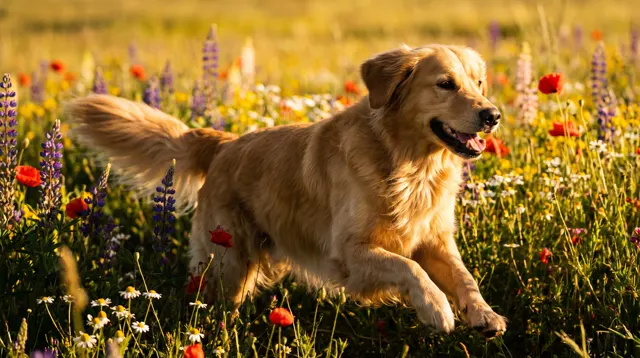
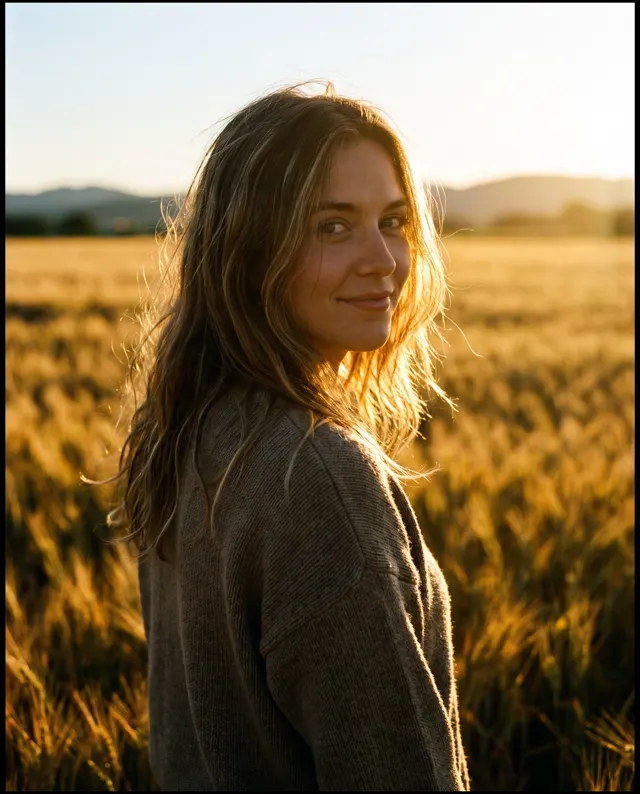
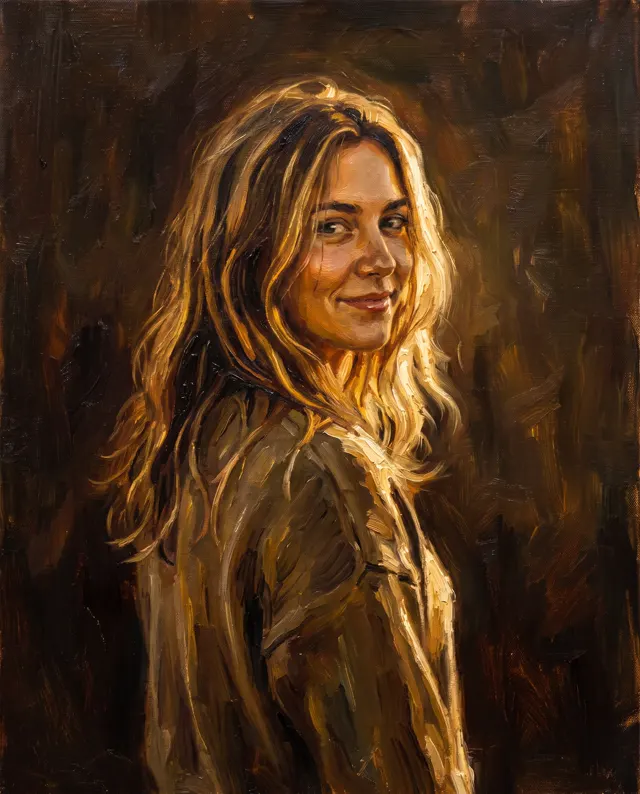
Photo to Oil Painting AI examples
Every image comes with its exact prompt and settings. Hit “Try this prompt” to load it into the generator, then change a few words to make it yours.
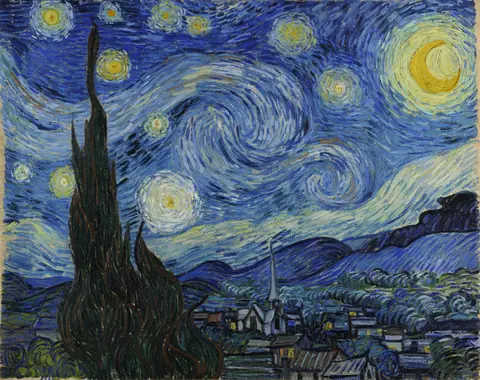
Famous painting styles
Want a master's look? See the public-domain originals, then use the matching prompts in one click.
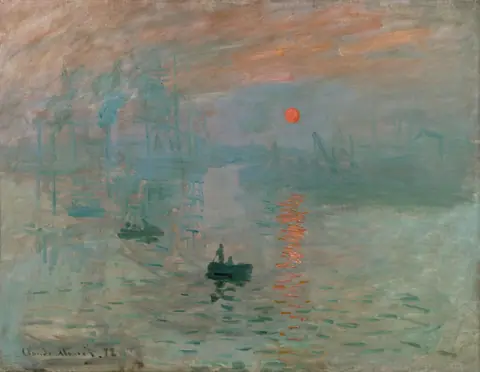
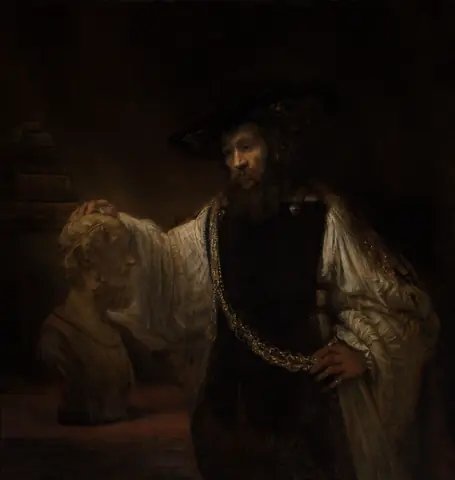
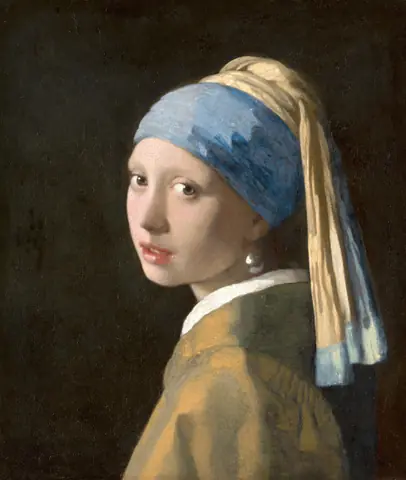
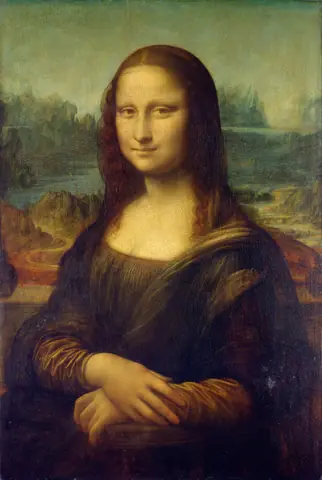
What is a photo to oil painting AI?
A photo to oil painting AI takes an ordinary photo and repaints it as an oil painting, keeping the subject and the composition while replacing the photographic surface with brush strokes, layered color and the light you would expect on canvas. You upload one photo, name the painting tradition you want, say classical portrait, impressionist or thick impasto, and in about 30 seconds the photo to oil painting AI returns a high-resolution 4:5 oil painting with no watermark. People use a photo to oil painting AI for the jobs a commissioned painter used to do: an oil portrait of a parent or a pet, a wedding photo turned into an anniversary gift, a travel photo made into a print for the living room, or a family photo painted for a birthday. This page is preset to the Illustration style at 4:5, the proportion of most frames and canvas prints, and you can change the ratio to 1:1 or 3:4 if the frame calls for it. Be clear about what the photo to oil painting AI does and does not do. It keeps the likeness of the person or pet in the photo as closely as it can, but an oil painting is an interpretation rather than a pixel-perfect copy, so look at faces and hands before you order a print. It cannot repaint only part of a photo, and the finished painting is not oil on real canvas; it is a digital image you print yourself. On a paid account, the oil painting can be sold or used commercially.
Start generating in HD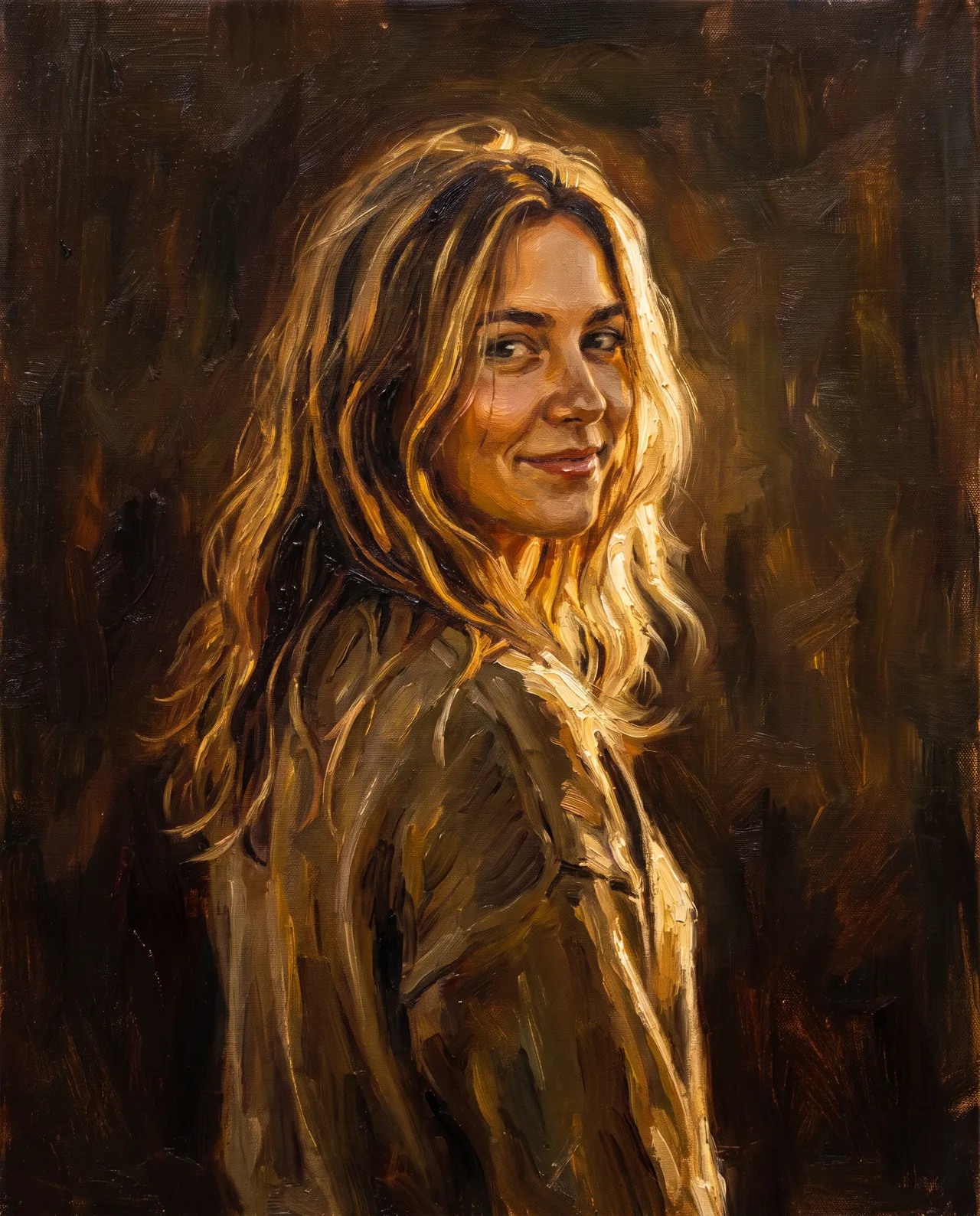
Photo to Oil Painting AI use cases
Pet portraits in oil
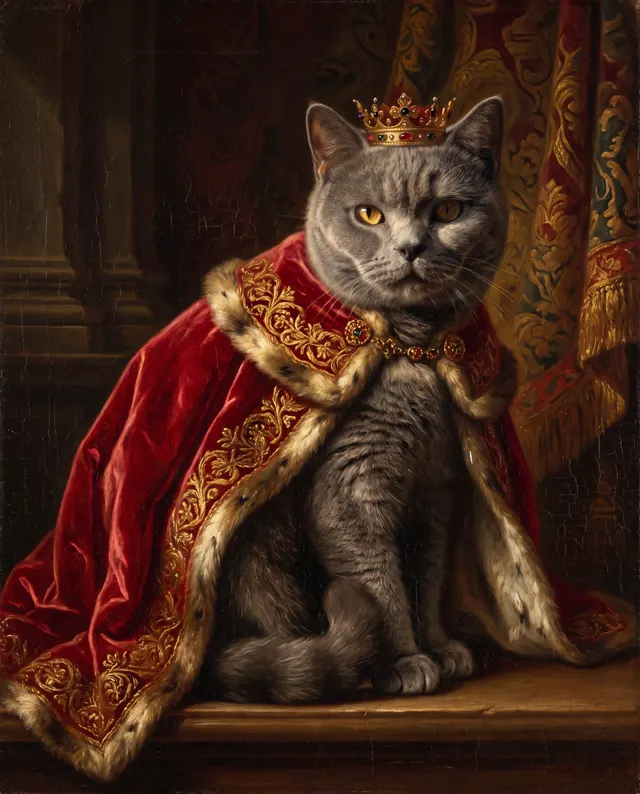
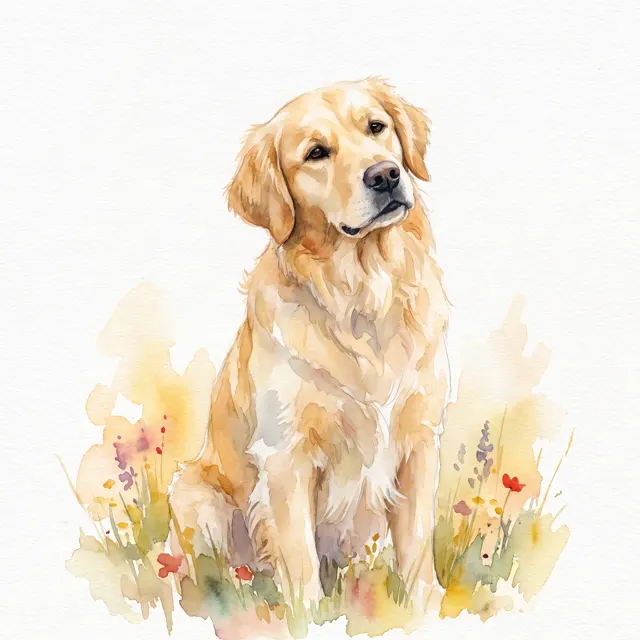
A dog or cat photo becomes a classical oil painting with a dark warm background and soft side light, the kind a commissioned painter would need weeks for. The photo to oil painting AI keeps the markings and the pose from your photo, so the pet in the painting is recognizably yours.
Wedding and anniversary gifts
Pick the best wedding photo, turn it into an impressionist oil painting with dappled light and loose strokes, and print the painting on canvas for an anniversary. The photo to oil painting AI turns one photo into a gift that looks painted rather than printed.
Travel photos as wall art
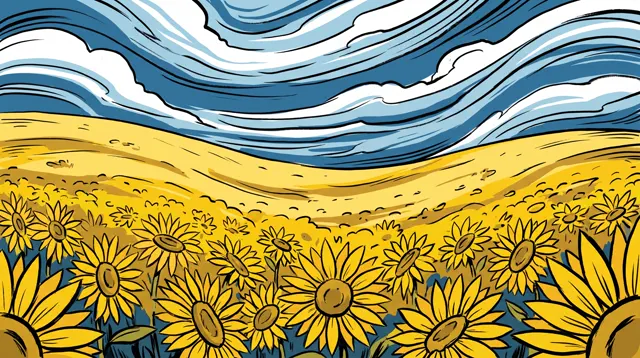
A harbor at sunset, a mountain village or a street you loved: a travel photo repainted as a thick impasto oil painting becomes a 4:5 print for the living room. Run the same photo through the photo to oil painting AI in two styles and hang the better painting.
Family and memorial portraits
An old family photo, even a slightly faded one, can be painted as a formal oil portrait for a parent’s birthday or a memorial. The photo to oil painting AI keeps the face as closely as it can from the photo you upload, and a sharp, well-lit original gives the truest painting.
How to use Photo to Oil Painting AI
Upload your photo
Choose one clear photo where the subject is in focus and well lit, with the face or main subject filling a good part of the frame. Upload it as the reference for the photo to oil painting AI, then write the painting style you want in English or Chinese.
Pick the painting style
Illustration style and the 4:5 ratio are preset for frames and canvas prints. In the prompt, name the oil painting tradition, classical portrait, impressionist or palette-knife impasto, plus the palette and background you want. Switch to 1:1 or 3:4 if your frame needs it.
Generate and print
Each oil painting costs 10 credits per image and takes about 30 seconds; failed images are refunded automatically. Compare 1–4 versions of the painting, download it in HD with no watermark, and send the file to a canvas or fine-art print service.
Photo to Oil Painting AI prompt tips
Name a painting tradition
“Classical portrait” gives dark backgrounds and smooth modeling; “impressionist” gives broken color and visible strokes; “impasto” gives thick palette-knife texture. The clearer the tradition in your prompt, the less the photo to oil painting AI has to guess about the painting.
Describe the light, not a filter
An oil painting lives on light. Ask for “soft window light from the left,” “warm candlelight” or “golden hour backlight” rather than “make it look like a painting,” and the brush strokes will follow a believable light source across the finished oil painting.
Start from a good photo
The oil painting keeps what the photo gives it. A sharp, well-lit photo with the subject large in the frame and no motion blur produces a faithful likeness; a dark, cropped or blurry photo produces a painting of a stranger.
Simplify the background
Busy backgrounds turn to mud in oil. Ask for “a plain dark umber background,” “soft garden bokeh” or “misty hills” so the subject of your photo stands forward the way it would in a painted portrait, and keep the reference photo itself uncluttered too.
Photo to Oil Painting AI FAQ
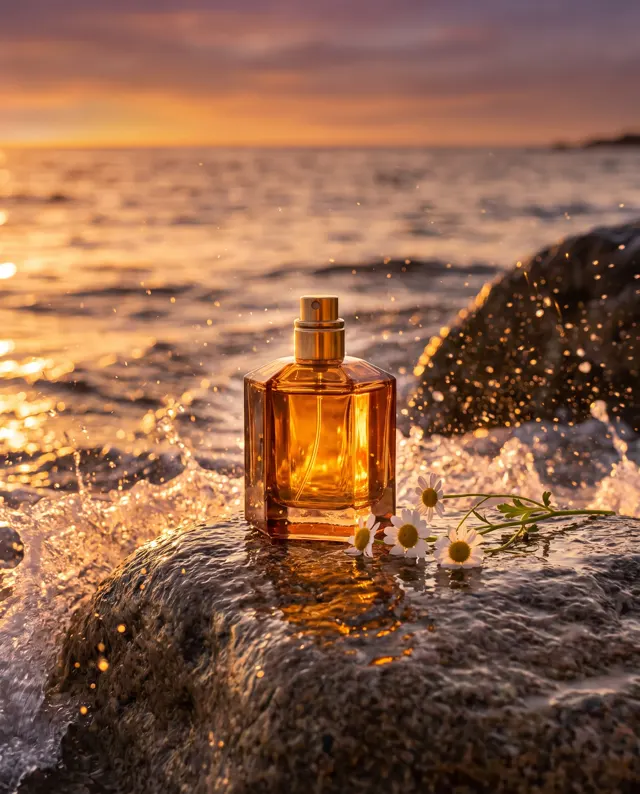
Photo to Oil Painting AI pricing: pay per image, no subscription
Taster pack · 15 HD images
150 credits that never expire. No subscription, one per account.
Turn your photo into an oil painting today
Upload a portrait, pet, wedding or travel photo to the photo to oil painting AI, name the painting style you want, and get a high-resolution 4:5 oil painting, ready to print, in about 30 seconds.