
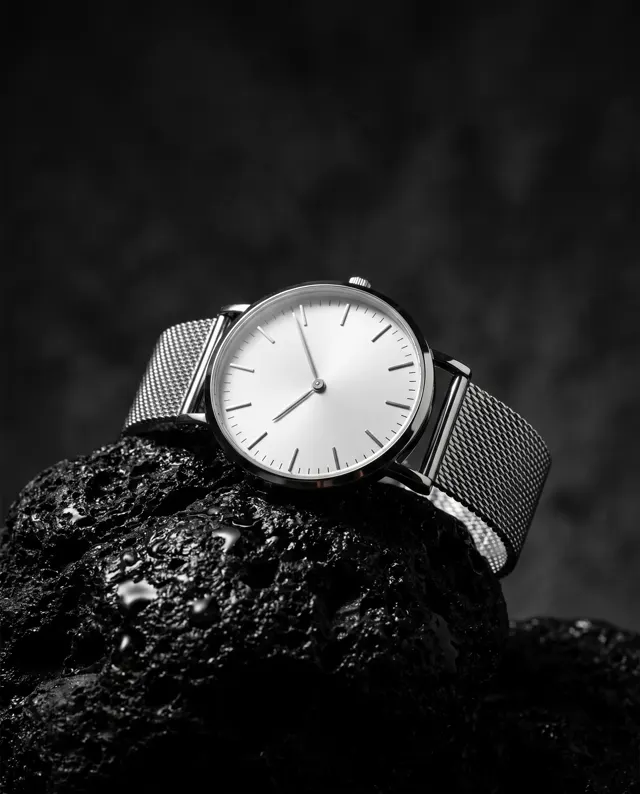
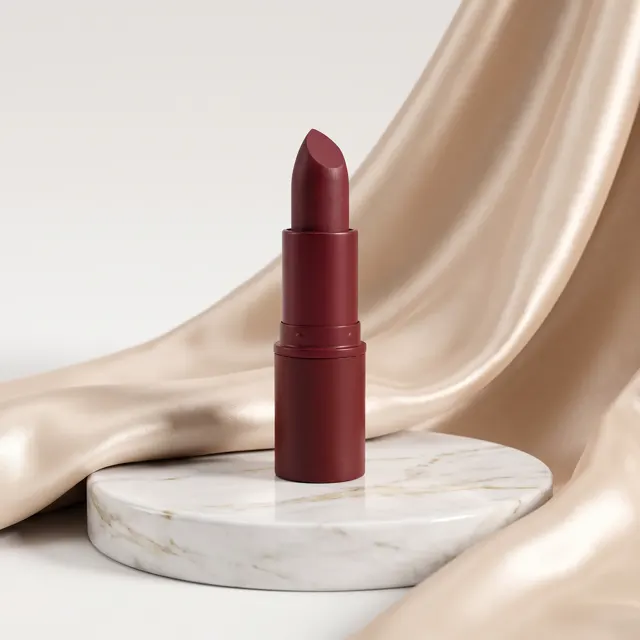
Jewelry photography, no light tent
AI Jewelry Photo Generator: Studio Jewelry Photos Without the Light Tent
Upload 1–4 photos of a ring, necklace or pair of earrings and describe the setting: black velvet, white marble, a soft gradient. The AI jewelry photo generator is preset to the Product style at 4:5 and returns a sharp HD jewelry photo in about 30 seconds, with no watermark.
Upload a product or character and the AI places it in a new scene (up to 4)
Sign in to upload references- 3 real examples
- 12 styles
- ~30 sec per image
- HD no watermark

Reference → Result
Left: the uploaded reference. Right: the new scene from one sentence, with the subject’s look kept.
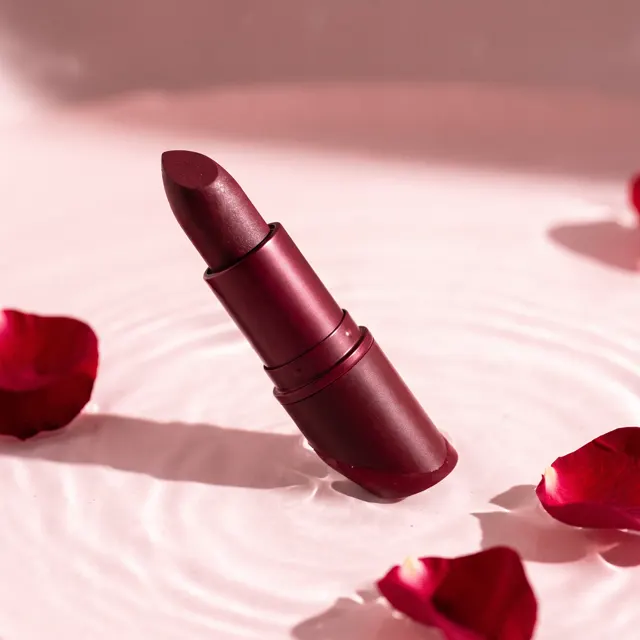
AI Jewelry Photo Generator examples
Every image comes with its exact prompt and settings. Hit “Try this prompt” to load it into the generator, then change a few words to make it yours.
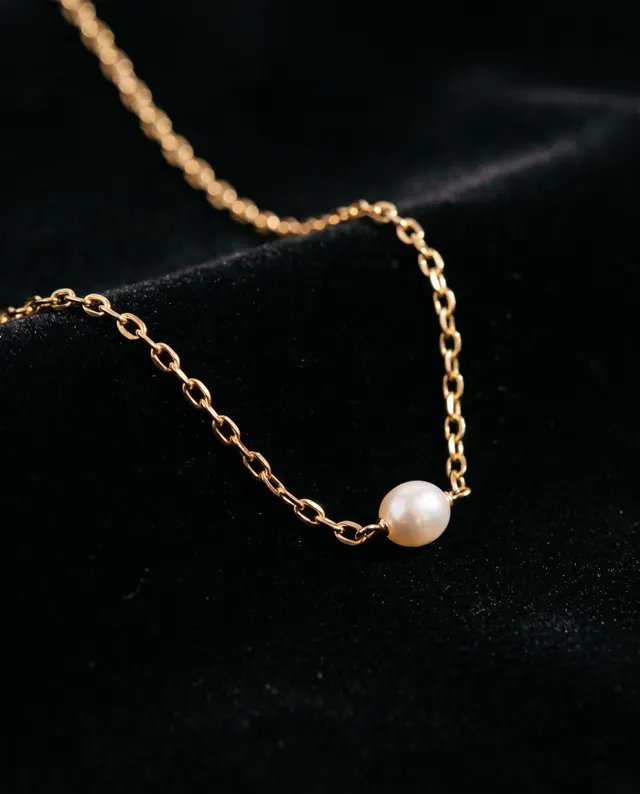
AI Jewelry Photo Generator inspiration: public-domain originals
Real cards, prints and photographs from a century or more ago, all in the public domain and sourced from museum open-access collections and Wikimedia Commons. See what makes each one work, then use the prompt to make your own new image.
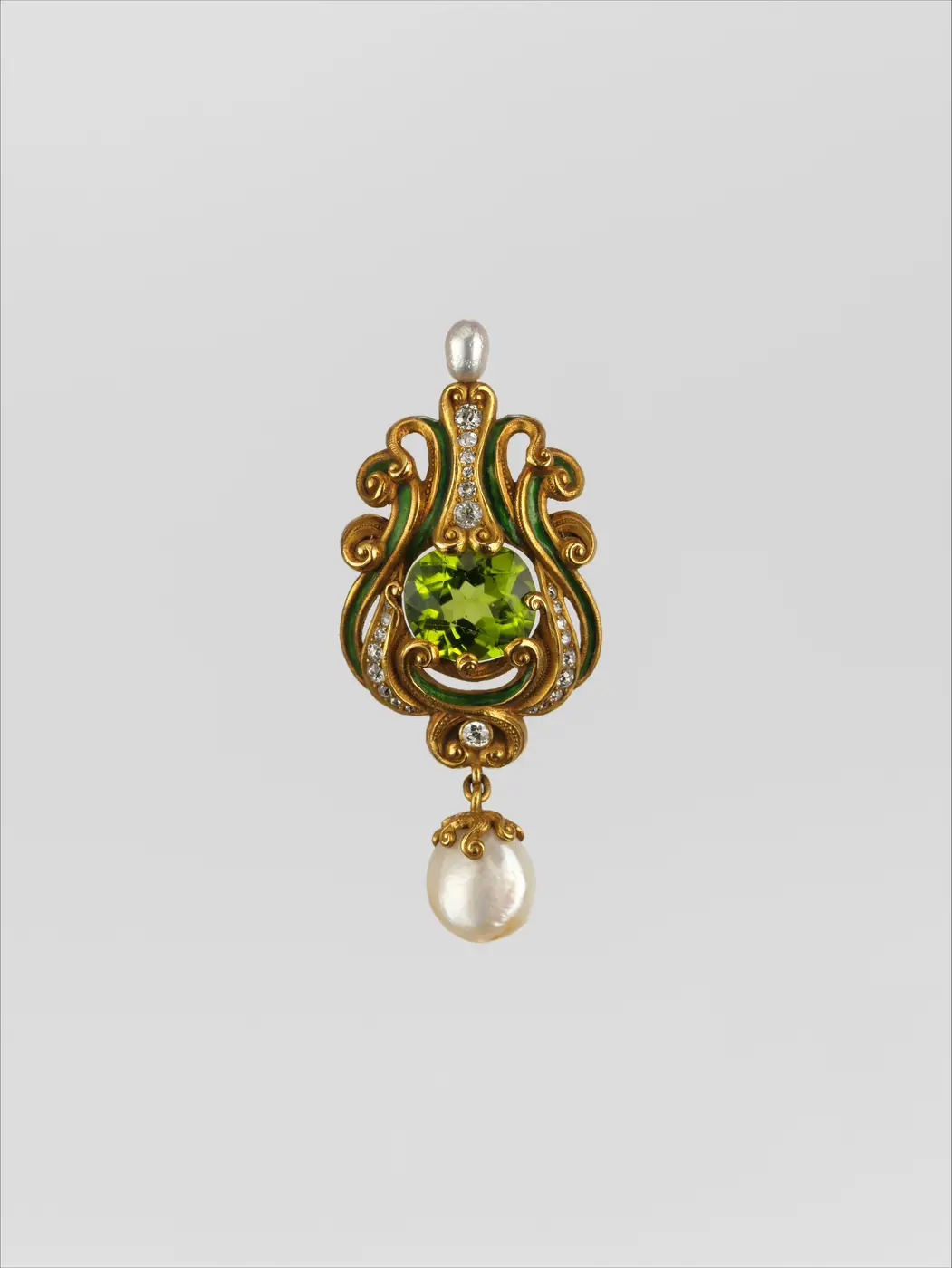
Brooch · ca. 1900
Museum object photos are a good jewelry-photography lesson: plain background, straight-on view, even soft light, every stone facet visible.
Jewelry product shot, an Art Nouveau gold brooch with a central peridot and a pearl drop, lying flat on a light grey background, straight-down view, even soft light, crisp stone facets, no stray reflections, high-resolution commercial photography
Public-domain original · CC0 public domain · The Metropolitan Museum of Art (via Wikimedia Commons) · Source
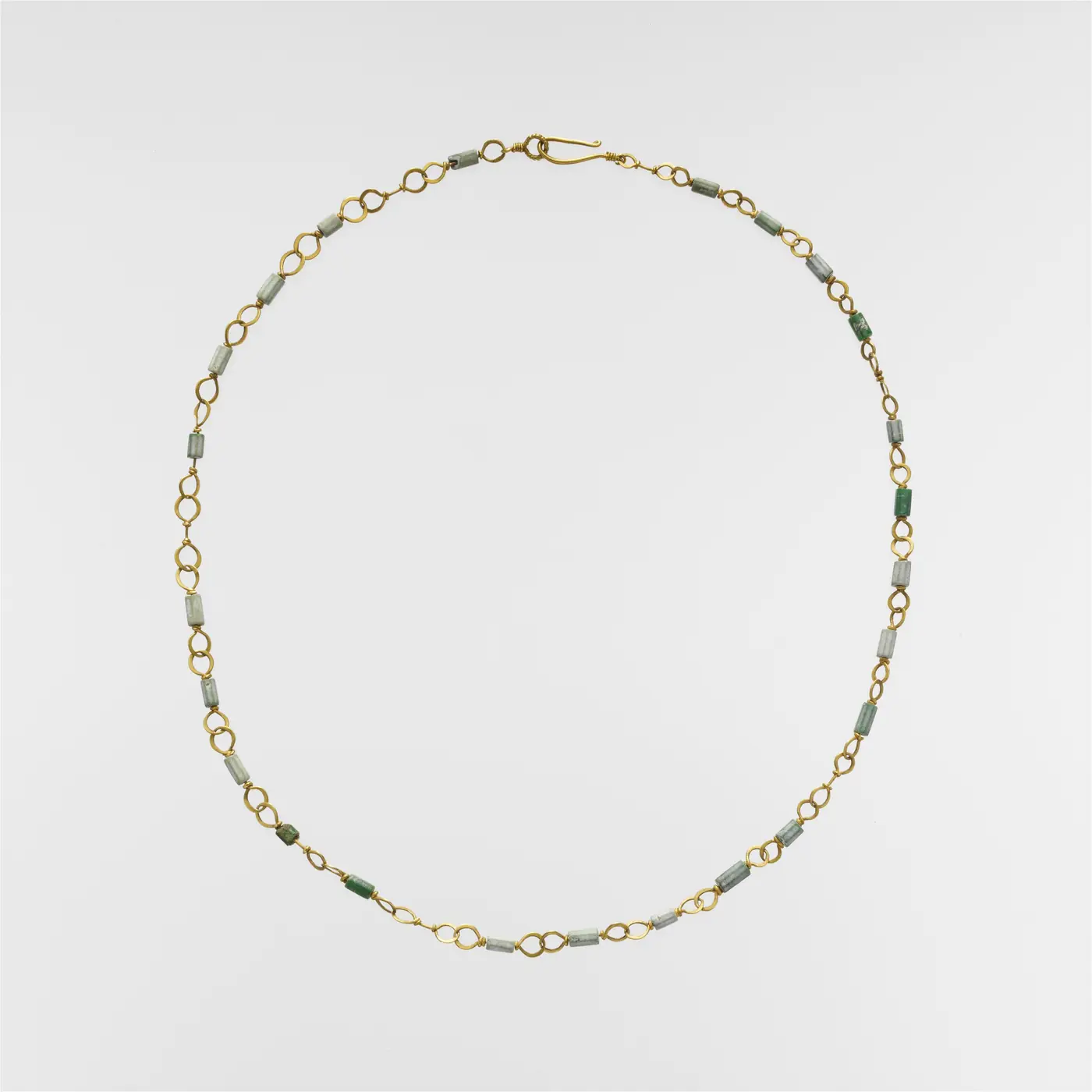
Gold Necklace with Emerald and Variscite Beads · 3rd century AD
The whole necklace is laid in a clean circle on pale grey so every link and green bead is visible — with a fine chain, the layout matters more than the lighting.
Luxury jewelry ad, a gold necklace with emerald beads arranged in a soft arc on black velvet, a single spotlight from above-left, fine metallic highlights, pure black background, minimal composition, high-resolution
Public-domain original · CC0 public domain · The Metropolitan Museum of Art (via Wikimedia Commons) · Source
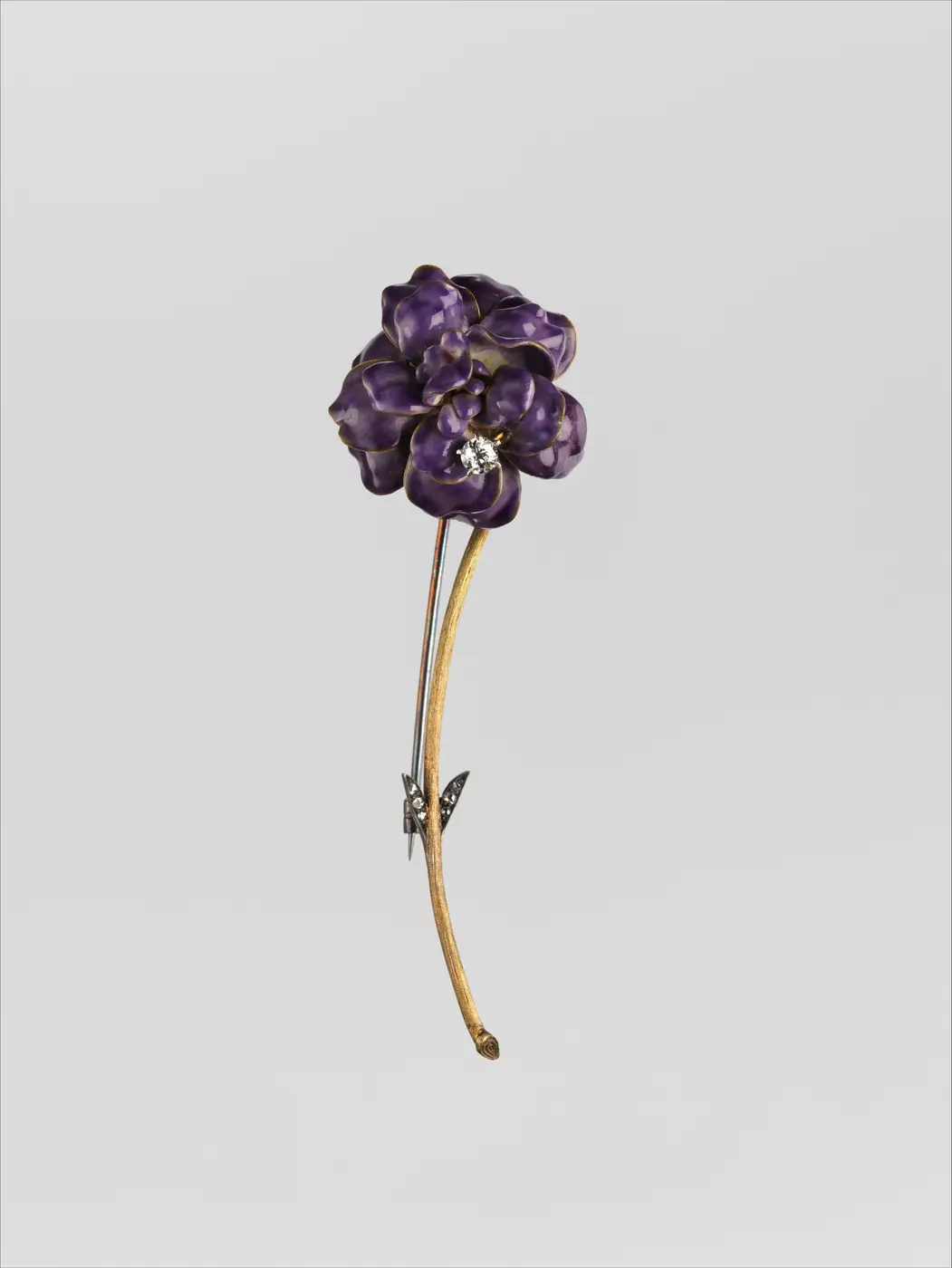
Pin · ca. 1890
A single violet pansy pin on a long gold stem, centred in lots of empty space, makes a small piece look precious. Switch to pure white for a marketplace main image.
Marketplace jewelry main image, a violet pansy-shaped enamel pin on a pure white background, 45-degree side light casting a subtle shadow, product filling 80% of the frame, true-to-life color, high-resolution detail
Public-domain original · CC0 public domain · The Metropolitan Museum of Art (via Wikimedia Commons) · Source
What is an AI jewelry photo generator?
An AI jewelry photo generator turns a plain photo of a piece into a studio jewelry photo. Jewelry is one of the hardest things to photograph: metal reflects the whole room, stones go dark or blow out, and a ring is small enough that any dust shows. An AI jewelry photo generator skips the light tent. You upload 1–4 photos of the piece, phone shots are fine, describe the surface and the light, and get a new jewelry photo in about 30 seconds: the same ring, necklace or earrings on black velvet, white marble, a soft gradient or a plain white background, with a clean contact shadow and macro detail. This page is preset to the Product style at 4:5, the taller frame most listings and social feeds use for a jewelry photo. The AI keeps the shape, metal color and stone color of your piece as closely as it can, but it is not a pixel-perfect copy: tiny engravings, hallmarks and the exact cut of small gem facets can drift, so check each jewelry photo against the real item before it goes into a listing. Every AI jewelry photo comes out in HD with no watermark, the download is yours, and paid accounts can use it commercially. The AI jewelry photo generator does not retouch or cut out an existing photo; it makes a new image from your references, and it cannot add readable text or a logo.
Start generating in HD
AI Jewelry Photo Generator use cases
Marketplace jewelry listings
Etsy, Shopify and Amazon shoppers judge a ring from its first photo. Make a clean jewelry photo on white or on a soft gray gradient for the main slot, then a velvet or marble version for the gallery, all from the one phone photo you already have of the piece.
Xiaohongshu and social posts
A 4:5 jewelry photo fits the feed without cropping. Run the same necklace through the AI jewelry photo generator with different surfaces, warm window light one day and moody dark velvet the next, so a small brand posts a new jewelry photo every day without a shoot.
Catalogs and lookbooks
A jewelry photo set only works when every piece sits on the same surface in the same light. Describe one setup, say pale marble with soft top light, and reuse that wording for every ring and bracelet, so the whole catalog reads as one consistent jewelry photo series.
Custom and made-to-order pieces
Jewelers who make one-off rings rarely have time to photograph each one. Snap the finished piece on your bench, upload it, and the AI jewelry photo generator returns a presentable jewelry photo for the client, the invoice and your portfolio before the piece is even packed.
How to use AI Jewelry Photo Generator
Upload photos of the piece
Upload 1–4 photos of the ring, necklace or earrings in daylight, filling the frame, with the stone and any detail facing the camera. Then write the surface and light you want, for example 'black velvet, single soft spotlight'. English and Chinese prompts both work.
Confirm style and ratio
Product style and 4:5 are preset for a jewelry photo. Switch to 1:1 for a square main image or 16:9 for a banner, pick one of the 12 style presets if you want a different mood, and choose 1–4 images per run to compare surfaces.
Generate and download
Each jewelry photo costs 10 credits and arrives in HD in about 30 seconds, with no watermark. Failed images are refunded automatically. Download the ones you like, check the stone and engraving against the real piece, and upload the photo to your listing.
AI Jewelry Photo Generator prompt tips
Name the metal and the stone
Write 'yellow gold', 'brushed sterling silver', 'rose gold', 'emerald-cut green stone', 'freshwater pearl'. The AI jewelry photo generator renders metal and stone from these words, so a vague 'gold ring' gives a generic jewelry photo while a precise material list gives yours.
Pick a surface that flatters
Black velvet makes gold and diamonds glow, white marble suits silver and pearls, and a pale gradient keeps the focus on shape. Avoid busy props: a jewelry photo with flowers, ribbons and a box all at once hides the piece you are selling.
Direct the light
'Single soft spotlight from the upper left, deep shadow' gives a dramatic jewelry photo; 'soft top light, gentle contact shadow' suits a white-background listing photo; 'morning window light' reads lifestyle. Say where the light comes from, and the reflections follow.
Keep engravings for your editor
Tiny engravings, hallmarks and brand stamps are the first things to drift in an AI jewelry photo. Do not ask for readable text on the piece; show engravings in a real macro photo in your gallery, and add logos and prices in your own editor.
AI Jewelry Photo Generator FAQ
Related tools
AI Product Photo Generator
Studio-style product photos for listings and ads.
AI White Background Generator
Pure white background images for Taobao, JD and Amazon main photos.
Product Listing Images
One product photo in, a four-image listing set out.
AI Background Generator
Rebuild the whole scene around your product photo.
AI Jewelry Photo Generator pricing: pay per image, no subscription
Taster pack · 15 HD images
150 credits that never expire. No subscription, one per account.
Your next jewelry photo, without the light tent
Upload a phone photo of the ring or necklace, describe the surface and light, and the AI jewelry photo generator returns an HD studio jewelry photo in about 30 seconds. 10 credits per photo, failed images refunded.