
Ideas for your artist
AI Tattoo Generator: Design Ideas to Take to Your Artist
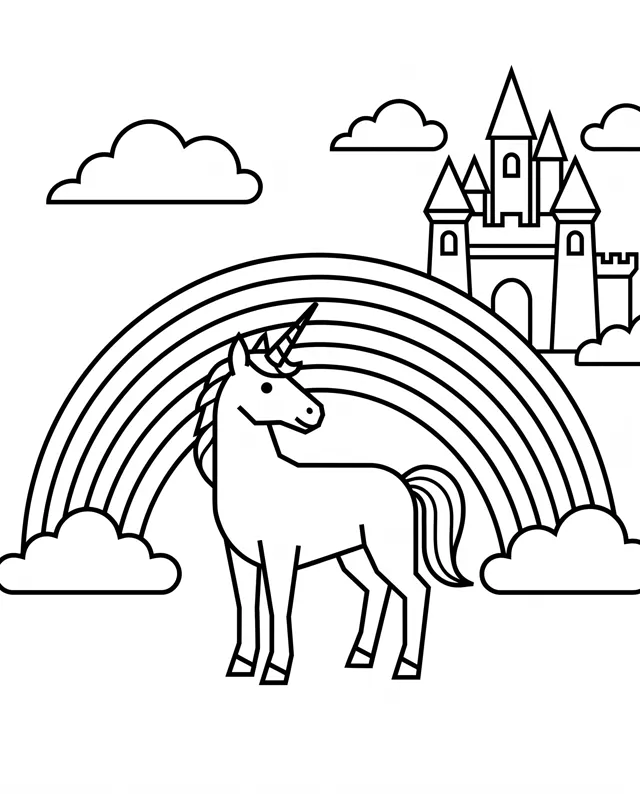
Preset to the Flat type at 1:1 for clean, stencil-style line art. Describe the motif and style, then add “black ink tattoo design, clean line work, white background”.
- 9 real examples
- 12 styles
- ~30 sec per image
- HD no watermark

AI Tattoo Generator examples
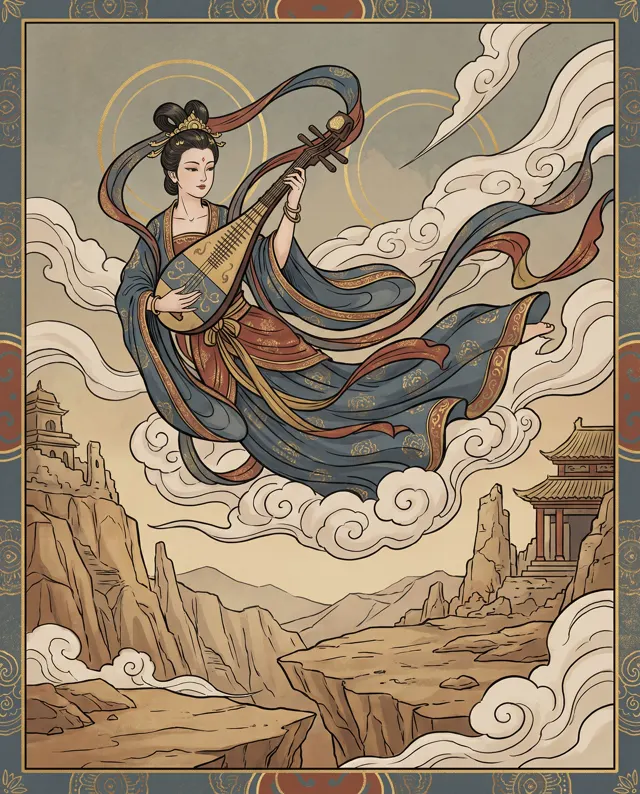
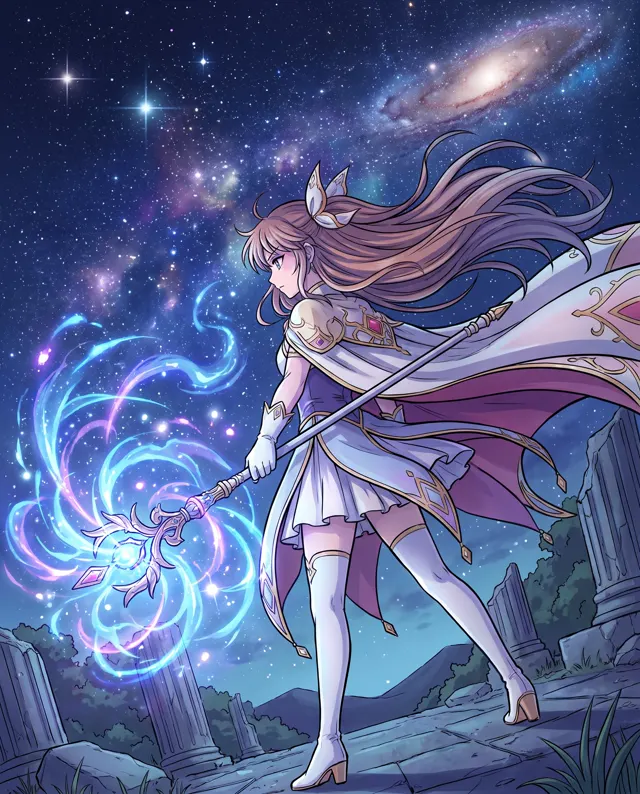
Every image comes with its exact prompt and settings. Hit “Try this prompt” to load it into the generator, then change a few words to make it yours.
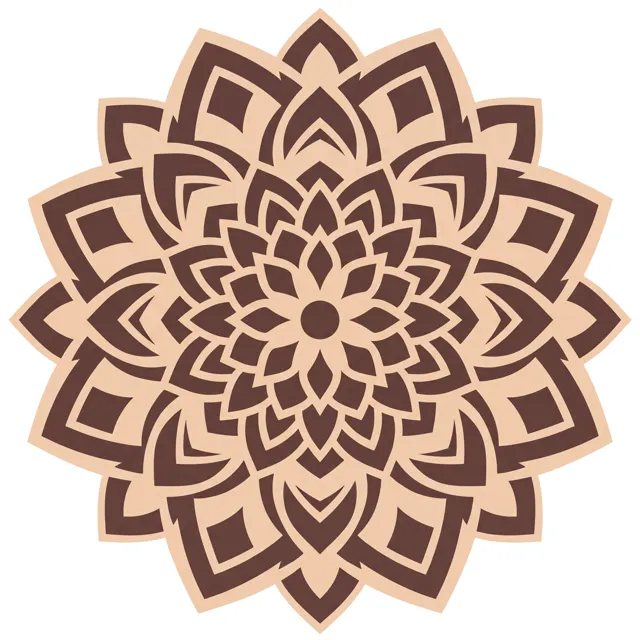
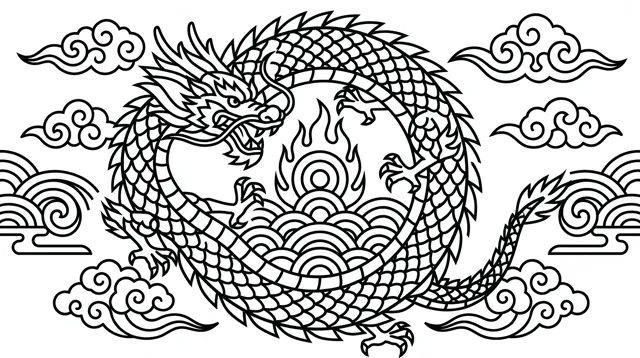
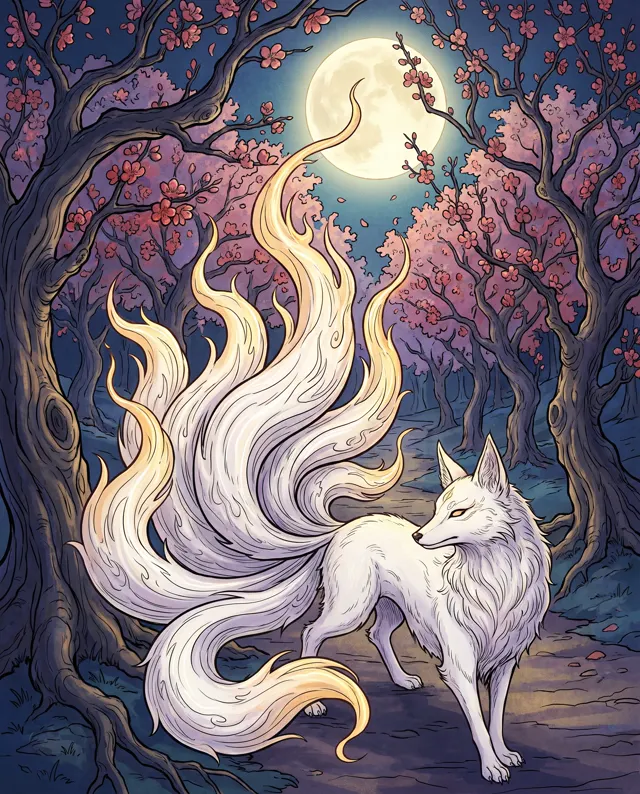
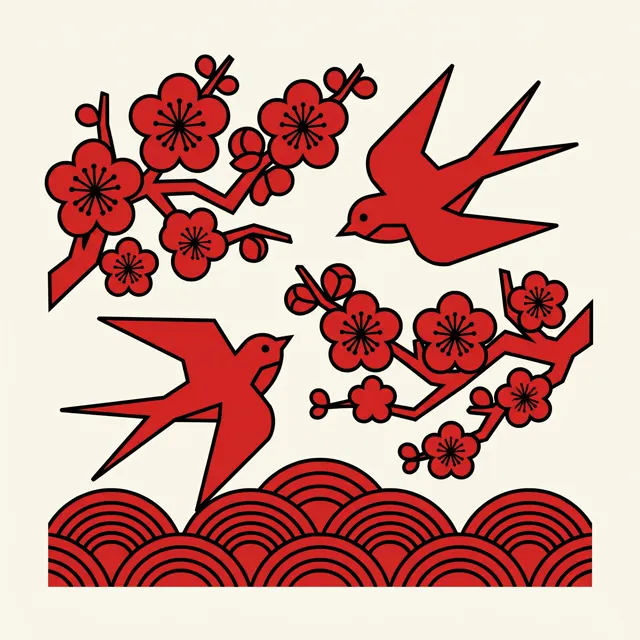
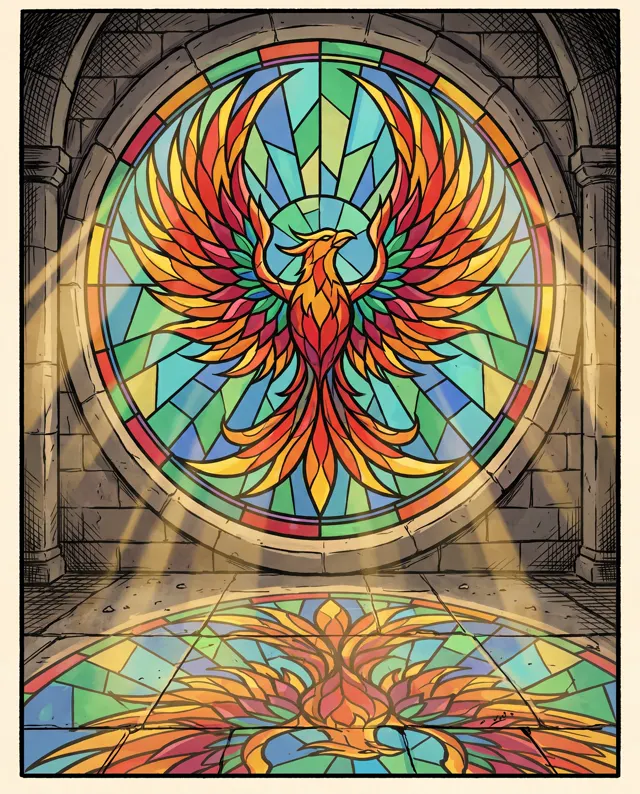
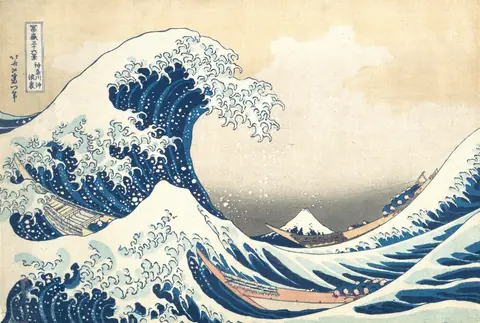
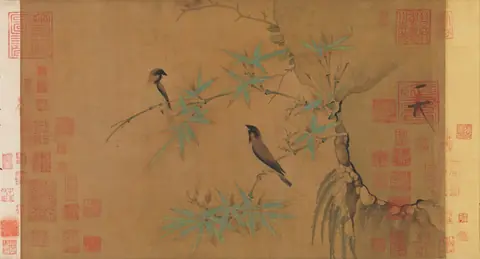
Famous painting styles
Want a master's look? See the public-domain originals, then use the matching prompts in one click.
What is an AI tattoo generator?
An AI tattoo generator, or AI tattoo maker, turns an idea — a motif, a style, a meaning — into tattoo design references you can browse, compare and refine. This page is preset to the Flat type at 1:1, which keeps lines clean and shapes clear, close to the stencil-style line art tattoo artists work from. Name the style you want — fine line, blackwork, mandala, Chinese dragon or ink, botanical, minimalist — then add “black ink tattoo design, clean line work, white background”. One thing matters more than anything else: use the results for ideas and references, and have a professional tattoo artist adapt the design for your skin, size and placement. Fine detail that looks crisp on screen can blur as a tattoo ages, and an artist knows what will hold up. Each run makes 1–4 HD images, with no watermark.
Start generating in HD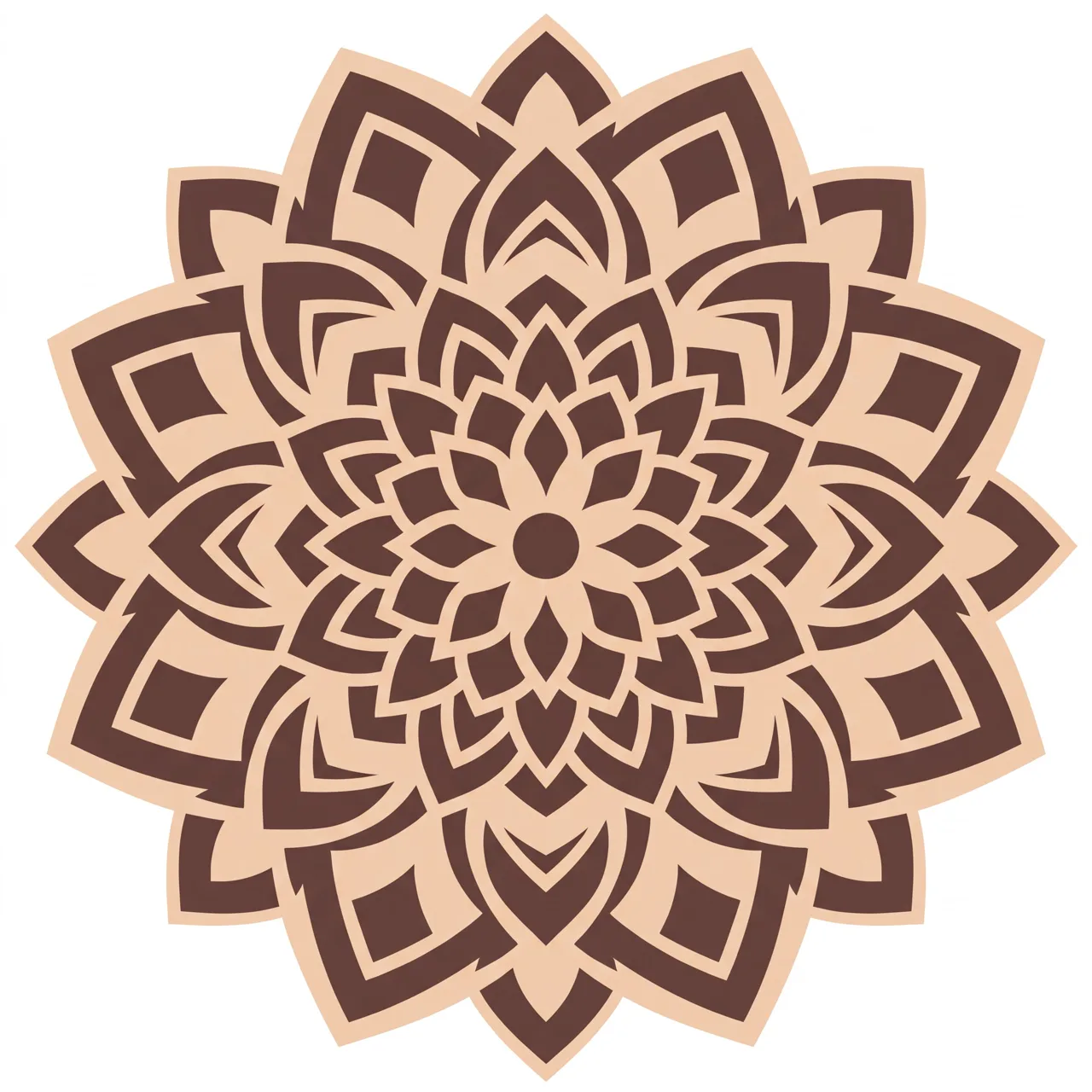
AI Tattoo Generator use cases
Find your style
Compare fine line, blackwork, mandala and ink versions of the same idea before you book a consultation.
Bring references to your artist
Show your tattoo artist a clear picture of what you want instead of describing it from scratch.
Chinese and Eastern motifs
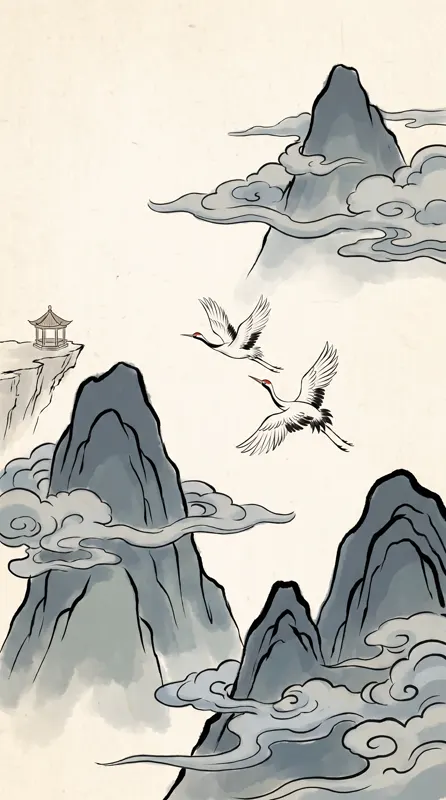
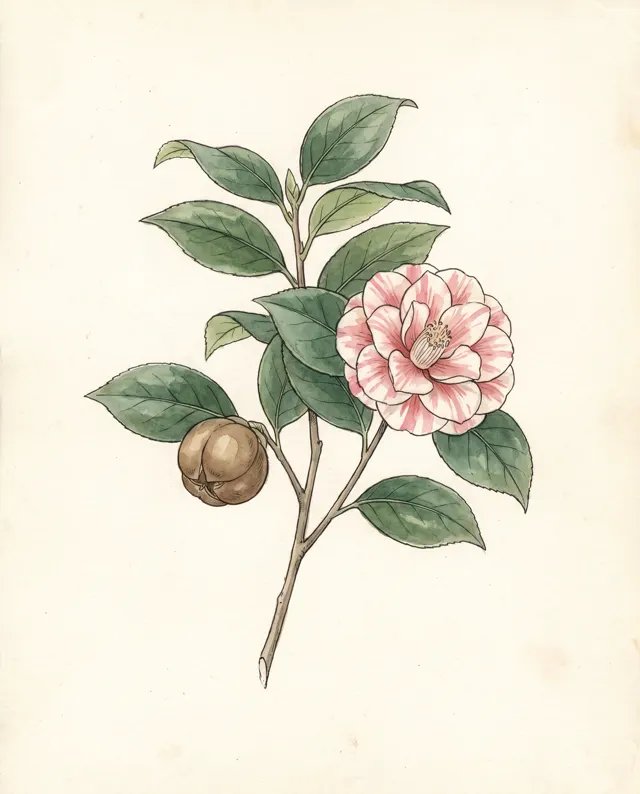
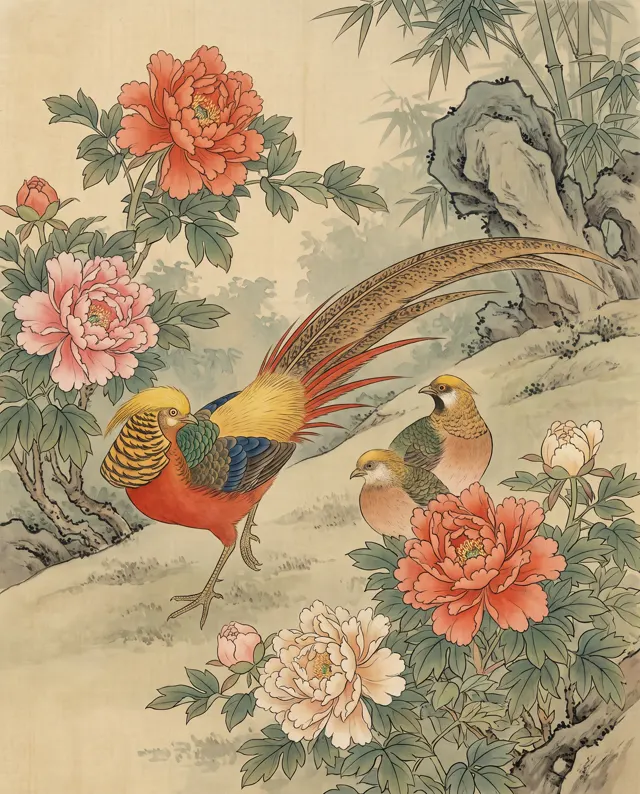
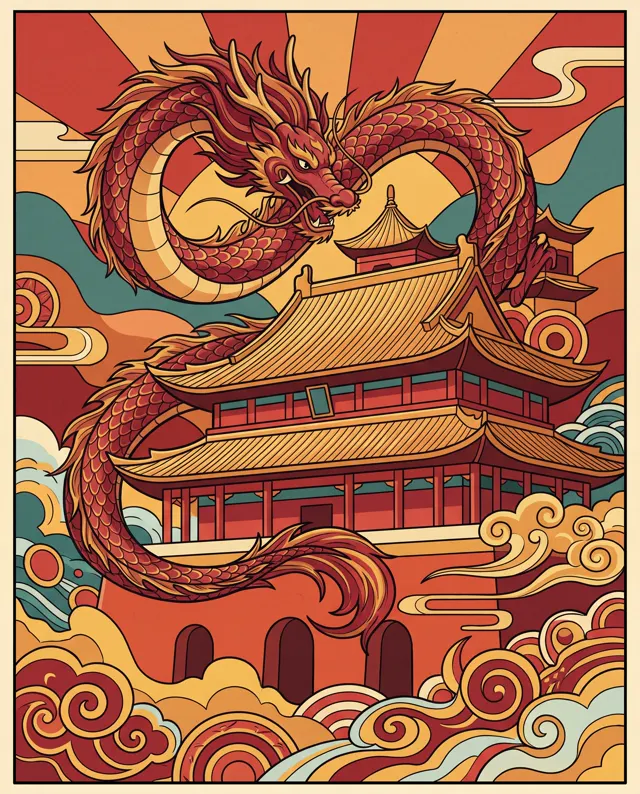
Dragons, cranes, koi, peonies and ink-wash mountains, drawn as line art your artist can adapt.
Flash and concept sheets
Tattoo artists can sketch flash ideas or client concepts quickly, then redraw them in their own hand.
How to use AI Tattoo Generator
Describe the motif and style
Say what to draw and in which style — e.g. “a Chinese dragon coiling through clouds, bold traditional line work.”
Add the tattoo keywords
Add “black ink tattoo design, clean line work, white background”. Flat type and 1:1 are preset; make 1–4 versions.
Take it to your artist
Download the high-resolution image and bring it to your tattoo artist, who will adapt it into a stencil for your skin.
AI Tattoo Generator prompt tips
Name the tattoo style
“Fine line”, “blackwork”, “dotwork”, “traditional” or “ink wash” changes the result far more than adjectives like “beautiful”.
Always ask for a white background
“Black ink, white background, no shading” gives clean lines that are easy to print, resize and trace.
Simpler designs age better
Very fine detail can blur on skin over time. Bolder lines and more open space usually hold up better, especially in small tattoos.
Think about placement
Describe the shape of the spot: “vertical design for the forearm”, “round design for the shoulder”, “long narrow design along the spine”.
AI Tattoo Generator FAQ

AI Tattoo Generator pricing: pay per image, no subscription
Taster pack · 15 HD images
150 credits that never expire. No subscription, one per account.
Picture the tattoo you have in mind
Describe the motif and style and get crisp, watermark-free HD line art to take to your artist.